A sweaty basement show
A cramped basement gig with a band thrashing under a bare bulb and a flannel-clad crowd packed close, sweat and motion blur, muted desaturated color and gritty lo-fi grain.
Edit prompt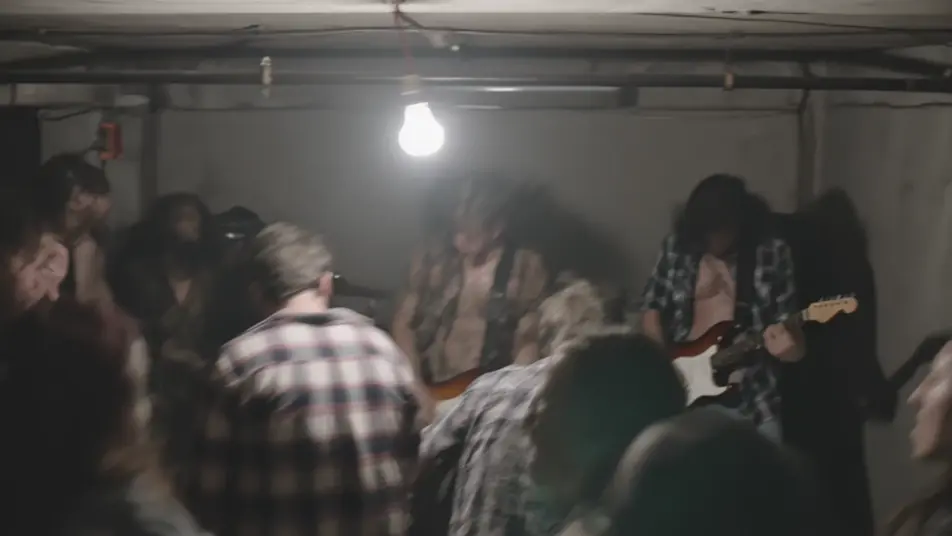
Direct the 90s grunge look in your browser with Morphic's 1990s Grunge AI video generator. Generate a sweaty basement show, a rain-grey Pacific Northwest street, or a dim coffeehouse. Score every shot with Music and voice it with Speech, then stitch the short on the Canvas.
A cramped basement gig with a band thrashing under a bare bulb and a flannel-clad crowd packed close, sweat and motion blur, muted desaturated color and gritty lo-fi grain.
Edit promptA wet grey street of brick buildings and damp pavement under heavy overcast sky, a figure in flannel hunched against the drizzle, muted desaturated color and soft grain.
Edit prompt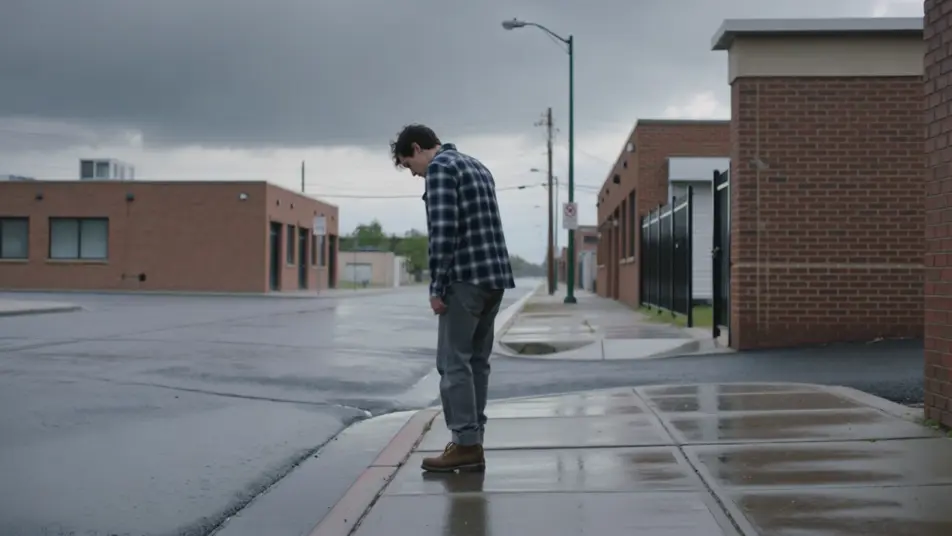
A dim 90s coffeehouse of mismatched armchairs, string lights and a chalkboard menu, patrons over chipped mugs, warm-but-muted color and a soft lo-fi grain.
Edit prompt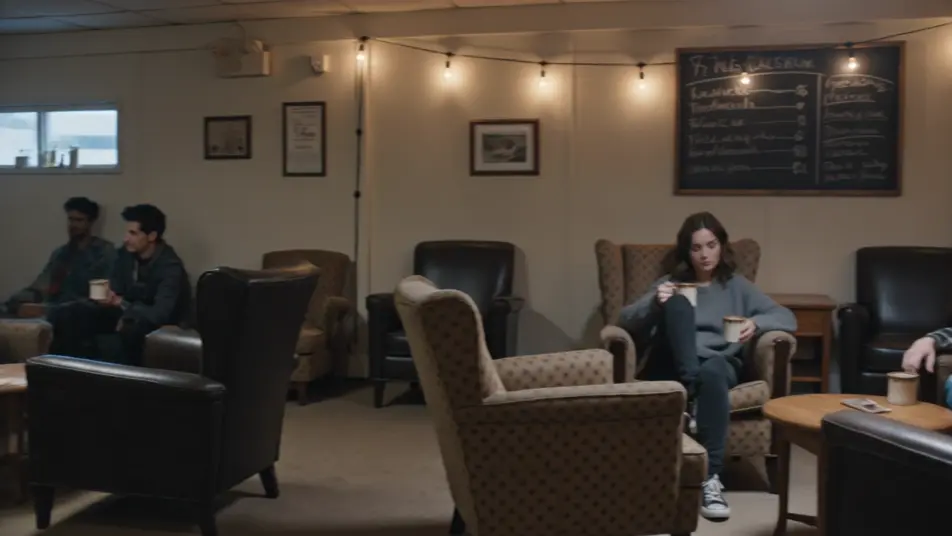
A messy 90s bedroom plastered with band posters, a boombox and cassette piles, clothes on the floor, overcast window light, muted color and soft lo-fi grain.
Edit prompt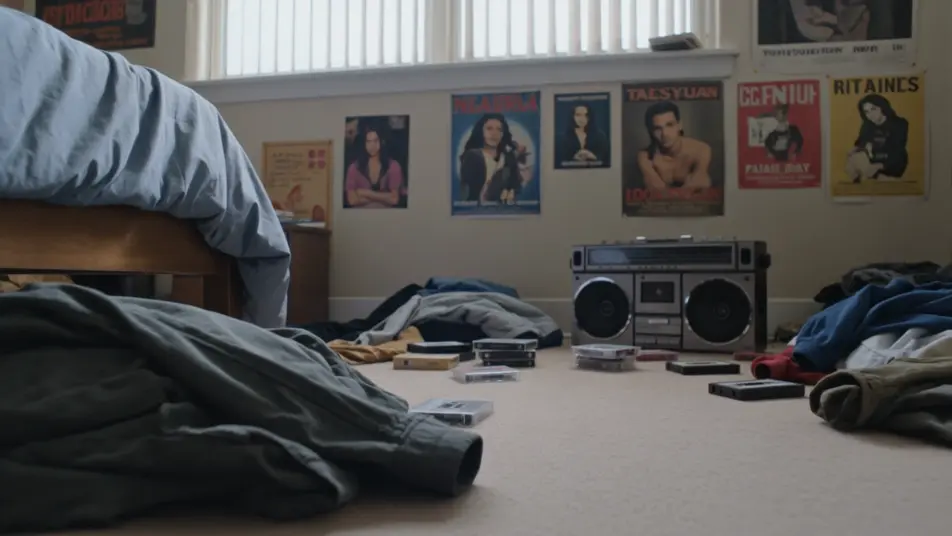
Write the 1990s Grunge scene you want, in plain words.
Morphic generates a cinematic, frame-ready clip on your canvas in seconds.
Tweak the prompt, regenerate variations, then download or share the shot.
Cinematic time-freeze short film for any scene

Dramatize any text conversation into a cinematic multi-shot video.
One image to a 9-scene cinematic video.
Drop in a photo of yourself. Get a 12-second cinematic movie with animation and a matched soundtrack.

Share a scene description with character references. Get a full storyboard with shot angles and mood.

Feed in a single image. Get 9 cinematic beats laid out as a 3x3 storyboard grid.
1990s Camcorder AI Videos
Generate 1990s camcorder videos on Morphic. 4:3 frame, soft auto-focus, date stamps, and handheld home-movie scenes from plain-language prompts.
1980s VHS AI Videos
Generate 1980s VHS videos on Morphic. Tracking lines, chroma bleed, timestamps, and soft analog tape texture from plain-language prompts, no software needed.
Retro AI videos
Generate retro videos on Morphic. Film grain, faded colour, period detail, and 70s-90s nostalgia scenes from plain-language prompts, no software needed.
AI music videos
Generate music videos on Morphic. Performance stages, narrative cutaways, neon sets, and concept visuals from plain-language prompts, no editor needed.
Get started for free today, with the option to upgrade or cancel anytime.
Basic
2400 monthly credits
1 user only
All models
Workflows
Standard
3625 monthly credits
1 user only
All models
Workflows
Pro
6350 shared monthly credits
1 user
All models
Workflows
Max
24650 shared monthly credits
1 user
All models
Workflows
Enterprise
For higher limits
Custom
pricing and billing terms

Free
For playing around
$0
forever free