A side-scrolling level
A chunky 8-bit platformer level, blocky pixel terrain, a limited palette, a sprite hero mid-jump.
Edit prompt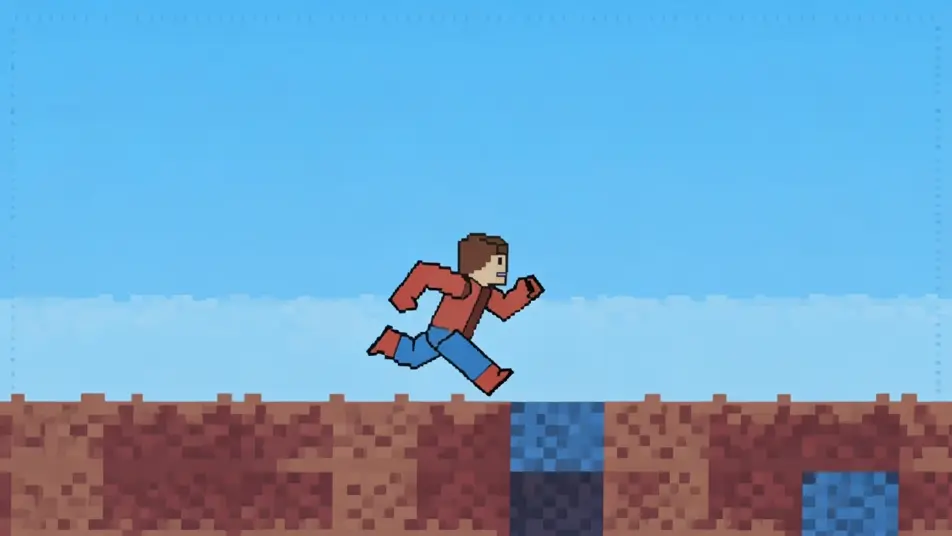
Pixel out a retro game world in your browser with Morphic's 8-bit animation AI video generator. Generate a side-scrolling platformer level, a pixel boss fight, or a blocky overworld map. Voice and score with Speech and Music, then stitch the sprites into a short on the Canvas.
A chunky 8-bit platformer level, blocky pixel terrain, a limited palette, a sprite hero mid-jump.
Edit promptAn 8-bit arena with a large boss sprite, blocky projectiles, a flashing limited palette.
Edit prompt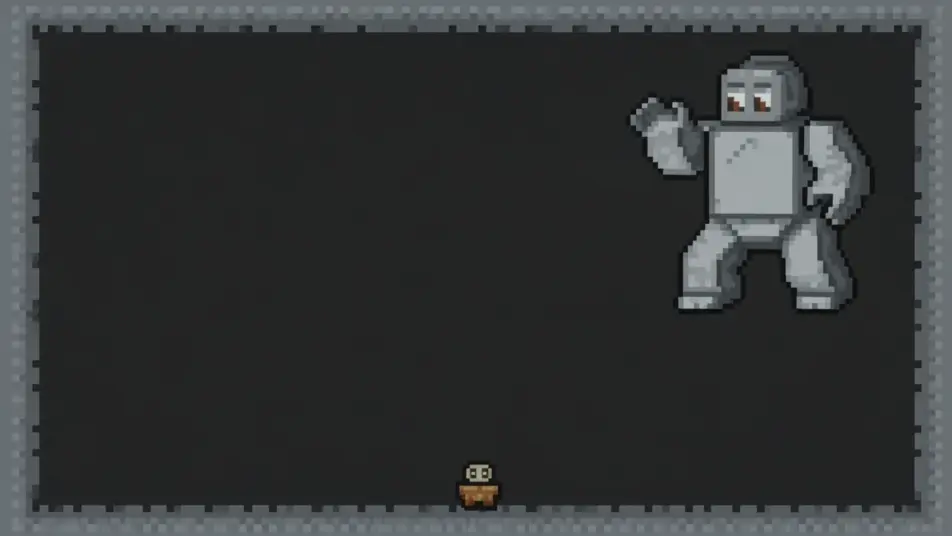
A blocky 8-bit overworld of pixel tiles, simple paths, a sprite walking the grid.
Edit prompt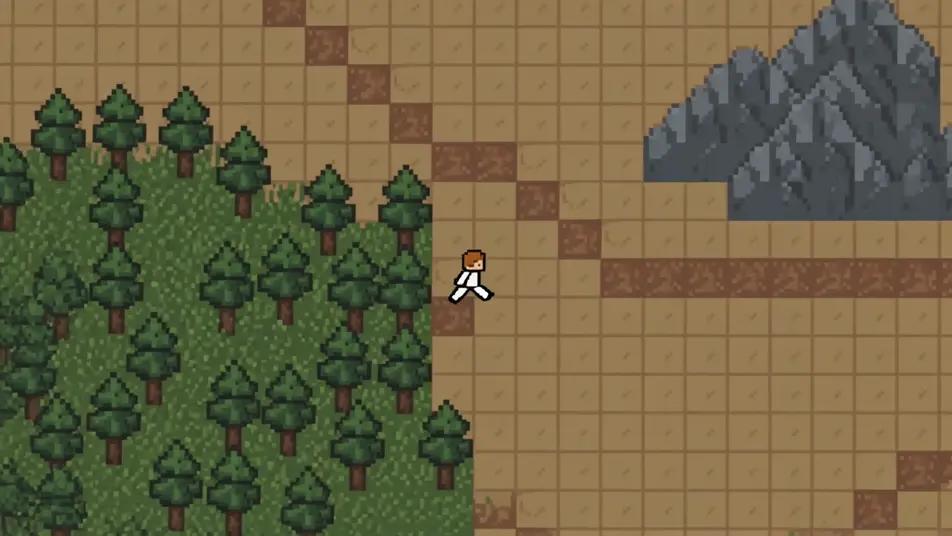
An 8-bit win scene with chunky pixel confetti, a limited palette, a sprite raising its arms.
Edit prompt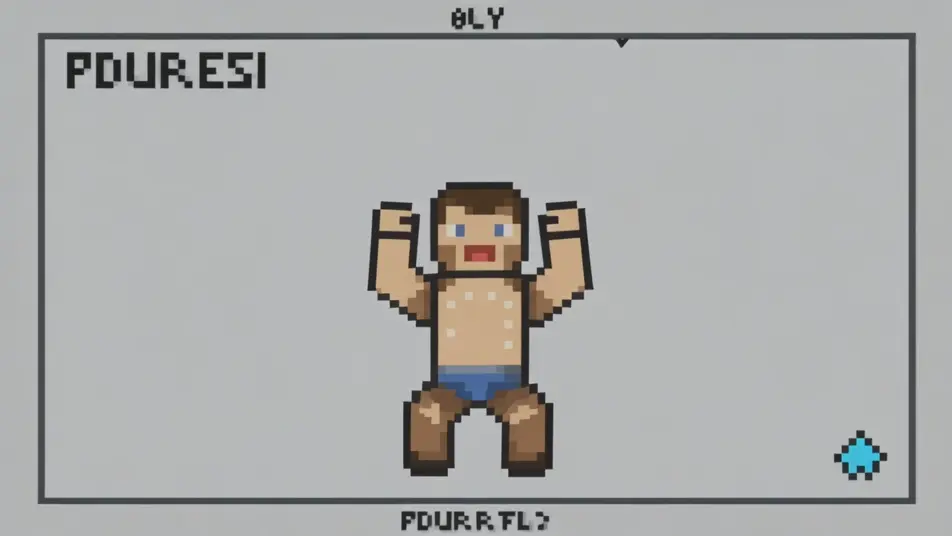
Write the 8-bit animation scene you want, in plain words.
Morphic generates a cinematic, frame-ready clip on your canvas in seconds.
Tweak the prompt, regenerate variations, then download or share the shot.

Turn any photo or description into an animated chibi sprite. Dance, jump, wave, attack, and more.

Take any character image and generate 6 distinct facial expressions on a single reference sheet.

All your characters on a single lineup image, side by side with height comparison.
One character design becomes a complete sprite sheet: idle, run, attack, jump, death.

Pick any anime illustration as your style guide. Apply its look to any image.
Describe a faction or group. Get 6 distinct NPC face portraits, all in a consistent art style.
16-BIT Animation AI Videos
Create AI 16-BIT Animation videos with Morphic. Generate 16-BIT Animation scenes and visuals for any project in seconds.
Pixel art AI videos
Generate pixel art videos on Morphic. Sprite heroes, side-scrolling levels, top-down towns, and retro-game scenes from plain-language prompts.
Voxel Art AI Videos
Generate voxel art videos on Morphic. Cube-built worlds, blocky characters, and crisp 3D-pixel scenes from plain-language prompts.
Cartoon AI Videos
Create cartoon videos with Morphic. 2D, 3D, storybook, and squash-and-stretch styles, full character consistency, and prompt-led scenes in your browser.
Get started for free today, with the option to upgrade or cancel anytime.
Basic
2400 monthly credits
1 user only
All models
Workflows
Standard
3625 monthly credits
1 user only
All models
Workflows
Pro
6350 shared monthly credits
1 user
All models
Workflows
Max
24650 shared monthly credits
1 user
All models
Workflows
Enterprise
For higher limits
Custom
pricing and billing terms

Free
For playing around
$0
forever free