A year-in-highlights episode
A host on a cozy set links a run of the year best moments, each theme announced by a title card. Warm even light on the host, punchy graphic wipes carrying between the clip runs.
Edit prompt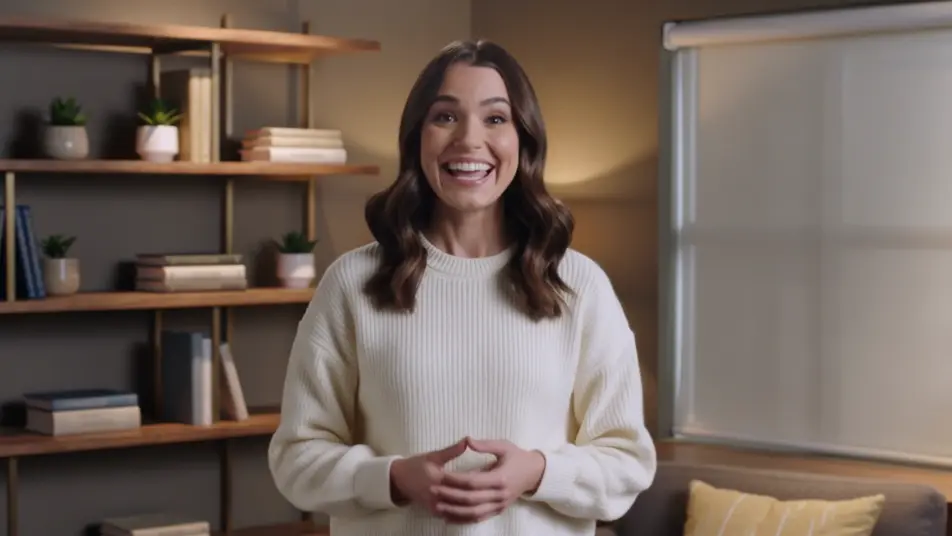
Direct the clip show in your browser with Morphic's clip show AI video generator. Generate a warm host framing the next batch of memories from a cozy set, or a themed run of best moments cut to a beat. Pair with Speech to land the narration, then stitch every wrap into one episode on the Canvas.
A host on a cozy set links a run of the year best moments, each theme announced by a title card. Warm even light on the host, punchy graphic wipes carrying between the clip runs.
Edit promptA numbered rundown building to a top pick, each entry stamped with its rank as it plays. Bright energetic light, quick cuts, a rank graphic sliding in on every new clip.
Edit prompt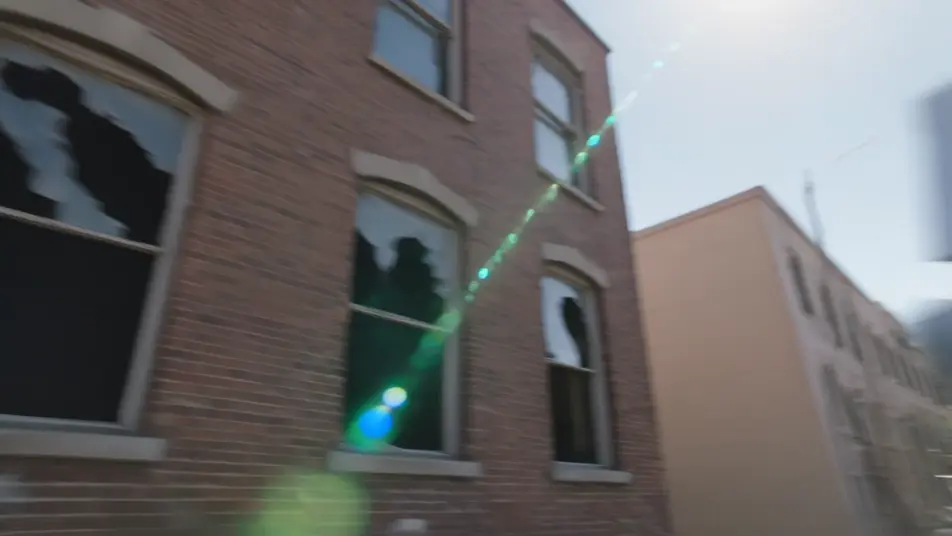
A loose, upbeat string of comedic beats grouped by theme, the host popping in between to react. Warm casual light, fast pacing, blooper outtakes closing the set.
Edit prompt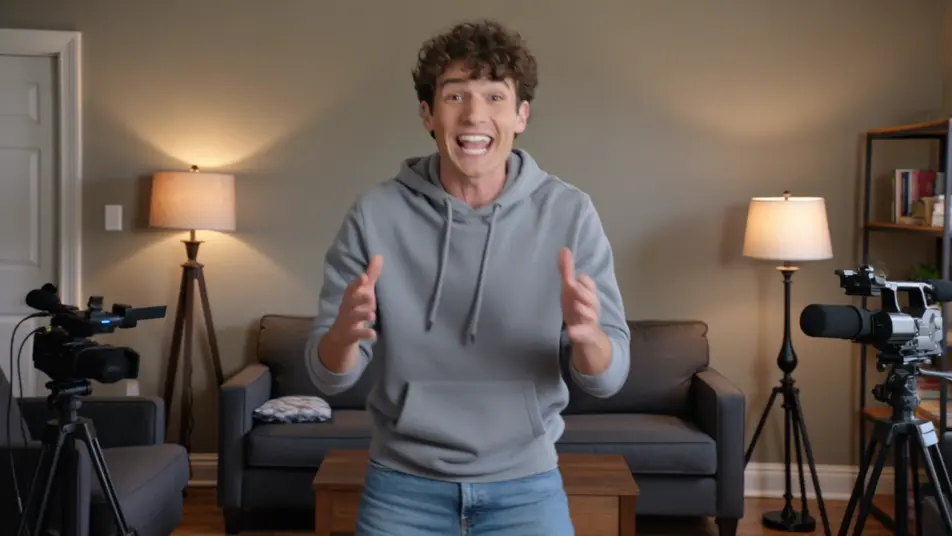
A slower, sentimental montage of warm moments under a soft vignette, the host reflecting quietly between runs. Golden color and gentle grain, a calm drift that lets each clip linger.
Edit prompt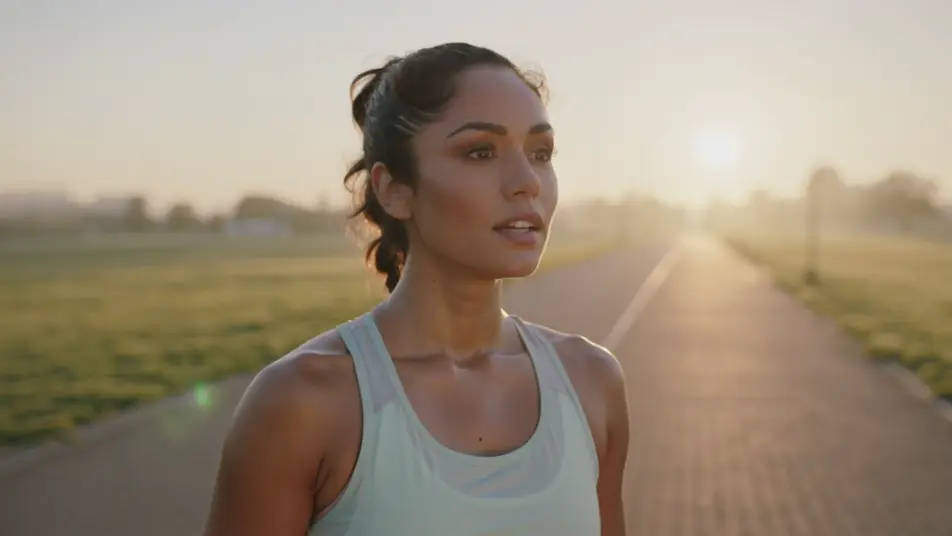
Write the clip show video scene you want, in plain words.
Morphic generates a cinematic, frame-ready clip on your canvas in seconds.
Tweak the prompt, regenerate variations, then download or share the shot.

Dramatize any text conversation into a cinematic multi-shot video.
Cinematic time-freeze short film for any scene

Generate a professional film title card from scratch, with optional cinematic animation.
Photo of any real-estate becomes a cinematic renovation timelapse video with construction SFX and music.
One image to a 9-scene cinematic video.

Describe a first-person scenario. Get sequential POV frames animated into video clips with audio.
AI Montage videos
Generate AI montage videos with Morphic. Training montages, travel sequences, transformation arcs, and beat-synced montage prompts that just run.
AI Live Stream Highlight videos
Generate AI live stream highlight videos with Morphic. Clutch-moment clips, webcam reactions, overlay-framed segments, and highlight-reel prompts that just run.
AI Lyric videos
Make AI lyric videos with Morphic. Kinetic typography, handwritten lyrics over moody footage, neon word art, and scene prompts that sync words to your track.
AI Morph videos
Generate AI morph videos with Morphic. Smooth morph transitions, shape-shifting reveals, face-aging morphs, and beat-synced morph-cut prompts that just run.
Get started for free today, with the option to upgrade or cancel anytime.
Basic
2400 monthly credits
1 user only
All models
Workflows
Standard
3625 monthly credits
1 user only
All models
Workflows
Pro
6350 shared monthly credits
1 user
All models
Workflows
Max
24650 shared monthly credits
1 user
All models
Workflows
Enterprise
For higher limits
Custom
pricing and billing terms

Free
For playing around
$0
forever free