AI Cooking Show videos

Direct a cooking show in your browser with Morphic's cooking show AI video generator. Generate segments like an overhead chopping-board prep or a searing pan close-up with steam rising off the sizzle, and pair them with the Speech tool for a friendly host voiceover and the Music tool for a light kitchen bed. Stitch the segments into one continuous cooking show on the Canvas.

Cooking show segment styles you can direct

Cooking show episodes you can stage

A bright morning breakfast episode

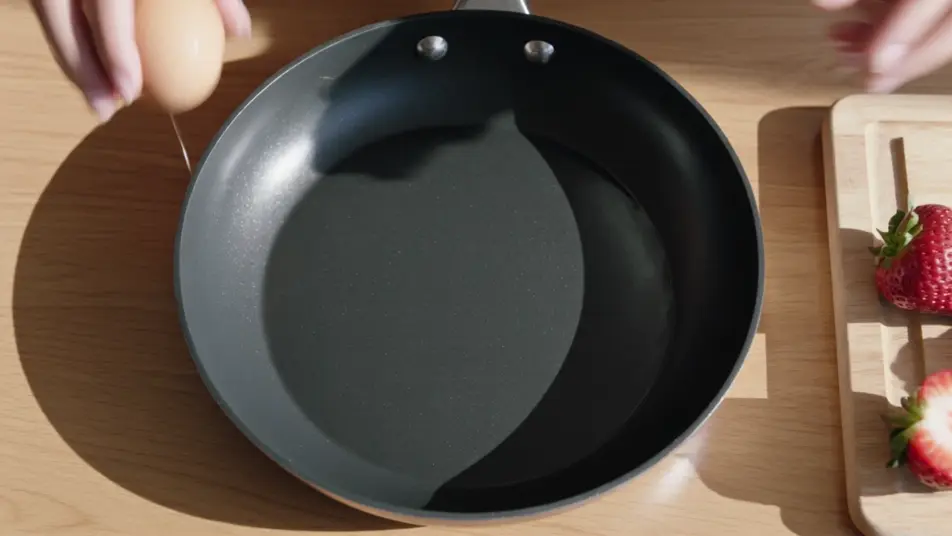
A sunlit kitchen where a simple breakfast comes together on a wooden counter, eggs cracking and fruit sliced. Airy daylight fills the frame as the camera moves between overhead prep and a warm host mid-shot.

Edit prompt
A one-pan dinner episode

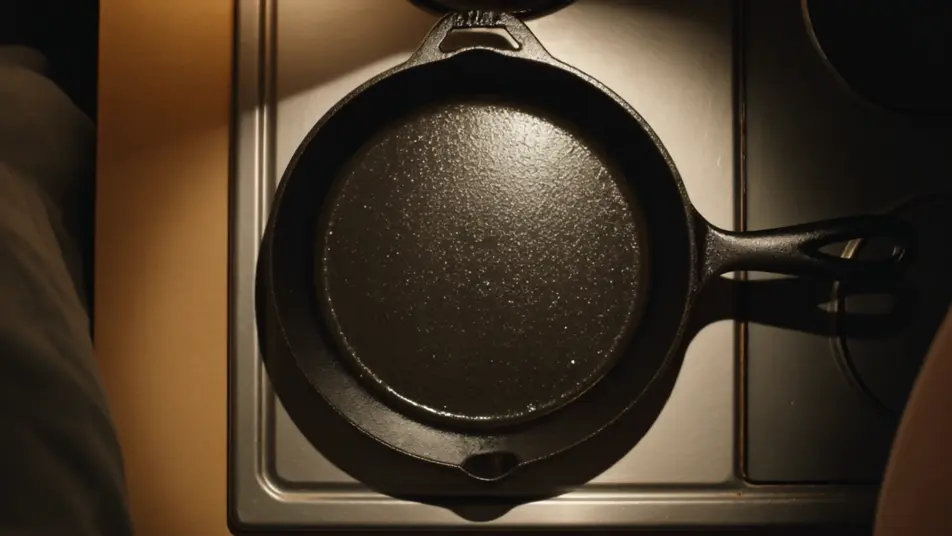
A cozy evening kitchen lit by warm practical lamps where a single skillet builds a full meal. Tight sizzle close-ups cut against overhead prep, steam rising into the low warm light.

Edit prompt

A dessert plating episode

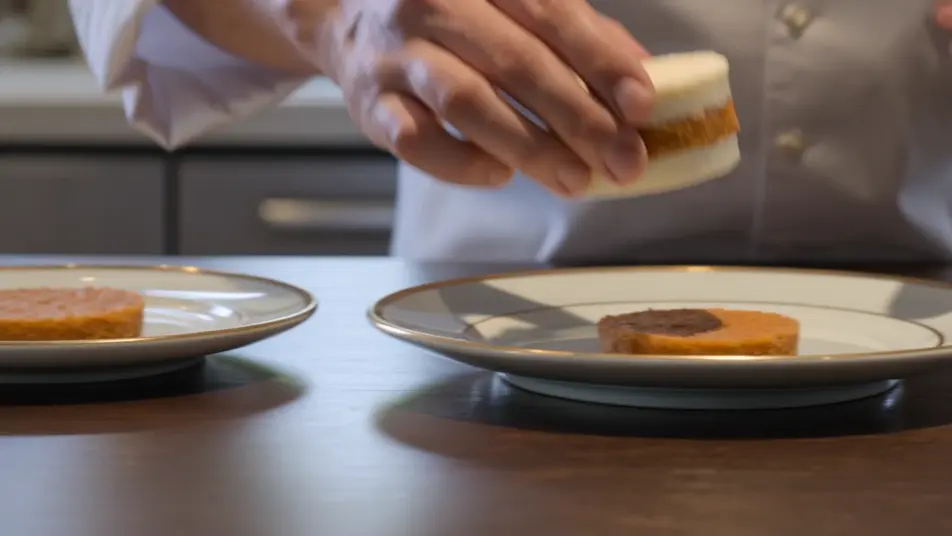
A clean, styled counter under soft overhead light where a layered dessert is assembled and finished. The sequence lingers on slow plating reveals, a sauce swirl and a final dusting shot in shallow focus.

Edit prompt

A market-to-table episode

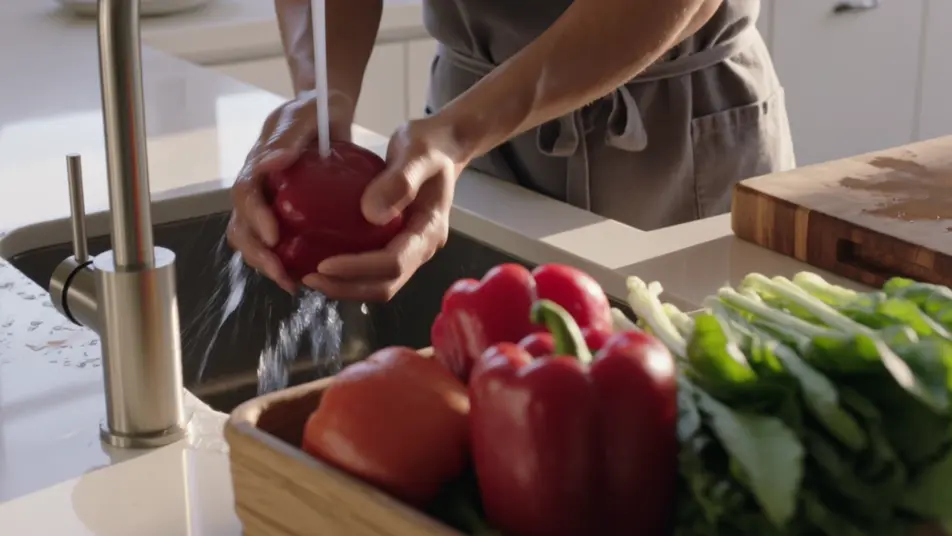
A bright open kitchen where fresh market produce is laid out, rinsed, and prepared. Hero ingredient shots open the segment before the cook moves to the board and the pan under warm daylight.

Edit prompt

Make cooking show video videos in three steps

  1. 01

    Describe your cooking show video scene

    Write the cooking show video scene you want, in plain words.

  2. 02

    Generate the video

    Morphic generates a cinematic, frame-ready clip on your canvas in seconds.

  3. 03

    Refine your cooking show video video

    Tweak the prompt, regenerate variations, then download or share the shot.

Related workflows

You might also like

Simple pricing

Get started for free today, with the option to upgrade or cancel anytime.

Basic

$9/ month
billed as $0 per year

900 monthly credits

1 user only

All models

Workflows

Standard

$24/ month
billed as $0 per year

3200 monthly credits

1 user only

All models

Workflows

Pro

$45/ month
billed as $0 per year

6200 shared monthly credits

1 user

+ up to 4 more at extra cost

All models

Workflows

Pro Max

$170/ month
billed as $0 per year

24000 shared monthly credits

1 user

+ up to 9 more at extra cost

All models

Workflows

Enterprise

For higher limits

Custom

pricing and billing terms

Unlimited credits
Custom seat limits
All models
Workflows
Pricing Gradient

Free

For playing around

$0

forever free

Up to 20 credits
1 user only
Limited models
Workflows

FAQs

Where can I make cooking show videos with AI?
You can build cooking show segments directly in your browser on Morphic. Open the Text to Video tool, describe the overhead prep, sizzle close-up, or plating reveal you want, and Morphic generates the clip. No kitchen, no crew, and no editing timeline required.
What kinds of cooking show segments work best with AI video?
Overhead prep shots, sizzle close-ups, plating reveals, and host-to-camera beats all read strongly because they lean on clarity and appetite appeal. The most convincing segments name the angle and how the steam, oil, or garnish catches the light.
How do I write a good prompt for a cooking show video?
Name the camera angle, the action, and the light. Add the sensory detail, the shimmering oil, the curling steam, the glistening produce. The more you describe the appetite cues and where the camera sits, the more the clip reads as a real cooking segment.
How do I keep it consistent across scenes?
Reuse the same kitchen palette, lighting, and lens feel across every segment so the prep, sizzle, and plating beats feel shot on one set. On the Canvas you can place the clips in order and tune each until the episode flows as one continuous show.
Can I add music and narration to my cooking show videos?
Yes. The Speech tool generates a friendly host voiceover in the tone you choose, the guiding voice of the format. The Music tool produces a light kitchen bed you can lay under the segments so the prep and plating carry an easy rhythm.
Do I need video editing experience to make a cooking show?
No. Morphic runs in your browser and you direct it with plain-language prompts. If you can describe the angle, the action, and the light, you can produce a cooking segment. The prompts on this page are written so anyone can paste and run.