Rain tracing down a cabin window
A dark wood-framed window at dusk, rain streaking and beading down the glass, a blurred forest glowing soft green beyond. Static lock-off shot, low warm interior light, an unhurried ASMR ambience.
Edit prompt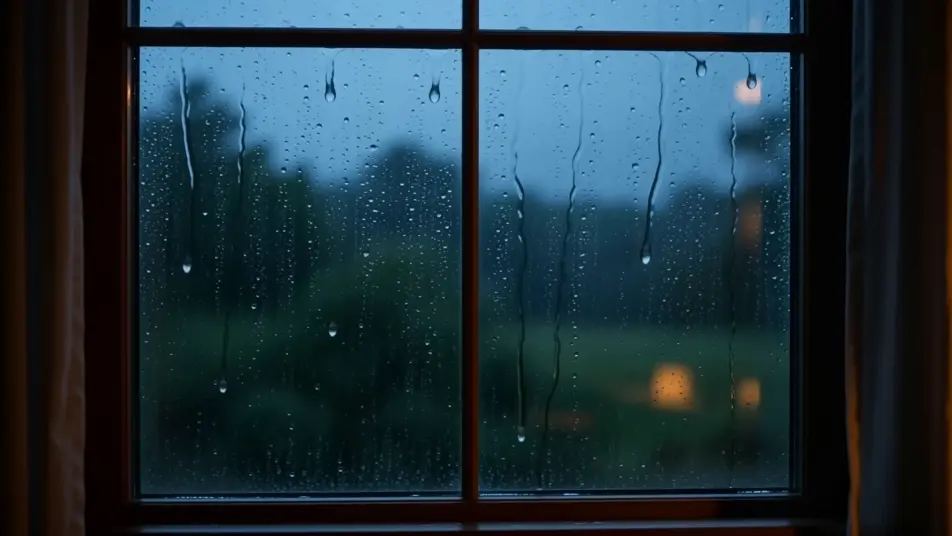
Direct satisfying trigger loops in your browser with Morphic's ASMR AI video generator. Generate a blade slicing kinetic sand or honey drizzling off a dipper, layer soundscapes and whispers with Music and Speech, and stitch a full ASMR video on the Canvas.
A dark wood-framed window at dusk, rain streaking and beading down the glass, a blurred forest glowing soft green beyond. Static lock-off shot, low warm interior light, an unhurried ASMR ambience.
Edit promptA stone hearth at night with logs burning low, flames curling and sparks drifting upward, embers pulsing orange. Locked medium shot, deep shadows, a calm ASMR fireplace loop.
Edit prompt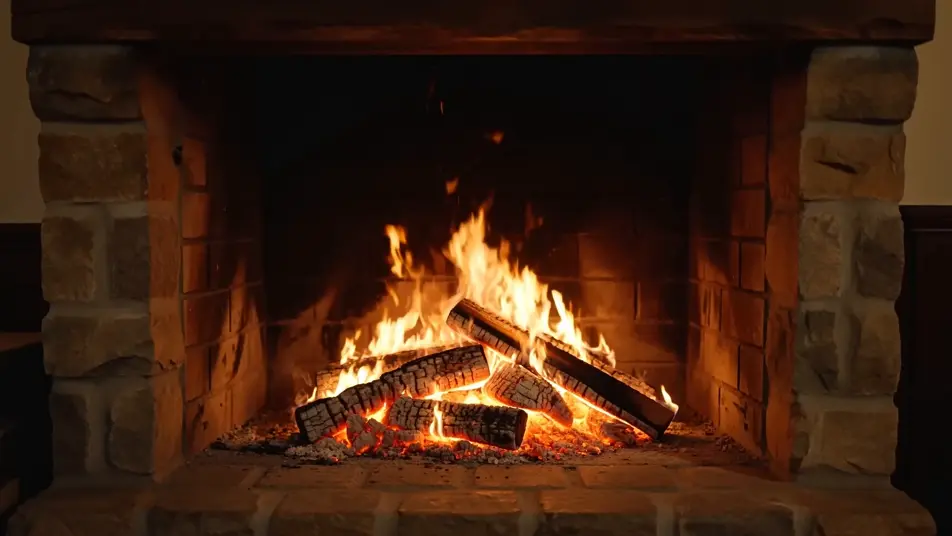
A campfire dying down to a bed of glowing embers, faint flames flickering, ash crumbling as a log shifts. Slow push-in, cool blue night around the warm core, a quiet ASMR scene.
Edit prompt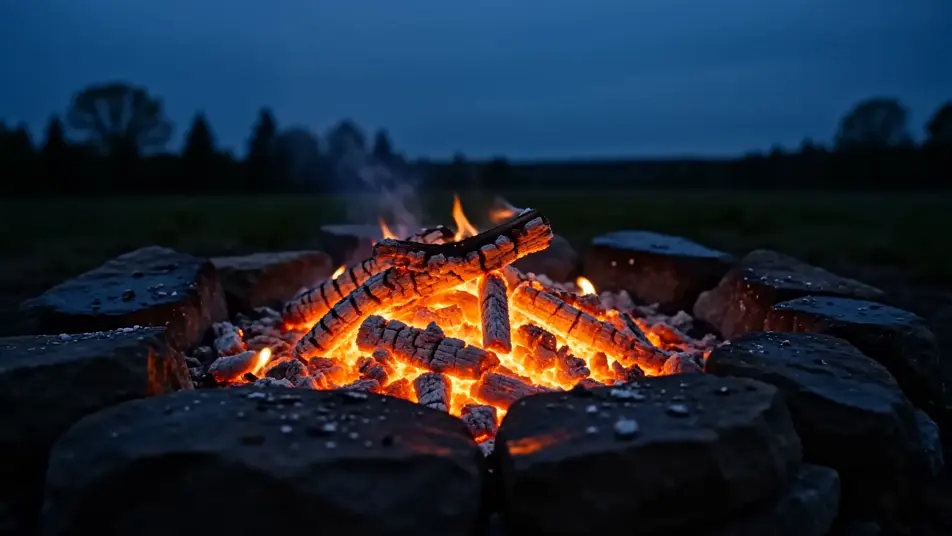
A misty forest floor under steady rain, droplets falling from broad leaves into shallow puddles, soft grey light filtering through the canopy. Static wide shot, muted palette, a tranquil ASMR soundscape.
Edit prompt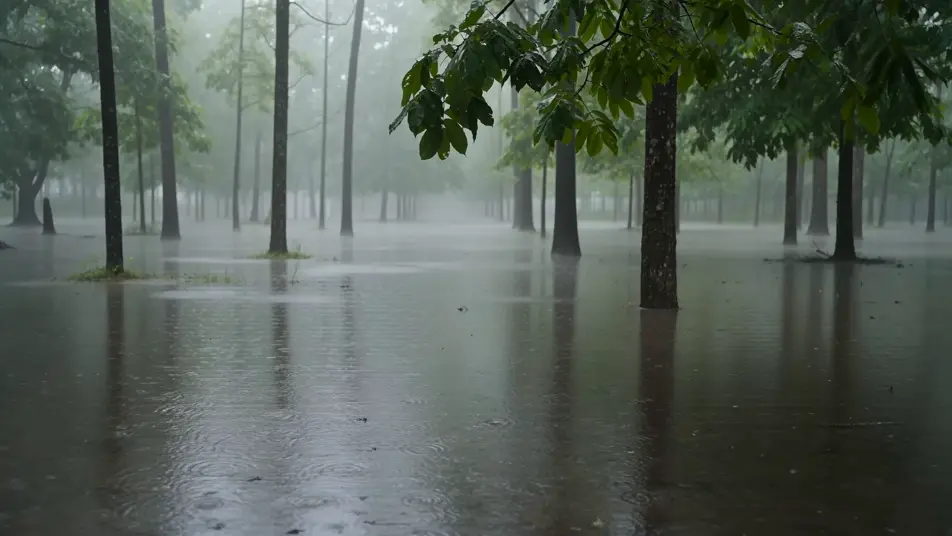
Write the ASMR scene you want, in plain words.
Morphic generates a cinematic, frame-ready clip on your canvas in seconds.
Tweak the prompt, regenerate variations, then download or share the shot.

Dramatize any text conversation into a cinematic multi-shot video.
Cinematic time-freeze short film for any scene
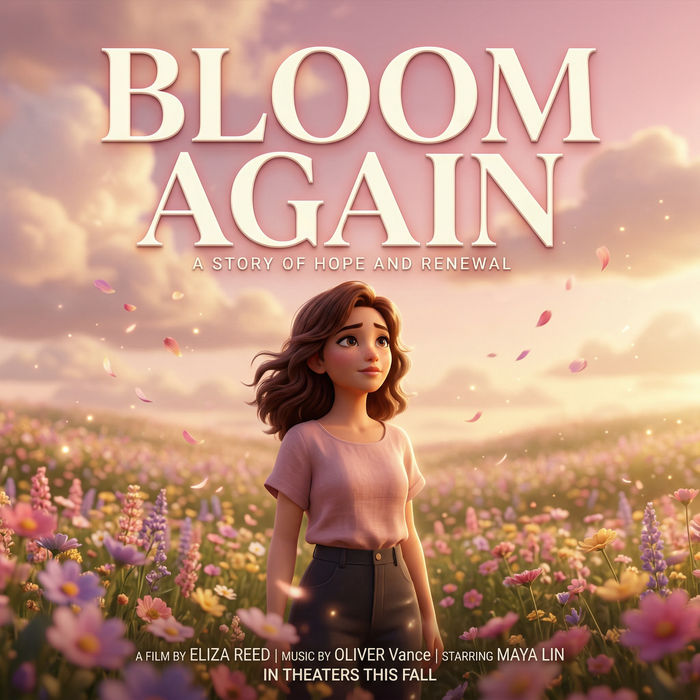
Generate a professional film title card from scratch, with optional cinematic animation.
Photo of any real-estate becomes a cinematic renovation timelapse video with construction SFX and music.
One image to a 9-scene cinematic video.
Drop in a photo of yourself. Get a 12-second cinematic movie with animation and a matched soundtrack.
AI Story Time videos
Make AI story time videos with Morphic. Narrated storytelling over matching visuals, faceless format, AI voiceover, and ready-to-run scene prompts.
AI Vertical Dramas
Make vertical dramas with Morphic. Full-screen 9:16 framing, serialized episode beats, thumb-stopping cold opens, and portrait-first scene prompts.
Golden hour AI Videos
Generate golden hour videos with Morphic. 4300K rim light, halation bloom, Vision3 250D cast, atmospheric haze, and the magic-hour palette on demand.
Lofi anime AI Videos
Create lofi anime videos with Morphic. Loopable bedroom study scenes, rain-streaked windows, vinyl spinning, and chill balcony views generated from a single prompt.
Get started for free today, with the option to upgrade or cancel anytime.
Basic
2400 monthly credits
1 user only
All models
Workflows
Standard
3625 monthly credits
1 user only
All models
Workflows
Pro
6350 shared monthly credits
1 user
All models
Workflows
Max
24650 shared monthly credits
1 user
All models
Workflows
Enterprise
For higher limits
Custom
pricing and billing terms

Free
For playing around
$0
forever free