A dim study lit by one amber lamp
A wood-panelled study in near-darkness, a single desk lamp pooling warm light, a seated figure with eyes lost in shadow.
Edit prompt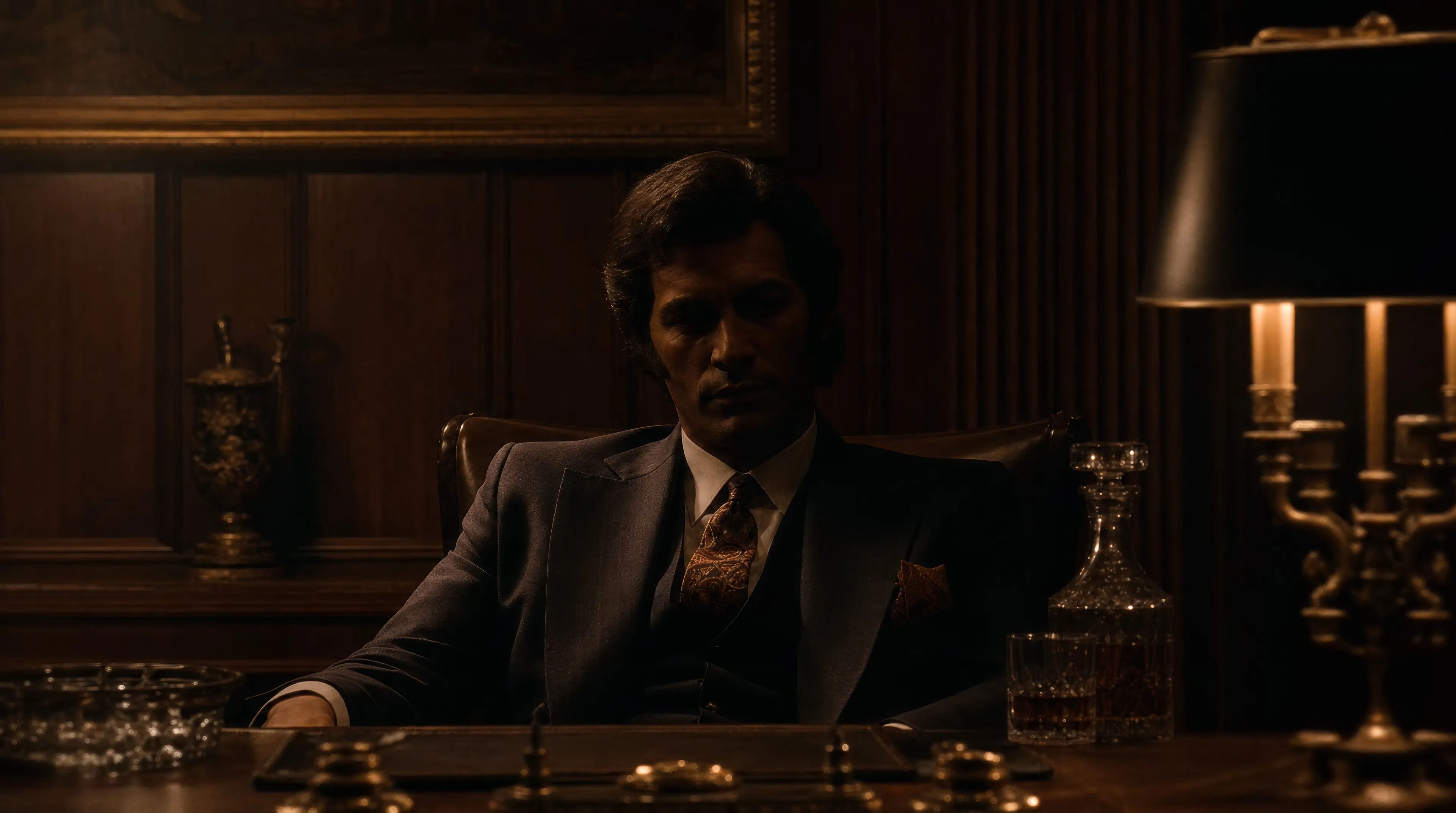
Direct operatic period crime in your browser with Morphic's Francis Ford Coppola style AI video generator. Generate an amber-lit study or helicopters crossing a jungle at dawn, score the tension with Speech and Music, and cut a period drama on the Canvas.
A wood-panelled study in near-darkness, a single desk lamp pooling warm light, a seated figure with eyes lost in shadow.
Edit promptA crowded period garden celebration in golden afternoon light, compressed on a long lens, joy with an undertow.
Edit prompt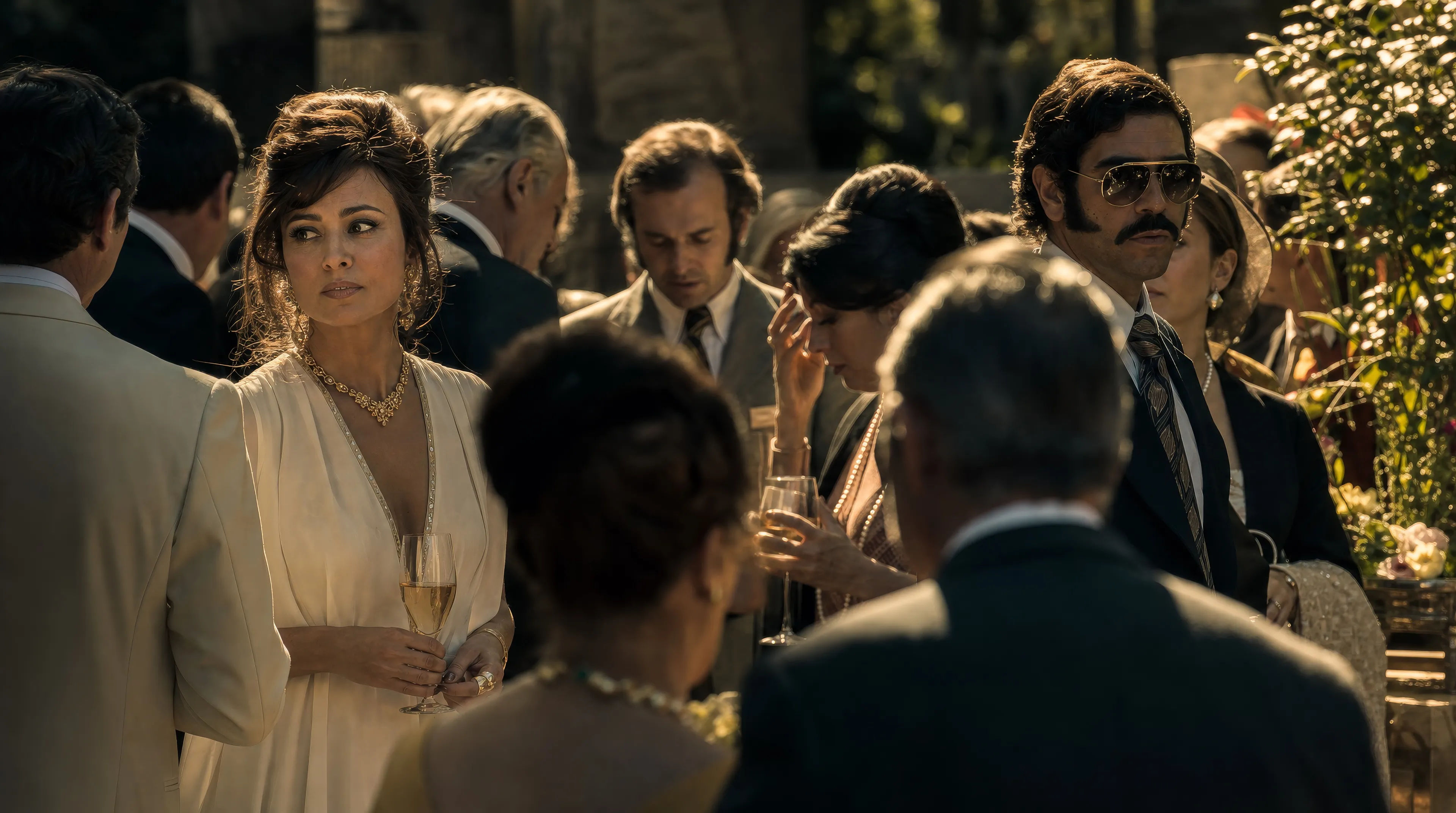
A candlelit church interior, pools of light on stone, the calm of the ceremony heavy with what is happening elsewhere.
Edit prompt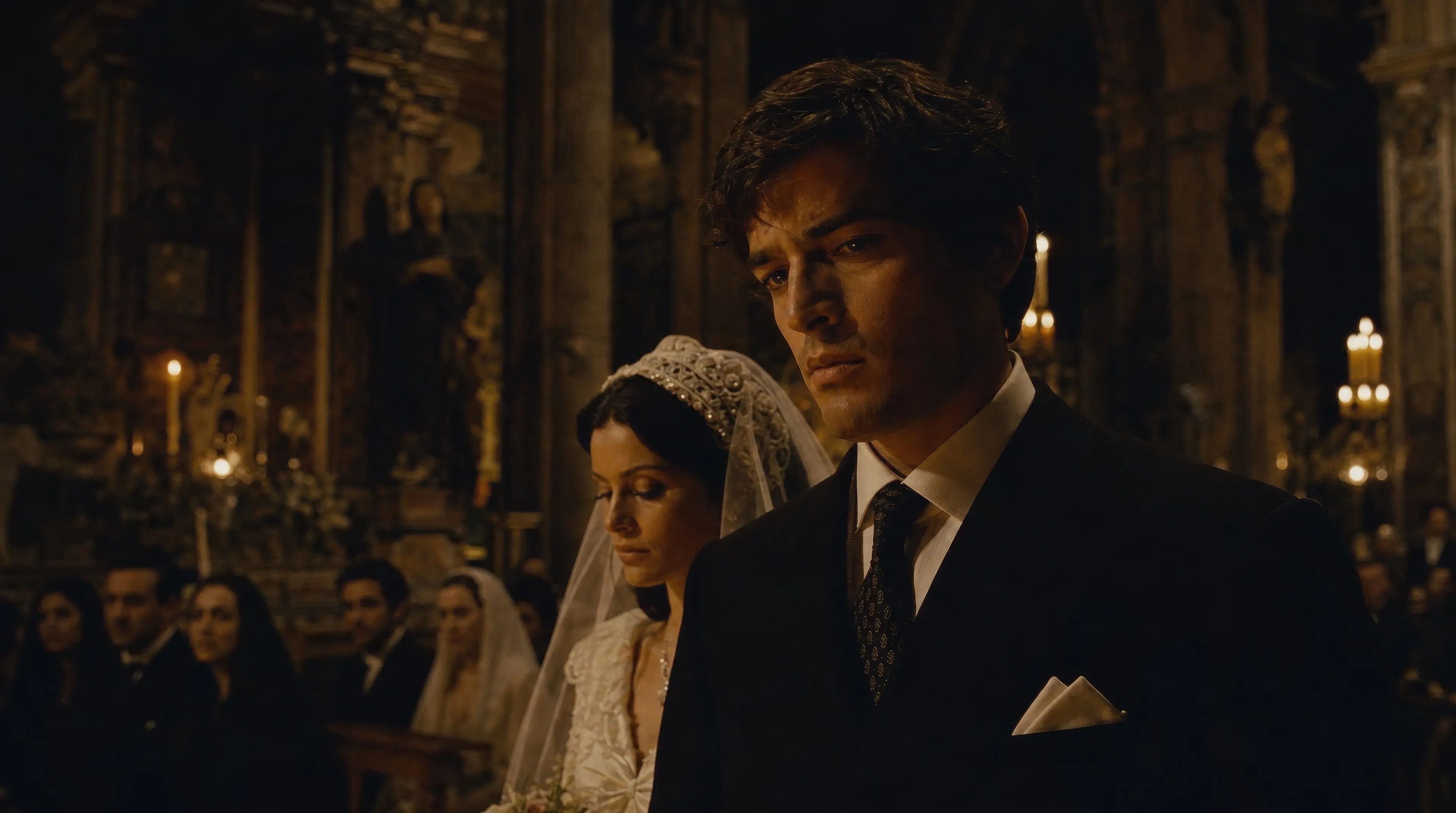
A formation crossing a low orange sky above an endless jungle canopy, palms bending, haze and smoke on the horizon.
Edit prompt
Write the Francis Ford Coppola scene you want, in plain words.
Morphic generates a cinematic, frame-ready clip on your canvas in seconds.
Tweak the prompt, regenerate variations, then download or share the shot.

Share a scene description with character references. Get a full storyboard with shot angles and mood.
One image to a 9-scene cinematic video.

Dramatize any text conversation into a cinematic multi-shot video.
Cinematic time-freeze short film for any scene
Drop in a photo of yourself. Get a 12-second cinematic movie with animation and a matched soundtrack.

Feed in a single image. Get 9 cinematic beats laid out as a 3x3 storyboard grid.
Martin Scorsese style AI videos
Generate Martin Scorsese style videos on Morphic. Steadicam long takes, freeze-frames, red-lit clubs, and period New York scenes from plain-language prompts.
Fincher AI Videos
Generate Fincher style videos with Morphic. Desaturated palettes, geometric framing, deep shadows, and prompt-led scenes you can run in your browser.
Tarantino AI Videos
Generate Quentin Tarantino style videos with Morphic. Trunk shots, retro pulp palettes, dialogue tension, and prompt-led scenes you can run in your browser.
Ridley Scott style AI videos
Generate Ridley Scott style videos on Morphic. Volumetric smoke, hard backlight, used-future sci-fi, and dust-bronze epic scenes from prompts.
Get started for free today, with the option to upgrade or cancel anytime.
Basic
1100 monthly credits
1 user only
All models
Workflows
Standard
3625 monthly credits
1 user only
All models
Workflows
Pro
6350 shared monthly credits
1 user
All models
Workflows
Pro Max
24650 shared monthly credits
1 user
All models
Workflows
Enterprise
For higher limits
Custom
pricing and billing terms
Free
For playing around
$0
forever free