Steadicam walk through the club kitchen
One unbroken move following a couple from a back entrance through a steaming kitchen and out onto a packed nightclub floor.
Edit prompt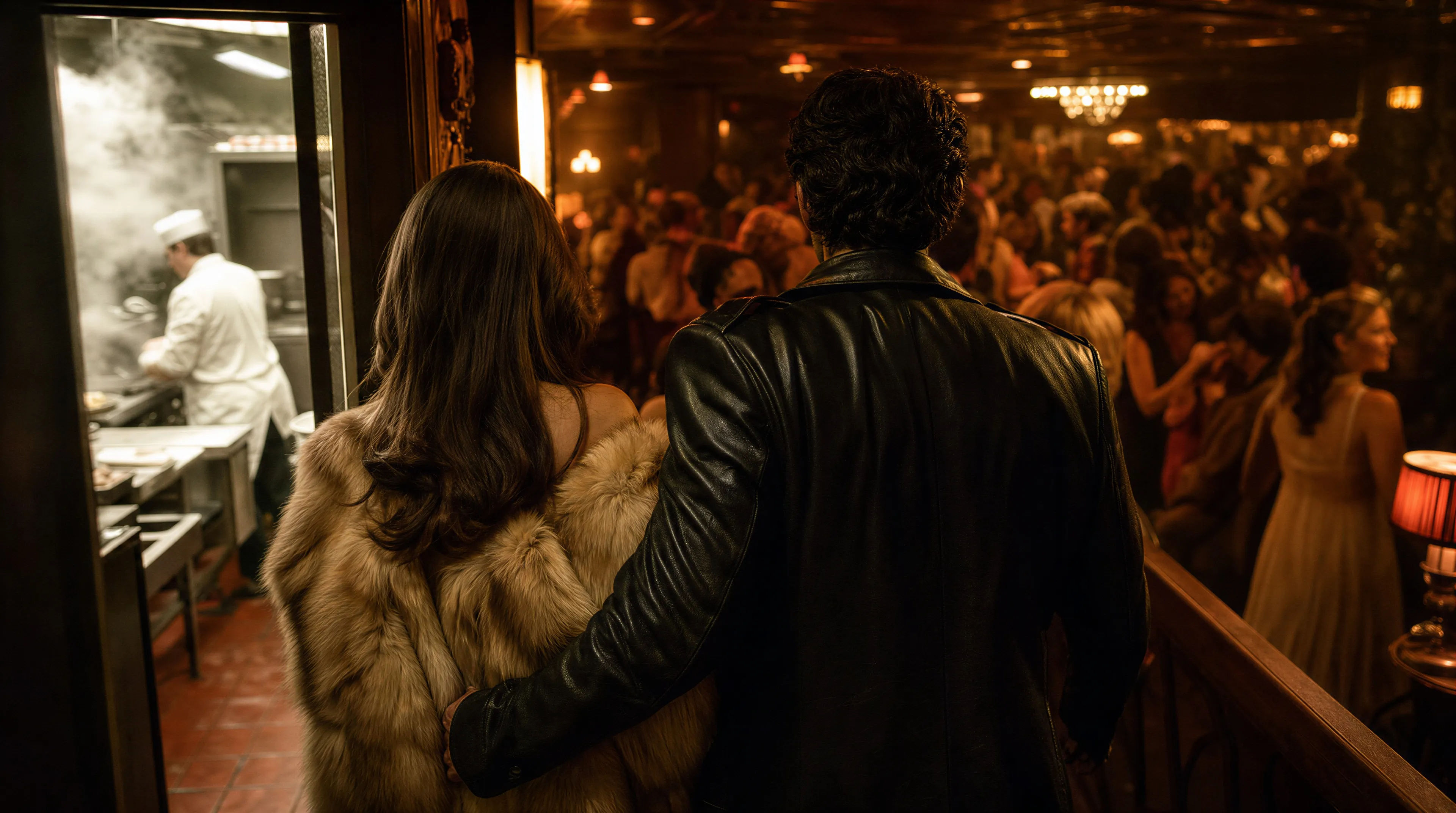
Direct crime sagas in your browser with Morphic's Martin Scorsese style AI video generator. Generate a Steadicam walk through a club kitchen or a freeze-frame on a man mid-stride, lay narration with Speech and Music, and cut a crime short on the Canvas.
One unbroken move following a couple from a back entrance through a steaming kitchen and out onto a packed nightclub floor.
Edit promptA figure caught frozen mid-step on a city sidewalk, the world held still around him, a voiceover beat implied in the pause.
Edit prompt
A corner booth drenched in red light, cigarette smoke hanging, three figures leaning in, tension under the music.
Edit prompt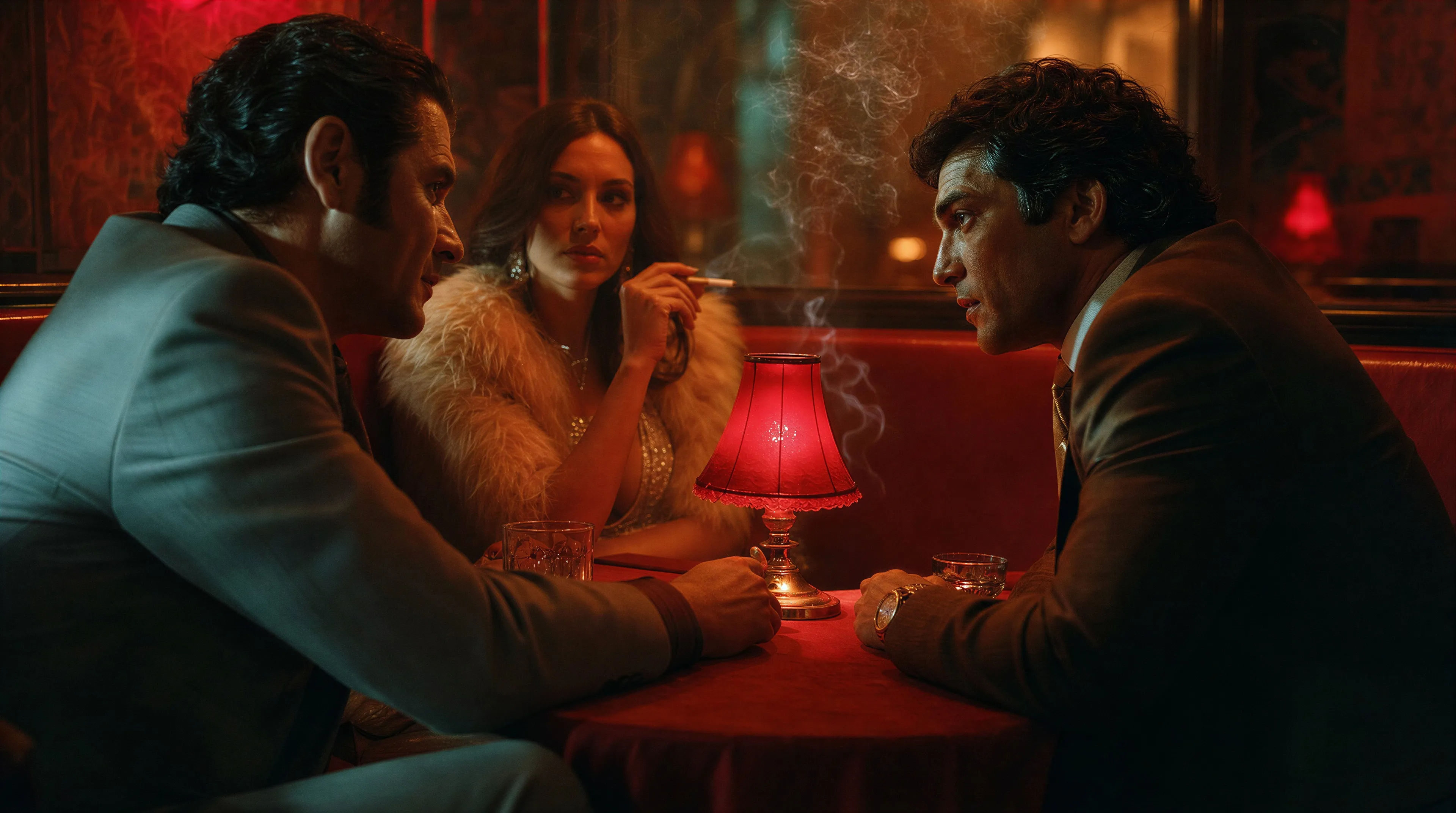
A wet city street seen from a slow-moving car at night, neon smearing on the glass, steam rising off the asphalt.
Edit prompt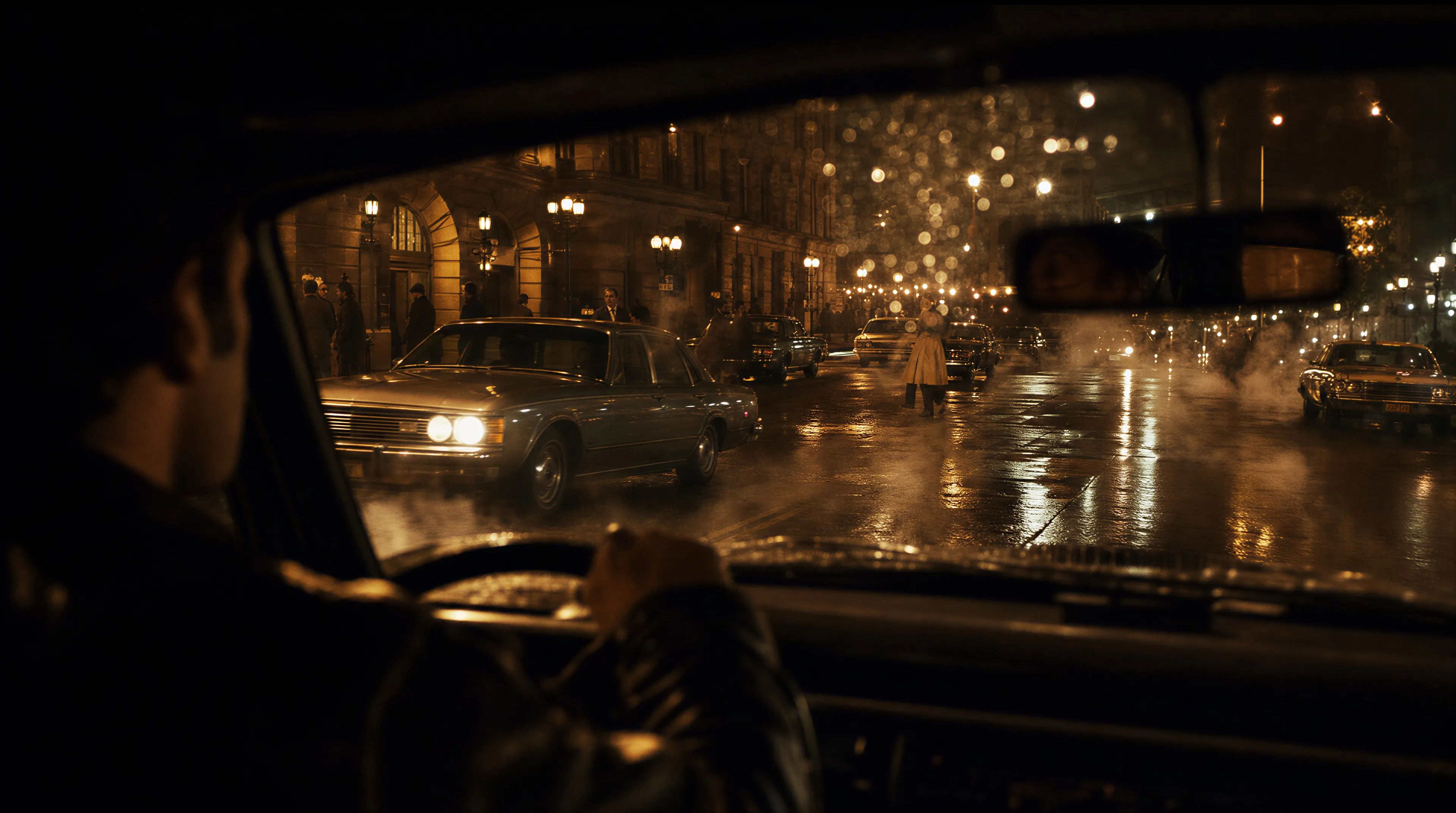
Write the Martin Scorsese scene you want, in plain words.
Morphic generates a cinematic, frame-ready clip on your canvas in seconds.
Tweak the prompt, regenerate variations, then download or share the shot.

Share a scene description with character references. Get a full storyboard with shot angles and mood.
One image to a 9-scene cinematic video.

Dramatize any text conversation into a cinematic multi-shot video.
Cinematic time-freeze short film for any scene
Drop in a photo of yourself. Get a 12-second cinematic movie with animation and a matched soundtrack.

Feed in a single image. Get 9 cinematic beats laid out as a 3x3 storyboard grid.
Francis Ford Coppola style AI videos
Generate Francis Ford Coppola style videos on Morphic. Amber chiaroscuro interiors, underexposed faces, operatic period crime, and war scenes from prompts.
Tarantino AI Videos
Generate Quentin Tarantino style videos with Morphic. Trunk shots, retro pulp palettes, dialogue tension, and prompt-led scenes you can run in your browser.
Fincher AI Videos
Generate Fincher style videos with Morphic. Desaturated palettes, geometric framing, deep shadows, and prompt-led scenes you can run in your browser.
James Cameron style AI videos
Generate James Cameron style videos on Morphic. Deep-sea shots, alien world scenes, and anamorphic epics, all from plain-language prompts in your browser.
Get started for free today, with the option to upgrade or cancel anytime.
Basic
1100 monthly credits
1 user only
All models
Workflows
Standard
3625 monthly credits
1 user only
All models
Workflows
Pro
6350 shared monthly credits
1 user
All models
Workflows
Pro Max
24650 shared monthly credits
1 user
All models
Workflows
Enterprise
For higher limits
Custom
pricing and billing terms
Free
For playing around
$0
forever free