Neon countdown over particles
A locked full-frame shot of a soft neon number pulsing at center over a dark field of slowly drifting particles, the glow steady and the motion gentle, an easy-to-read backdrop that loops as the count falls.
Edit prompt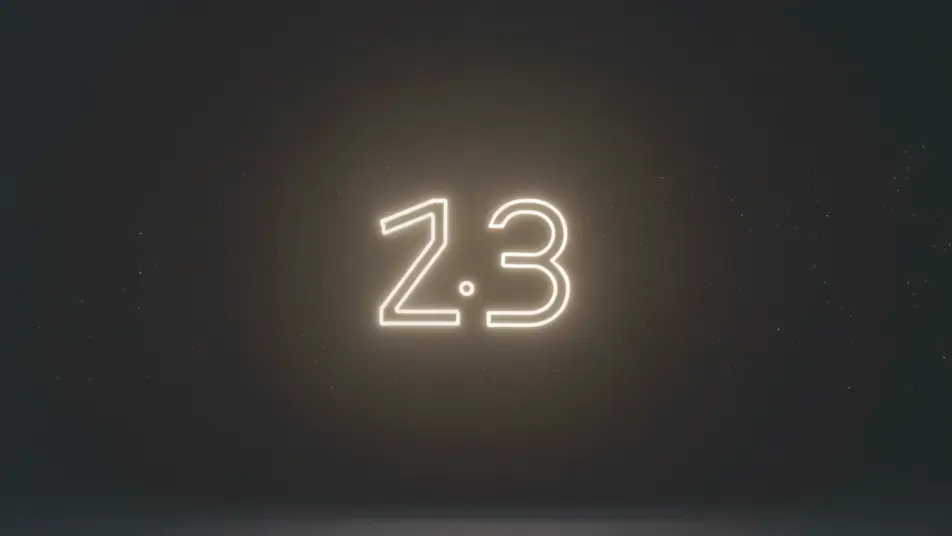
Direct countdown backdrops in your browser with Morphic's countdown timer AI video generator. Generate a warm-lit number over drifting particles, or a serene focus scene ticking to zero. Score it with Music and add time cues with Speech, then stitch the loop on the Canvas.
A locked full-frame shot of a soft neon number pulsing at center over a dark field of slowly drifting particles, the glow steady and the motion gentle, an easy-to-read backdrop that loops as the count falls.
Edit promptA static shot of a countdown number set over a warm lofi desk-and-window loop, lamplight and faint rain behind the glass, the inviting scene holding still while the timer ticks down for viewers arriving early.
Edit prompt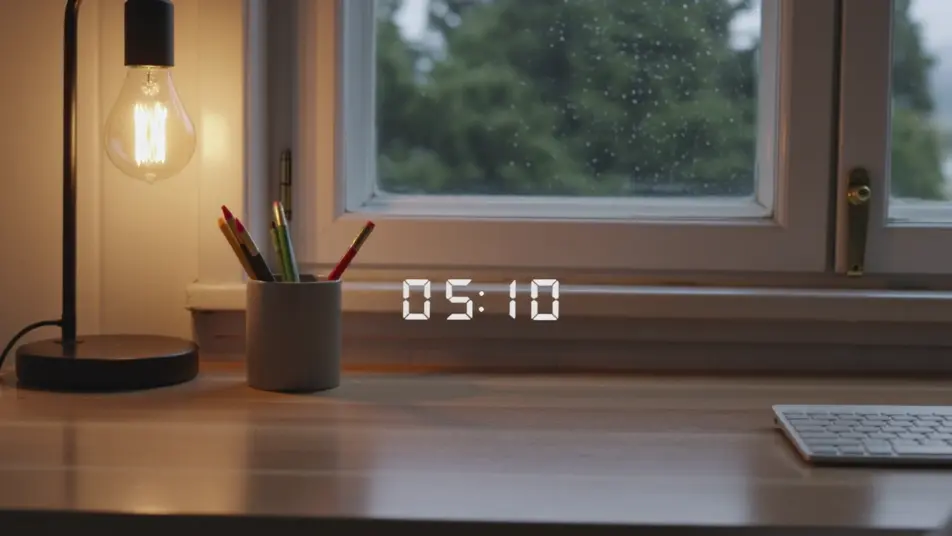
A minimal, still frame of a clean number over a slow gradient wash of soft color, nothing else moving, the calm backdrop built to hold attention through a study or work sprint toward zero.
Edit prompt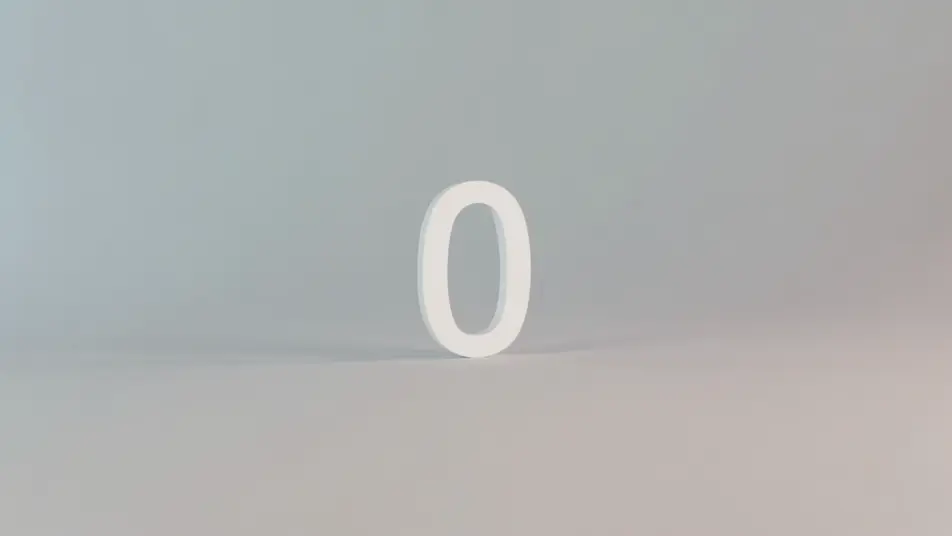
A wide, static night shot of a countdown number over a city skyline with soft bokeh lights and drifting sparkle, the festive glow building steadily as the final seconds fall toward a zero moment.
Edit prompt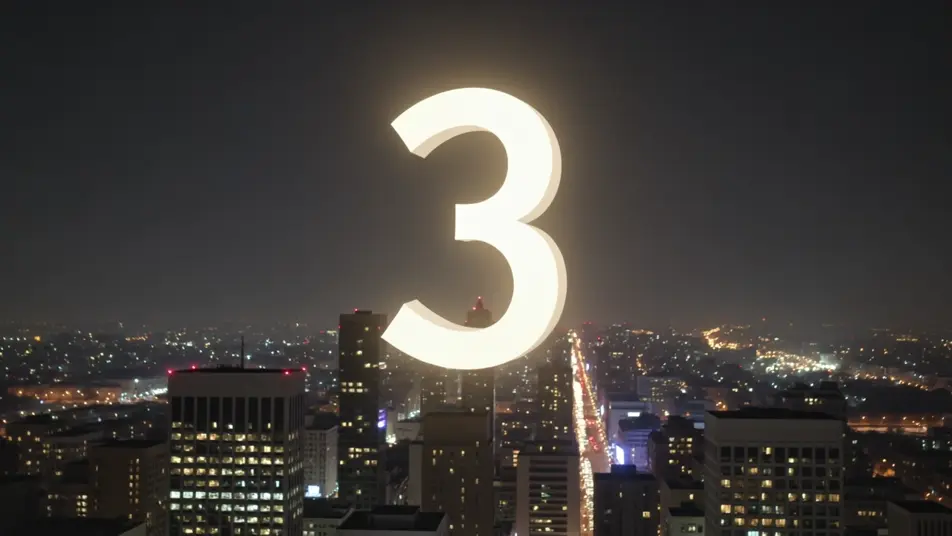
Write the countdown timer scene you want, in plain words.
Morphic generates a cinematic, frame-ready clip on your canvas in seconds.
Tweak the prompt, regenerate variations, then download or share the shot.

Dramatize any text conversation into a cinematic multi-shot video.
Cinematic time-freeze short film for any scene

Generate a professional film title card from scratch, with optional cinematic animation.
Photo of any real-estate becomes a cinematic renovation timelapse video with construction SFX and music.
One image to a 9-scene cinematic video.
Drop in a photo of yourself. Get a 12-second cinematic movie with animation and a matched soundtrack.
AI Ambient Loop videos
Generate AI ambient loop videos with Morphic. Seamless looping backdrops, slow-motion scenes, and calm perpetual visuals for streams, screens, and focus.
AI Lofi Study Stream videos
Generate AI lofi study stream videos with Morphic. Cozy desk loops, rainy-window scenes, and mellow study-companion clips with beats and soft narration.
AI green screen effects
Make AI green screen effects with Morphic. Drop a subject onto any background, swap sets instantly, place a presenter anywhere. No physical screen, no rig.
AI Morph videos
Generate AI morph videos with Morphic. Smooth morph transitions, shape-shifting reveals, face-aging morphs, and beat-synced morph-cut prompts that just run.
Get started for free today, with the option to upgrade or cancel anytime.
Basic
2400 monthly credits
1 user only
All models
Workflows
Standard
3625 monthly credits
1 user only
All models
Workflows
Pro
6350 shared monthly credits
1 user
All models
Workflows
Max
24650 shared monthly credits
1 user
All models
Workflows
Enterprise
For higher limits
Custom
pricing and billing terms

Free
For playing around
$0
forever free