Rain-slicked Shibuya intersection
Wide shot of a rain-slicked Shibuya intersection at midnight, magenta neon bloom on wet asphalt, crowd crossing in painted blur, vending machines glowing.
Edit prompt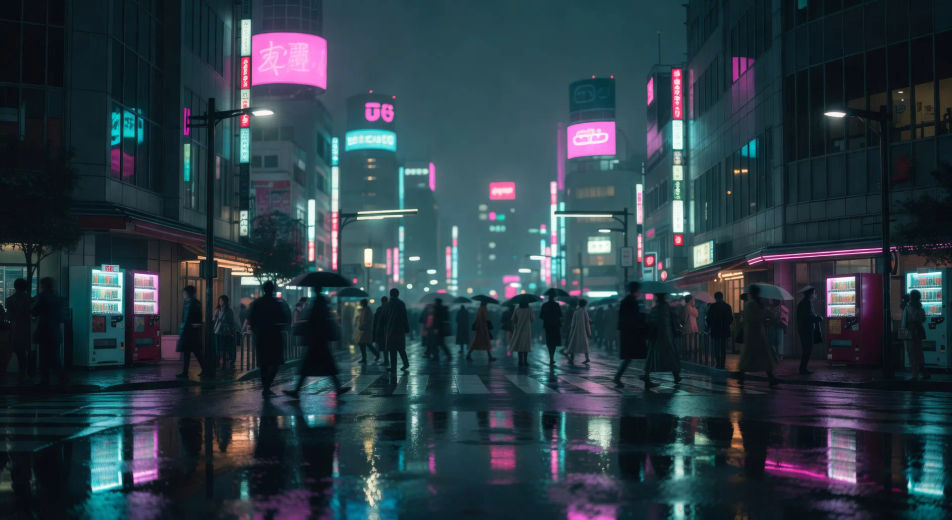
Direct rain-slicked neon Tokyo in your browser with Morphic's cyberpunk anime AI video generator. Generate midnight Shibuya or a netrunner bunker dive, layer noir Speech voiceover over a synth Music score, and lock the grade with Video Style Transfer.
Wide shot of a rain-slicked Shibuya intersection at midnight, magenta neon bloom on wet asphalt, crowd crossing in painted blur, vending machines glowing.
Edit promptTwo figures facing off on a Tokyo rooftop at night, katanas drawn, the neon-lit city sprawl burning beneath them, helicopter searchlight cutting across.
Edit prompt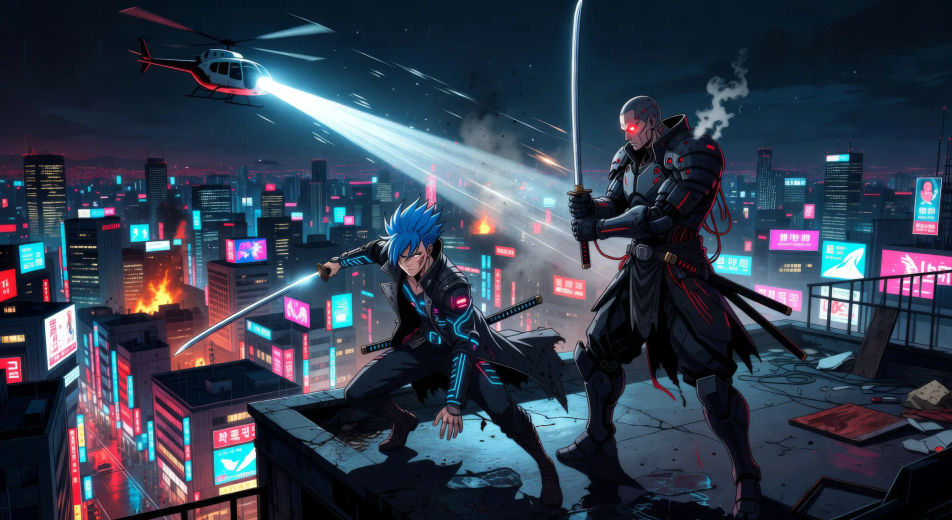
Tight interior, netrunner reclined in a chair, jack-cables snaking from her temple to a battered server rack, glitch artefacts pulsing across her closed eyes.
Edit prompt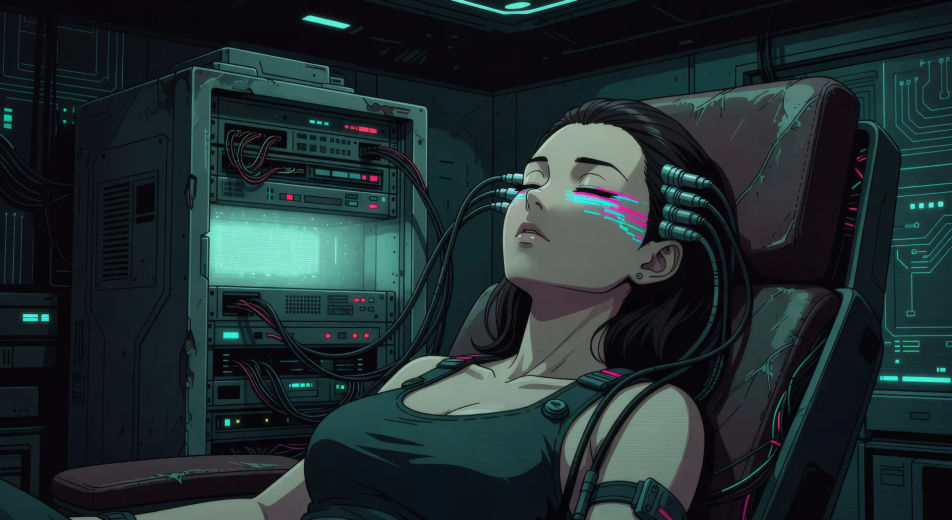
Long boardroom table at sunset, four executives in mirrored visors, floor-to-ceiling glass behind them showing a smog-soaked megacorp skyline.
Edit prompt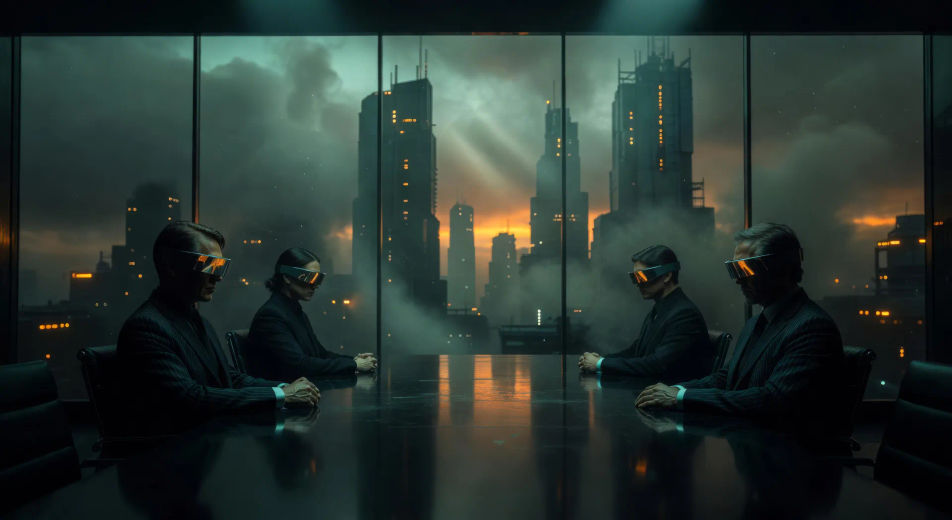
Write the Cyberpunk anime scene you want, in plain words.
Morphic generates a cinematic, frame-ready clip on your canvas in seconds.
Tweak the prompt, regenerate variations, then download or share the shot.

Pick any anime illustration as your style guide. Apply its look to any image.

Turn any sketch or drawing into a finished render.

Take any character image and generate 6 distinct facial expressions on a single reference sheet.

All your characters on a single lineup image, side by side with height comparison.

Turn any photo or description into an animated chibi sprite. Dance, jump, wave, attack, and more.
Reimagine any anime character as a photorealistic, high-fashion live-action portrait.
Anime AI Videos
Create Anime videos with Morphic. Slice-of-life scenes, Mecha shots, magical-girl transformations, and full Anime episodes generated from a single prompt.
Anime AI Videos
Create Anime fight scenes, sword duels, magic battles, and Mecha clashes with Morphic. Generate, animate, narrate, and score scenes from a single prompt.
Mecha AI Videos
Create Mecha anime videos with Morphic. Cockpit launches, hangar bays, city-scale battles, and pilot portraits generated from a single prompt.
Neo-noir AI Videos
Generate neo-noir videos with Morphic across four director-coded modes: wet-neon, sun-blown LA, comic chiaroscuro, and corporate-night.
Get started for free today, with the option to upgrade or cancel anytime.
Basic
2400 monthly credits
1 user only
All models
Workflows
Standard
3625 monthly credits
1 user only
All models
Workflows
Pro
6350 shared monthly credits
1 user
All models
Workflows
Max
24650 shared monthly credits
1 user
All models
Workflows
Enterprise
For higher limits
Custom
pricing and billing terms

Free
For playing around
$0
forever free