Dante's Inferno AI Videos

Direct the nine circles of Hell in your browser with Morphic's Dante's Inferno AI video generator. Generate the ferry on the black river or the frozen lake at the pit's centre, score a low choral dread with Music, and cut a Dante's Inferno short on the Canvas.

Dante's Inferno characters you can create

Dante's Inferno scenes you can direct

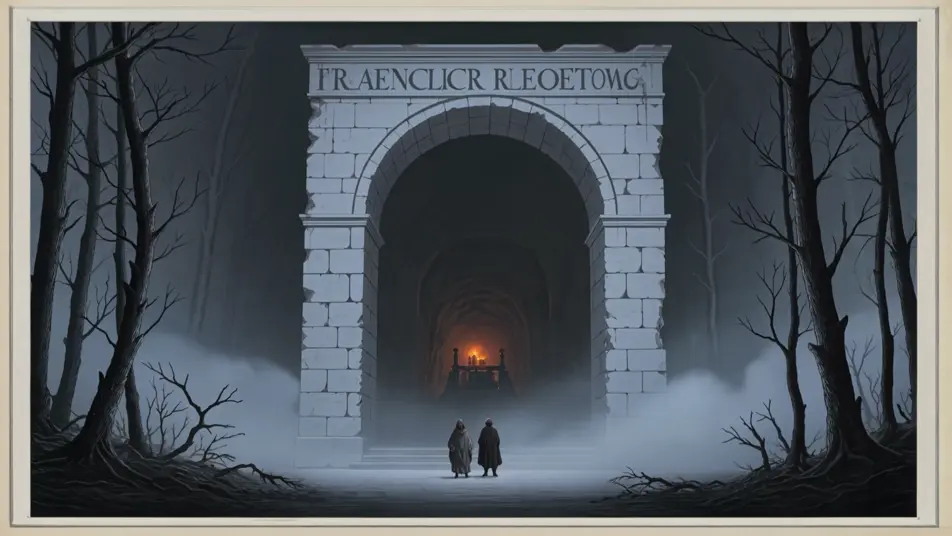
The dark wood at the gate of Hell

A tangled black forest opening onto a weathered stone arch, the dread inscription cut deep above the lintel, the pilgrim and his guide small beneath it in a wash of ember and ash, slow push-in on the doorway.

Edit prompt
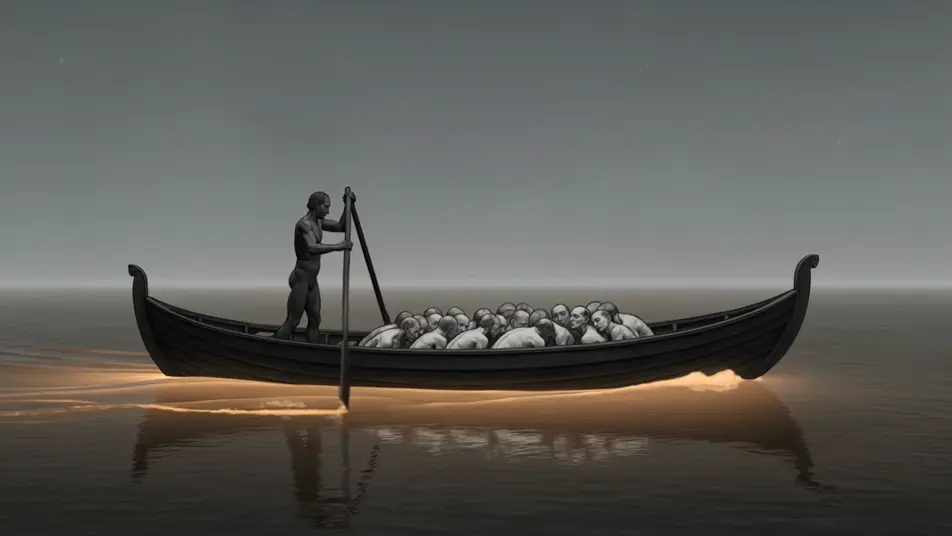
The ferry crossing the black river of souls

A long black skiff poled across the river Acheron under a sulphur-grey sky, crowds of pale naked souls crammed at the prow, the ferryman silhouetted, mist curling off the dark water, slow lateral tracking shot.

Edit prompt

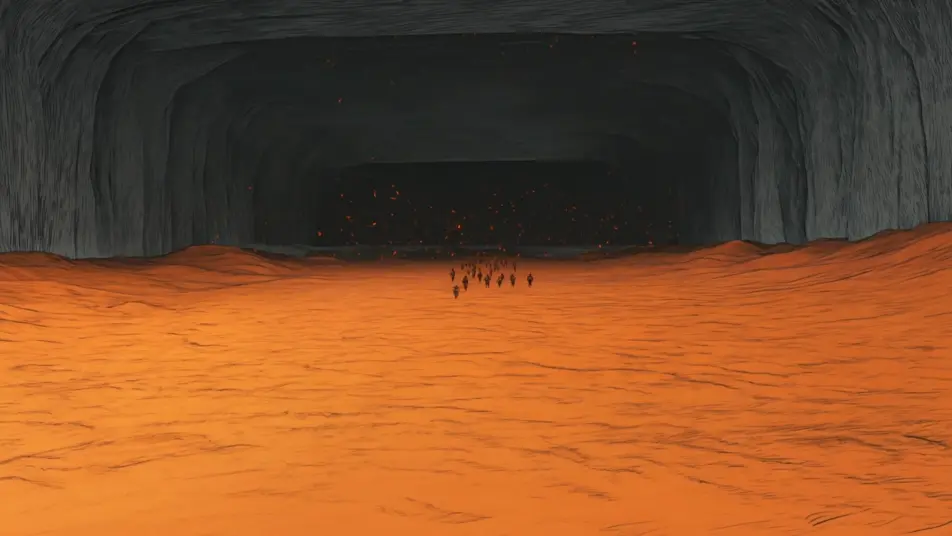
A rain of fire over burning sand

A vast plain of glowing sand under a sky raining slow flakes of fire, distant figures fleeing the falling flames, ember-orange and ash-black palette, embers settling and flaring as they land, wide aerial drift.

Edit prompt

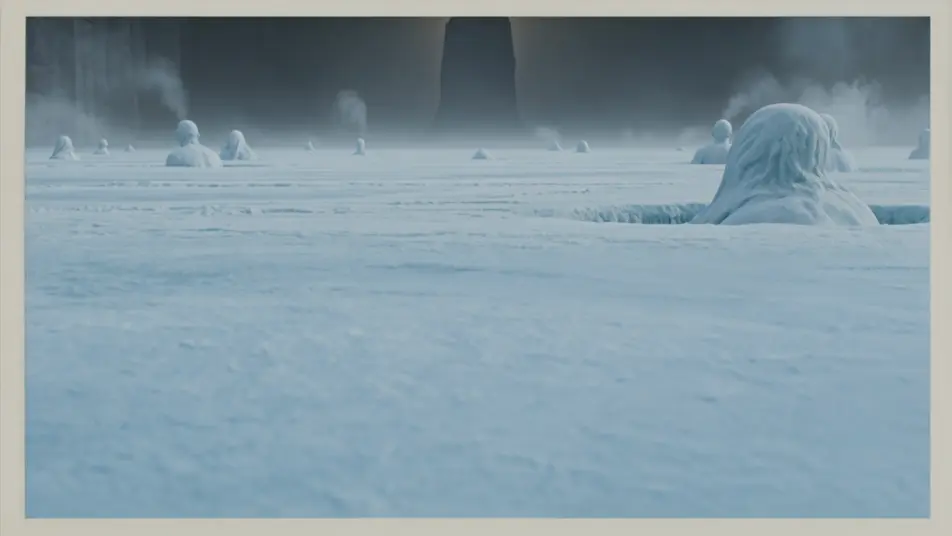
The frozen lake at Hell's centre

The grey-blue ice of Cocytus stretching to a dark horizon, traitors locked motionless in the frozen surface, the towering shadow of Lucifer rising at the far centre, breath-fog and frost, slow craning rise.

Edit prompt

Make Dante's Inferno videos in three steps

  1. 01

    Describe your Dante's Inferno scene

    Write the Dante's Inferno scene you want, in plain words.

  2. 02

    Generate the video

    Morphic generates a cinematic, frame-ready clip on your canvas in seconds.

  3. 03

    Refine your Dante's Inferno video

    Tweak the prompt, regenerate variations, then download or share the shot.

Related workflows

You might also like

Simple pricing

Get started for free today, with the option to upgrade or cancel anytime.

Basic

$0/ month
billed as $0 per year

900 monthly credits

1 user only

All models

Workflows

Standard

$0/ month
billed as $0 per year

3200 monthly credits

1 user only

All models

Workflows

Pro

$0/ month
billed as $0 per year

6200 shared monthly credits

1 user

+ up to 4 more at extra cost

All models

Workflows

Pro Max

$0/ month
billed as $0 per year

24000 shared monthly credits

1 user

+ up to 9 more at extra cost

All models

Workflows

Enterprise

For higher limits

Custom

pricing and billing terms

Unlimited credits
Custom seat limits
All models
Workflows
Pricing Gradient

Free

For playing around

$0

forever free

Up to 20 credits
1 user only
Limited models
Workflows

FAQs

Where can I make Dante's Inferno videos with AI?
You can create Dante's Inferno scenes directly in your browser on Morphic. Open the Text to Video tool, describe the circle of Hell, the light, and the camera move, and Morphic produces the clip. No installs and no specialist software needed.
What defines Dante's Inferno at the prompt level?
Three things define the Inferno at the prompt level: the descending nine circles as named geography (dark wood, river Acheron, burning sand, frozen Cocytus), an ember-and-ash palette set against dark cavern light, and the medieval-manuscript-meets-Gustave-Doré-engraving register. Name all three so Morphic does not default to generic demon art.
How do I get the Gustave Doré engraving look in a prompt?
Call out the medium and the contrast. Ask for 'Gustave Doré steel-engraving grandeur, fine cross-hatch texture, towering vertical composition, tiny human figures against vast architecture, high contrast between ember light and black shadow.' Naming the engraving line and the scale contrast is what cues the Doré register rather than flat painted fantasy.
How do I keep my Inferno characters consistent across scenes?
Use the Character Lineup workflow to lock the wardrobe, posture, and silhouette of the pilgrim, the shade-guide, and the ferryman, then reference those character cards in every prompt. Morphic preserves the red cloak, the laurel wreath, and the ferryman of the Acheron across the whole descent so the visual continuity holds.
Can I add a choral score and narration to my Dante's Inferno videos?
Yes. The Music tool produces an original soundtrack, and a low Latin-style choral dread (sustained bass voices, distant tolling, sparse organ) sits cleanly under the descending-circle beats. The Speech tool generates narration in the voice you choose so you can read the cantos over the generated footage and publish a complete Inferno short.
Do I need any background in the poem to make Dante's Inferno videos?
No. Morphic runs in your browser and you direct it with plain-language prompts. If you can describe a dark wood, a black river of souls, and a rain of fire, you can produce an Inferno scene. The prompts on this page are written so anyone can paste and run. Dante's Inferno is in the public domain, so its characters are free to name.