Direct crackling fireplace loops in your browser with Morphic's fireplace video AI video generator. Generate fireplace video clips like a stone hearth full of dancing flames or a cozy wood stove glowing on a snowy night, and pair them with the Music tool for a warm background score and the Speech tool for optional narration. Stitch the flickering loops into one continuous fireside backdrop on the Canvas.

Fireplace styles you can direct

Fireplace loops you can stage

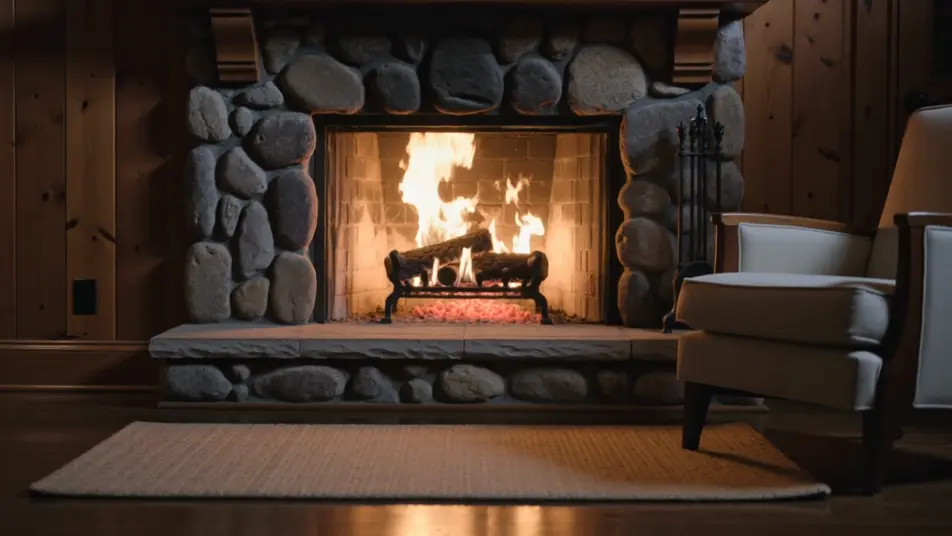
Full hearth in a cabin room

A locked medium-wide shot of a stone fireplace burning bright in a wood-paneled room, flames curling steadily and embers pulsing, warm light falling across a rug and a chair, the burn even enough to loop unseen.

Edit prompt
Wood stove on a snowy night

A cozy static shot of a cast-iron stove with fire dancing behind the glass, snow visible through a window beyond, orange light on the floorboards against the cold blue outside, a slow continuous flicker.

Edit prompt

Campfire under a starry sky

A wide night shot of an open campfire in a ring of stones, sparks drifting upward into a field of stars, flames throwing shifting light on the surrounding rock, the crackle carrying the loop.

Edit prompt

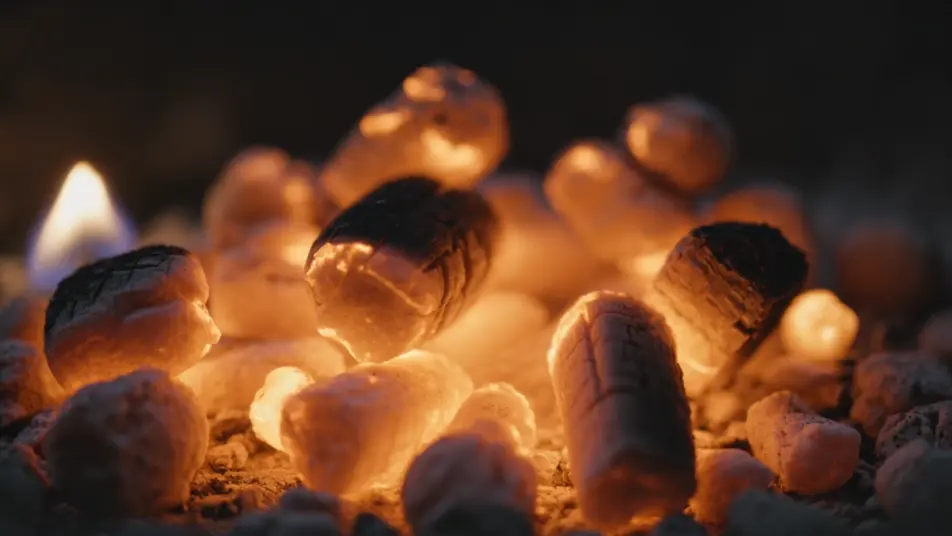
Close on the ember bed

A tight, warm frame of glowing coals breathing orange and gold with small flames rising between the cracks, shallow focus, the slow pulse of the embers making a seamless, restful loop.

Edit prompt

Make fireplace video videos in three steps

  1. 01

    Describe your fireplace video scene

    Write the fireplace video scene you want, in plain words.

  2. 02

    Generate the video

    Morphic generates a cinematic, frame-ready clip on your canvas in seconds.

  3. 03

    Refine your fireplace video video

    Tweak the prompt, regenerate variations, then download or share the shot.

Related workflows

You might also like

Simple pricing

Get started for free today, with the option to upgrade or cancel anytime.

Basic

$9/ month
billed as $0 per year

900 monthly credits

1 user only

All models

Workflows

Standard

$24/ month
billed as $0 per year

3200 monthly credits

1 user only

All models

Workflows

Pro

$45/ month
billed as $0 per year

6200 shared monthly credits

1 user

+ up to 4 more at extra cost

All models

Workflows

Pro Max

$170/ month
billed as $0 per year

24000 shared monthly credits

1 user

+ up to 9 more at extra cost

All models

Workflows

Enterprise

For higher limits

Custom

pricing and billing terms

Unlimited credits
Custom seat limits
All models
Workflows
Pricing Gradient

Free

For playing around

$0

forever free

Up to 20 credits
1 user only
Limited models
Workflows

FAQs

Where can I make fireplace videos with AI?
You can create fireplace videos directly in your browser on Morphic. Open the Text to Video tool, describe the type of fire, the room around it, and the warmth of the light, and Morphic produces the crackling loop. No installs and no editing software needed.
What kinds of fireplace scenes work best with AI video?
Warm, contained fires read best: a stone hearth, a glowing wood stove, a campfire under stars, a bed of embers. The strongest fireplace loops hold the camera still and let the flames and sparks carry the motion, so the clip stays cozy and can play for hours as a backdrop.
How do I write a good prompt for a fireplace video?
Name the kind of fire, the light it throws, and one cozy detail like snow at the window or candles on the mantel, then add seamless loop. Keep the camera locked. The clearer the warmth and the single crackling motion, the more the scene reads as a fireside you can leave running.
How do I keep the mood consistent across scenes?
Hold the warm light temperature and the framing steady from clip to clip and keep every camera locked. On the Canvas you can line the fireplace loops up in sequence and tune each one until the color and flicker match into one continuous fireside backdrop.
Can I add music and narration to my fireplace videos?
Yes. The Music tool produces a warm, low background score to sit under the crackle, ideal for a holiday or relaxation loop. The Speech tool generates narration in the voice you choose, so you can layer a bedtime story or a seasonal greeting over the fireside scene.
Do I need video editing experience to make a fireplace video?
No. Morphic runs in your browser and you direct it with plain-language prompts. If you can picture a cozy fire and the room around it, you can produce a fireplace loop. The prompts on this page are written so anyone can paste and run.