A rubber-hose street walk
A rubber-hose character bouncing down a vintage street, springy timing, round pie-eyes, weathered grain and gentle flicker, a steady side track.
Edit prompt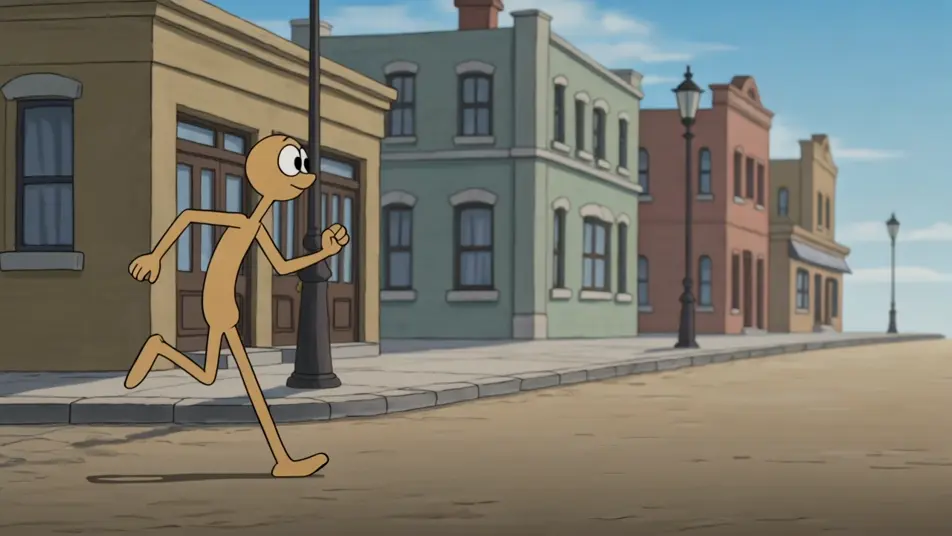
Direct 1930s-style cartoons in your browser with Morphic's golden age animation AI video generator. Generate a rubber-hose character bouncing down a street, a two-strip colour dance, or a grainy black-and-white gag. Voice and score with Speech and Music on the Canvas.
A rubber-hose character bouncing down a vintage street, springy timing, round pie-eyes, weathered grain and gentle flicker, a steady side track.
Edit promptA group of rubber-hose characters dancing in early two-strip pink-and-teal colour, bouncy synchronised timing, vintage grain, a slow dolly back.
Edit prompt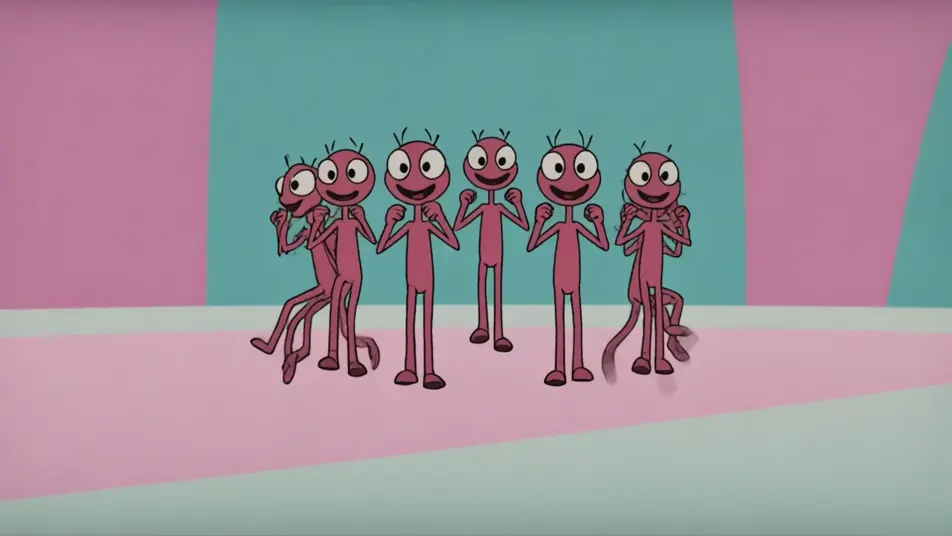
A single rubber-hose character mid-gag in weathered black-and-white, exaggerated squash-and-stretch, heavy film grain and flicker, held wide.
Edit prompt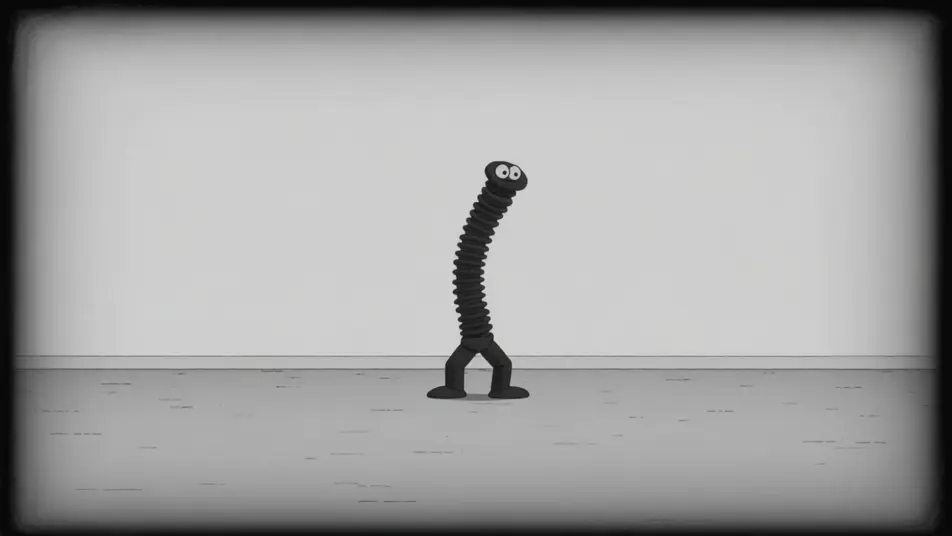
A rubber-hose character chased across a simple vintage backdrop, wild noodle-limb motion, bouncy timing, grainy stock and flicker, a fast pan.
Edit prompt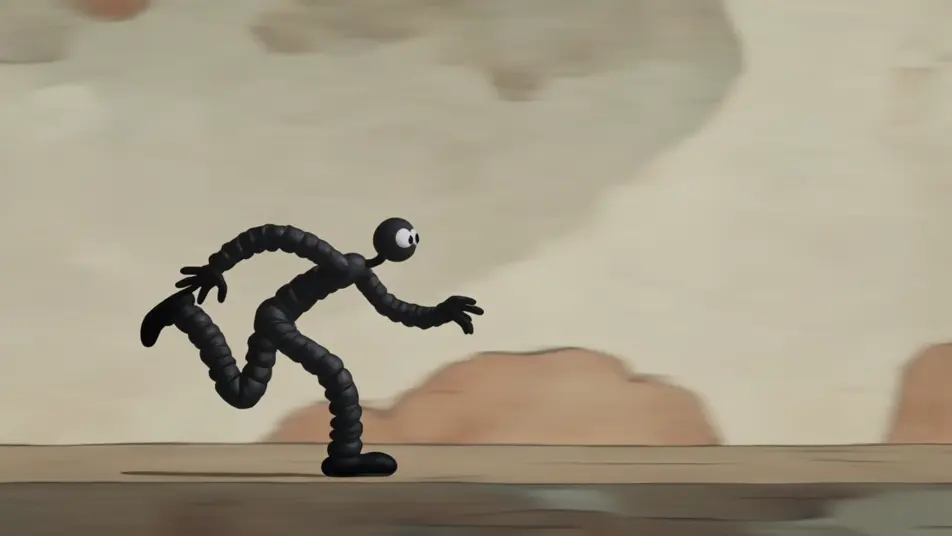
Write the golden age animation scene you want, in plain words.
Morphic generates a cinematic, frame-ready clip on your canvas in seconds.
Tweak the prompt, regenerate variations, then download or share the shot.

Pick any anime illustration as your style guide. Apply its look to any image.

Turn any photo or description into an animated chibi sprite. Dance, jump, wave, attack, and more.

Turn any sketch or drawing into a finished render.

Take any character image and generate 6 distinct facial expressions on a single reference sheet.

All your characters on a single lineup image, side by side with height comparison.
Provide first frame and last frame and generate a video from uploaded keyframes.
Cel Shading AI Videos
Cel shading videos with AI on Morphic. Flat hard-edged colour bands, bold outlines, and a comic-book 3D anime-render look from prompts. Start creating.
Flat Animation AI Videos
Flat animation videos with AI on Morphic. Flat-design 2D, minimal shading, bold shapes, and a limited-palette modern look from prompts. Start creating.
Retro cartoon videos
Make a retro cartoon in minutes. Rubber-hose bounce, mid-century flat color, inky outlines, and film-grain frames, staged scene by scene. Generate now.
Rubber Hose Animation AI Videos
Generate rubber hose animation videos on Morphic. Bendy limbs, pie-eyes, white gloves, and bouncy 1930s black-and-white cartoons from plain-language prompts.
Get started for free today, with the option to upgrade or cancel anytime.
Basic
2400 monthly credits
1 user only
All models
Workflows
Standard
3625 monthly credits
1 user only
All models
Workflows
Pro
6350 shared monthly credits
1 user
All models
Workflows
Max
24650 shared monthly credits
1 user
All models
Workflows
Enterprise
For higher limits
Custom
pricing and billing terms

Free
For playing around
$0
forever free