A jewel-tone petal bloom
A six-fold kaleidoscope of mirrored petals turns slowly against black, jewel-tone color opening and folding around the center, soft internal glow, a steady clockwise rotation holding the pattern centered.
Edit prompt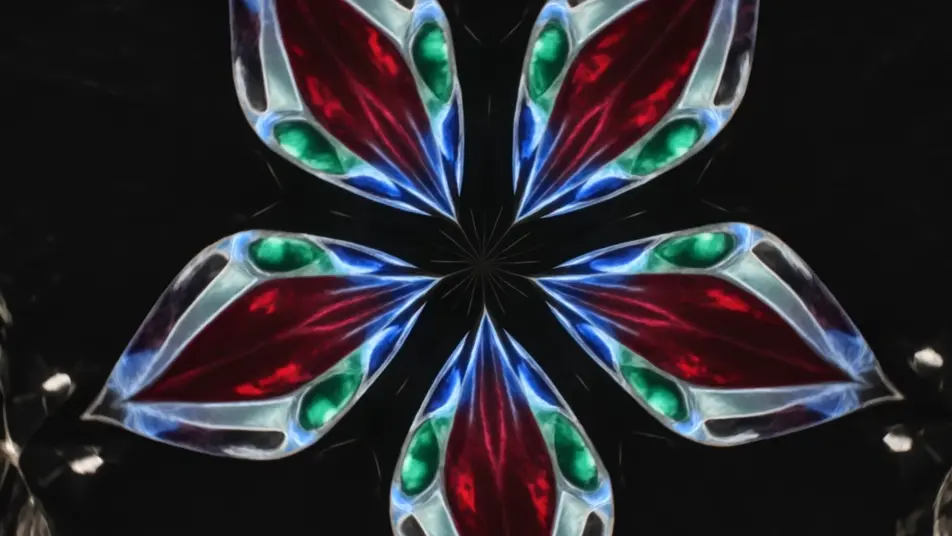
Direct evolving kaleidoscope patterns in your browser with Morphic's kaleidoscope effect AI video generator. Generate blooming petals of mirrored color turning slowly, or a mandala of shifting light pulsing to a center point. Pair with Music to sync the bloom to a beat, then stitch it on the Canvas.
A six-fold kaleidoscope of mirrored petals turns slowly against black, jewel-tone color opening and folding around the center, soft internal glow, a steady clockwise rotation holding the pattern centered.
Edit promptA radial mandala of intricate rings breathes outward from a bright core, layers emerging and receding in time, cool-to-warm color shift across the pattern, slow zoom into the glowing center.
Edit prompt
Colored ink billows through water and mirrors into symmetrical plumes, soft edges folding and unfolding organically, diffused backlight through the liquid, a gentle drift as the pattern evolves.
Edit prompt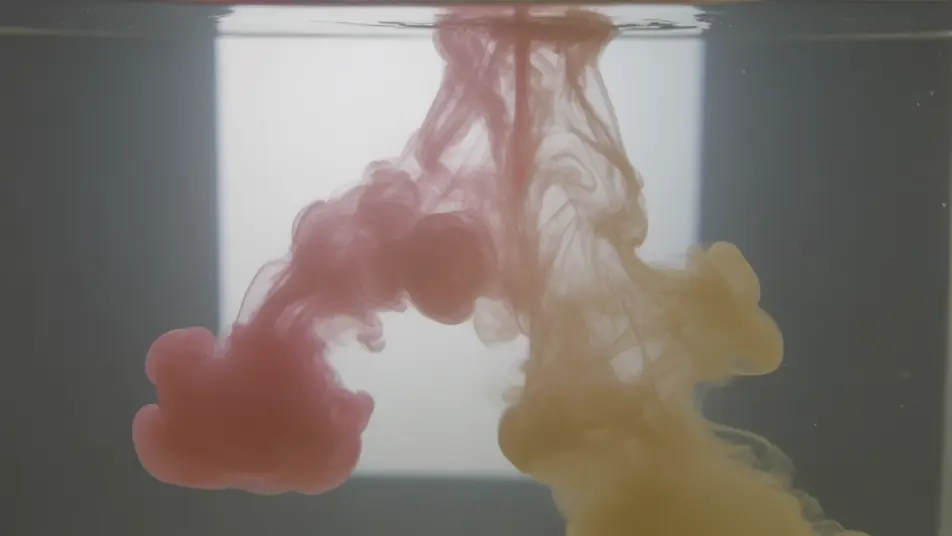
Neon streaks repeat around the center and rush inward to form a glowing tunnel, the mirrored lines pulling toward a vanishing core, deep black ground, a slow forward push down the light corridor.
Edit prompt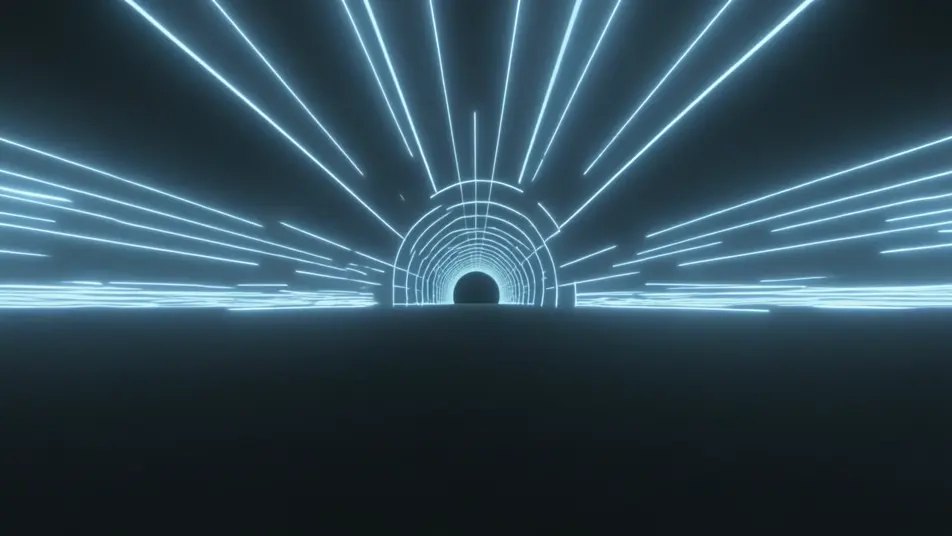
Write the kaleidoscope effect scene you want, in plain words.
Morphic generates a cinematic, frame-ready clip on your canvas in seconds.
Tweak the prompt, regenerate variations, then download or share the shot.
Cinematic time-freeze short film for any scene

Dramatize any text conversation into a cinematic multi-shot video.

Generate a professional film title card from scratch, with optional cinematic animation.
Photo of any real-estate becomes a cinematic renovation timelapse video with construction SFX and music.
One image to a 9-scene cinematic video.
Drop in a photo of yourself. Get a 12-second cinematic movie with animation and a matched soundtrack.
AI mirror effect
Generate AI mirror effect videos with Morphic. Vertical symmetry, water reflections, mirror worlds, and kaleidoscopic flips from a single prompt.
AI Double Exposure videos
Generate AI double exposure videos with Morphic. Silhouettes filled with moving landscapes, ghosted portraits, and layered blends from a single prompt.
AI VFX videos
Generate AI VFX videos with Morphic. Explosions, energy effects, sci-fi destruction, particles, and creature shots from a prompt. No green screen, no compositing.
AI Morph videos
Generate AI morph videos with Morphic. Smooth morph transitions, shape-shifting reveals, face-aging morphs, and beat-synced morph-cut prompts that just run.
Get started for free today, with the option to upgrade or cancel anytime.
Basic
2400 monthly credits
1 user only
All models
Workflows
Standard
3625 monthly credits
1 user only
All models
Workflows
Pro
6350 shared monthly credits
1 user
All models
Workflows
Max
24650 shared monthly credits
1 user
All models
Workflows
Enterprise
For higher limits
Custom
pricing and billing terms

Free
For playing around
$0
forever free