The garden, full of bubbles
A back garden in bright afternoon sun filling with bubbles that drift, catch colour and pop. Wide, slow and entirely wordless, made to sit under a song.
Edit prompt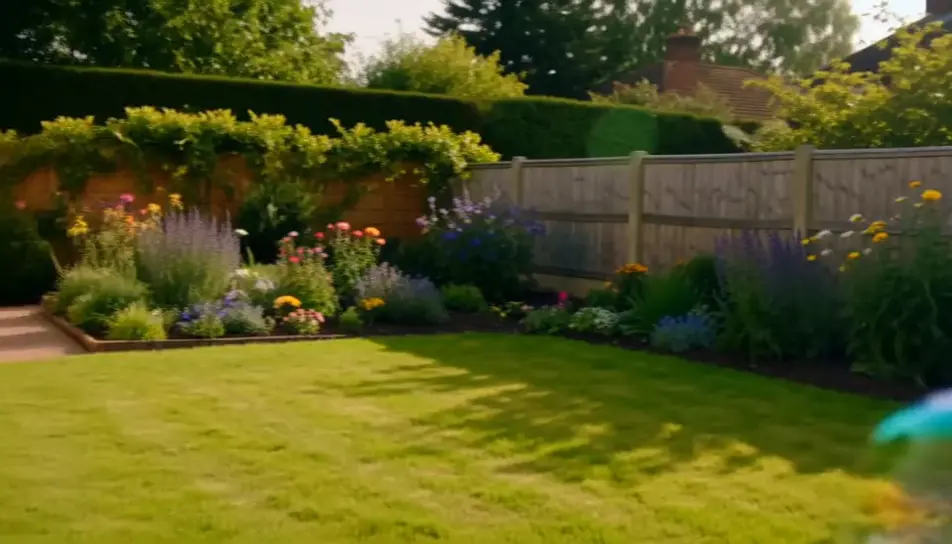
Create kids videos in your browser with Morphic's kids AI video generator and keep every clip bright, gentle and short. Generate bubbles drifting across a back garden, or a cardboard rocket counting down in a playroom, then score the cut with Music.
A back garden in bright afternoon sun filling with bubbles that drift, catch colour and pop. Wide, slow and entirely wordless, made to sit under a song.
Edit promptA hand-painted cardboard rocket in a warm playroom as a torch on the nose cone brightens and the countdown reaches zero. The camera stays put throughout.
Edit prompt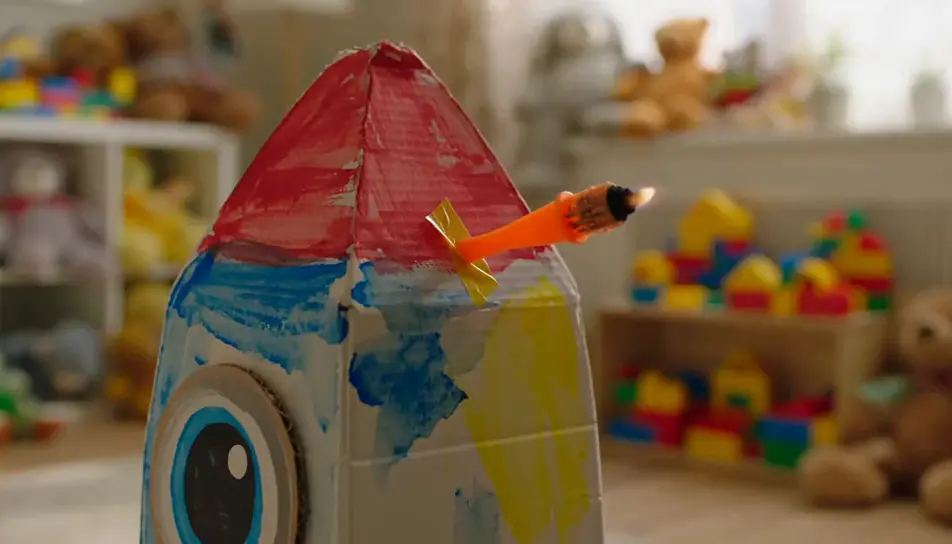
Grey daylight on a wet lane, framed low on a pair of yellow boots that land in a puddle and send water up in a wide fan. The second jump lands harder.
Edit prompt
A paper boat entering a shallow stream, turning in an eddy, then moving away between stones with the camera walking alongside on the bank.
Edit prompt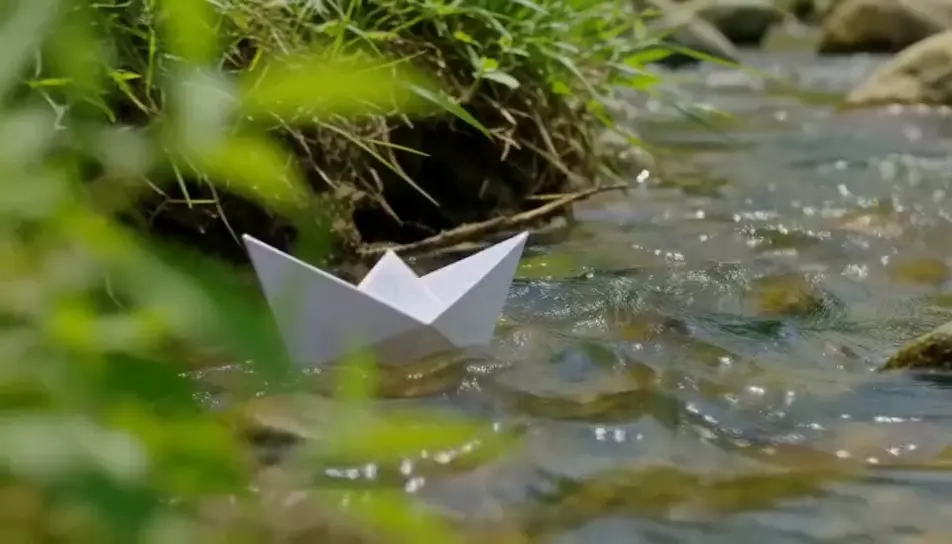
Write the kids scene you want, in plain words.
Morphic generates a cinematic, frame-ready clip on your canvas in seconds.
Tweak the prompt, regenerate variations, then download or share the shot.

Dramatize any text conversation into a cinematic multi-shot video.
Cinematic time-freeze short film for any scene

Generate a professional film title card from scratch, with optional cinematic animation.
Photo of any real-estate becomes a cinematic renovation timelapse video with construction SFX and music.
One image to a 9-scene cinematic video.
Drop in a photo of yourself. Get a 12-second cinematic movie with animation and a matched soundtrack.
AI Story Time videos
Make AI story time videos with Morphic. Narrated storytelling over matching visuals, faceless format, AI voiceover, and ready-to-run scene prompts.
Cartoon AI Videos
Create cartoon videos with Morphic. 2D, 3D, storybook, and squash-and-stretch styles, full character consistency, and prompt-led scenes in your browser.
AI baby videos
Browse baby videos and generate your own shots at the length, ratio and look the cut needs. Morphic makes video, image, voice and sound in one workspace.
Stop Motion AI Videos
Generate stop motion videos on Morphic. Handmade puppets, tactile miniature sets, craft texture, and frame-by-frame stutter from plain-language prompts.
Get started for free today, with the option to upgrade or cancel anytime.
Basic
2400 monthly credits
1 user only
All models
Workflows
Standard
3625 monthly credits
1 user only
All models
Workflows
Pro
6350 shared monthly credits
1 user
All models
Workflows
Max
24650 shared monthly credits
1 user
All models
Workflows
Enterprise
For higher limits
Custom
pricing and billing terms

Free
For playing around
$0
forever free