Bring an old photo back to life in your browser with Morphic's photo animation AI. Upload a portrait, a wedding shot, a sepia tintype, or a candid family frame and let the room around the subject start to move: drifting dust in a sunbeam, a flickering candle, curtains stirring, hair lifting in a breath of wind, a slow parallax drift opening up depth. The subject holds the pose. The world around them remembers how to breathe. Stack a few of these into a short tribute on the Canvas and let the Speech tool narrate over the top.

photo animation moments that wake a still up

photo animation beats that let a frame breathe

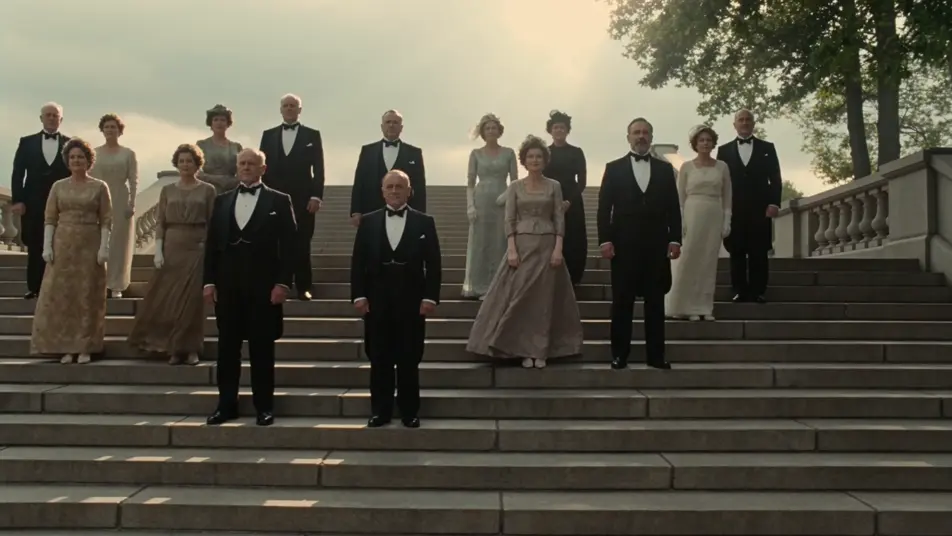
A group photo wakes up

A crowded staircase group photo of around twenty figures in formal rows. A draft moves through, dress hems and coat tails ripple, leaves on a tree at the edge shift, dust catches a long shaft of sunlight across the top step. The figures hold their pose.

Edit prompt
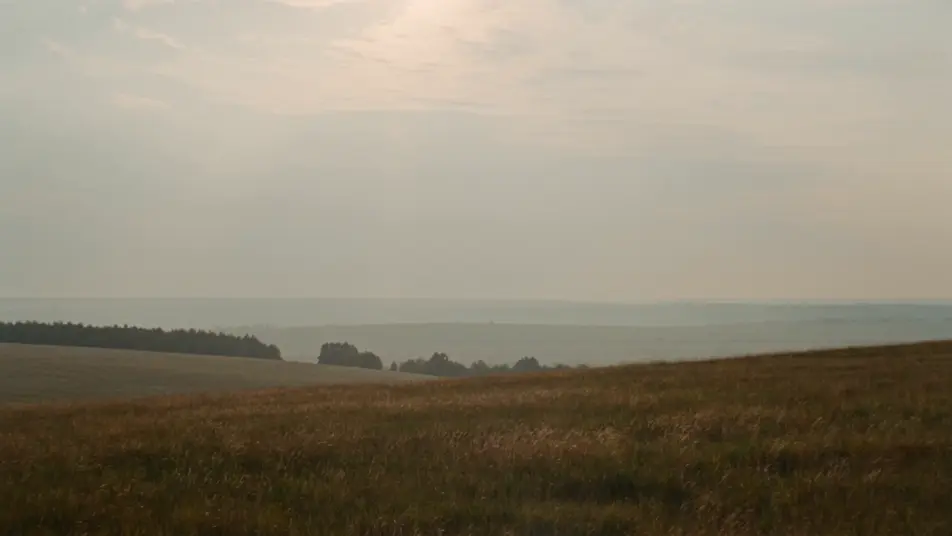
A vintage landscape softens

A faded landscape photo of a meadow under a wide flat sky. Clouds drift slowly across the top of the frame, long grass picks up a steady breeze, a single bird crosses left to right. The horizon and trees stay where they were.

Edit prompt

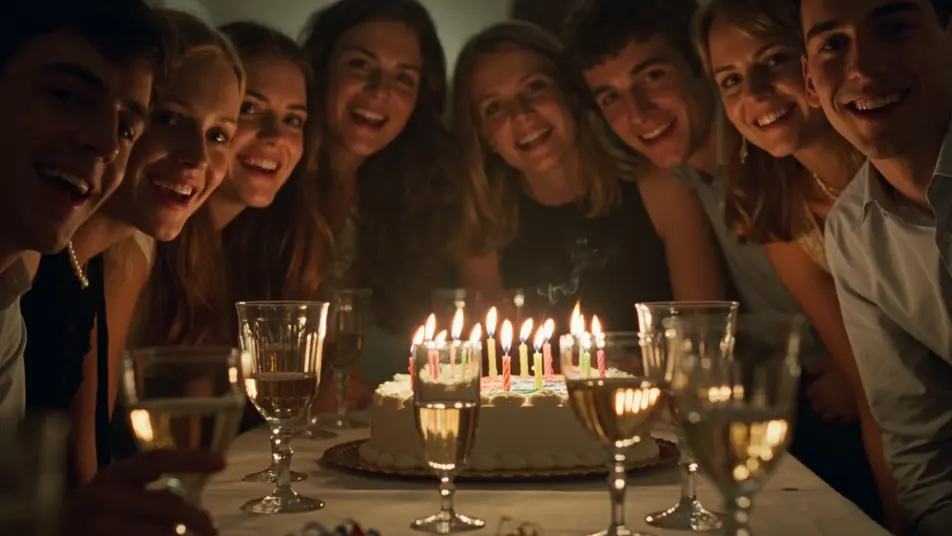
A candid party comes back

A candid party shot lit by birthday candles. The flames flicker and dance, thin wax-smoke ribbons rise, light refracts in the wine glasses, a single confetti strand drifts down through the foreground. The figures hold their lean-in.

Edit prompt

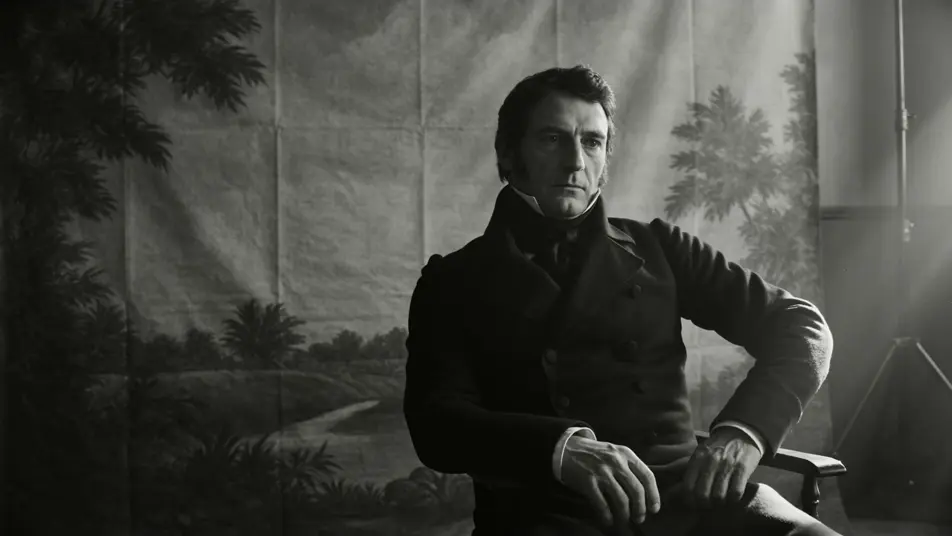
A tintype opens to depth

A tintype-style portrait of a man in a high collar. The camera drifts a few inches across the frame, parallax opens up behind him, the painted backdrop separates softly from the subject in a quiet reveal of depth that was never in the original.

Edit prompt

Make photo animation videos in three steps

  1. 01

    Describe your photo animation scene

    Write the photo animation scene you want, including the moment, location, and camera direction.

  2. 02

    Generate the video

    Morphic generates a cinematic, frame-ready clip on your canvas in seconds, no editing software required.

  3. 03

    Refine your photo animation video

    Tweak the prompt, regenerate variations, then download or share the moment the shot lands.

Related workflows

You might also like

FAQs

How do I make a photo animation with AI?
Open the Image to Video tool on Morphic, upload your photo, and write a short prompt naming the subject and the single motion you want added. Morphic returns a short clip where the photo animation keeps the original composition and only adds the motion you described.
What kinds of photos work best for photo animation?
A clean front-facing portrait, a well-lit family photo, a wedding shot, a sepia or tintype print, and most candid frames all animate well. Sharp focus on the subject helps. Heavily blurred or partly cropped faces give Morphic less to work with for a clean photo animation.
What kind of motion should I ask for in a photo animation?
Aim the motion at the room and the light, not the face. Drifting dust in a sunbeam, hair lifting in a draft, a candle flickering, curtains stirring, a slow parallax drift to reveal depth. Subtle facial micro-motion reads stiff on screen, so leave the subject in their original pose and let the world around them come back to life.
Will the original photo still look like the original?
Yes. A good photo animation keeps the subject, framing, clothing, and background of the original photo locked in place. Morphic adds environmental motion and slow camera life around the subject, so the result reads as the same photo, only the room around it is breathing again.
Can I animate old, low-resolution, or damaged photos?
You can. For older or low-resolution scans, run the photo through the Upscale tool first so Morphic has a sharper base to work from. The cleaner the input, the cleaner the photo animation reads on screen, especially around the eyes and mouth.
How do I turn several photo animations into one tribute video?
Animate each photo, drag the clips onto the Canvas in the order you want them to play, and trim them to the same length. Add narration with the Speech tool and a quiet score with the Music tool, then export a single short film built from a stack of small photo animation moments.