Route 66 diner at noon
A sun-bleached chrome-edged diner on Route 66 at noon, a lone traveller at the counter, ceiling fan turning slow, jukebox glow in the window, a long-nose rig parked outside in the dust.
Edit prompt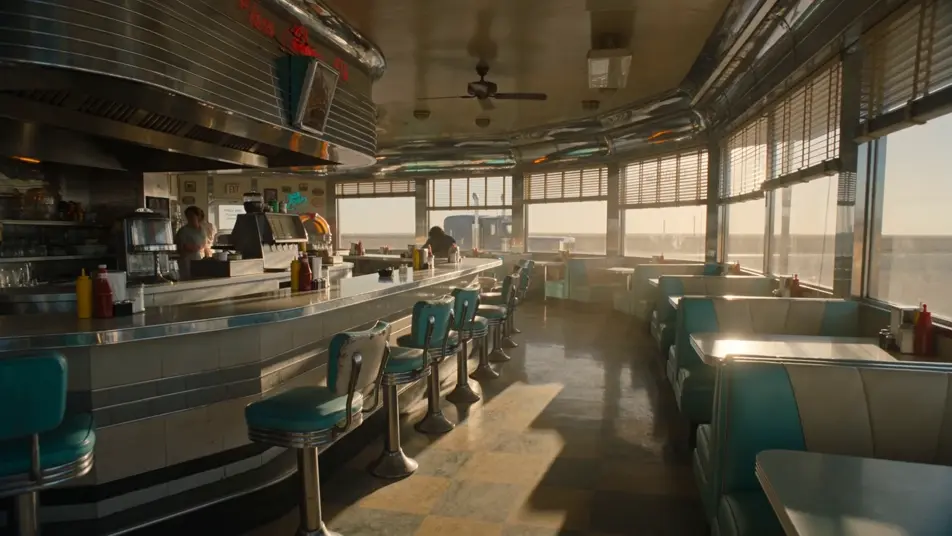
Direct an American road movie in your browser with Morphic's road movie AI video generator. Generate a Route 66 diner or a motel sign over a desert two-lane, add a voice-over and slide guitar with Speech and Music, and stitch a road short on the Canvas.
A sun-bleached chrome-edged diner on Route 66 at noon, a lone traveller at the counter, ceiling fan turning slow, jukebox glow in the window, a long-nose rig parked outside in the dust.
Edit promptA pink-and-blue neon motel sign flickering above a low single-storey court at dusk, a convertible parked in front of a numbered door, the desert highway stretching empty into the violet horizon.
Edit prompt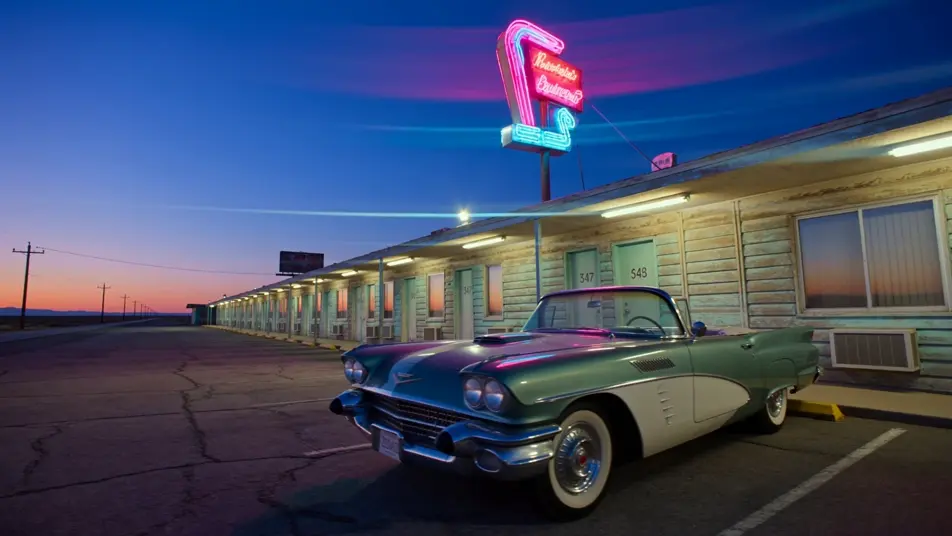
A long handheld windshield take from inside a convertible cutting through New Mexico mesas at golden hour, dashboard worn, a paper map flapping in the wind, the white line of the road unspooling ahead.
Edit prompt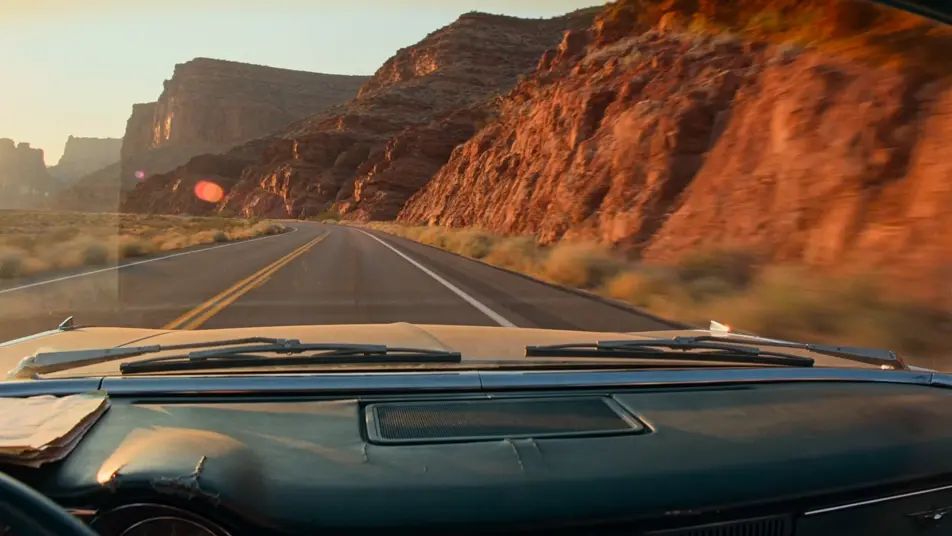
A weather-worn gas station at the edge of a small desert town, two figures standing beside a packed sedan, a duffel bag at their feet, the pump bell dinging, sodium-vapour light just coming on overhead.
Edit prompt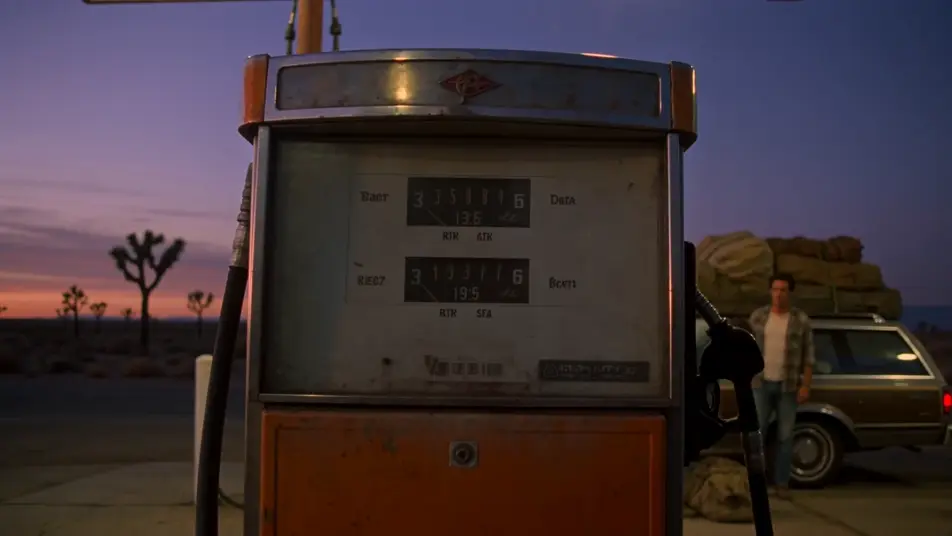
Write the road movie scene you want, in plain words.
Morphic generates a cinematic, frame-ready clip on your canvas in seconds.
Tweak the prompt, regenerate variations, then download or share the shot.
Drop in a photo of yourself. Get a 12-second cinematic movie with animation and a matched soundtrack.
Cinematic time-freeze short film for any scene

Dramatize any text conversation into a cinematic multi-shot video.
One image to a 9-scene cinematic video.
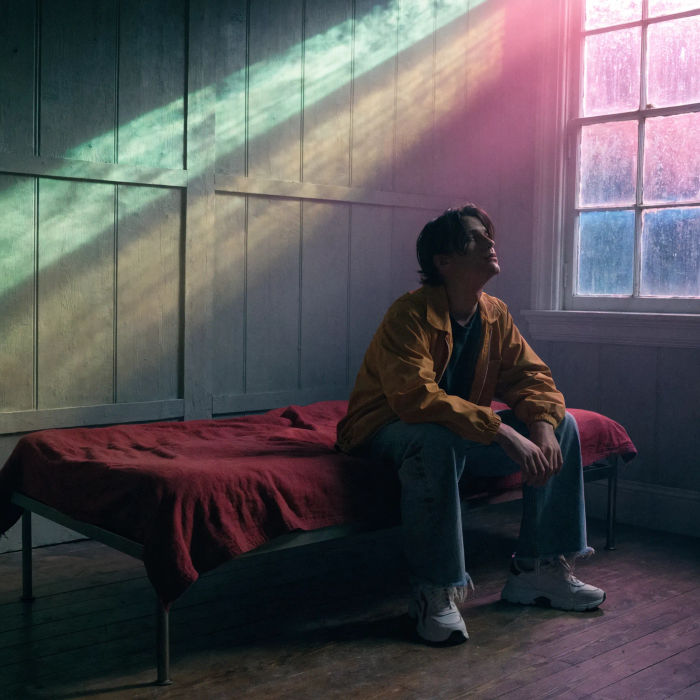
Cinematic poster compositions from your key art, in any genre tone.

Share a scene description with character references. Get a full storyboard with shot angles and mood.
Western AI Videos
Create powerful AI Western videos with our Western video generator. Find unique, cinematic Western scenes for any project in seconds.
Cowboy AI videos
Generate cowboy videos on Morphic. High-noon standoffs, cattle drives, saloons, and Old West scenes from plain-language prompts, no software needed.
Post-apocalyptic AI Videos
Generate post-apocalyptic videos with Morphic. Dust-orange highways, rusted gas pumps, patched-leather scavengers, and wasteland-grade scene prompts.
Dystopian AI Videos
Generate dystopian videos with Morphic. Brutalist megablocks, propaganda screens, surveillance drones, and 1984-grade scene prompts.
Get started for free today, with the option to upgrade or cancel anytime.
Basic
2400 monthly credits
1 user only
All models
Workflows
Standard
3625 monthly credits
1 user only
All models
Workflows
Pro
6350 shared monthly credits
1 user
All models
Workflows
Max
24650 shared monthly credits
1 user
All models
Workflows
Enterprise
For higher limits
Custom
pricing and billing terms

Free
For playing around
$0
forever free