Aurora over a still lake
A locked wide shot of a mirror-flat lake beneath a night sky where aurora ribbons sway and reflect on the water. Cool blue-green light, no camera movement, motion tuned to loop without a visible seam.
Edit prompt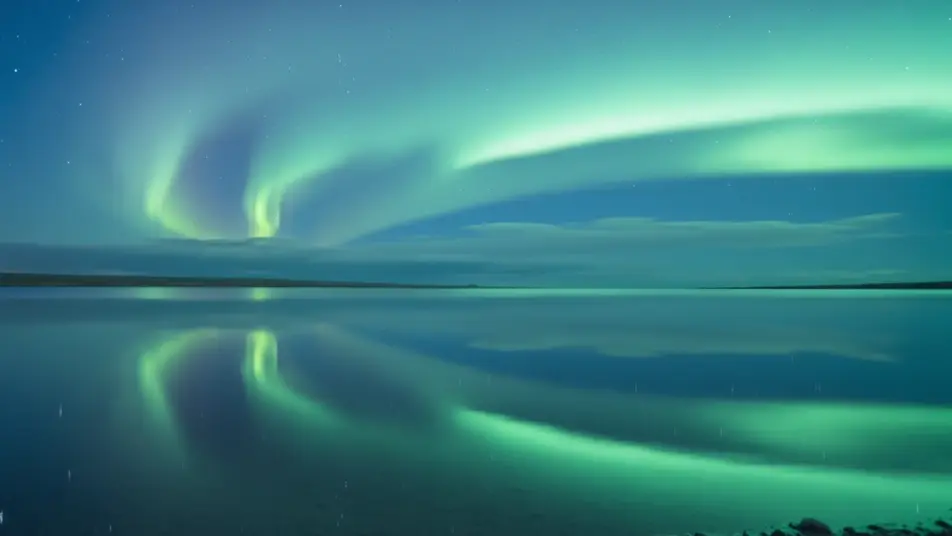
Direct calm, looping screensavers in your browser with Morphic's screensaver video AI generator. Generate slow-drifting aurora ribbons over a dark horizon, or lava-lamp blobs rising through amber glass. Lay a soft ambient bed with Music, then stitch the loops into a screensaver reel on the Canvas.
A locked wide shot of a mirror-flat lake beneath a night sky where aurora ribbons sway and reflect on the water. Cool blue-green light, no camera movement, motion tuned to loop without a visible seam.
Edit promptA slow drift through a cloud of glowing particles and soft color haze, like floating inside a nebula. Deep blacks, jewel-tone highlights, a gentle parallax that reads as infinite on an idle screen.
Edit prompt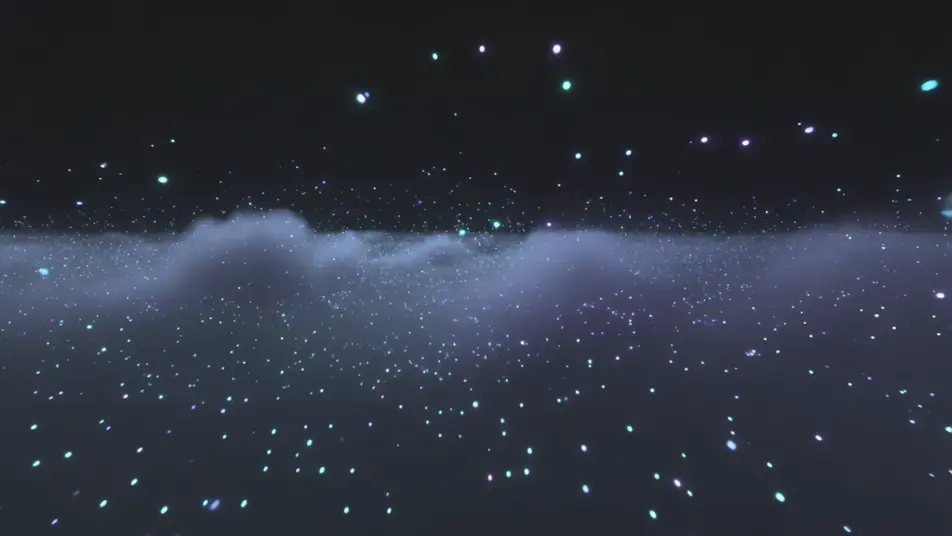
A tight macro shot of colored ink unfurling through clear water against a dark backdrop, tendrils curling and feathering in slow motion. Soft rim light, shallow focus, timed to fold seamlessly back to the start.
Edit prompt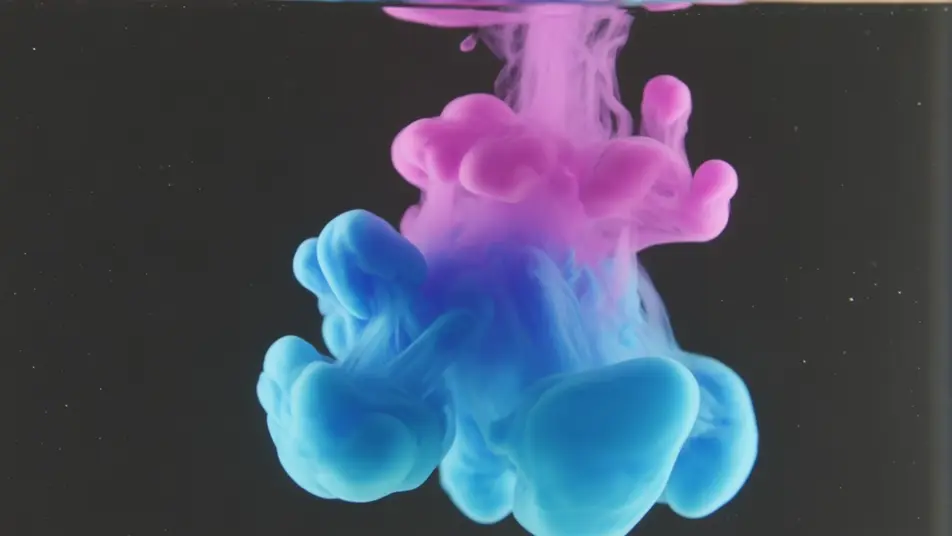
A high, still view of soft clouds sliding across a dawn-to-dusk gradient sky, hues shifting from peach to lavender to indigo. Even light, imperceptible pace, built to loop for hours without repeating obviously.
Edit prompt
Write the screensaver video scene you want, in plain words.
Morphic generates a cinematic, frame-ready clip on your canvas in seconds.
Tweak the prompt, regenerate variations, then download or share the shot.

Dramatize any text conversation into a cinematic multi-shot video.
Cinematic time-freeze short film for any scene

Generate a professional film title card from scratch, with optional cinematic animation.
Photo of any real-estate becomes a cinematic renovation timelapse video with construction SFX and music.
One image to a 9-scene cinematic video.

Describe a first-person scenario. Get sequential POV frames animated into video clips with audio.
AI Ambient Loop videos
Generate AI ambient loop videos with Morphic. Seamless looping backdrops, slow-motion scenes, and calm perpetual visuals for streams, screens, and focus.
AI Digital Art Timelapse videos
Generate AI digital art timelapse videos with Morphic. Blank-canvas build-ups, speed-paint reveals, and layer-by-layer process clips that just run.
AI Morph videos
Generate AI morph videos with Morphic. Smooth morph transitions, shape-shifting reveals, face-aging morphs, and beat-synced morph-cut prompts that just run.
AI VFX videos
Generate AI VFX videos with Morphic. Explosions, energy effects, sci-fi destruction, particles, and creature shots from a prompt. No green screen, no compositing.
Get started for free today, with the option to upgrade or cancel anytime.
Basic
2400 monthly credits
1 user only
All models
Workflows
Standard
3625 monthly credits
1 user only
All models
Workflows
Pro
6350 shared monthly credits
1 user
All models
Workflows
Max
24650 shared monthly credits
1 user
All models
Workflows
Enterprise
For higher limits
Custom
pricing and billing terms

Free
For playing around
$0
forever free