A sketched establishing shot
A rough storyboard establishing frame, loose pencil linework, gestural shading, a framed composition with arrows.
Edit prompt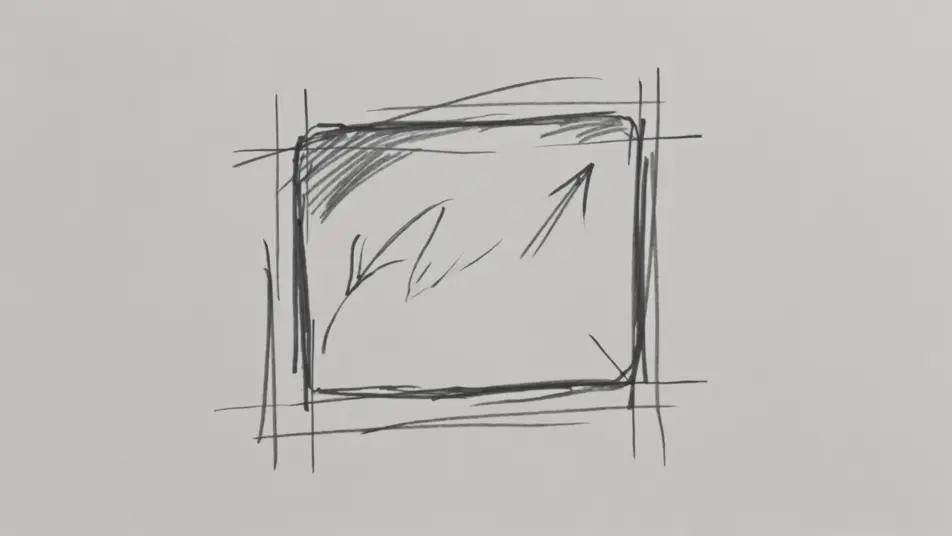
Pre-visualize your film in your browser with Morphic's storyboard sketch style AI video generator. Generate a rough establishing shot or an action panel with motion arrows, voice and score each shot with Speech and Music, and stitch an animatic on the Canvas.
A rough storyboard establishing frame, loose pencil linework, gestural shading, a framed composition with arrows.
Edit promptA dynamic sketch panel with motion arrows and speed strokes, rough pencil, energetic blocking.
Edit prompt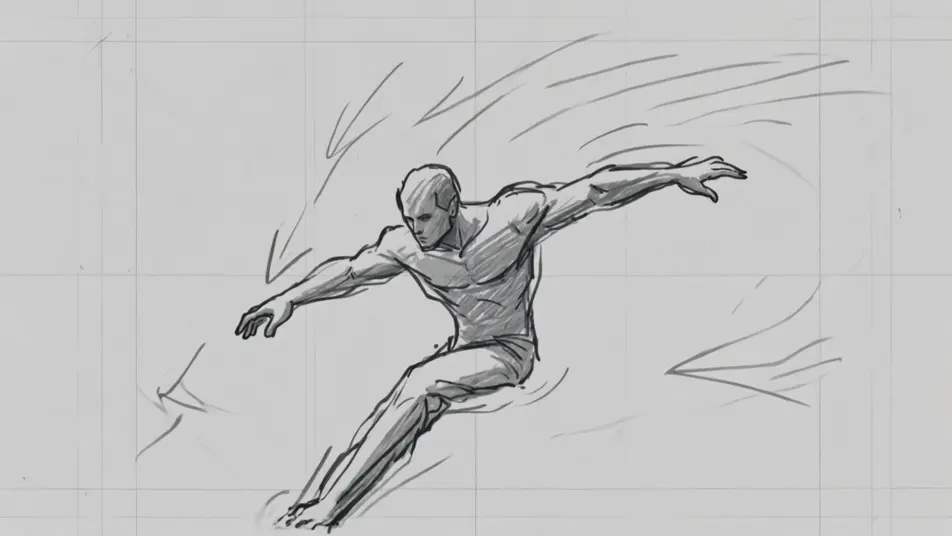
A grey-marker storyboard interior, simple tonal blocking, loose linework, a character sketched mid-scene.
Edit prompt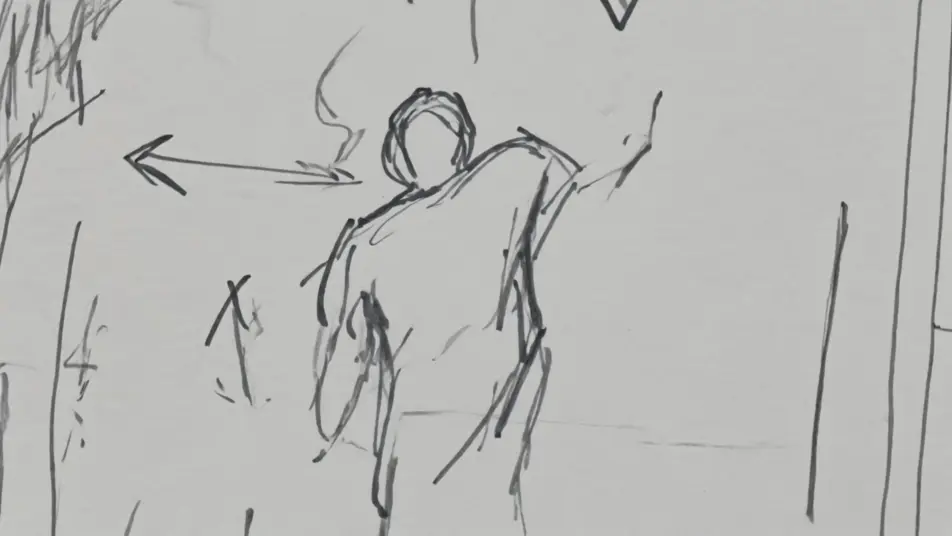
A tight storyboard close-up in rough pencil, quick expressive strokes, framing notes in the margin.
Edit prompt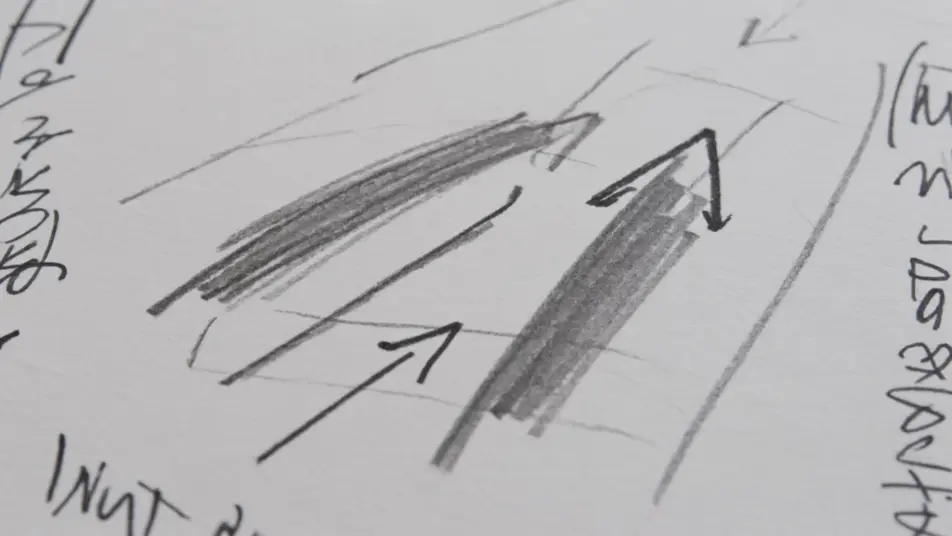
Write the storyboard sketch style scene you want, in plain words.
Morphic generates a cinematic, frame-ready clip on your canvas in seconds.
Tweak the prompt, regenerate variations, then download or share the shot.
One image to a 9-scene cinematic video.

Share a scene description with character references. Get a full storyboard with shot angles and mood.
Cinematic time-freeze short film for any scene

Feed in a single image. Get 9 cinematic beats laid out as a 3x3 storyboard grid.

Dramatize any text conversation into a cinematic multi-shot video.
Drop in a photo of yourself. Get a 12-second cinematic movie with animation and a matched soundtrack.
AI Short Films
Make AI short films with Morphic. Storyboard the arc, keep characters consistent, direct each scene, and score the cut. Step-by-step, no editing experience needed.
AI trailers
Generate trailers on Morphic. Cold opens, escalating montages, title-card reveals, and cliffhanger cuts from plain-language prompts, no editor needed.
Cartoon AI Videos
Create cartoon videos with Morphic. 2D, 3D, storybook, and squash-and-stretch styles, full character consistency, and prompt-led scenes in your browser.
Anime AI Videos
Create Anime videos with Morphic. Slice-of-life scenes, Mecha shots, magical-girl transformations, and full Anime episodes generated from a single prompt.
Get started for free today, with the option to upgrade or cancel anytime.
Basic
2400 monthly credits
1 user only
All models
Workflows
Standard
3625 monthly credits
1 user only
All models
Workflows
Pro
6350 shared monthly credits
1 user
All models
Workflows
Max
24650 shared monthly credits
1 user
All models
Workflows
Enterprise
For higher limits
Custom
pricing and billing terms

Free
For playing around
$0
forever free