The cold open and monologue
A bright studio stage where a quick comedic bit rolls before the host steps to the mark under warm light. The camera settles into a clean medium shot as the monologue works the laughing crowd.
Edit prompt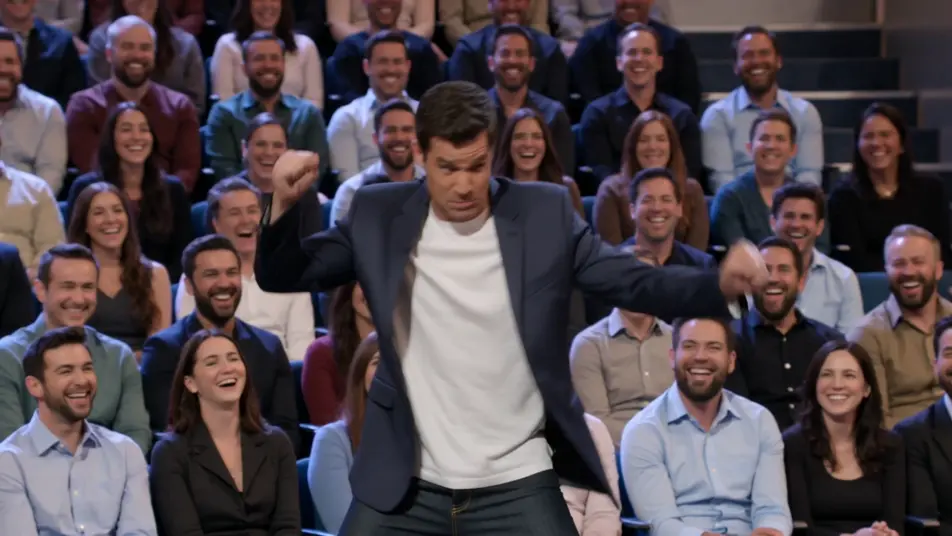
Direct a talk show clip in your browser with Morphic's talk show clip AI video generator. Generate a host monologue under warm stage light, or a desk interview two-shot with a laughing guest. Voice the host with Speech and score with Music, then stitch the clip on the Canvas.
A bright studio stage where a quick comedic bit rolls before the host steps to the mark under warm light. The camera settles into a clean medium shot as the monologue works the laughing crowd.
Edit promptA warm desk set against a glowing city backdrop where host and guest trade a story mid-clip. A slow push-in tightens on the two-shot as the exchange builds, audience cutaways breaking the rhythm.
Edit prompt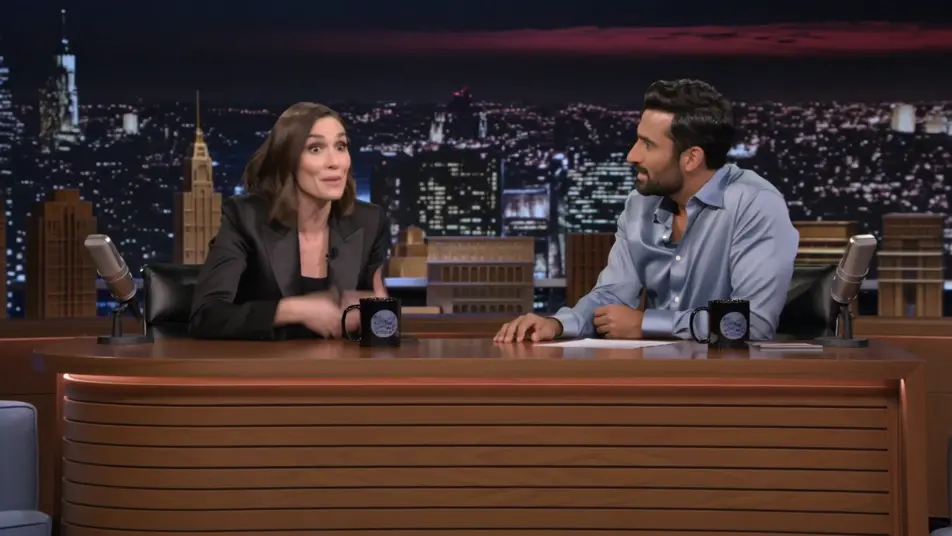
A relaxed multi-guest couch under even studio light where the banter bounces between people. A lateral dolly drifts across the group as the overlapping laughter and cross-talk fill the frame.
Edit prompt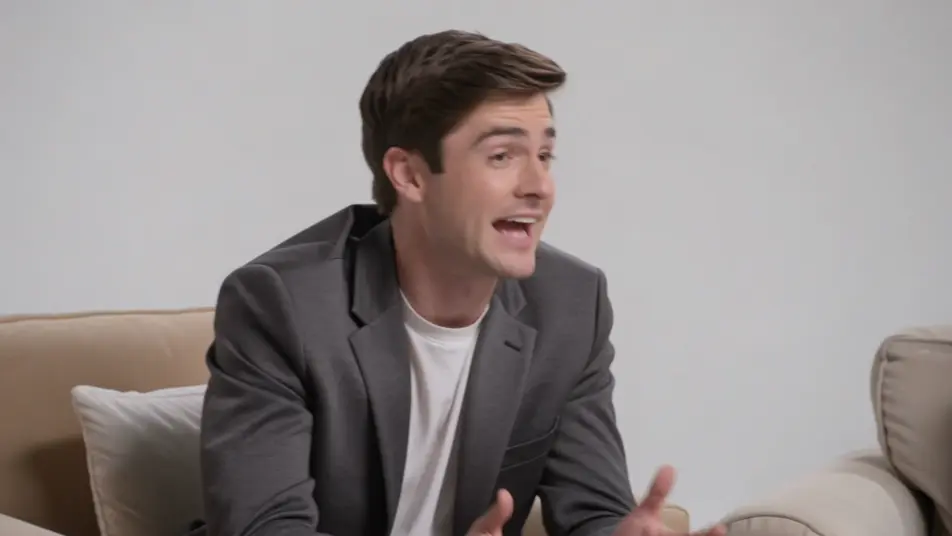
A hazy stage washed in colored light where a musical act performs to close the episode. A sweeping crane move crosses the band and the crowd as the energy lifts into the outro.
Edit prompt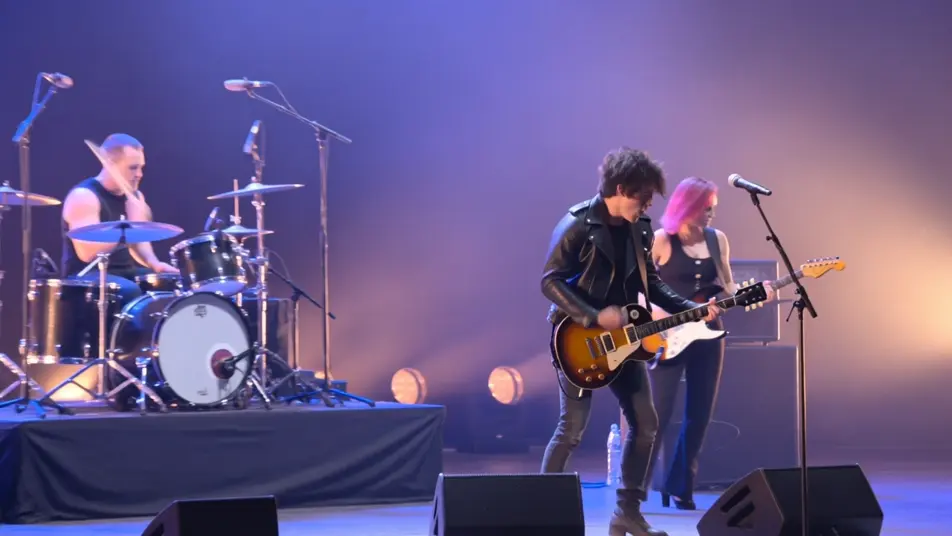
Write the talk show clip video scene you want, in plain words.
Morphic generates a cinematic, frame-ready clip on your canvas in seconds.
Tweak the prompt, regenerate variations, then download or share the shot.

Dramatize any text conversation into a cinematic multi-shot video.
Cinematic time-freeze short film for any scene

Generate a professional film title card from scratch, with optional cinematic animation.
Photo of any real-estate becomes a cinematic renovation timelapse video with construction SFX and music.
One image to a 9-scene cinematic video.

Describe a first-person scenario. Get sequential POV frames animated into video clips with audio.
AI Interview Format videos
Generate AI interview format videos with Morphic. Talking heads, two-shots, b-roll cutaways, and over-the-shoulder setups with a natural voice and quiet score.
AI Game Show videos
Generate AI game show videos with Morphic. Host entrances, contestant rows, buzzer beats, and prize reveals with a booming announcer and bright fanfare score.
AI green screen effects
Make AI green screen effects with Morphic. Drop a subject onto any background, swap sets instantly, place a presenter anywhere. No physical screen, no rig.
AI Lyric videos
Make AI lyric videos with Morphic. Kinetic typography, handwritten lyrics over moody footage, neon word art, and scene prompts that sync words to your track.
Get started for free today, with the option to upgrade or cancel anytime.
Basic
2400 monthly credits
1 user only
All models
Workflows
Standard
3625 monthly credits
1 user only
All models
Workflows
Pro
6350 shared monthly credits
1 user
All models
Workflows
Max
24650 shared monthly credits
1 user
All models
Workflows
Enterprise
For higher limits
Custom
pricing and billing terms

Free
For playing around
$0
forever free