A slow premium seal-crack
A tight overhead frame where a hand peels the wrap and breaks the seal on a matte box in slow motion, soft even light catching the film as it lifts and the box edge comes free.
Edit prompt
Direct an unboxing video in your browser with Morphic's unboxing video AI generator. Generate a slow seal-crack on a premium box or a tactile first-touch lifting the product from its foam bed. Pair segments with Music for a crisp ASMR-leaning sound bed, then stitch them on the Canvas.
A tight overhead frame where a hand peels the wrap and breaks the seal on a matte box in slow motion, soft even light catching the film as it lifts and the box edge comes free.
Edit promptA warm overhead shot of a box opening to show a product nested in clean foam, the lid rising smoothly as gentle light glints off the finish waiting inside.
Edit prompt
A shallow-focus close-up where a hand lifts the product from its foam bed and turns it slowly, fingertips tracing the weight and finish under soft directional light.
Edit prompt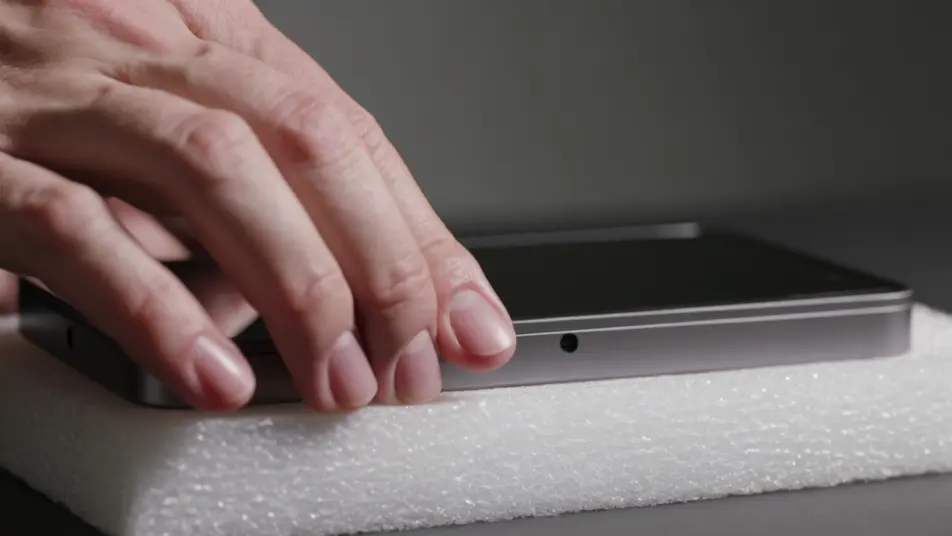
A clean neutral background where every item from the box is arranged in a tidy overhead spread, the product centered with its accessories laid out in even rows under flat soft light.
Edit prompt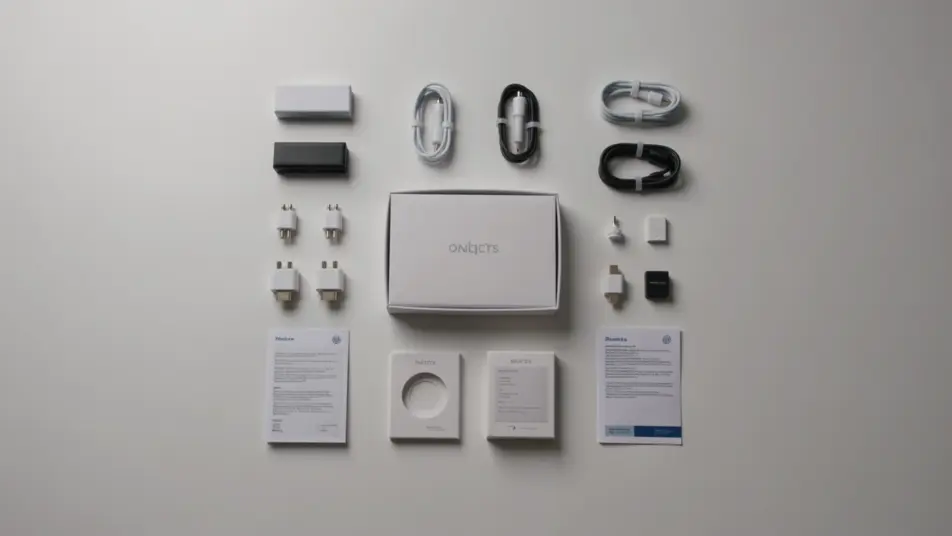
Write the unboxing video scene you want, in plain words.
Morphic generates a cinematic, frame-ready clip on your canvas in seconds.
Tweak the prompt, regenerate variations, then download or share the shot.

Dramatize any text conversation into a cinematic multi-shot video.
Cinematic time-freeze short film for any scene

Generate a professional film title card from scratch, with optional cinematic animation.
Photo of any real-estate becomes a cinematic renovation timelapse video with construction SFX and music.
One image to a 9-scene cinematic video.

Describe a first-person scenario. Get sequential POV frames animated into video clips with audio.
AI Product Review videos
Generate AI product review videos with Morphic. Hero turntables, hands-on demos, pros-and-cons cards, and voiceover-synced review prompts that assemble end-to-end.
AI Haul videos
Generate AI haul videos with Morphic. Unbag reveals, flat-lay pans, try-on segments, and chatty voiceover prompts that run end-to-end in your browser.
AI ASMR videos
Generate AI ASMR videos with Morphic. Close-up trigger loops, ambient soundscapes, whispered narration, and ready-to-post clips for YouTube and TikTok.
AI Morph videos
Generate AI morph videos with Morphic. Smooth morph transitions, shape-shifting reveals, face-aging morphs, and beat-synced morph-cut prompts that just run.
Get started for free today, with the option to upgrade or cancel anytime.
Basic
2400 monthly credits
1 user only
All models
Workflows
Standard
3625 monthly credits
1 user only
All models
Workflows
Pro
6350 shared monthly credits
1 user
All models
Workflows
Max
24650 shared monthly credits
1 user
All models
Workflows
Enterprise
For higher limits
Custom
pricing and billing terms

Free
For playing around
$0
forever free