A finale night on the couch
A warm living room packed for a big finale, blankets and snacks everywhere, the group leaning in as one. Low lamp light and screen flicker, a slow dolly across the reacting faces.
Edit prompt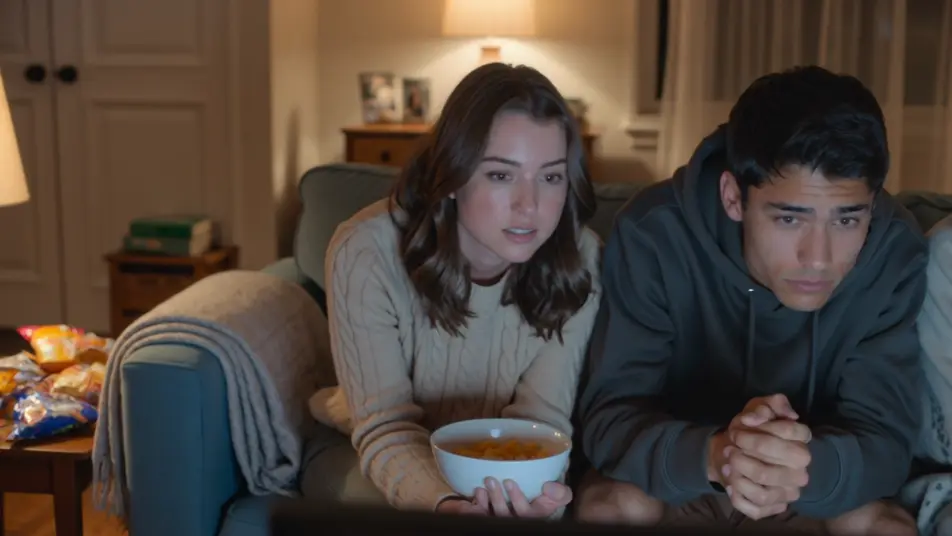
Direct the reaction in your browser with Morphic's watch party AI video generator. Generate a couch of friends gasping in the glow of a big screen, or a webcam-style reaction grid lighting up at the same beat. Land the commentary with Speech, then stitch it into one watch party on the Canvas.
A warm living room packed for a big finale, blankets and snacks everywhere, the group leaning in as one. Low lamp light and screen flicker, a slow dolly across the reacting faces.
Edit promptA clean layout of stacked webcam windows, each a friend in a different room, all synced to the same beat. Even soft light in each cell, a subtle scale-up on whichever window reacts hardest.
Edit prompt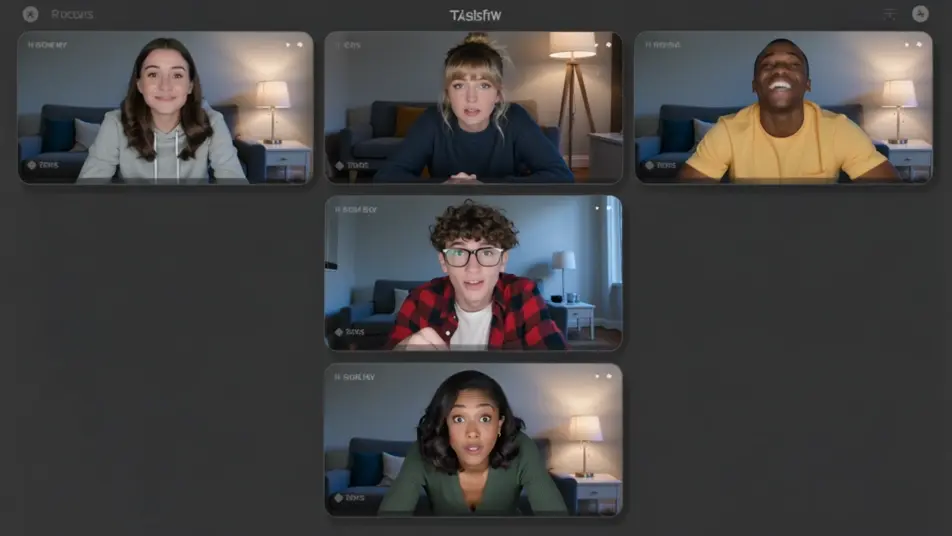
An outdoor evening with a projector throwing a huge image on a hung sheet, friends sprawled on blankets under string lights. Deep blue dusk behind, a slow crane that reveals the whole yard.
Edit prompt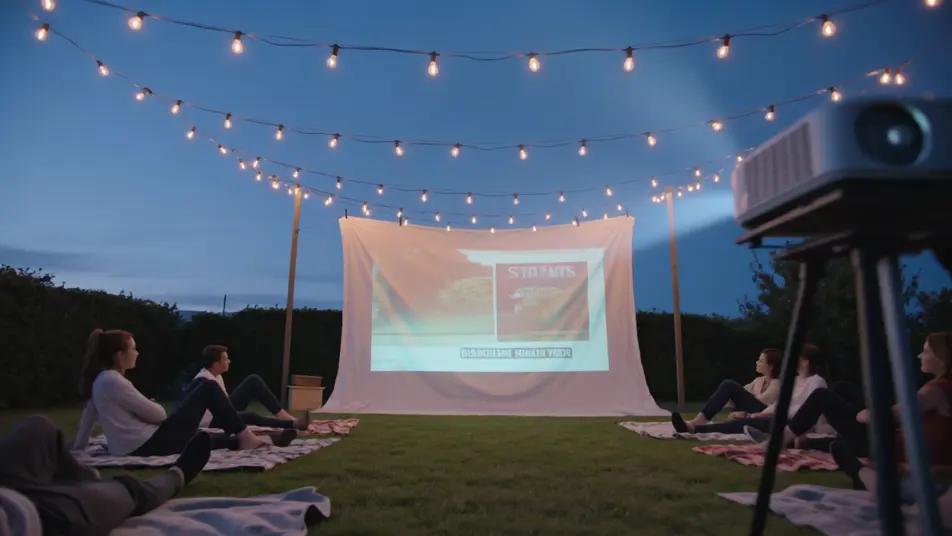
A lively room fixed on a big screen, everyone jumping up at a turning moment, arms raised. Bright screen bounce and warm overheads, a handheld that swings with the surge of the crowd.
Edit prompt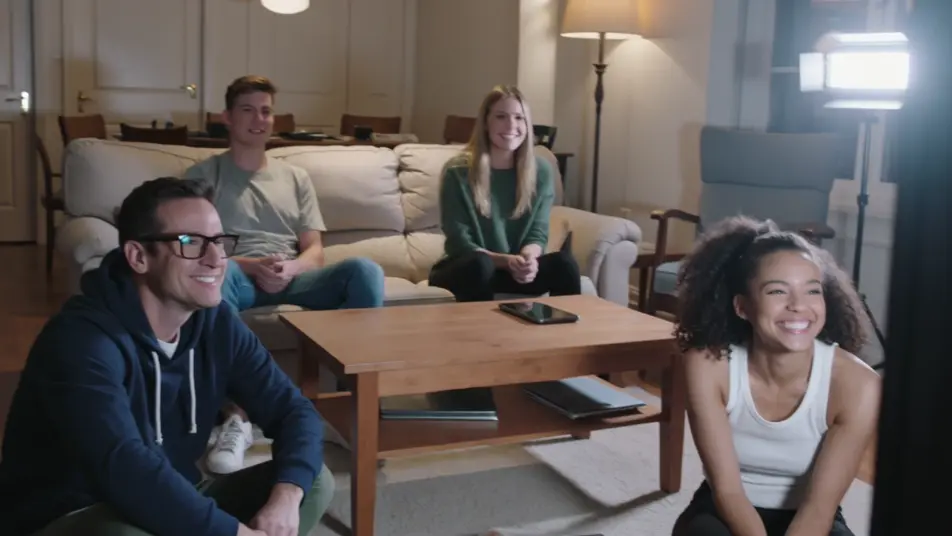
Write the watch party video scene you want, in plain words.
Morphic generates a cinematic, frame-ready clip on your canvas in seconds.
Tweak the prompt, regenerate variations, then download or share the shot.

Dramatize any text conversation into a cinematic multi-shot video.
Cinematic time-freeze short film for any scene

Generate a professional film title card from scratch, with optional cinematic animation.
Photo of any real-estate becomes a cinematic renovation timelapse video with construction SFX and music.
One image to a 9-scene cinematic video.

Describe a first-person scenario. Get sequential POV frames animated into video clips with audio.
AI Live Stream Highlight videos
Generate AI live stream highlight videos with Morphic. Clutch-moment clips, webcam reactions, overlay-framed segments, and highlight-reel prompts that just run.
AI Clip Show videos
Generate AI clip show videos with Morphic. Host wraparounds, themed best-of runs, memory montages, and clip-episode prompts that just run.
AI ASMR videos
Generate AI ASMR videos with Morphic. Close-up trigger loops, ambient soundscapes, whispered narration, and ready-to-post clips for YouTube and TikTok.
AI POV videos
Make AI POV videos with Morphic. Direct immersive first-person walks, action beats, and daily-life moments at eye level. Example scenes, no editing experience needed.
Get started for free today, with the option to upgrade or cancel anytime.
Basic
2400 monthly credits
1 user only
All models
Workflows
Standard
3625 monthly credits
1 user only
All models
Workflows
Pro
6350 shared monthly credits
1 user
All models
Workflows
Max
24650 shared monthly credits
1 user
All models
Workflows
Enterprise
For higher limits
Custom
pricing and billing terms

Free
For playing around
$0
forever free