Gaming commentary AI voices
Try MorphicBrowse AI gaming commentary voices, from hyped hype casters to chill let-me-explain hosts, build your own in the generator, then lip sync any line so a streamer speaks it on screen.
Gaming commentary voices for gameplay clips, stream highlights, and let-us-plays
Kade Rivell
A loud, fast male commentary voice, high hype energy, exploding on clutch moments
Pip Nakano
A calm, clear voice, laid-back and friendly for walkthrough-style let-us-play commentary
Vex Alvarez
A sharp, witty voice, playful trash-talk energy for competitive gameplay clips
Nova Bryce
A warm, bubbly female voice, cozy variety-stream energy for chatty gameplay commentary
Grim Halloran
A dry, low male voice, deadpan delivery for understated reaction commentary
Rael Osei
A quick, precise voice, focused hype energy for speedrun and tech breakdown commentary
Design your gaming commentary voice
Mix and match the traits below. Your prompt builds as you go.
A bottomless, gravelly, menacing overlord gaming commentary voice
GenerateTurn a gaming commentary voice into a talking streamer
Most voice tools stop at an audio file. Morphic maps the read onto a streamer so the line is spoken on screen, mouth and timing matched, taking you from a written call to a talking commentary clip ready for a gameplay montage, a stream highlight, or a facecam overlay.
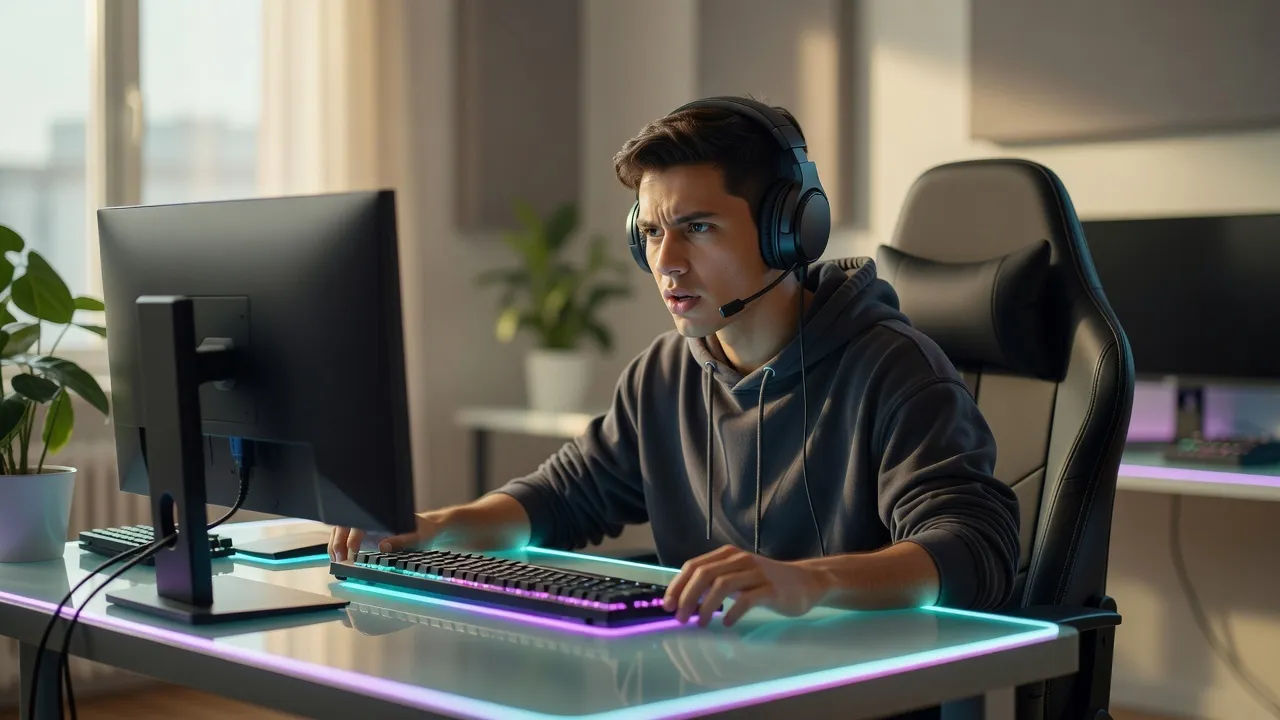
Commentating voices for gameplay clips, stream highlights, and let-us-plays
Cast the whole channel, from loud hype casters to chill explainer hosts. Browse commentators who range from deadpan reaction to bubbly variety energy, each directed from a prompt and ready to carry a gameplay clip, a stream highlight, or a let-us-play series.
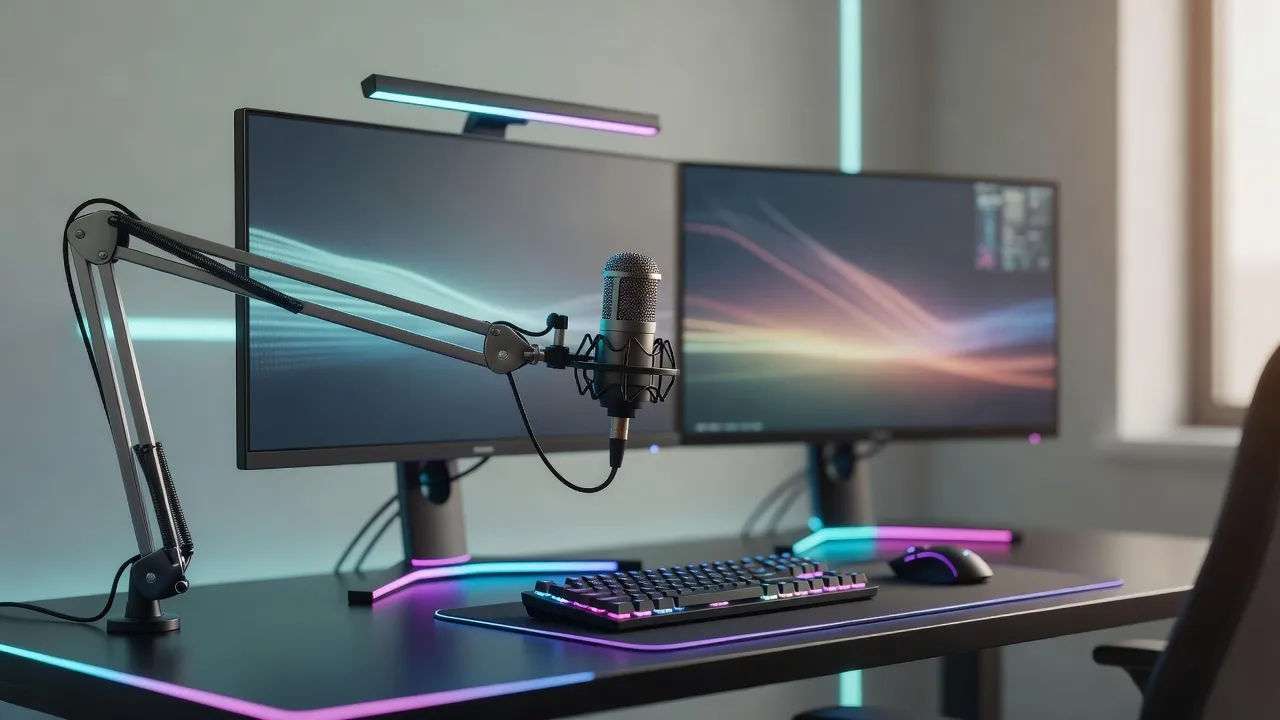
Gaming commentary voice text to speech for clips and recaps
Paste your script and turn it into a stream-ready read in seconds, no booth. Morphic converts your lines into a high-energy gaming commentary voice for montage clips and weekly recaps, with hype and pace you direct in plain English.
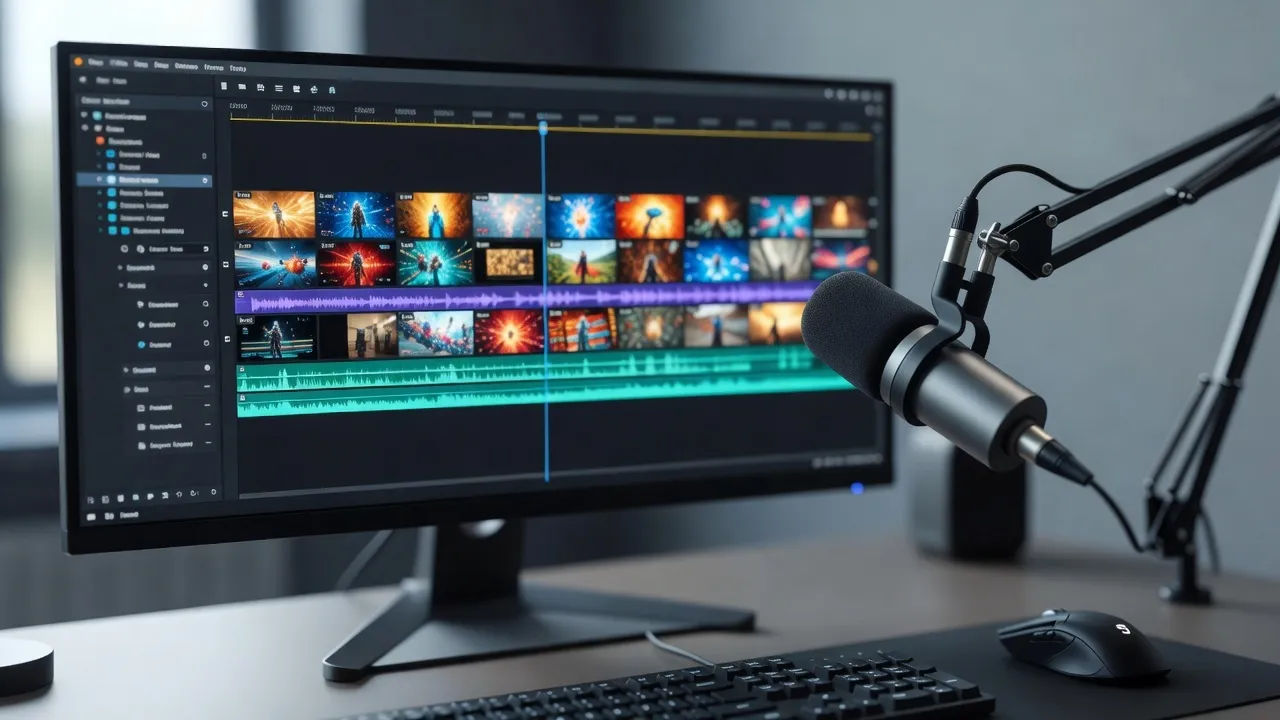
A gaming commentary voice generator you direct in plain English
Describe the caster you can hear, name the energy, cadence, and attitude, and the generator builds the voice. Re-voice the same clip as a different streamer anytime by editing the prompt, a whole roster of casters from one workspace.
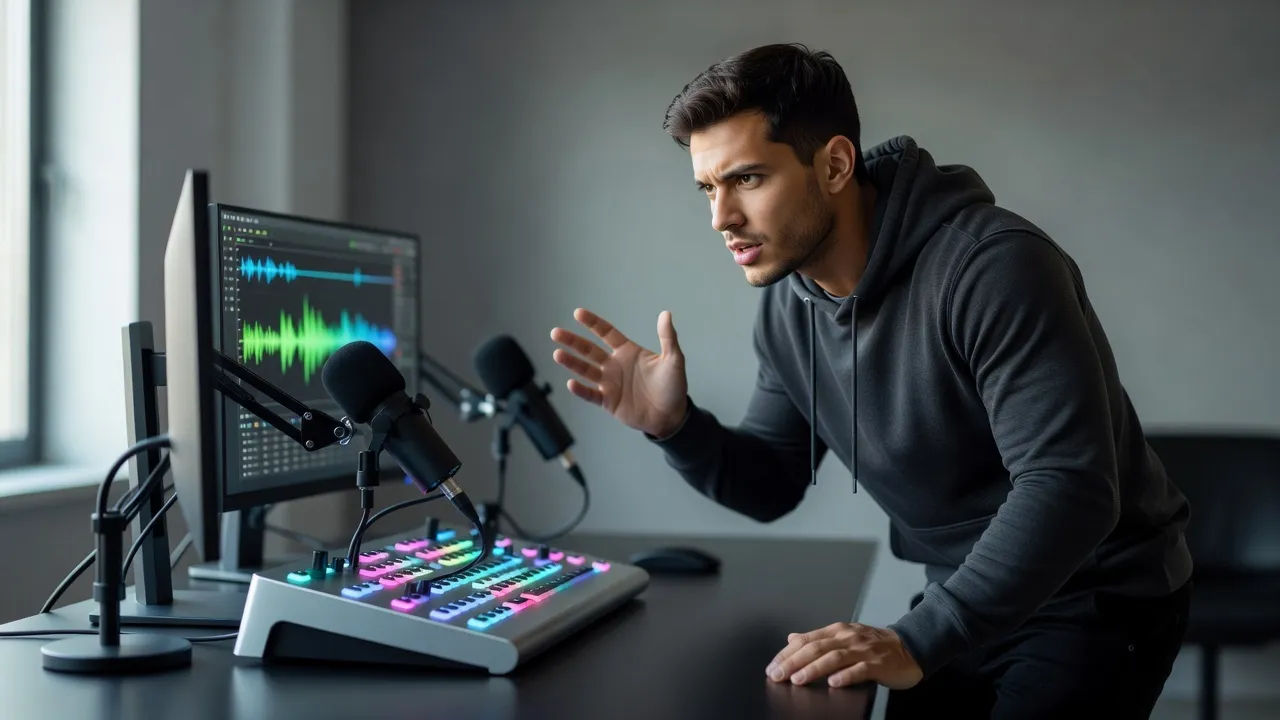
More voice styles
Simple pricing
Get started for free today, with the option to upgrade or cancel anytime.
Basic
2400 monthly credits
1 user only
All models
Workflows
Standard
3625 monthly credits
1 user only
All models
Workflows
Pro
6350 shared monthly credits
1 user
All models
Workflows
Max
24650 shared monthly credits
1 user
All models
Workflows
Enterprise
For higher limits
Custom
pricing and billing terms

Free
For playing around
$0
forever free