Play-by-play announcer AI voices
Try MorphicBrowse AI play-by-play announcer voices, from breathless callers to smooth pro anchors, build your own in the generator, then lip sync any call so an announcer delivers it on screen.
Play-by-play announcer voices for highlight reels, game replays, and stream overlays
Gus Landry
A fast, rising male play-by-play voice, breathless energy that peaks on the decisive moment
Rhea Colson
A clean, confident female announcer voice, smooth pacing and pro broadcast polish
Walt Deering
A warm, vivid veteran radio voice, painting every play in classic broadcast detail
Nico Farrow
A sharp, punchy modern announcer voice, crisp callouts and high-energy delivery
Tess Bianchi
A bright, precise female courtside voice, quick-fire callouts and fast tempo
Orin Blackwood
A deep, commanding male announcer voice, marquee gravitas for big-stage calls
Design your play-by-play announcer voice
Mix and match the traits below. Your prompt builds as you go.
A bottomless, gravelly, menacing overlord play-by-play announcer voice
GenerateTurn a play-by-play announcer voice into a talking announcer
Most voice tools stop at an audio file. Morphic maps the call onto an announcer so the line is delivered on screen, mouth and timing matched, taking you from a written call to a talking announcer clip ready for a highlight reel, a game replay, or a stream overlay.
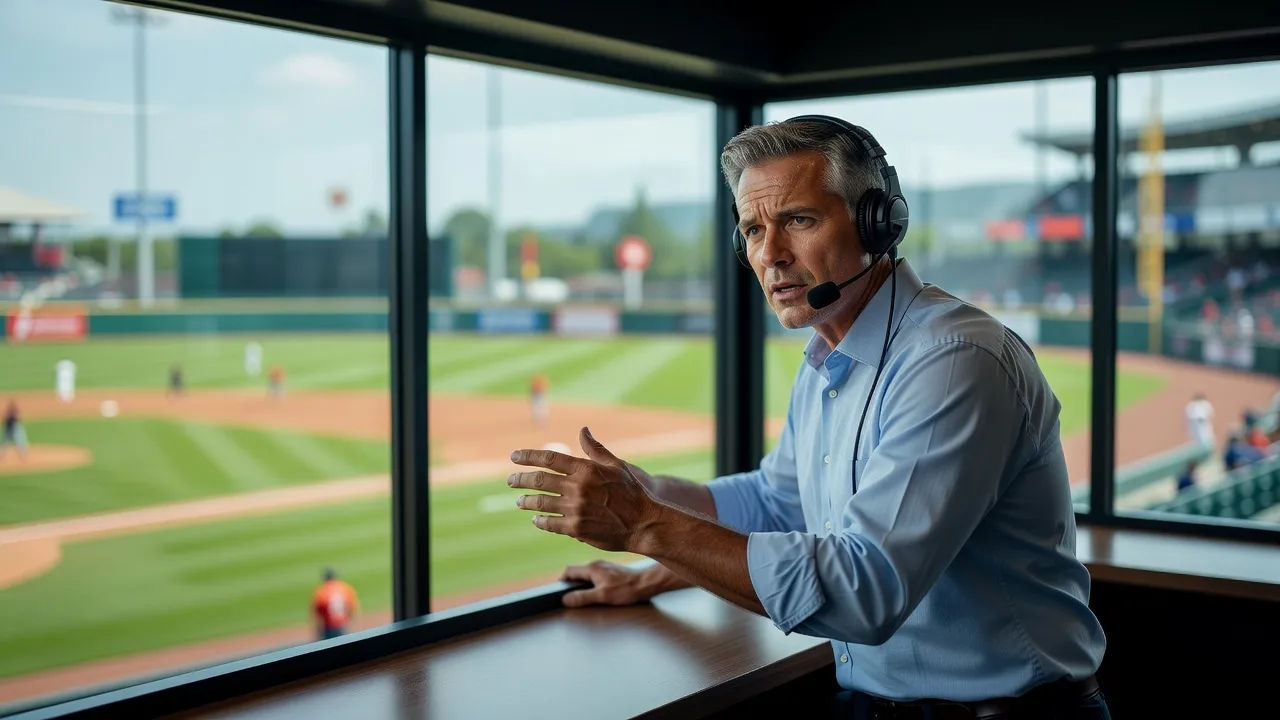
Announcing voices for highlight reels, game replays, and stream overlays
Cast the whole booth, from breathless callers to smooth pro anchors. Browse announcers who range from classic radio warmth to sharp modern hype, each directed from a prompt and ready to carry a highlight reel, a game replay, or a live stream overlay.
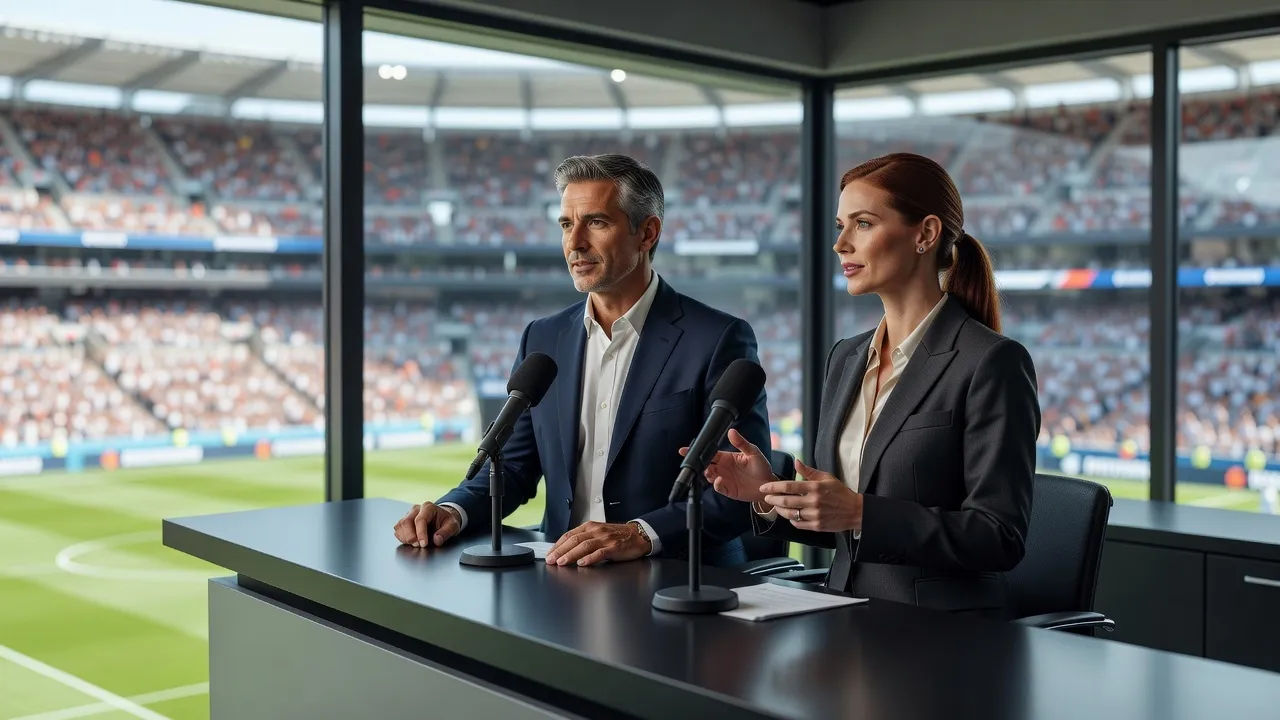
Play-by-play announcer voice text to speech for highlights and replays
Paste your call sheet and turn it into a broadcast read in seconds, no booth. Morphic converts the script into a fast, broadcast-ready announcer voice for highlight edits and game replays, with pace and intensity you direct in plain English.
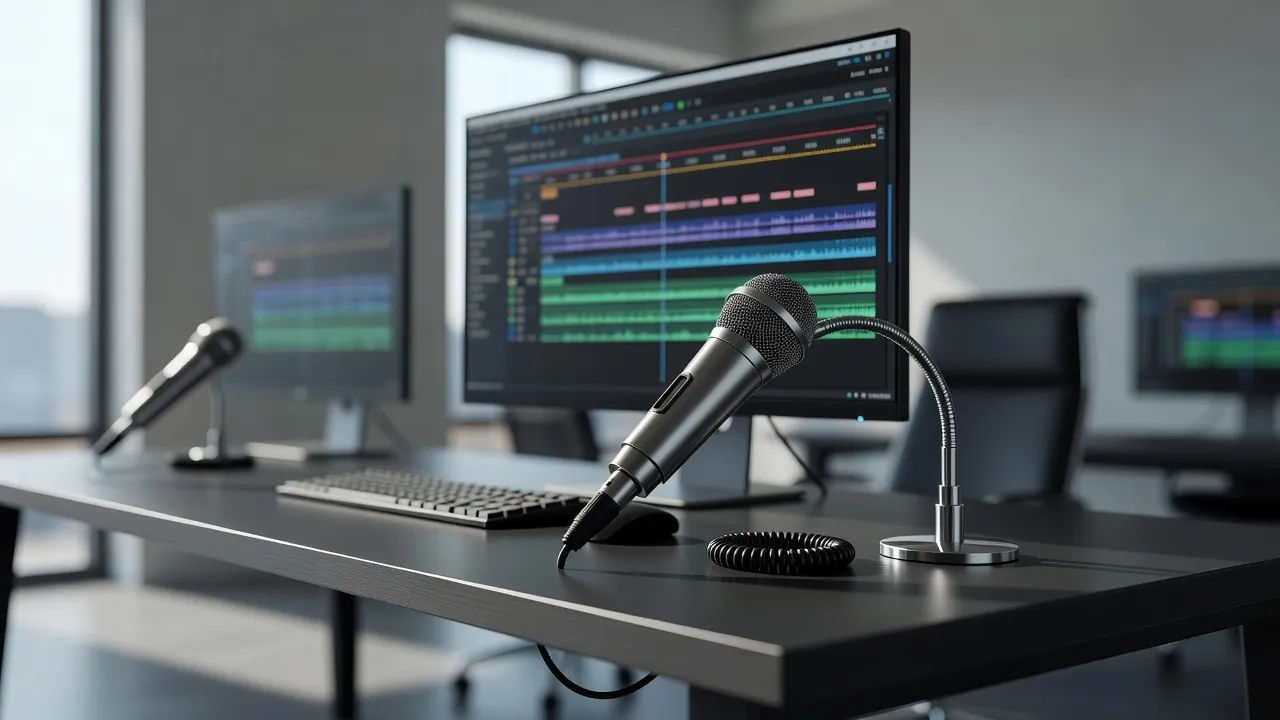
A play-by-play announcer voice generator you direct in plain English
Describe the announcer you can hear, name the energy, cadence, and era, and the generator builds the voice. Re-voice the same call as a different announcer anytime by editing the prompt, a whole broadcast booth from one workspace.
More voice styles
Simple pricing
Get started for free today, with the option to upgrade or cancel anytime.
Basic
2400 monthly credits
1 user only
All models
Workflows
Standard
3625 monthly credits
1 user only
All models
Workflows
Pro
6350 shared monthly credits
1 user
All models
Workflows
Max
24650 shared monthly credits
1 user
All models
Workflows
Enterprise
For higher limits
Custom
pricing and billing terms

Free
For playing around
$0
forever free