Giant footsteps AI voices

Try Morphic

Browse AI giant footstep sounds, from a slow ground-shaking stomp to a distant approaching thud, build your own in the generator, then lip sync any step to an on-screen giant.

Giant footstep sounds for animation, games, and film

Slow stomp

A slow, seismic giant stomp, deep and heavy with a long rumbling ground shake

Approaching thud

A muffled, distant footstep thud that grows louder with each approaching step

Earth crack

A sharp, splitting footfall, cracking earth and scattered debris on impact

Steady march

A rhythmic, relentless titan march, evenly paced with a heavy metallic clank

Muffled tread

A low, padded giant tread, soft but massive with a dull earthy thump

Thundering run

A fast, pounding giant run, rapid heavy footfalls with a rolling ground tremor

Design your giant footsteps voice

Mix and match the traits below. Your prompt builds as you go.

Archetype
Depth
Texture
Mood

A bottomless, gravelly, menacing overlord giant footsteps voice

Generate

Turn a giant footstep into a talking character

Most sound tools stop at an audio file. Morphic syncs each footfall to an on-screen giant so the stride, weight, and timing land with the sound, taking you from a raw effect to a striding giant clip ready for an animated short, a game boss, or a film reveal.
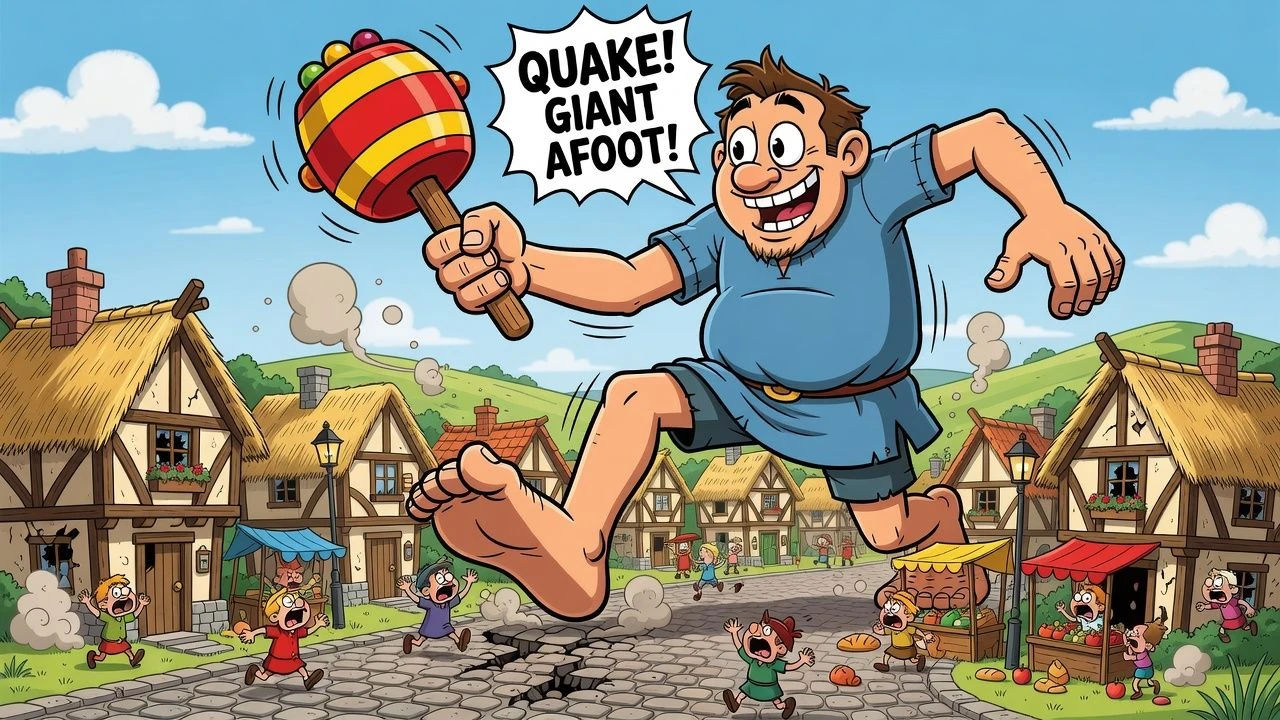
Colossal cartoon giant mid-stride shaking a village street

Giant stomp sounds for animation, games, and film

Build a whole impact library that reads massive, not muffled. Layer sounds from a slow seismic stomp to a distant approaching thud, each directed from a prompt and ready to drop into an animated short, a monster game, or a film reveal.

Cracked cartoon street with a huge footprint pressed into it

Giant footsteps text to speech for narration and impact cues

Type a sound direction and turn it into a finished effect in seconds, no field recording. Morphic renders the cue into a natural, weighty impact sound for animatics, trailers, and game audio, with the mass and pace you direct in plain English.
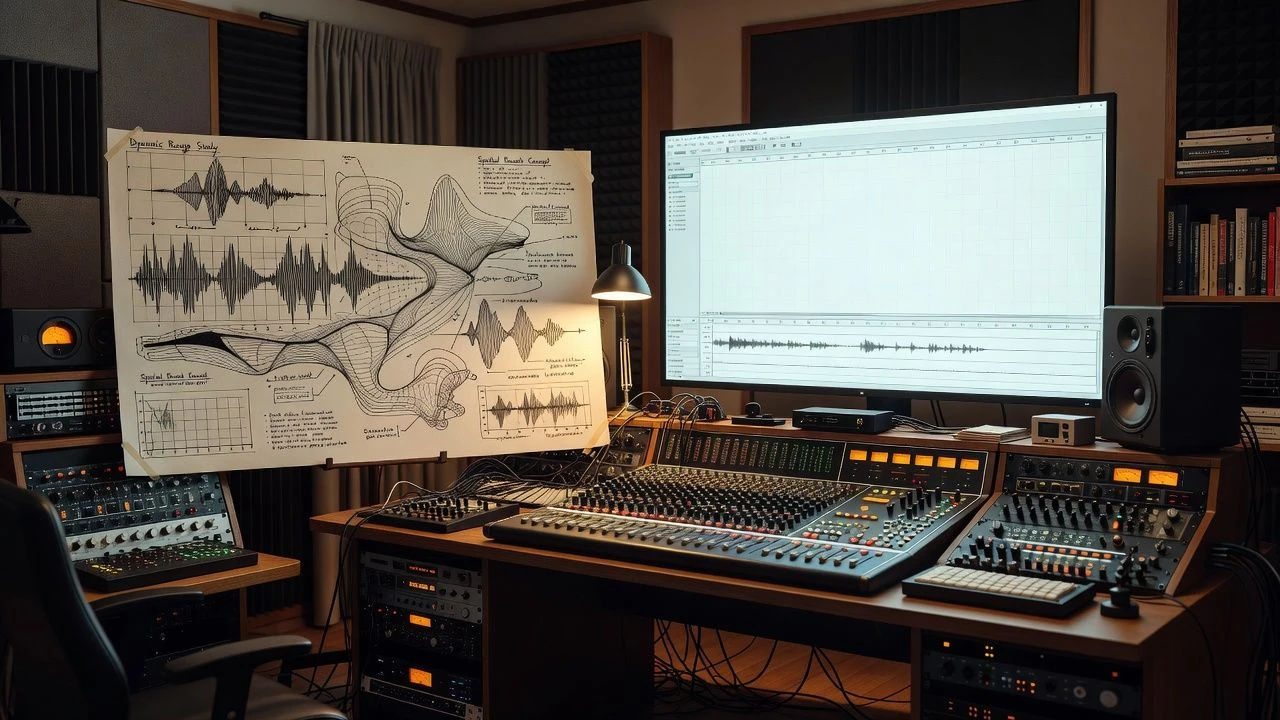
Sound design desk with a giant concept sketch and waveform screen

A giant footsteps generator you direct in plain English

Describe the giant you can picture, name the size, weight, and pace, and the generator builds the sound. Re-voice the same footfall as a different giant anytime by editing the prompt, a whole impact soundboard from one workspace.

Cartoon townsfolk fleeing as a giant shadow looms over them

More voice styles

Simple pricing

Get started for free today, with the option to upgrade or cancel anytime.

Basic

$0/ month
billed as $0 per year

900 monthly credits

1 user only

All models

Workflows

Standard

$0/ month
billed as $0 per year

3200 monthly credits

1 user only

All models

Workflows

Pro

$0/ month
billed as $0 per year

6200 shared monthly credits

1 user

+ up to 4 more at extra cost

All models

Workflows

Pro Max

$0/ month
billed as $0 per year

24000 shared monthly credits

1 user

+ up to 9 more at extra cost

All models

Workflows

Enterprise

For higher limits

Custom

pricing and billing terms

Unlimited credits
Custom seat limits
All models
Workflows
Pricing Gradient

Free

For playing around

$0

forever free

Up to 20 credits
1 user only
Limited models
Workflows

FAQs

What is an AI giant footsteps sound effect?
An AI giant footsteps sound effect is an impact cue shaped around a giant and its motion rather than a single fixed recording. You describe the giant, such as a slow seismic colossus or a charging brute, then direct size, weight, and pace so the sound fits. In Morphic the same footfall can be re-rendered as a different giant without re-recording anything.
How do I make a custom giant footsteps sound in Morphic?
Open the speech tool, type a sound direction, and describe the giant in plain English. Name the size, weight, and pace, then generate, listen, and adjust the prompt until the impact feels right. The configurator on this page composes that direction for you and carries it into Studio.
Can I sync a giant footstep to an on-screen giant?
Yes. After you render the sound, the lip sync tool maps each footfall onto a giant so the stride, weight, and timing match the effect. That takes you from a raw sound to a striding giant clip, the step a sound-only generator cannot complete.
Can I use giant footsteps sounds commercially?
Yes, sounds generated on paid Morphic plans can be used in commercial animation, games, ads, and film. The sounds are AI-generated impact effects, not recordings of a real event. Review the Morphic terms for full licensing detail before you publish.
How many giant footsteps sounds can I create?
There is no fixed roster. Because each sound is directed from a prompt, you can create as many distinct footfalls as your project needs and revise any of them by editing the direction. Build a whole impact soundboard from one workspace.
What styles and textures do giant footsteps sounds support?
The Morphic speech tool renders a wide range of impact textures, from slow seismic stomps to sharp cracking strikes and rolling tremors. For giants you can direct the mass, distance, and pace to match each stride on screen.