Morphic for Microdrama
Turn a script or an audio episode into a vertical series with the same cast, in multiple languages, on a plan built for your scale.
Microdrama

Share






A full episode from your script
Upload a script or an audio episode. Morphic’s agent plans, generates, and assembles every shot into a finished vertical episode.
The same cast in every episode
Save each character and set as a reference once. Morphic reuses it in every shot, so faces and locations stay the same across the season.
Edit by describing the change
In Compose, Morphic’s video editor, type a change like “shorten the opening” and the agent makes the cut for you.
Your series in multiple languages
Write and voice the series in your audience’s language, or dub a finished season into another and lip sync the talking shots.
Microdrama
Share



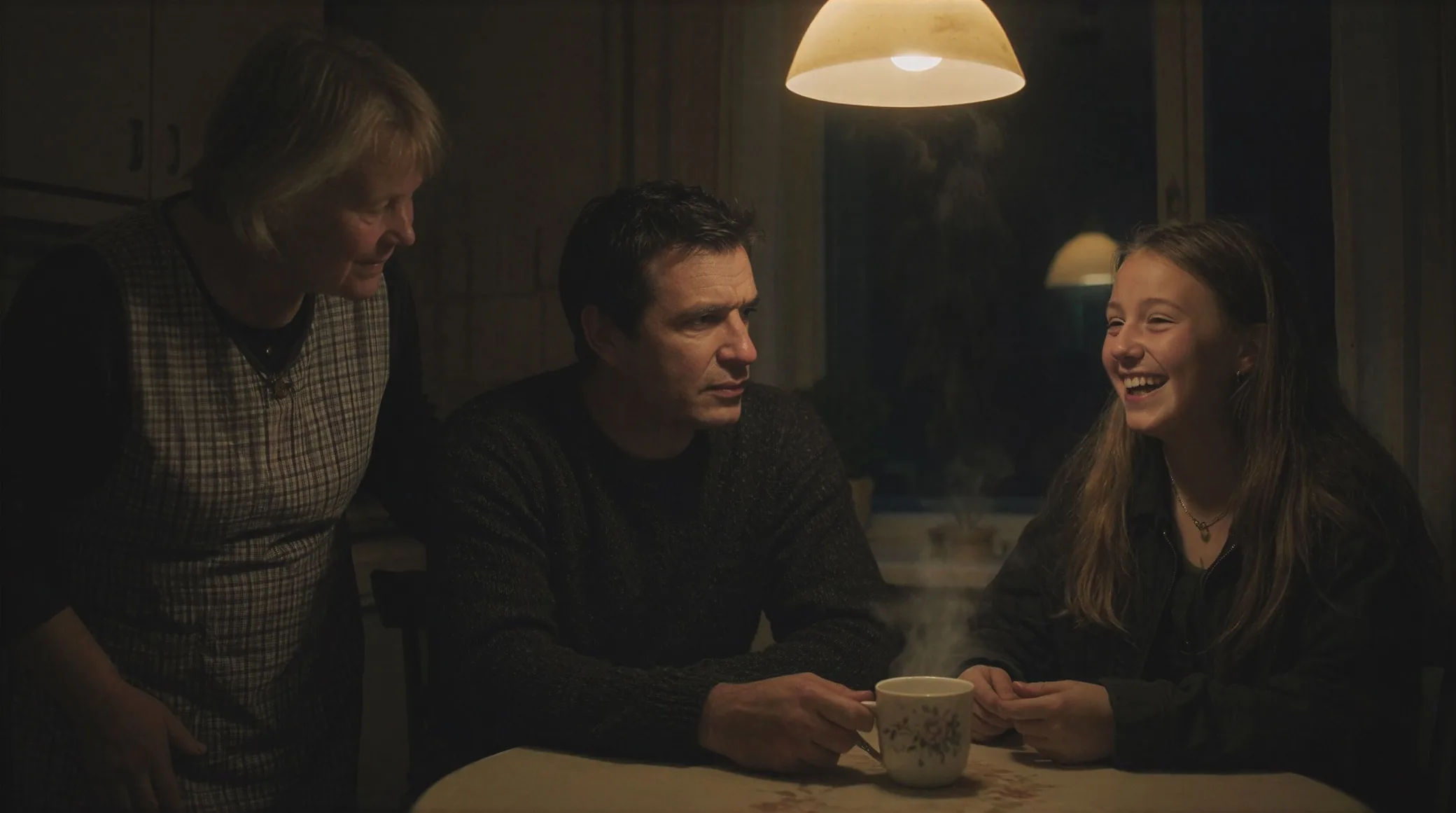

Test a pilot first
Try a few openings, see which hooks, then make the rest.

Every episode made the same way
A workflow saves your steps once, then runs on each new script.

Shoot any genre
Romance, revenge, fantasy, period, thriller — one platform.

Dub a finished season
Carry a whole series into a new language, lip synced.

Burn in subtitles
Captions on the video, or a subtitle file for any script.

Control spend per episode
On Enterprise, set member limits and see spend by project.


Animation
Helping animators create complete animations with frame-by-frame control, from concept to final shot.

Creators
Helping creators produce more content, keep up with trends, and save time without added workload.

Creative agencies
Equipping creative teams to move from ideas to shipped campaigns without production bottlenecks.

Fashion
Helping fashion teams design faster, test smarter, and launch collections without compromise.

Gaming
Providing tools to build interactive gaming experiences while cutting time to market by more than half.
Marketing
Empowering marketing teams to produce, adapt, and deliver stories seamlessly.

Filmmaking
Helping filmmakers move from script to screen with tools for every stage of production.