Lifestyle Photography AI Images

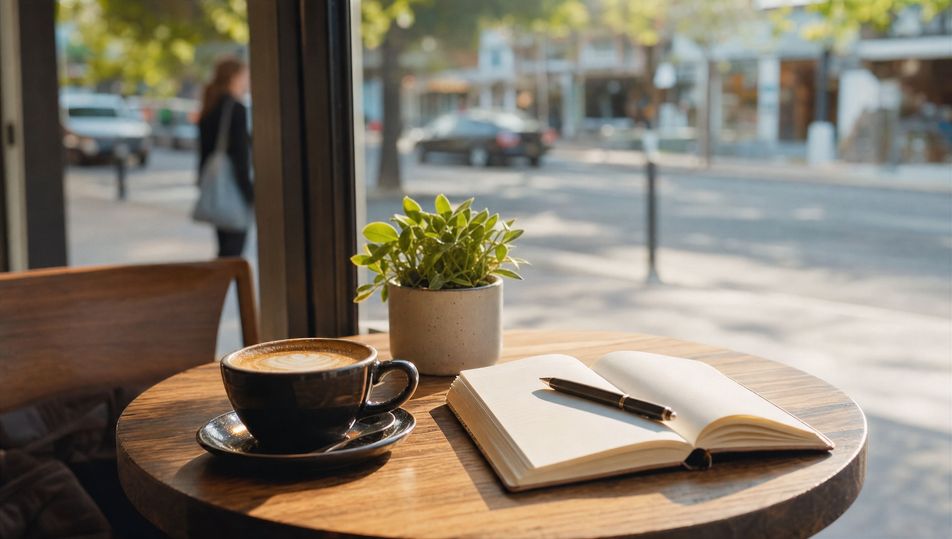
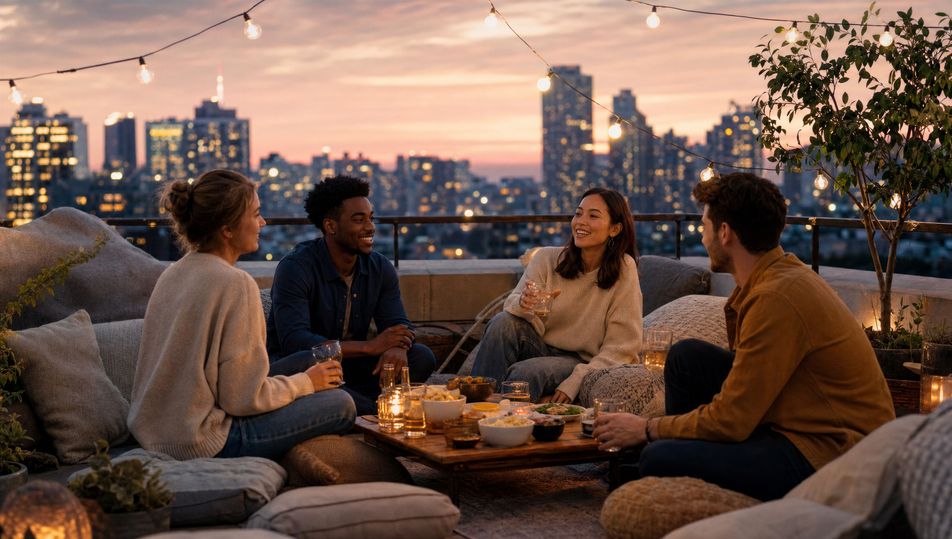
Shoot lifestyle photography in your browser with Morphic's lifestyle photography AI image generator. Generate lifestyle photography shots like a couple cooking in a sunlit kitchen, a freelancer at a café laptop, or friends gathered on a rooftop at golden hour, and pair every frame with the Style Transfer workflow to lock the soft-daylight candid warmth across the set. Animate any still with the Image to Video tool.

Lifestyle photography moments you can capture

Lifestyle photography scenes you can frame

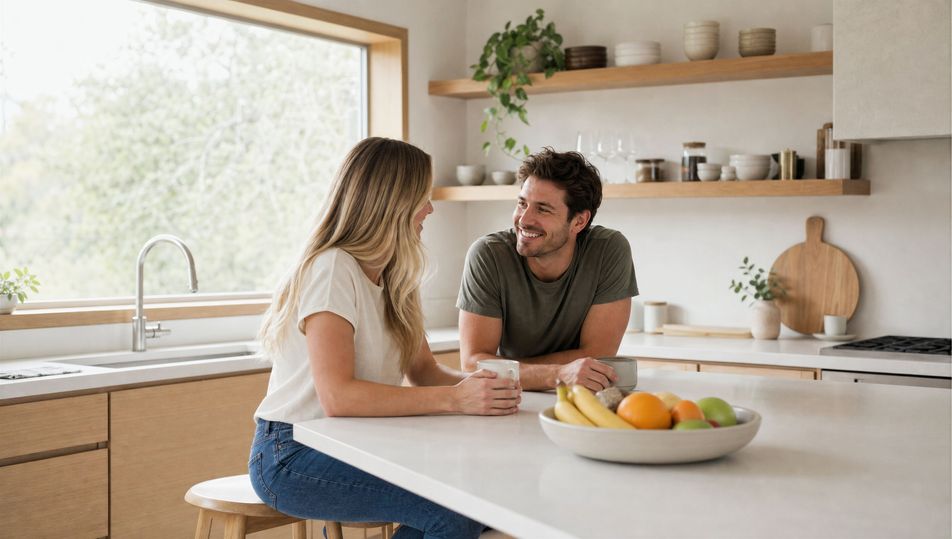
Sunlit Scandinavian kitchen

A bright minimalist kitchen with pale wood, white surfaces, and a bowl of fruit on the counter, broad window flooding soft daylight across the room, 35mm, warm natural tones, airy frame.

Edit prompt
Sunlit Scandinavian kitchen

Balcony coffee morning

A generic person having coffee on a sunny balcony with potted plants and a soft city view behind, soft morning light, 35mm, warm relaxed palette.

Edit prompt
Balcony coffee morning

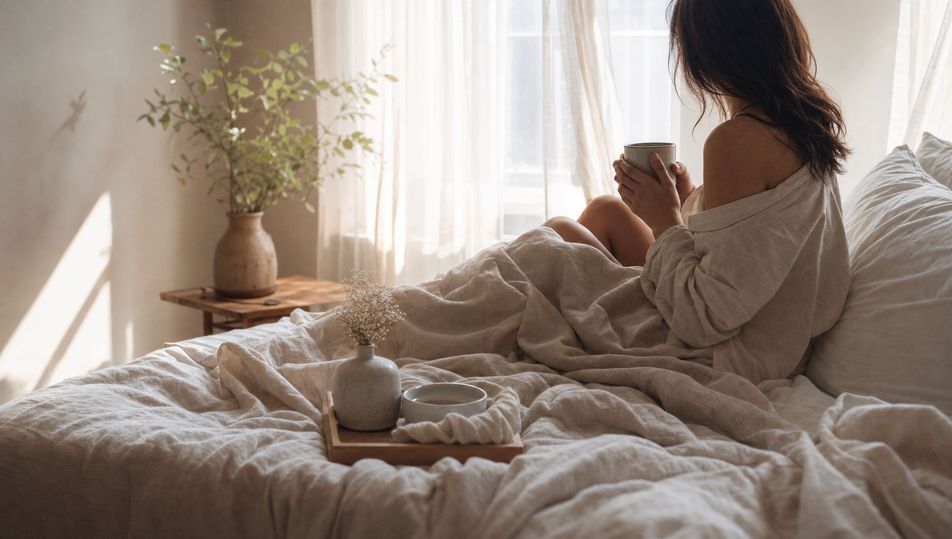
Linen bedroom morning

A calm bedroom with rumpled linen sheets and a tray of coffee, sheer curtains diffusing soft morning sun across the bed, 35mm, muted warm palette.

Edit prompt
Linen bedroom morning

Park stroll afternoon

A generic person strolling a tree-lined park path in warm afternoon light, dappled sun through the leaves, 35mm, soft bokeh, relaxed palette.

Edit prompt
Park stroll afternoon

Make Lifestyle photography in three steps

  1. 01

    Describe your Lifestyle photography

    Describe the Lifestyle photography you want, including the subject, setting, and lighting.

  2. 02

    Generate the image

    Morphic generates a clean, ready-to-publish image on your canvas in seconds, no editing software required.

  3. 03

    Refine your Lifestyle photography

    Tweak the prompt, regenerate variations, then download or share the moment the frame lands.

Related workflows

你可能也喜欢

FAQs

Where can I make lifestyle photography with AI?
You can create lifestyle photography images directly in your browser on Morphic. Open the Image tool, describe the everyday subject, the soft daylight, and the candid moment, and Morphic produces the frame. No installs and no specialist software needed.
What defines lifestyle photography at the prompt level?
Four locked-in choices: an everyday relatable subject, soft natural daylight rather than hard studio light, a warm authentic palette, and a candid unposed feel. Name a small genuine moment, a laugh or a shared task, so the frame reads aspirational yet natural rather than staged.
How do I get soft daylight and candid warmth in AI images?
Name the light and lens directly: "soft window daylight, gentle diffusion, warm natural tones" with a 35mm or 50mm lens for shallow bokeh. Add "candid unposed moment" so the subject reads relaxed. Reuse those words across every prompt so Morphic carries the same warmth through the set.
How do I keep a lifestyle photography series feeling like one campaign?
Use the Style Transfer workflow to lock the soft-daylight character, the warm authentic palette, and the candid framing, then reference that style card in every prompt. The series reads as one brand-friendly shoot across images, from kitchens to rooftops.
Do I need models or a studio to make these?
No. Morphic runs in your browser and you direct it with plain-language prompts. Anyone who can describe an everyday subject, soft daylight, and a candid moment can produce a lifestyle photography frame. No models, no lighting rig, and no studio booking required.