Street Photography AI Images

Shoot street photography in your browser with Morphic's street photography AI image generator. Generate street photography shots like a silhouette in a shaft of alley light, a candid commuter at a crossing, or a reflection caught in a rain puddle, and pair every frame with the Style Transfer workflow to lock the muted-colour 35mm grain across the set. Animate any still with the Image to Video tool.

Street photography moments you can capture

Street photography scenes you can frame

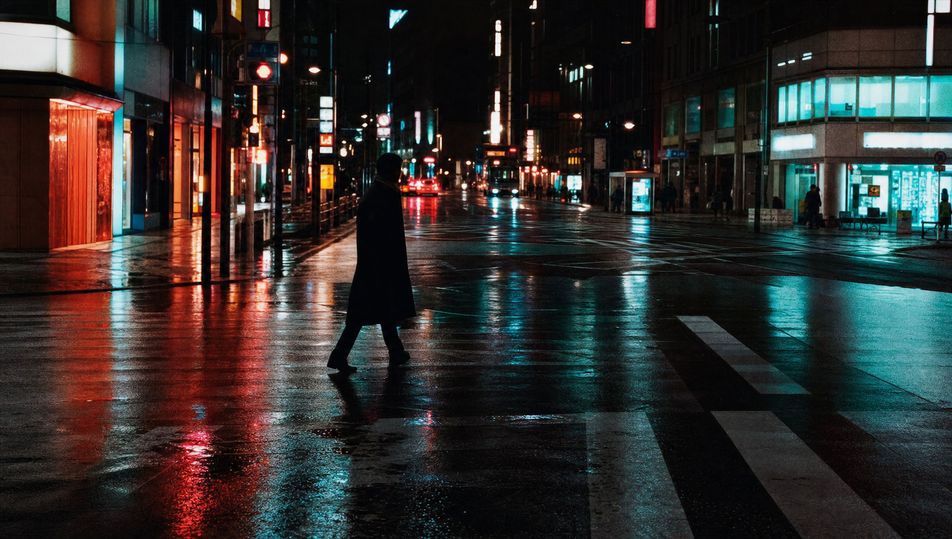
Rain-slick neon crossing at night

A wet crosswalk at night under glowing shop signs, reflections of red and cyan neon smeared across the asphalt, one lone figure crossing, 35mm, available light, fine grain.

Edit prompt
Rain-slick neon crossing at night

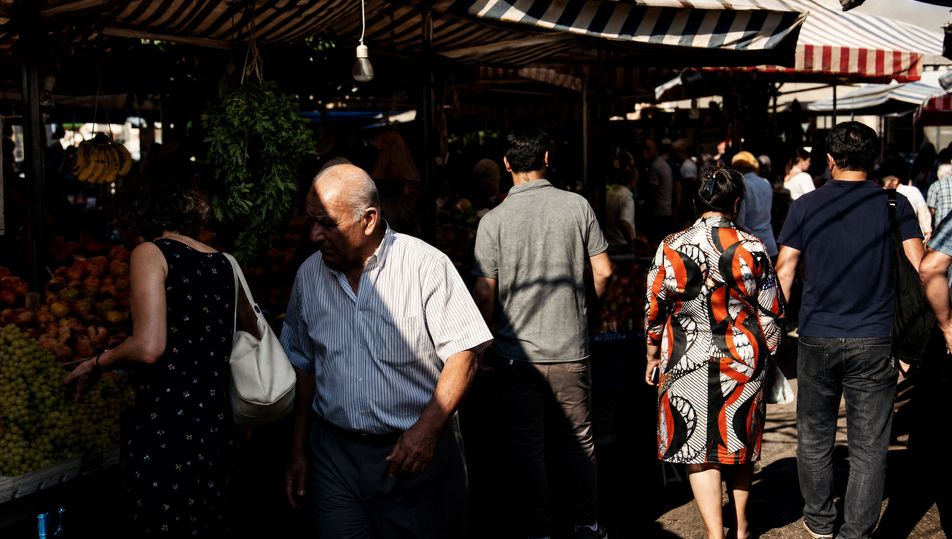
Sunlit market street with hard shadows

A busy market street at midday with awning stripes of hard black shadow cutting across the frame, vendors and shoppers in muted colour, 35mm, high-contrast direct sun.

Edit prompt
Sunlit market street with hard shadows

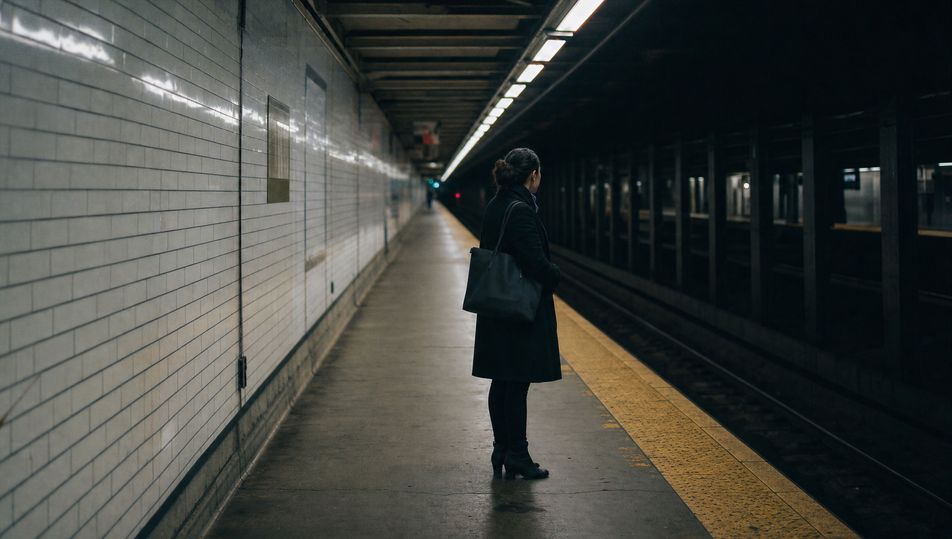
Subway-platform candid

A near-empty subway platform with a single waiting figure under fluorescent strip light, tiled wall receding in perspective, 35mm, cool available light, grain in the gloom.

Edit prompt
Subway-platform candid

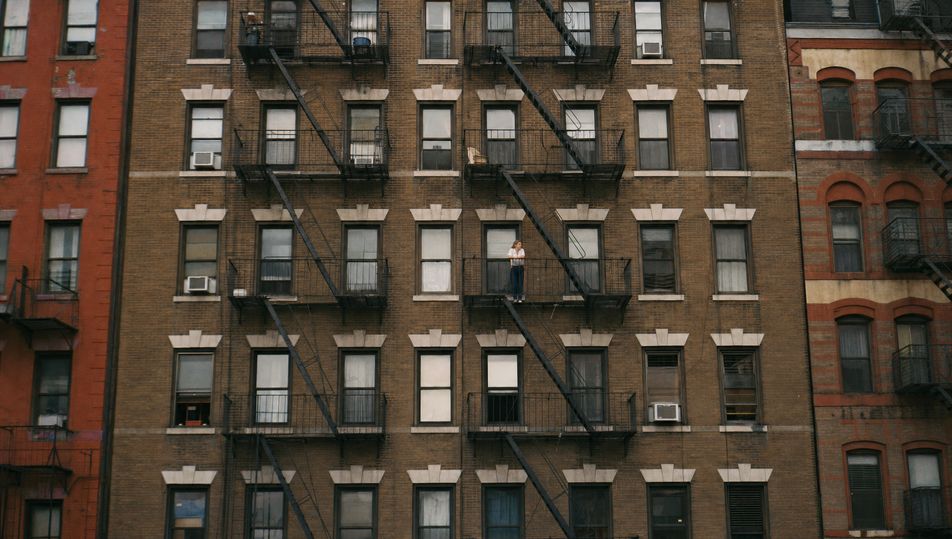
Fire-escape facade geometry

A flat-on frame of a brick tenement facade laced with zig-zag iron fire escapes, repeating windows, one small figure on a landing, 35mm, raking late-afternoon light.

Edit prompt
Fire-escape facade geometry

Make Street photography in three steps

  1. 01

    Describe your Street photography

    Describe the Street photography you want, including the subject, setting, and lighting.

  2. 02

    Generate the image

    Morphic generates a clean, ready-to-publish image on your canvas in seconds, no editing software required.

  3. 03

    Refine your Street photography

    Tweak the prompt, regenerate variations, then download or share the moment the frame lands.

Related workflows

你可能也喜欢

FAQs

Where can I make street photography with AI?
You can create street photography images directly in your browser on Morphic. Open the Image tool, describe the candid subject, the 35mm framing, and the available light, and Morphic produces the frame. No installs and no specialist software needed.
What defines street photography at the prompt level?
Four locked-in choices: a candid unposed subject, a 35mm wide-normal framing, available light rather than studio light, and a muted colour or black-and-white grain. Name a decisive moment too, a gesture or a glance, so the frame reads as caught rather than staged.
How do I get that 35mm available-light look in AI images?
Name the lens and the light directly: "shot on a 35mm prime, available light only, high-contrast hard sun" or "low-light tungsten and neon, fine film grain." Reuse those words across every prompt so Morphic carries the same lens character and exposure through the whole set.
How do I keep a series of street photography frames feeling like one collection?
Use the Style Transfer workflow to lock the palette (muted colour or monochrome), the grain, and the 35mm available-light character, then reference that style card in every prompt. The series reads as one roll of film across images.
Do I need to walk the streets or carry a camera to make these?
No. Morphic runs in your browser and you direct it with plain-language prompts. Anyone who can describe a candid moment, a 35mm framing, and the quality of the light can produce a street photography frame. No camera, no rangefinder, and no waiting on the weather required.