Mark the moment a login is accepted
A short confirmation tone lands as the button turns green, giving tutorials, product demos and app trailers a crisp moment of feedback.
编辑提示词
Every computer sound an edit needs, ready to play: startup chimes, UI beeps, processing tones, and error buzzes. Describe the one your scene is missing and Morphic generates it in seconds.


A single short confirmation tone, bright and unfussy, the response to a tap, a scan or a field accepted, with no personality of its own.

A rising multi-note swell with some warmth to it. Use it for the shot where a machine wakes up and the story is finally allowed to begin.

Flat, low and deliberately unpleasant. It stops the action for a second and lets everyone know something was refused before anyone says so.

A busy stream of ticks and stutters suggesting work happening underneath. Good under progress bars, loading screens and any honest pause.

Mechanical key travel with the uneven rhythm real people type in. Sits under voiceover, chat scenes and desk work without demanding attention.
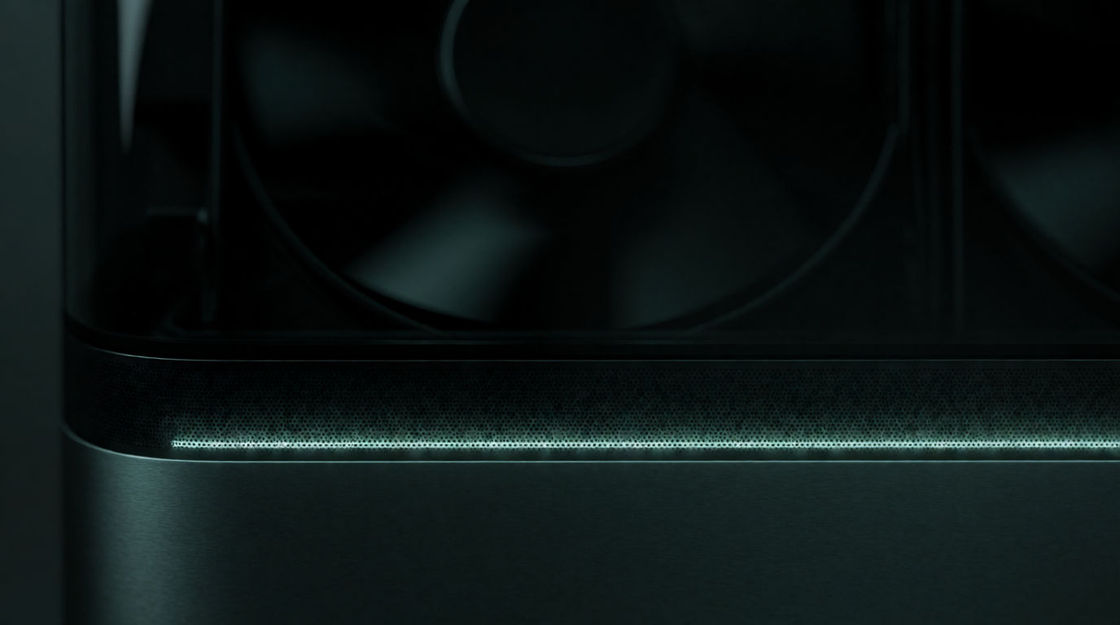
A low continuous electrical drone with no events in it. Lay it under a whole scene to give a cold room the presence of powered hardware.
选择一个起点,随意修改,然后在 Morphic 中生成。
A short confirmation tone lands as the button turns green, giving tutorials, product demos and app trailers a crisp moment of feedback.
编辑提示词Screen capture comes with no audio at all. Soft interface ticks and processing whirs keep a walkthrough or explainer alive between lines.
编辑提示词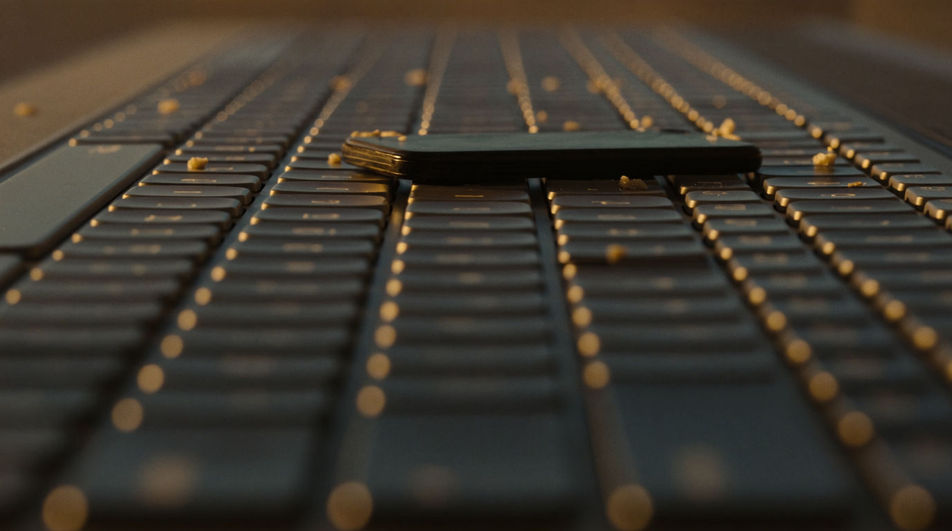
A steady electrical hum under wide shots places a server room, a lab or a basement setup before any dialogue has to explain it.
编辑提示词
Keyboard clatter from off-camera puts a person at work nearby, useful for radio drama, podcast fiction and games where the desk is never shown.
编辑提示词
Keyboard sound effect
Need a keyboard sound effect for an interface or an edit? Morphic generates crisp single keystrokes to your spec, ready to drop in.
Keypad sound effects
Generate keypad sound effects with AI on Morphic. Describe the sound, pick a variation, and download MP3 or WAV for your video, game or podcast.
Laptop sound effects
Generate laptop sound effects with AI on Morphic. Describe the sound, pick a variation, and download MP3 or WAV for your video, game or podcast.
Level up sound effects
Level up sound effects for games, apps and stream overlays, chiptune climbs, orchestral hits and quick pings, generated to fit your own reward moment.
今天就免费开始,随时可以升级或取消。
Basic
2400 每月 信用
1 个用户
所有模型
工作流
Standard
3625 每月 信用
1 个用户
所有模型
工作流
Pro
6350 共享 每月 信用
1 用户
所有模型
工作流
Max
24650 共享 每月 信用
1 用户
所有模型
工作流
Enterprise
更高的限制
自定义
定价和账单条款

Free
供随意体验
$0
永久免费