A commercial storyboard in 3D settles the hero angle, the camera move and the car's entrance before a frame is generated. In Morphic you block the shots in 3D Scene with your own model, get sign-off, then generate them with the product's references attached.
Why previs a commercial storyboard in 3D
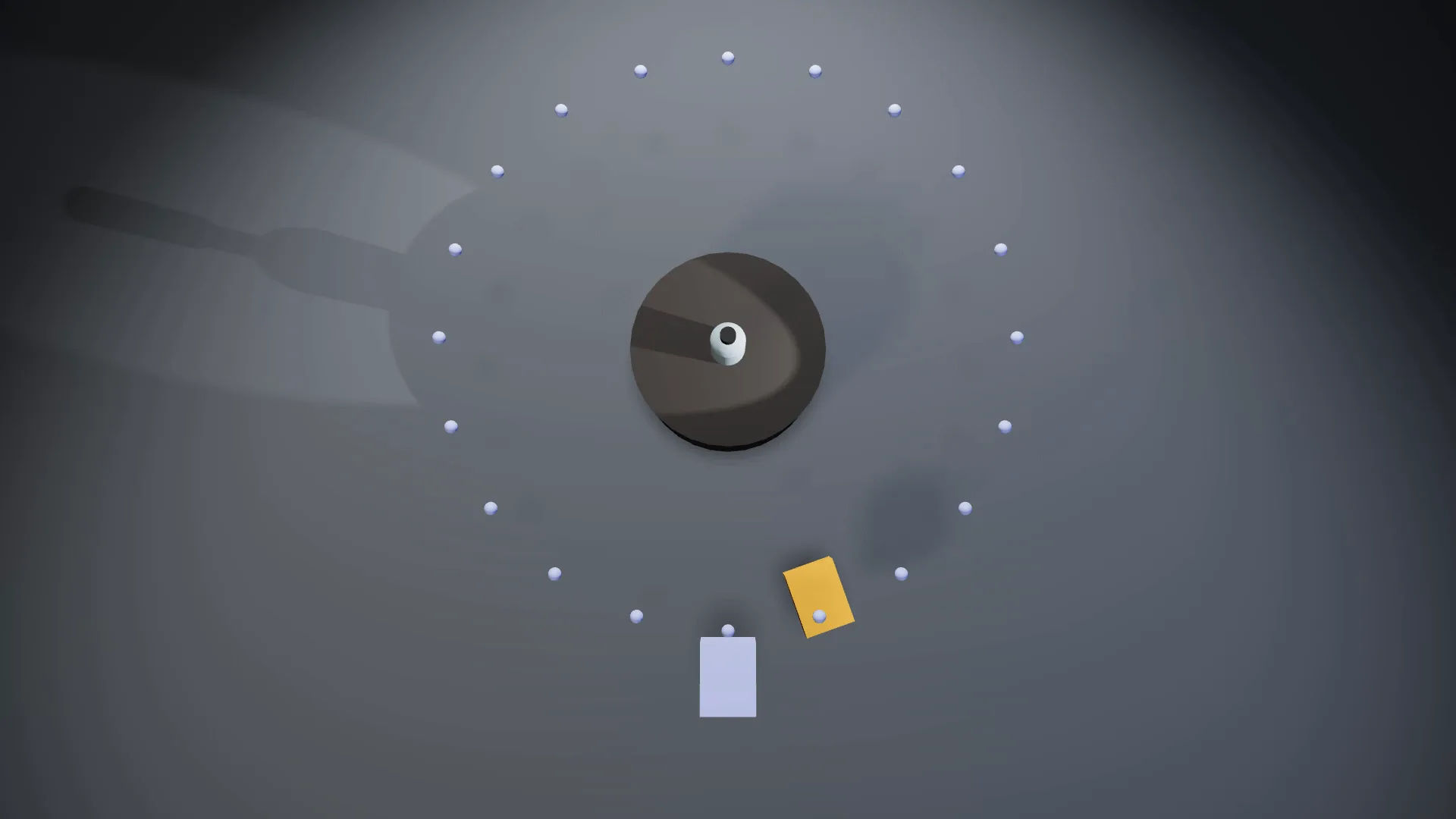
Ads live on precise angles. A 3D previs fixes the lens, camera height, orbit speed and the moment a car passes, and scene edits cost no credits, so try several hero angles first.
Bring your own product model
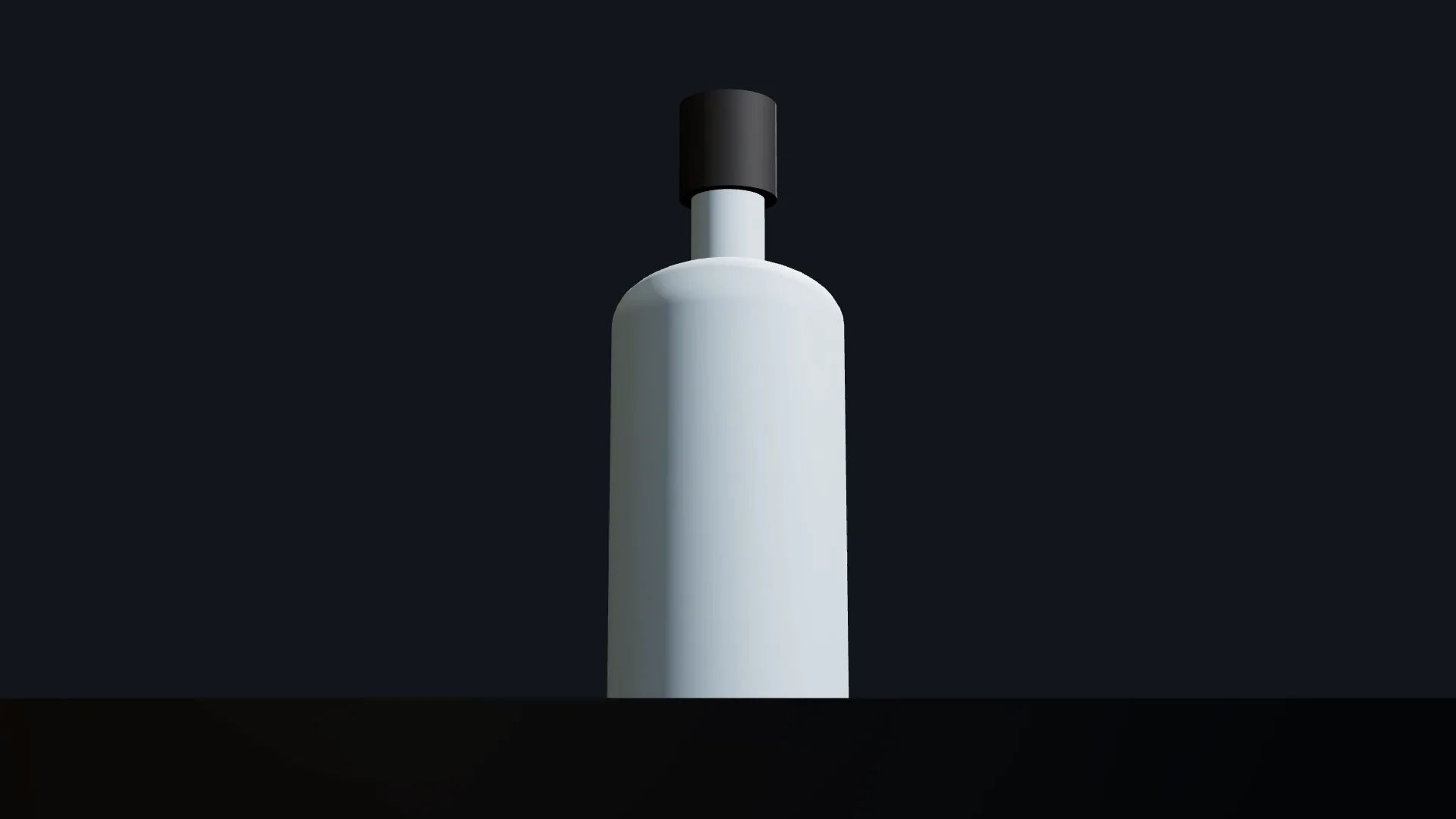
Upload a .glb, .gltf or .obj model with textures. A set-up step fixes units, axes, pivot and size, and any animation in the file, such as a lid that opens, plays as a clip.
No model yet
On paid plans, Morphic makes a textured model from one to five product photos through connected AI apps or the Blender add-on. Or start with a library stand-in.
Product camera studies for the commercial: orbit, hero angle, light
A product study is a few cameras around one object, each answering one question.
Orbit
Keyframe a camera around the product, or record the move live, for a 360 product video. The 360 product spin guide covers turntables.
Hero angle
A low camera and a longer lens give the hero shot its weight. Start from the one-click Low angle, then adjust the lens preset, field of view and roll.
Light and finish
Apply a Light setup or a Mood, move the lights to shape the highlights, and switch a material between matte and metallic.
One sequence
Cut between cameras so the orbit, hero and close-up play in order. For the set, see AI product staging.
Vehicle shots for the commercial: tracking, Follow and Camera style
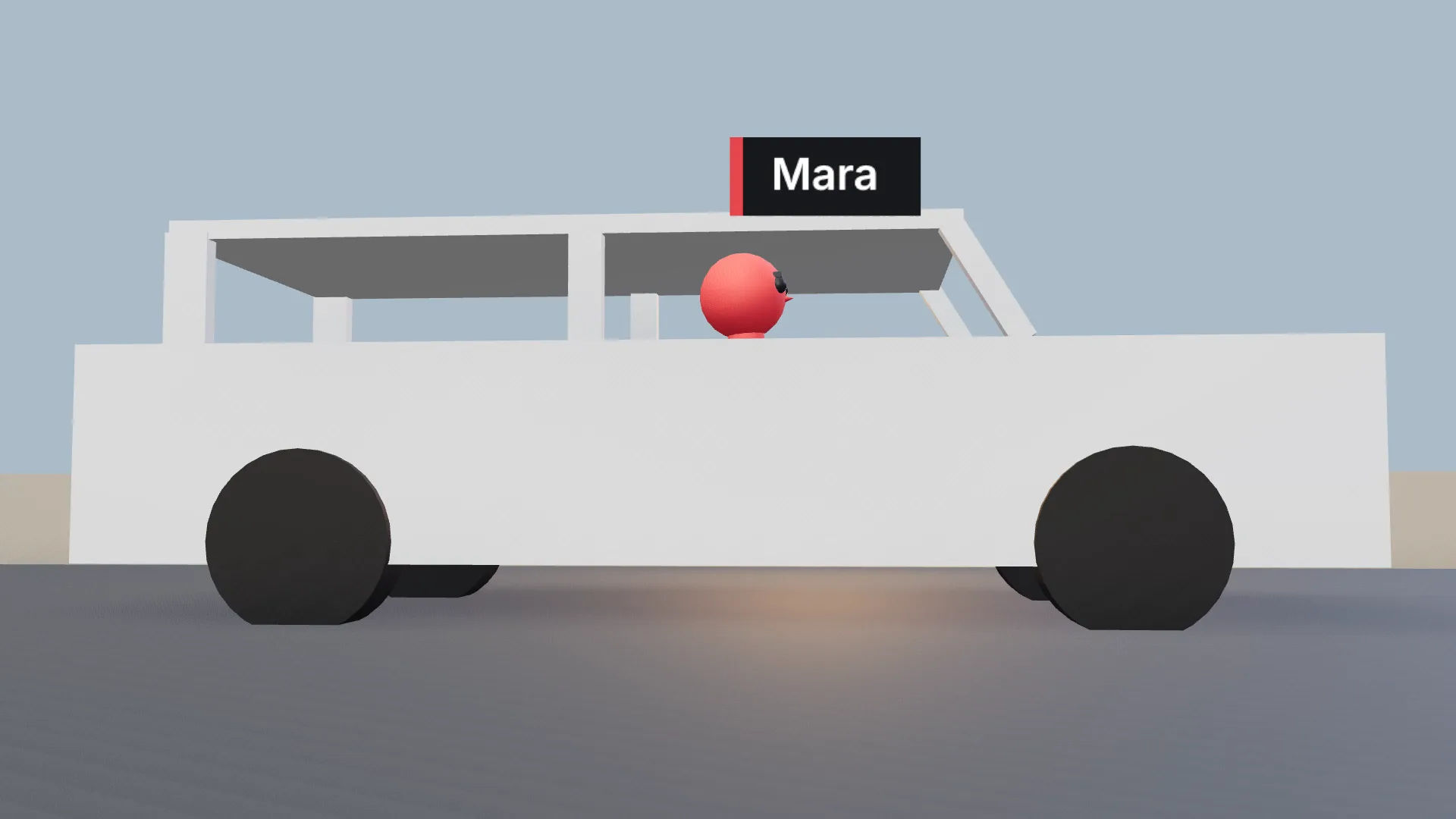
Place your own car model or a library vehicle, move it along the road on the timeline like any object, and attach a driver figure as a rider.
Set a camera to Follow the car and pick a Camera style for the rig feel, then add a low camera by the wheel arch and a high one over the road. Play the timeline to check the speeds before you render. For a stunt beat on foot, see the fight choreography guide.
Get sign-off on the commercial blocking
Agree the blocking while changes are still quick.
Your team: edit together
Bring the creative director into the scene. Live co-editing shows each person's marker, and autosave keeps the work safe.
The client: send a render
For anyone outside the workspace, export the blocking video as an MP4 or a still as a PNG. It renders in the browser at no credit cost, so a new cut can follow every round of notes.
Generate the finished shots with reference sheets for the product
Render each approved commercial shot
Render each approved camera as a blocking video and add it to the Canvas, or press P to save a snapshot for a still shot.
Attach the blocking and the product references
Attach the blocking with a reference sheet or clean product photos, and describe the product plainly. Name any figure by colour: "the red figure is the driver".
A frosted glass bottle with a matte black cap on a dark stone plinth. Keep the camera orbit and the lighting direction from the reference.
Generate and compare takes
Generate two versions with a video model that accepts a reference video, and keep the one whose shape and finish match the product best. The orbit below came from the blocking clip and one finished still: the blocking guided the turn, the still set the look.
3D Scene blocking
Generated shot
Cut commercial versions in Compose
Cut the ad in Compose with music, sound and a grade; a long version and a cutdown share the same shots. For a vertical edit, render the blocking again in 9:16 and generate from it. To plan a whole campaign, see previs software.