Every image model
Scenes you can stage
Stage a product in three steps
- 01
Open Morphic
Sign up and start creating on a free-flowing, infinite visual canvas.
- 02
Upload your cut-out
Drop in a clean product cut-out and describe the surface, backdrop, and props you want around it. To try backdrops first, create AI images of the empty set, sending one prompt to two models to compare.
- 03
Generate and export
Morphic builds the set and matches the light to the product. Rerun until it reads right, then export.
Use cases
Give a product a real set
Take a plain cut-out and place it on a styled surface with a considered backdrop and props. The model lights the scene to agree with the shadows already on the item, so the shot reads as a real set build rather than a paste-up. It is the fastest way to a hero frame without booking a studio.
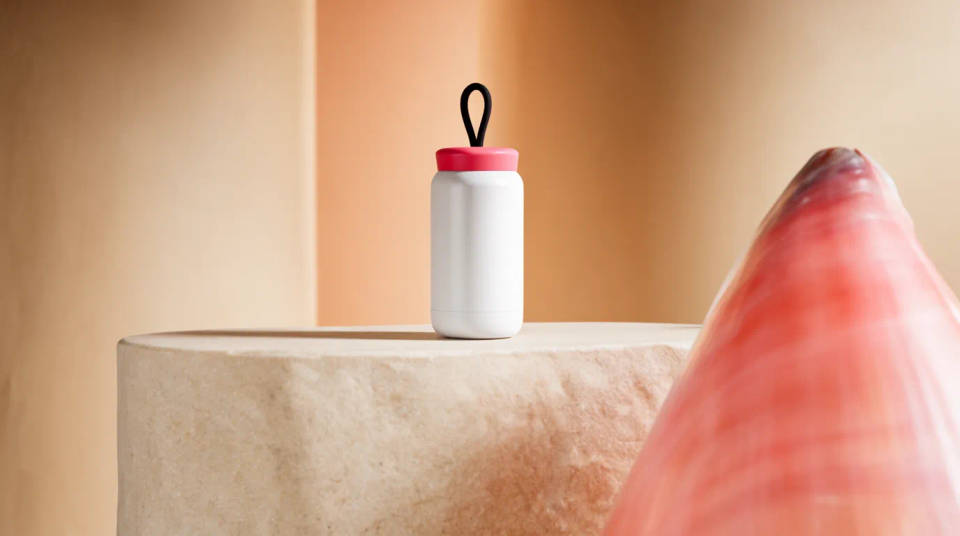
One product, many settings
Stage the same cut-out in a dozen contexts, from a marble bathroom to a rustic kitchen shelf. Test which environment sells the product best before you spend on a shoot. Each scene keeps the product true while the surroundings change to fit the audience.
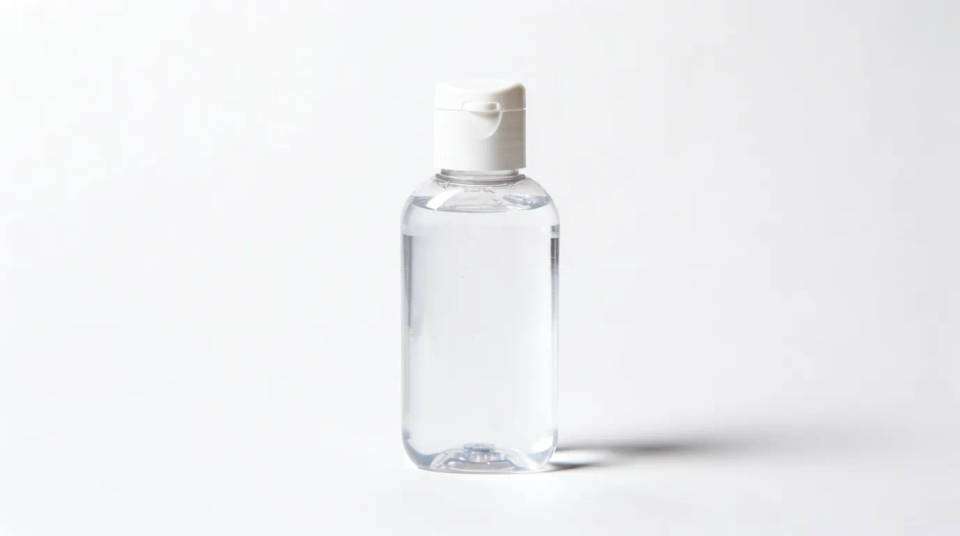
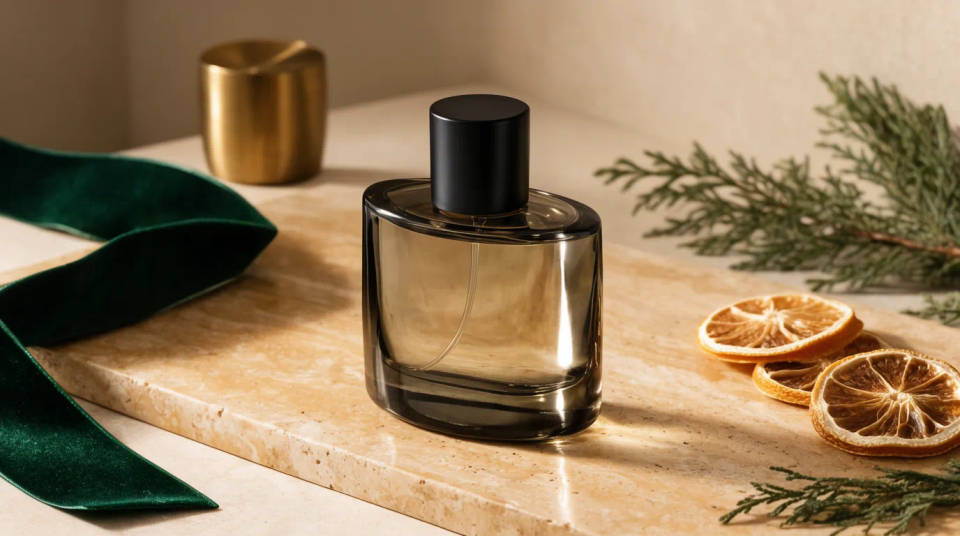
Seasonal and campaign sets
Restage a core product for a holiday push, a launch, or a seasonal refresh without reshooting. Swap the surface, the props, and the color mood while the item stays consistent across the range. Turn one clean cut-out into a full campaign look in an afternoon.
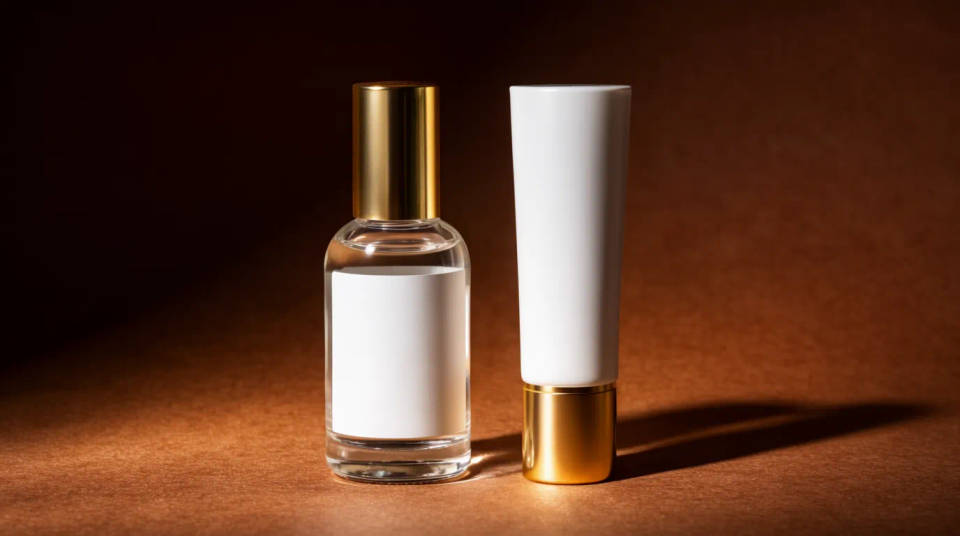
Match a brand look across a catalog
Stage every product against the same surface, palette, and light so a catalog or store page feels like one shoot. Reuse the scene description across items to keep the set consistent. A matching look reads as more considered and more trustworthy to a shopper.
Prompt examples
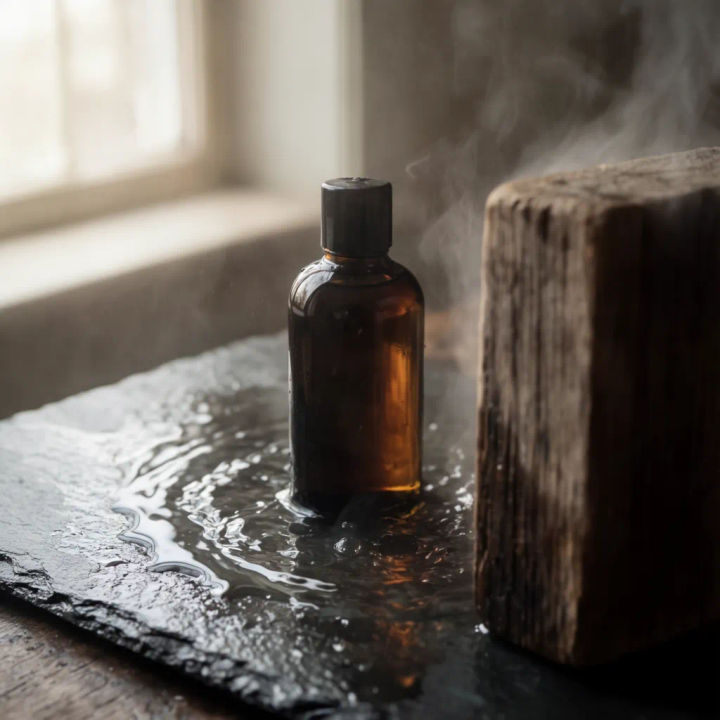
Serum on wet stone
Place this serum bottle on a wet dark stone slab, soft morning window light from the left, faint steam, shallow depth of field
Edit prompt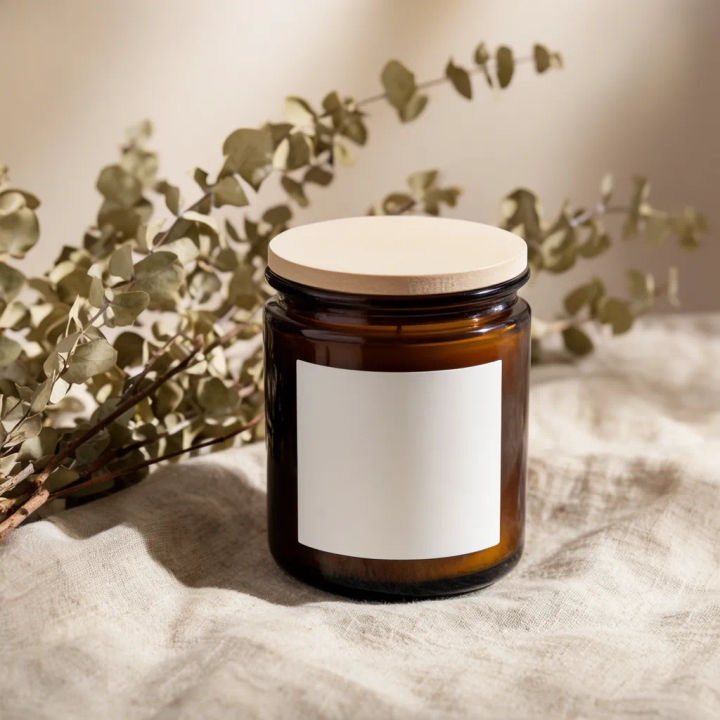
Candle on linen
Set this candle on a natural linen runner beside dried eucalyptus, warm afternoon light, quiet neutral backdrop
Edit prompt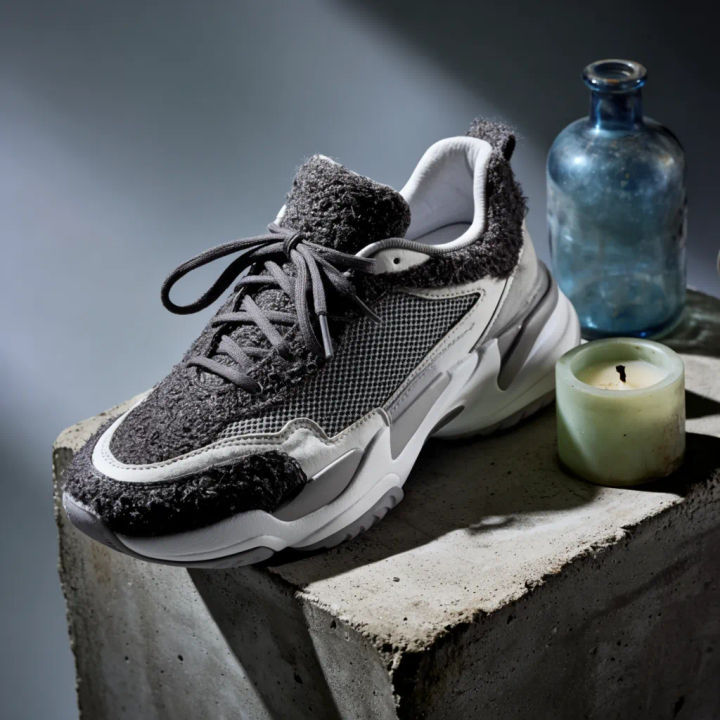
Sneaker on concrete
Stage this sneaker on a raw concrete plinth, hard directional studio light, deep shadow, cool grey backdrop
Edit prompt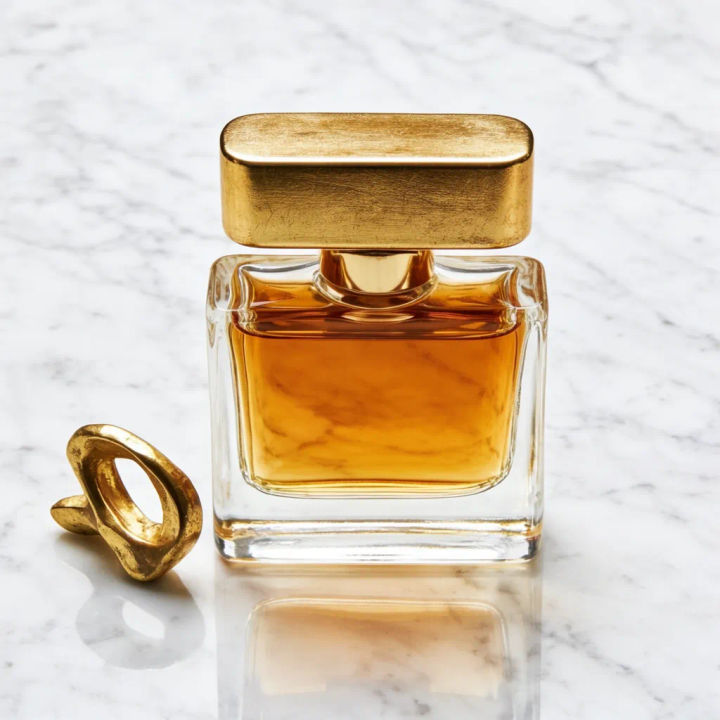
Perfume on marble
Place this perfume bottle on white marble with a single gold prop, bright even light, glossy reflection under the base
Edit prompt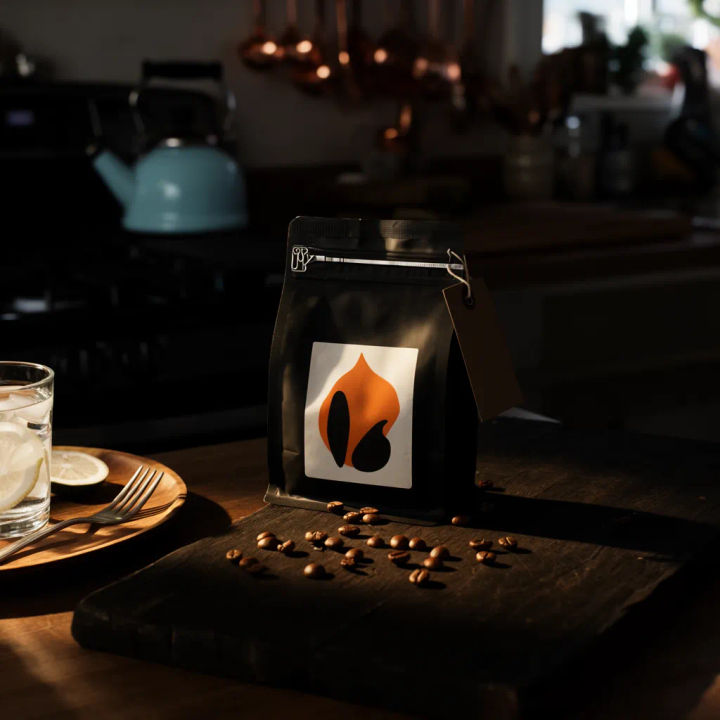
Coffee bag on wood
Set this coffee bag on a rustic wood board with scattered beans, warm side light, blurred kitchen behind
Edit prompt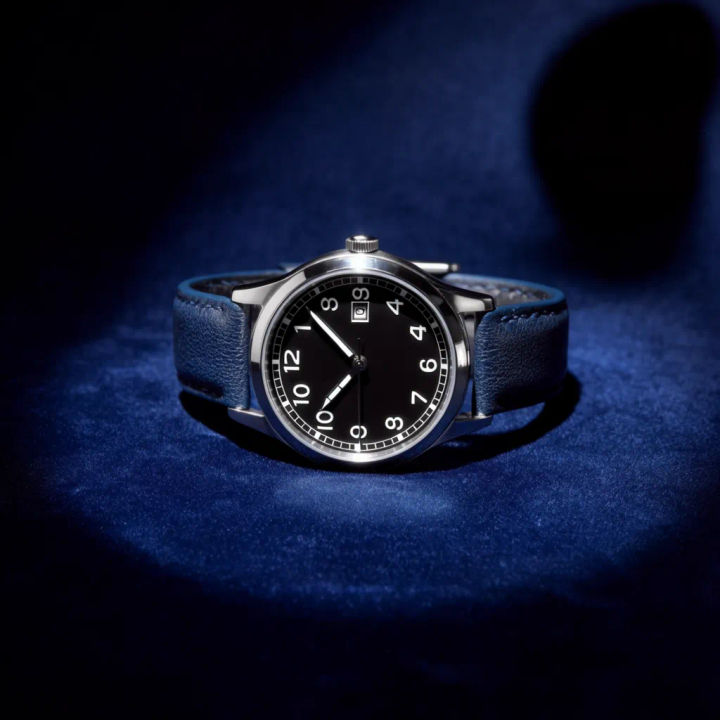
Watch on velvet
Stage this watch on deep navy velvet, tight spotlight, dark vignette, subtle glint on the case edge
Edit prompt
Product explosion ad
Dramatic 5-second product reveal video with audio.
UGC product pitch
Multi-shot product pitch video from a still, a person, and a script.

Jewelry campaign
One product shot becomes a full campaign pack with hero shots, angles, and format variations.

Anime sticker pack
Turn any image into anime-style stickers in PNG. Ready for messaging apps or social media.

Product mockup generator
Upload a product photo and get studio-quality shots on any surface with configurable lighting, angles, and aspect ratios.

Female AI influencer
Generate a female AI influencer. Vertical output, ready for socials.
All on Morphic
Models
Nano Banana 2, Flux 2 Pro, ChatGPT Images, Grok Imagine, Recraft, Seedream, and more. Swap models when a scene needs cleaner light or texture.
AI product photo generator
Generate full product shots from a brief when you want the whole frame built, not just the set around an existing cut-out.
Background remover
Cut your product away from its original background first, so staging can build a clean new scene right up to its edges.
Image to image
Restyle, relight, and rebuild any product photo by editing from the image you upload, the same method that powers staging.
