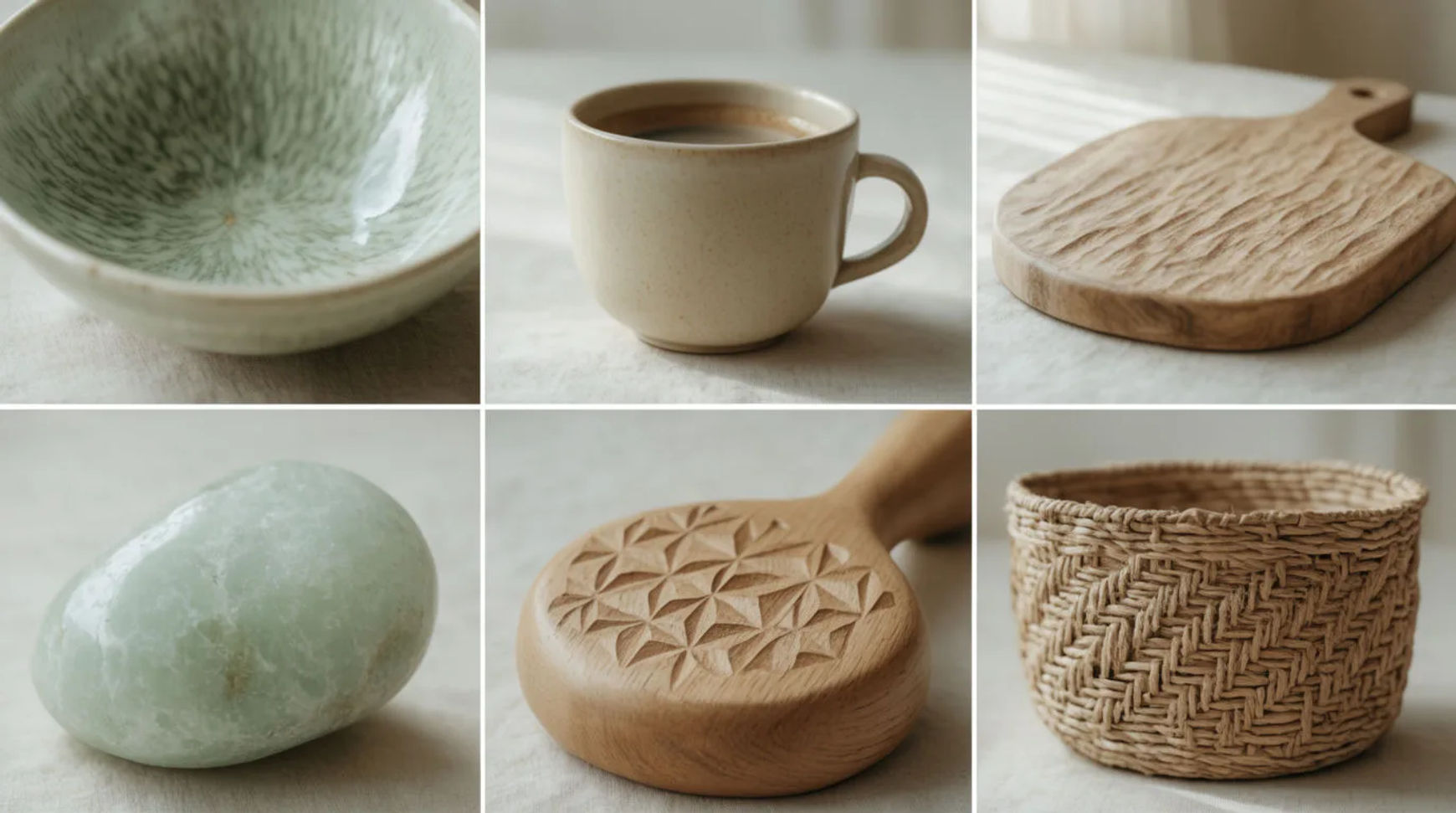
What does a consistent AI image style mean?
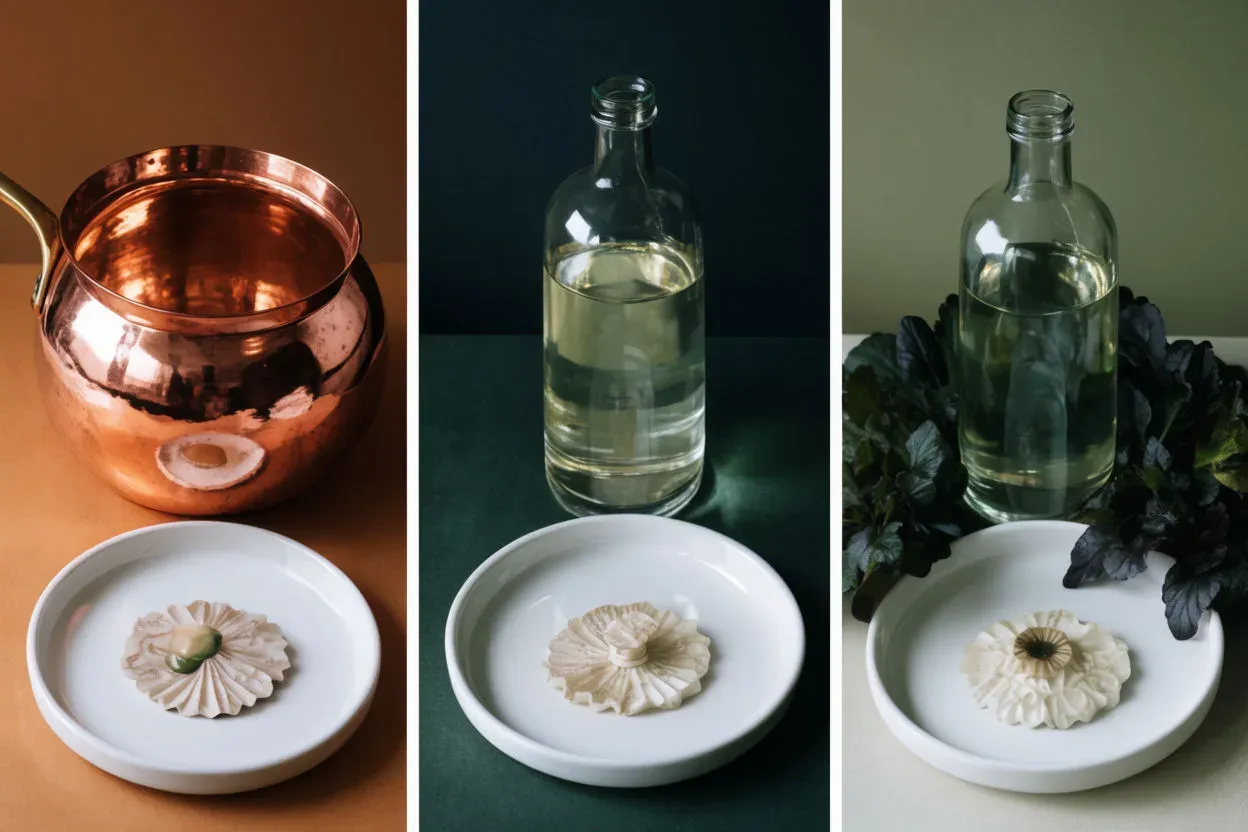
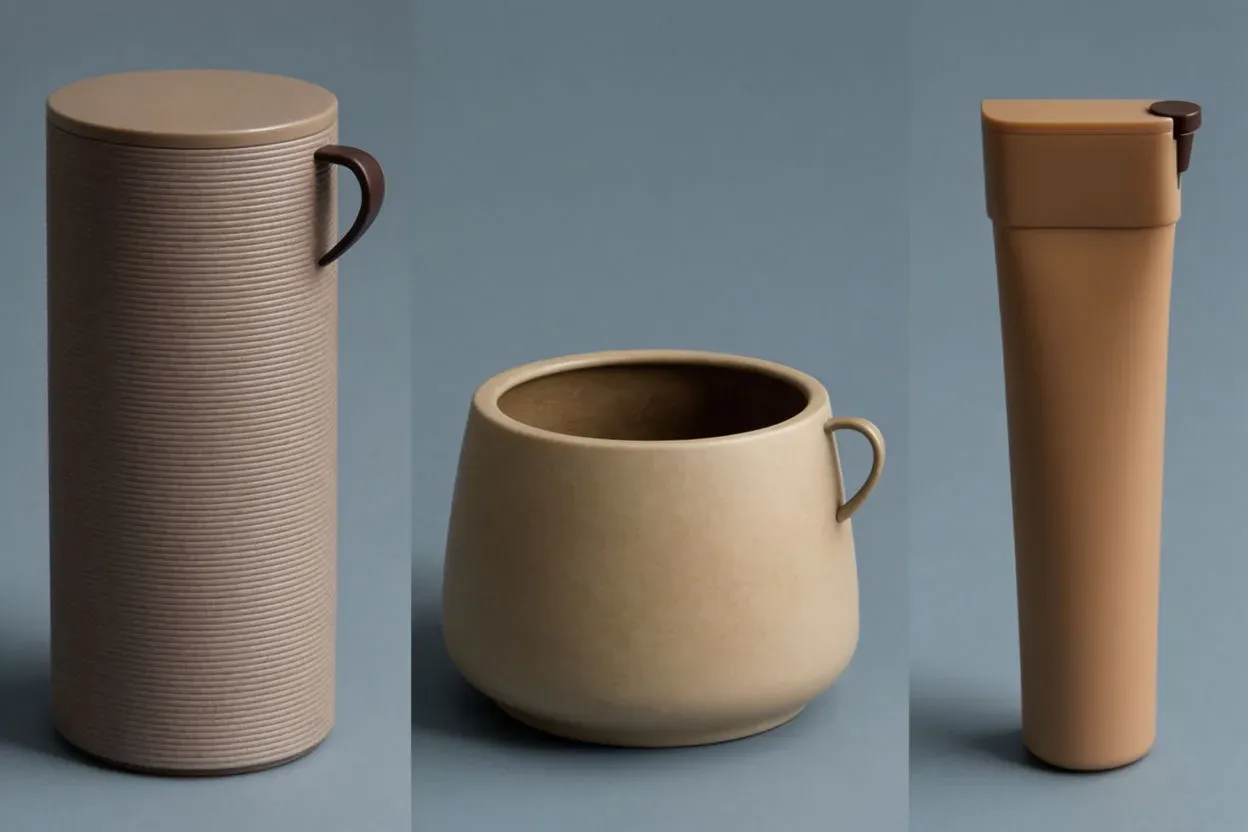
A consistent style means a set of images that share the same palette, lighting, finish, and overall feel, so they read as one body of work even when the subjects differ. It is what makes a campaign, a storyboard, or a product set look intentional. Drift, where each image is a little warmer, flatter, or more saturated than the last, is the single thing that makes AI sets look amateur.
Morphic is built for this: hold a reference across generations, keep everything in one project, and compare the set side by side on the Canvas before you ship.
Decide the look once, in words
Write a short style block you will reuse on every image: palette, light, finish, and medium. For example: "muted palette of sage, clay, and cream; soft directional daylight; subtle film grain; photoreal". This block stays identical shot to shot; only the subject line changes.
Lock it with a reference image
Generate one image you are happy with, then hold it as a reference for the rest. The model reads palette, light, and finish from the picture and carries them forward, which is far stronger than words alone. This is the core move for consistency.
Change one variable at a time
Keep the style block and reference fixed, and vary only the subject or the angle. Changing several things at once is what lets drift creep in. One controlled change per generation keeps the whole set on model.
| Keep fixed | Vary per image | Why |
|---|---|---|
| Reference image | Subject or product | Holds palette, light, and finish |
| Style block wording | Pose or angle | Keeps the description identical |
| Model | Scene or background | Avoids model-to-model color shifts |
| Aspect ratio | Composition | Keeps the set framed as one |
Correct outliers with image-to-image
When one image slips, do not regenerate the whole set. Take the outlier into image-to-image and nudge it toward the others, warmer, cooler, more or less saturated, until it matches. It is faster than re-rolling and keeps the rest untouched.
Review the set together
Lay the images out side by side on the Canvas and look at them as a group, not one at a time. Drift is obvious across a row and invisible in isolation. Fix whatever breaks the rhythm before you export.
Drifting set vs consistent set
Where to go next
Consistency builds on getting individual colors right in the first place. Nail the palette with how to specify colors in AI image generation, choose harmonies that hold together in AI illustration color schemes, or generate a matched set with the AI color palette generator.