Every image model
One workspacePalettes you can generate
Generate on your palette in three steps
- 01
Open Morphic
Sign up and start creating on a free-flowing, infinite visual canvas.
- 02
Name your colors
Describe the subject, then the palette by name, by hex, or as a mood. Add a reference image to match an exact look.
- 03
Generate and lock it in
Render in seconds, then hold the palette across the next images so the whole set stays on the same colors.
Use cases
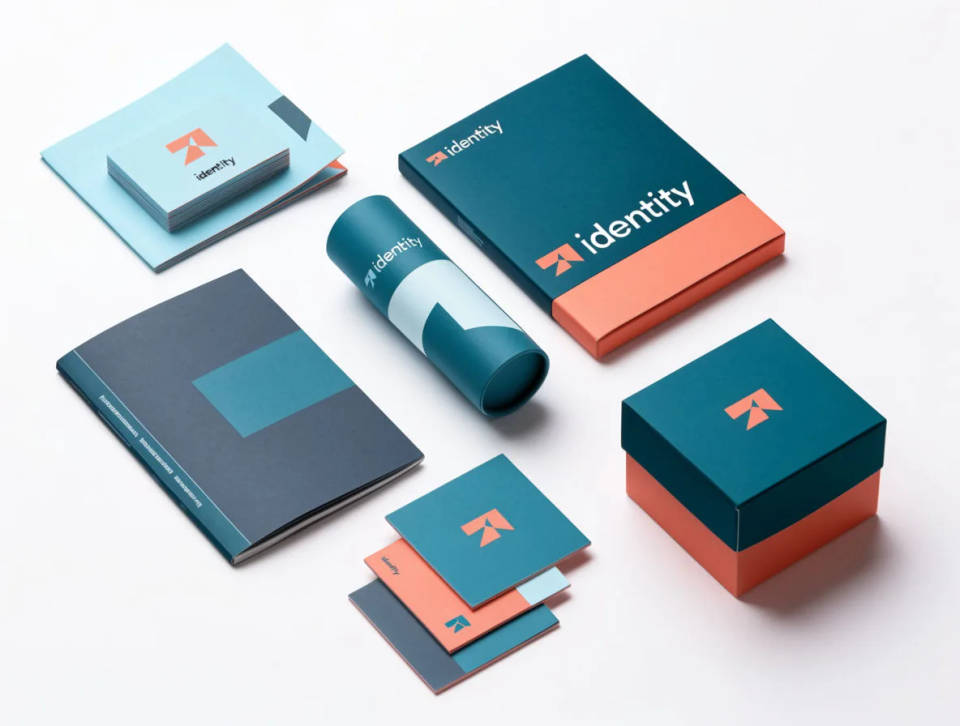
On-brand visuals
Generate images that stay inside a brand's color system, so every asset reads as one identity.
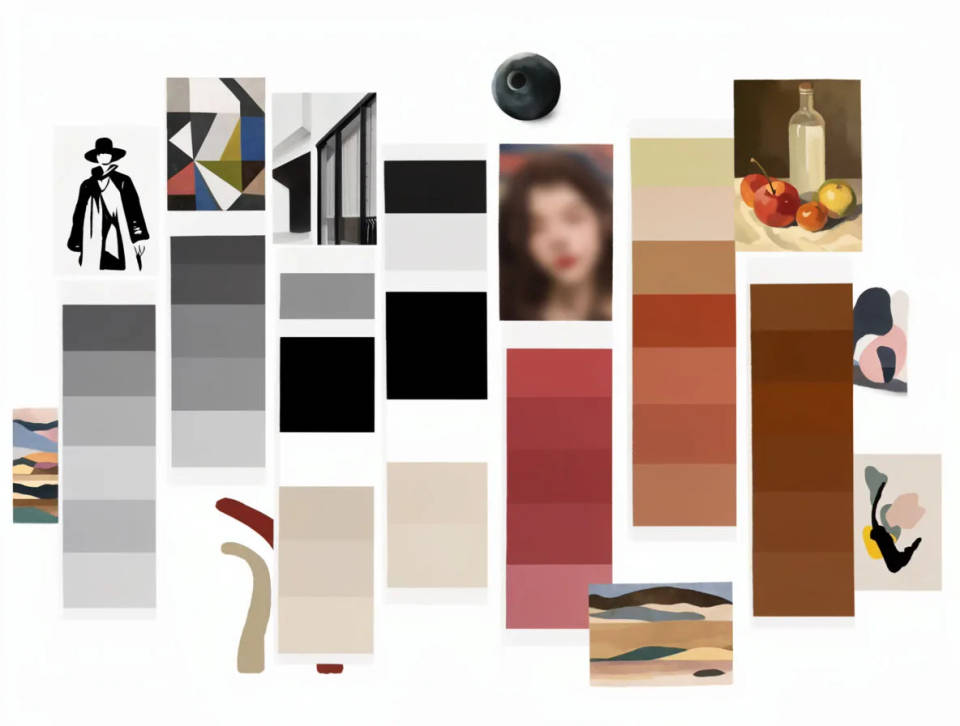
Mood boards and concepts
Explore several palettes for the same idea in minutes, then pick the direction that lands.
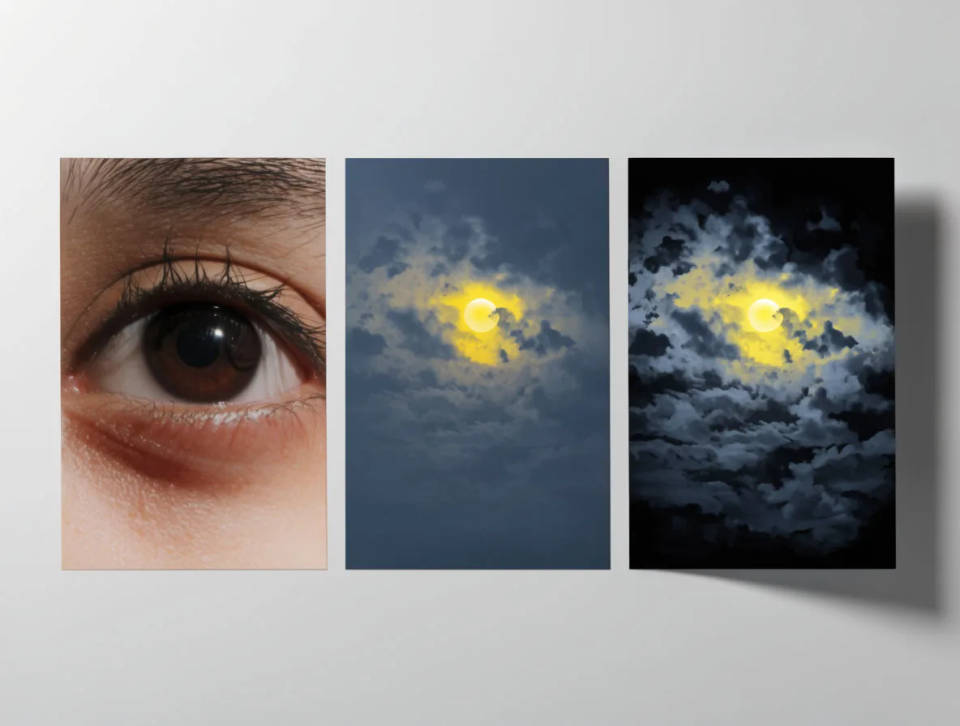
Matching a reference
Carry the colors from a photo or a swatch into new images with image-to-image.
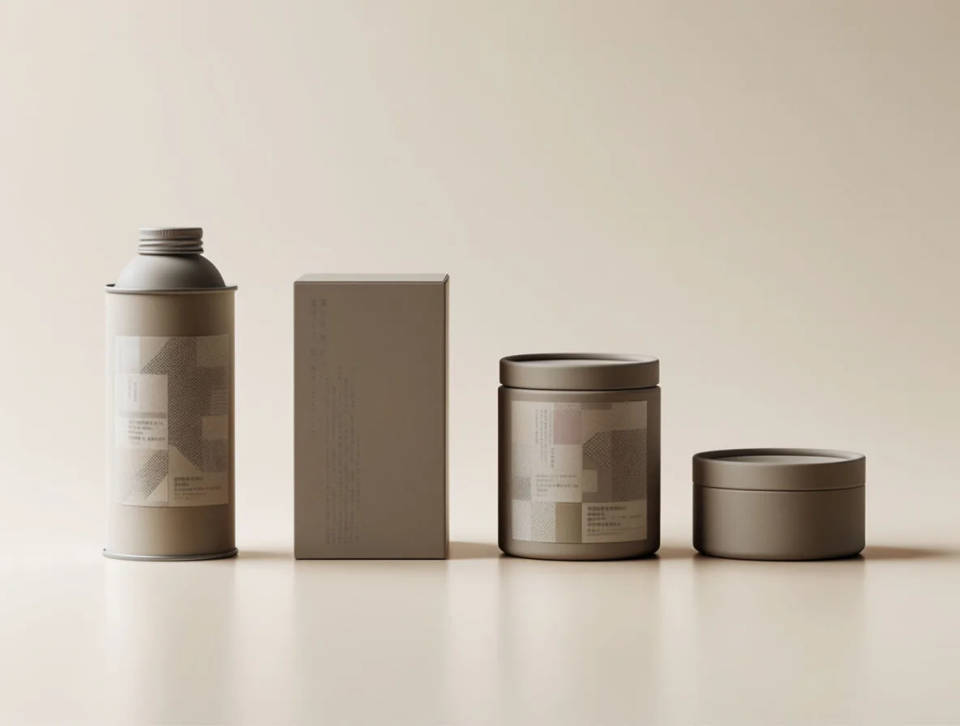
Coherent sets
Keep a storyboard, a product line, or a campaign on one palette from the first shot to the last.
Prompt examples
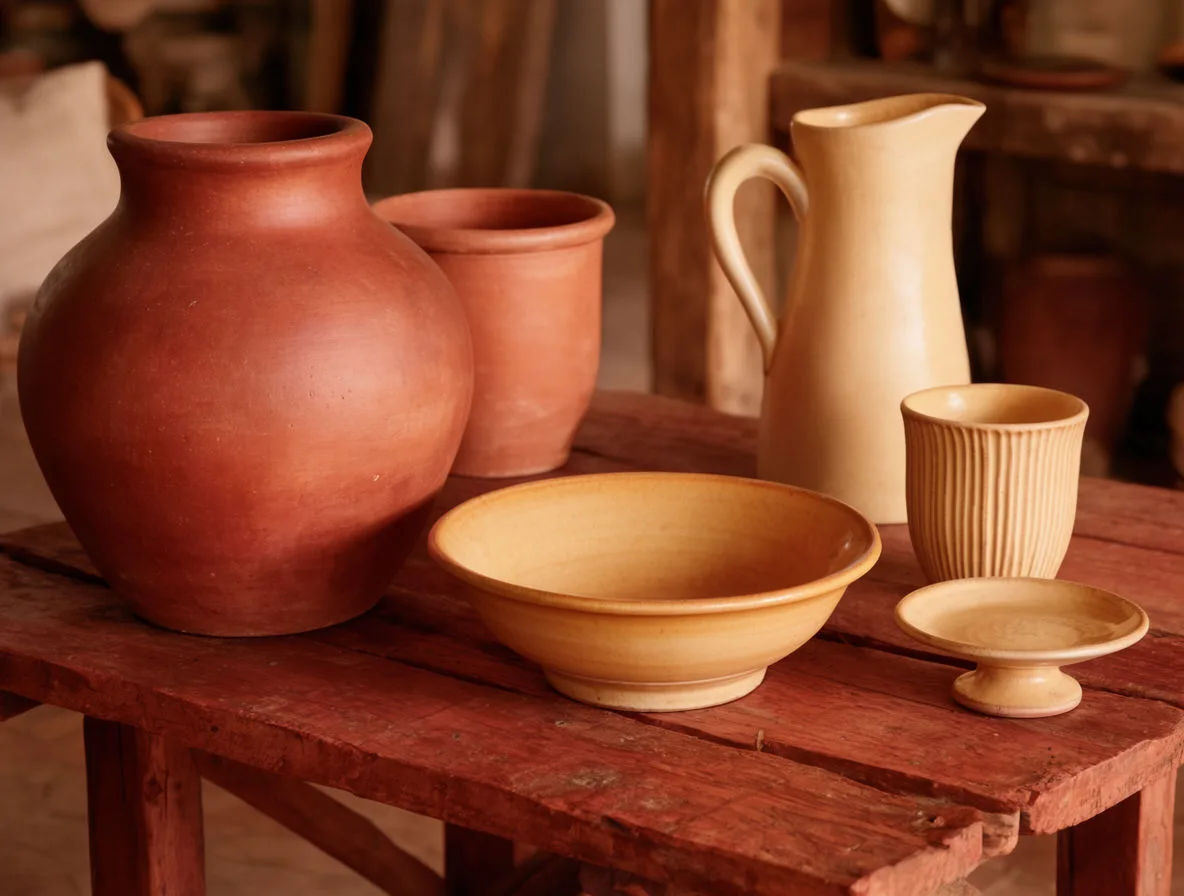
Warm earth tones
Still life of ceramics on a palette of terracotta, ochre, and warm cream, soft window light, photoreal
Edit prompt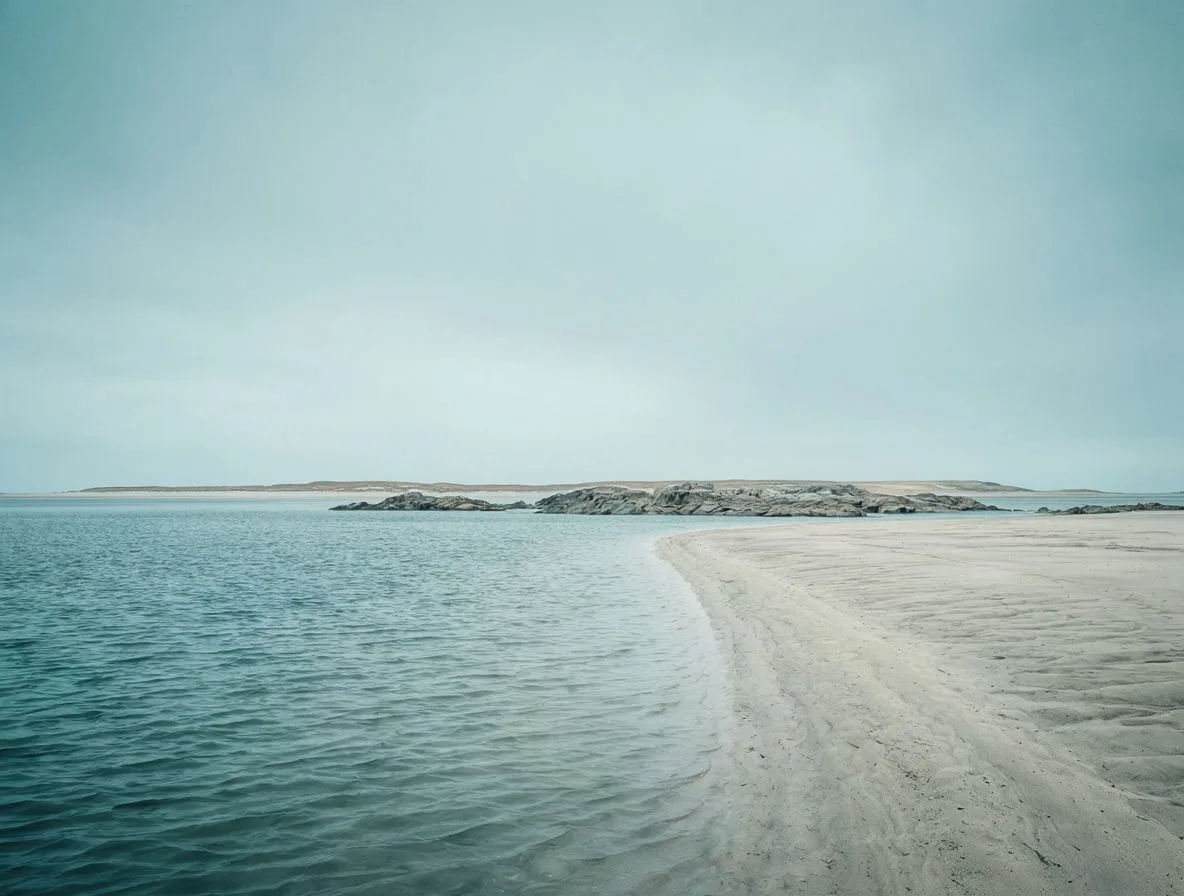
Cool teal and slate
Quiet coastal scene on a palette of teal, slate grey, and pale sand, overcast light, muted and photoreal
Edit prompt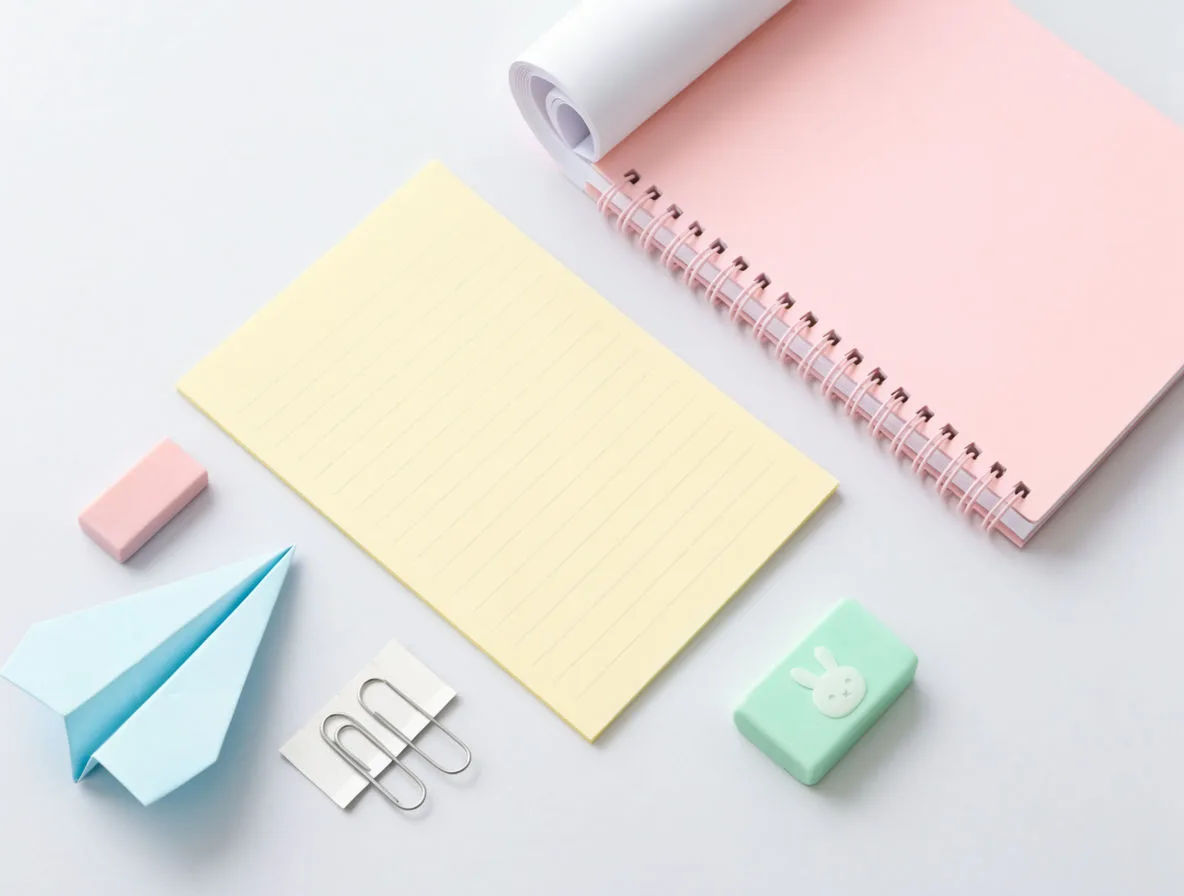
Soft pastel
Flat-lay stationery on a pastel palette of blush pink, mint, and butter yellow, bright even light, clean studio look
Edit prompt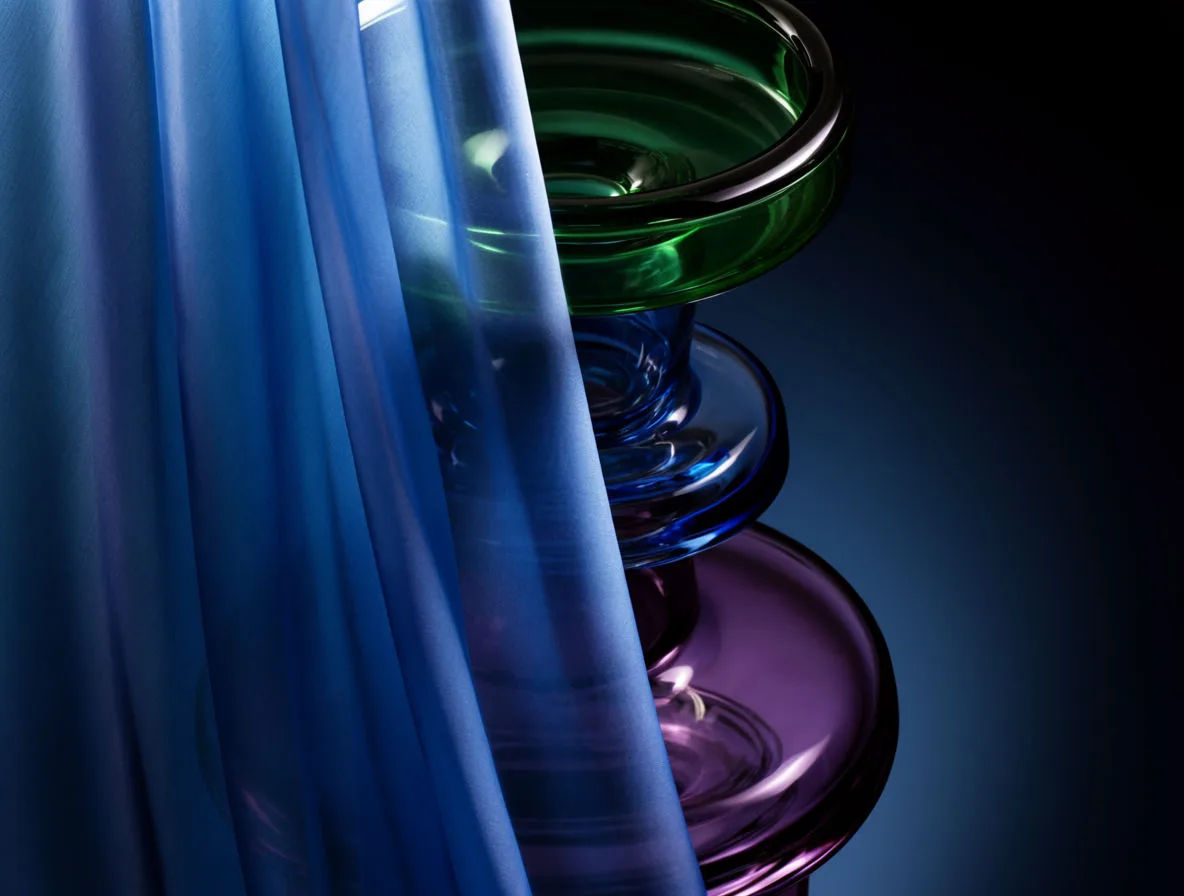
Jewel tones
Portrait lighting study on a jewel palette of deep emerald, sapphire, and amethyst, rich saturated color, dramatic key light
Edit prompt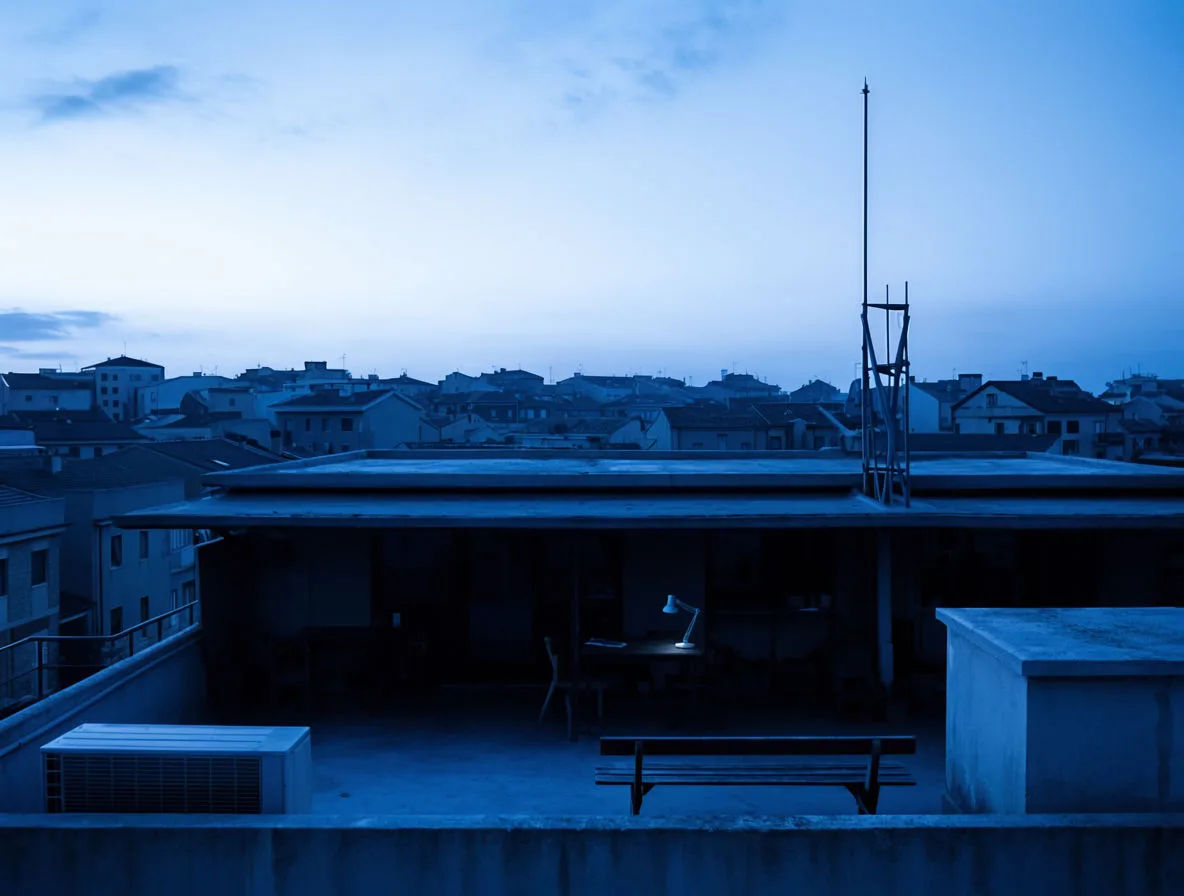
Monochrome blue
City rooftop at dusk rendered in a monochrome blue palette, tonal range from pale sky to deep navy, cinematic haze
Edit prompt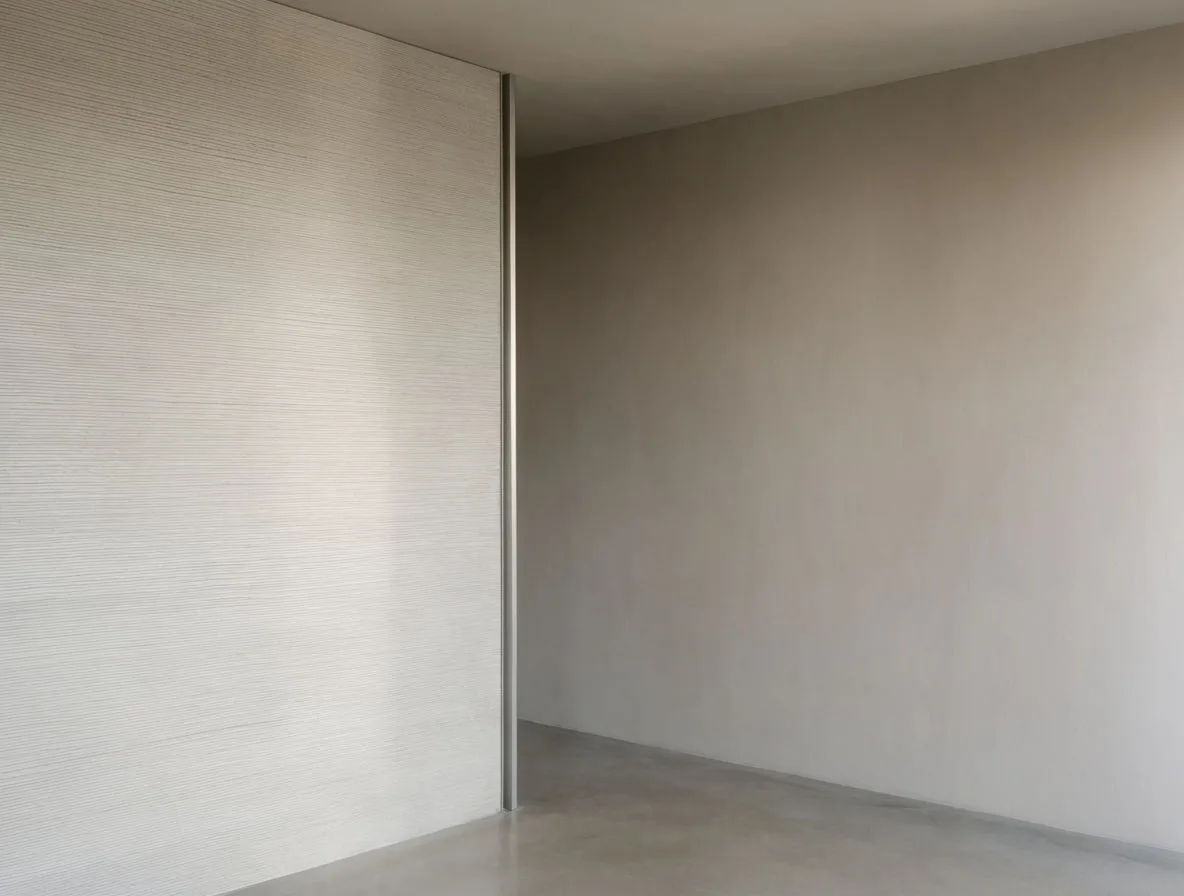
Muted neutral
Interior corner on a muted neutral palette of greige, bone, and soft taupe, diffused daylight, calm minimal photoreal
Edit prompt
Cinematic storyboard
Share a scene description with character references. Get a full storyboard with shot angles and mood.

Messages to cinematic scene
Dramatize any text conversation into a cinematic multi-shot video.

Title sequence
Generate a professional film title card from scratch, with optional cinematic animation.

3x3 storyboard
Feed in a single image. Get 9 cinematic beats laid out as a 3x3 storyboard grid.

Chibi sprite animation
Turn any photo or description into an animated chibi sprite. Dance, jump, wave, attack, and more.

Expressions
Take any character image and generate 6 distinct facial expressions on a single reference sheet.
Keep going with color on Morphic
From one palette to a whole consistent lookSpecify colors in a prompt
The exact wording that steers an image model toward the colors you want, with and without a reference.
Build an illustration color scheme
Pick harmonious schemes for AI illustration, from complementary to analogous, and prompt them cleanly.
Cinematic color palettes
How film color grading works and how to brief that look, from teal-and-orange to bleach-bypass.
Keep a style consistent
Hold one palette, light, and finish across a whole set of images instead of drifting shot to shot.
