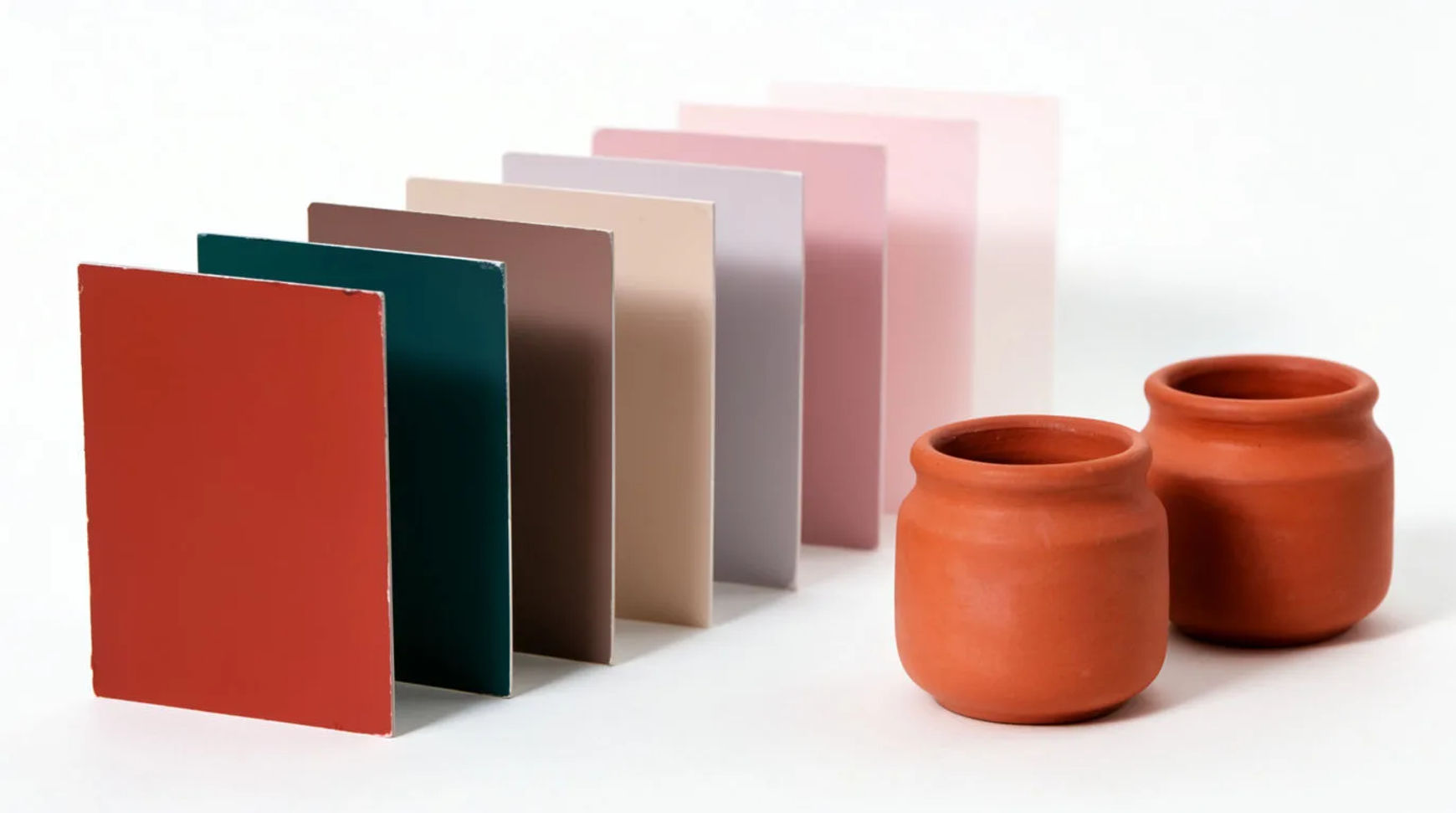
What does it mean to specify colors in AI image generation?
Specifying colors means steering the image model toward a chosen palette instead of letting it pick. You can do this with words (color names, hex values, and mood), with a reference image the model samples from, or with both together. Words get you most of the way for a general look; a reference is what you reach for when the colors have to be exact.
Morphic runs every major image model in one place, so you can prompt a palette, compare how different models interpret it, and carry one look across a whole set.
Lead with the palette, not the subject
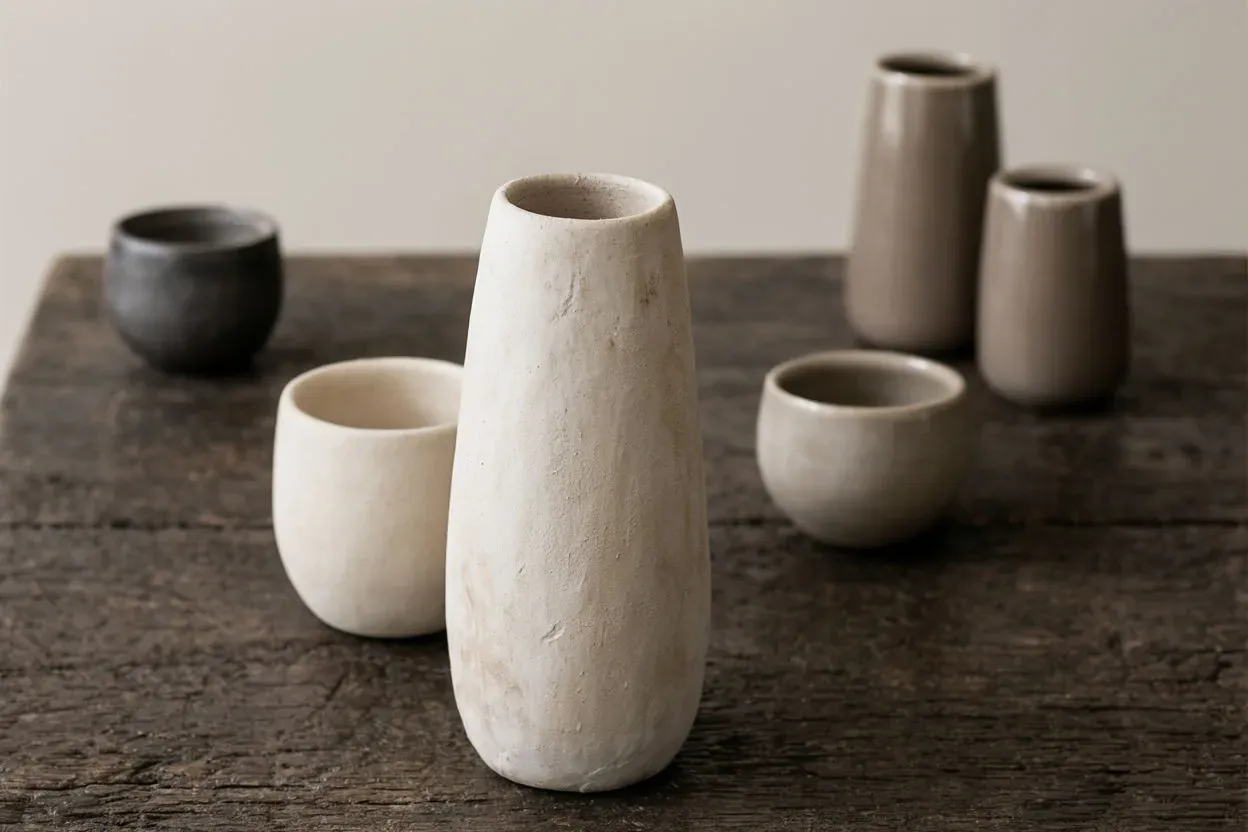
Put the colors near the front of the prompt and keep the list short. "A warm palette of terracotta, ochre, and cream: a still life of ceramics on a wooden table" reads more reliably than burying the colors at the end. Two or three colors hold; five compete and the model starts dropping some.
Anchor each color to an object
Models honor color best when it is attached to something. "A red door in a grey stone wall under a pale blue sky" lands more precisely than "red, grey, and blue". Tie each color to a surface, and name the light, since warm or cool light shifts every color in the frame.
Add hex and precise names when it matters
For a target color, pair a hex value with a plain name so the model has both signals: "deep teal #0f766e". Treat hex as a strong hint, not a pixel-exact instruction. Generate a few and pick the closest; the palette will cluster around your target.
| Color cue | Example wording | How reliable |
|---|---|---|
| Plain color names | sage green, warm clay, cream | High for a general palette |
| Descriptive mood | muted autumnal, sun-faded, high-key pastel | High for a feel, looser on exact hue |
| Hex values | deep teal #0f766e, bone #e7e2d8 | A strong hint; cluster, not pixel-exact |
| Reference image | upload a photo or swatch, image-to-image | Highest for an exact palette |
Match an exact palette with a reference
When words are not enough, upload a reference (a photo, a frame, or a swatch sheet) and use image-to-image. The model reads the colors straight from the picture and carries them into your new subject. This is the closest you can get to an exact brand palette.
Fix off-color results instead of restarting
If one color drifts, do not rewrite everything, correct in place. Regenerate with the stubborn color anchored to a clearer object, lower the count of competing colors, or take the best result into image-to-image and nudge the grade warmer, cooler, or more muted.
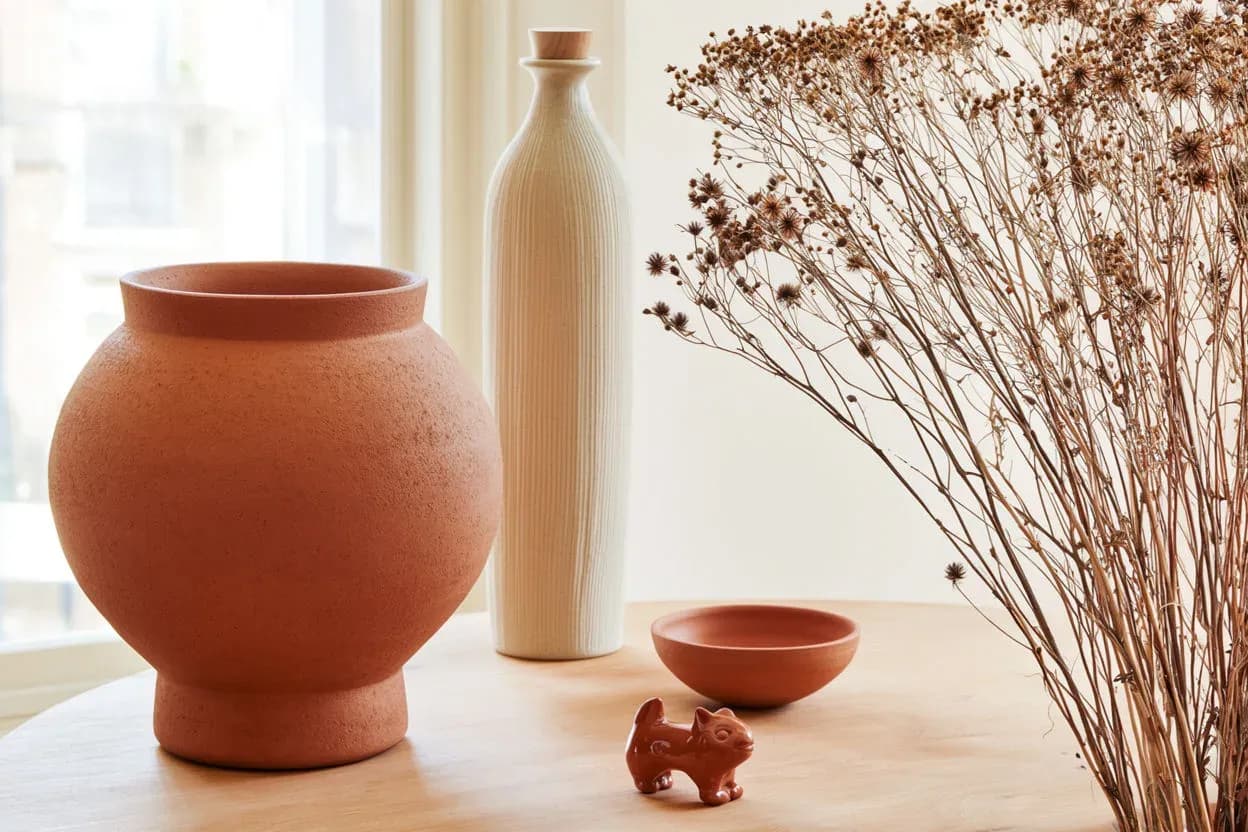
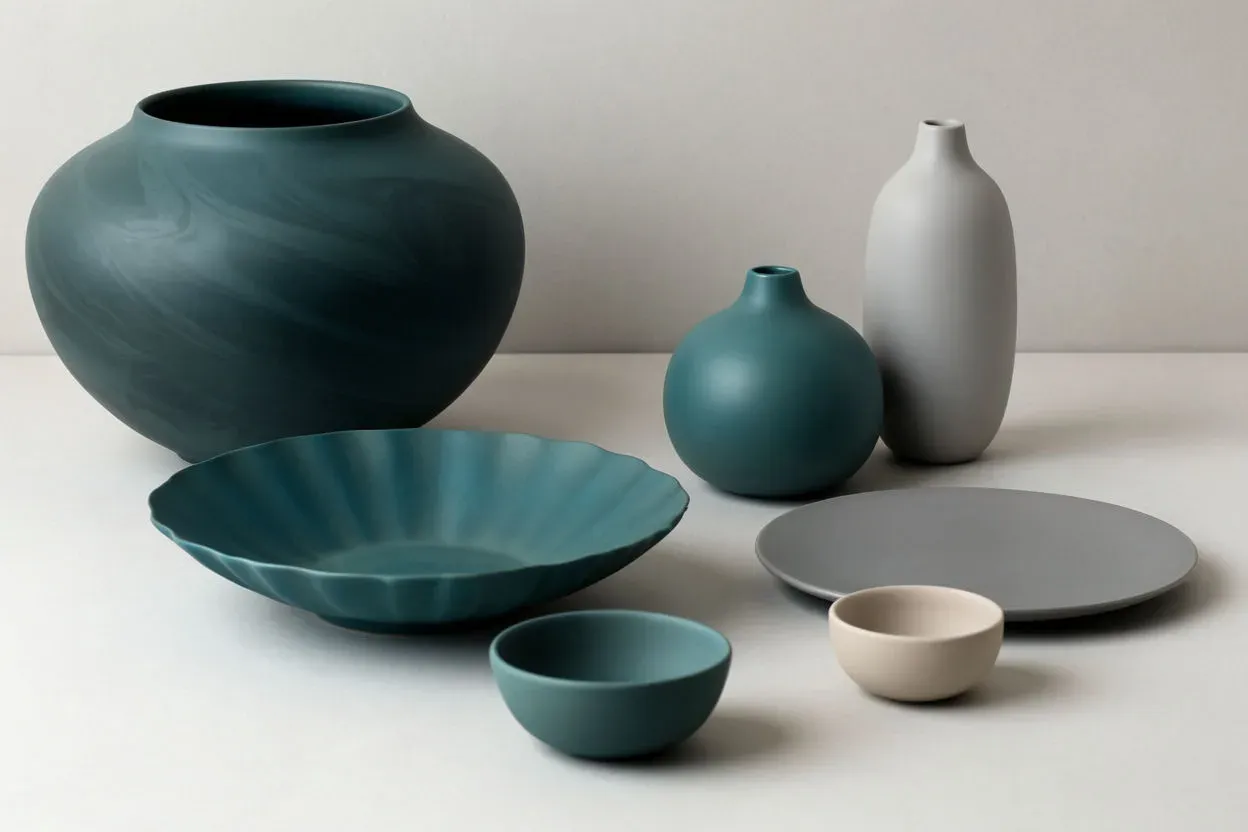
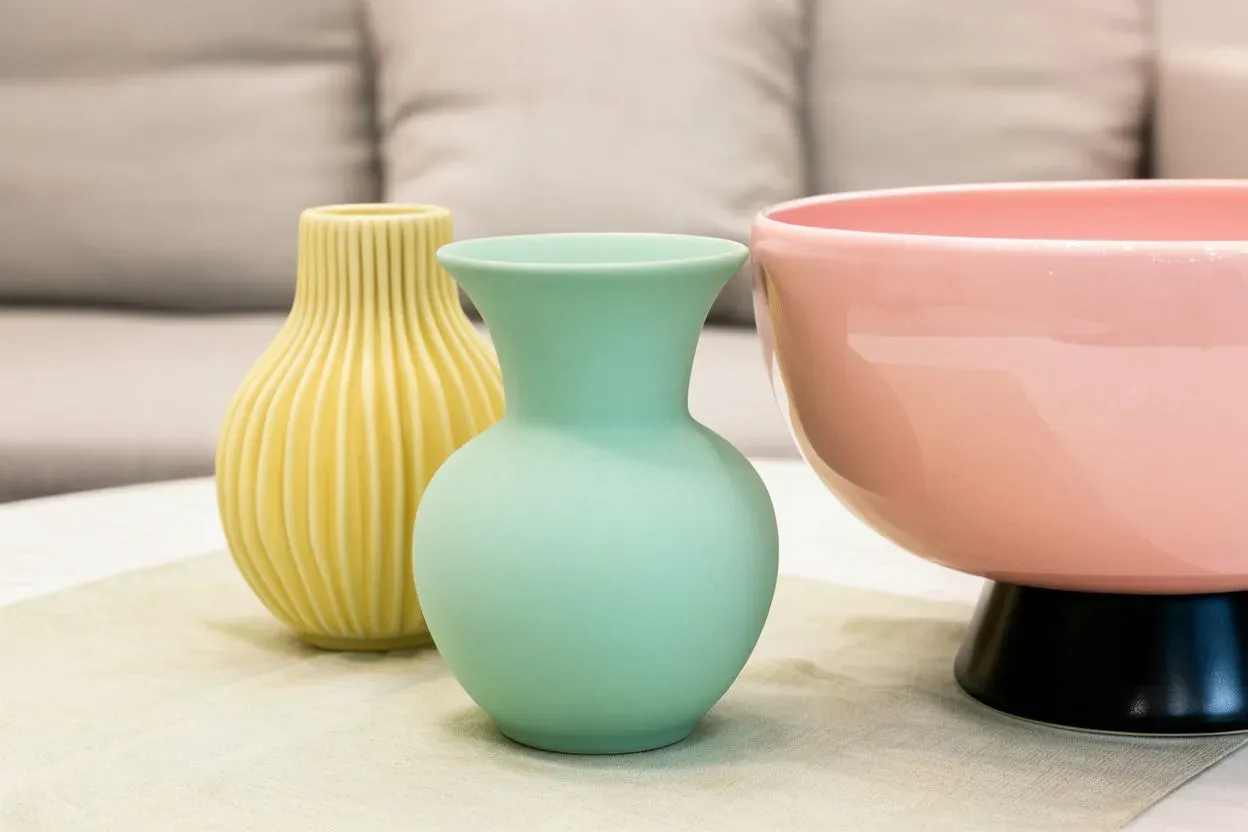
Example: four palettes, one subject
The same still life, generated on four different specified palettes. The subject stays put; only the colors change.
Where to go next
Once you can hit a palette, the next steps are choosing palettes that work together and holding one across a set. Build a scheme with the AI illustration color schemes guide, keep one look across many images with consistent AI image styles, or jump straight in with the AI color palette generator.