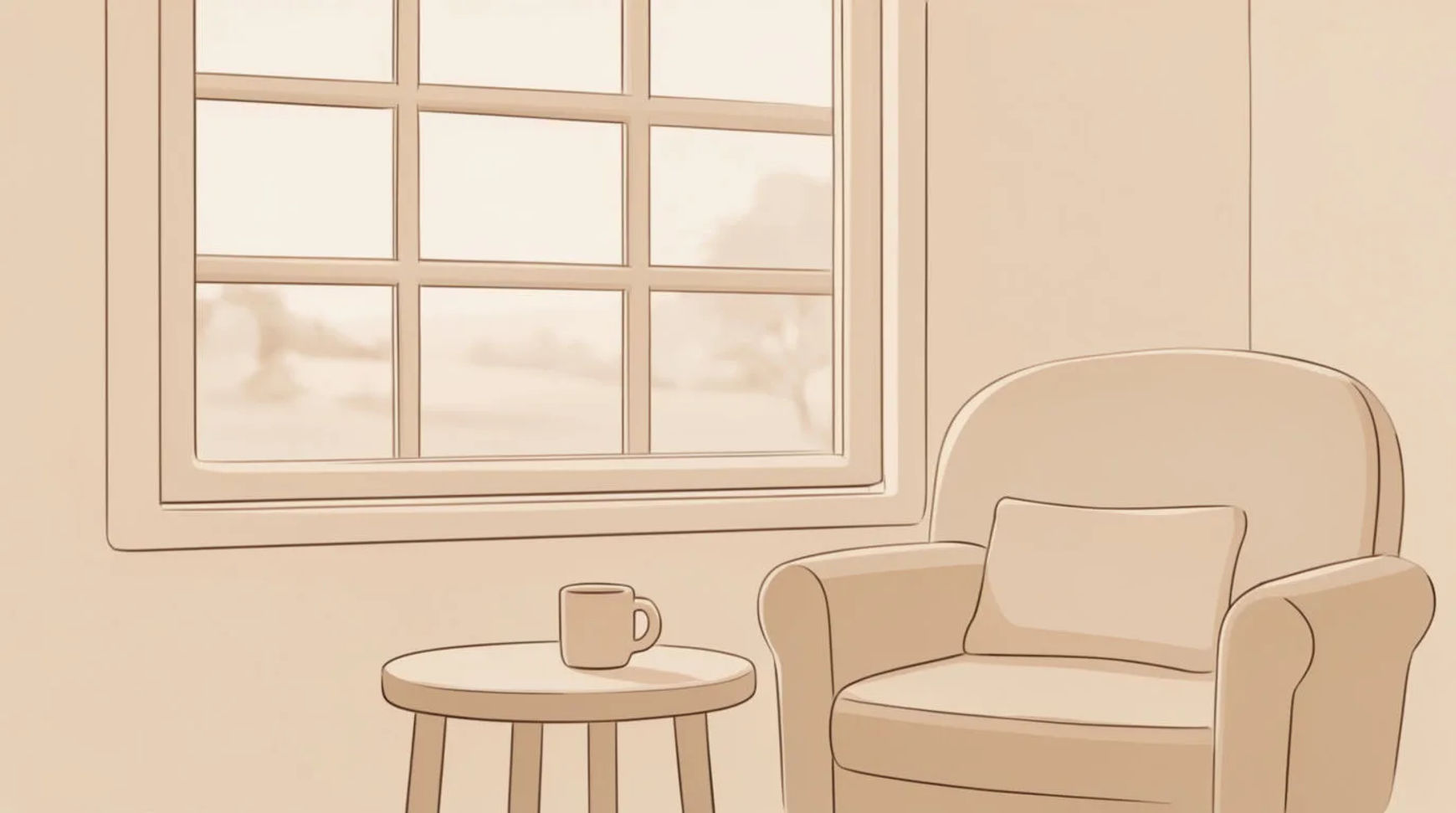
What is a color scheme in AI illustration?
A color scheme is a small set of colors chosen to work together, picked from relationships on the color wheel rather than at random. Getting the scheme right is what separates an illustration that looks designed from one that looks like the model guessed. The good news for AI work is that these harmonies translate cleanly into prompt language, so you can ask for them by name and shape.
Morphic lets you generate across every image model and compare how each one handles a scheme, then lock the winner across a whole series.
Pick the harmony before you prompt
Decide the relationship first, it sets the mood more than any single color does.
| Scheme | What it is | Reads as |
|---|---|---|
| Analogous | Neighbors on the wheel, e.g. blue, teal, green | Calm, natural, cohesive |
| Complementary | Opposites, e.g. blue and orange | High energy, strong focal point |
| Split-complementary | One color plus the two beside its opposite | Contrast with less tension |
| Triadic | Three evenly spaced colors | Playful, balanced, bold |
| Monochromatic | One hue across light-to-dark tones | Elegant, unified, moody |
Set a dominant, a support, and an accent
Assign roles so the colors do not fight. One color leads (most of the frame), one supports, and one small accent draws the eye. "Mostly deep teal, warm sand as support, a single coral accent" gives the model a clear hierarchy, which is what keeps a palette from going muddy.
Name the scheme and the light in the prompt
Combine the harmony, the roles, and the light: "flat-color illustration, analogous palette of blue to green, warm neutral paper, soft even light". Naming the light holds the palette together, because every color in the frame shifts with it.
Compare and refine
Generate a few, then compare on the Canvas. If the accent gets lost, make it the only saturated color; if the piece feels flat, widen the tonal range inside the dominant hue. Take the best result into image-to-image to push the grade rather than restart.
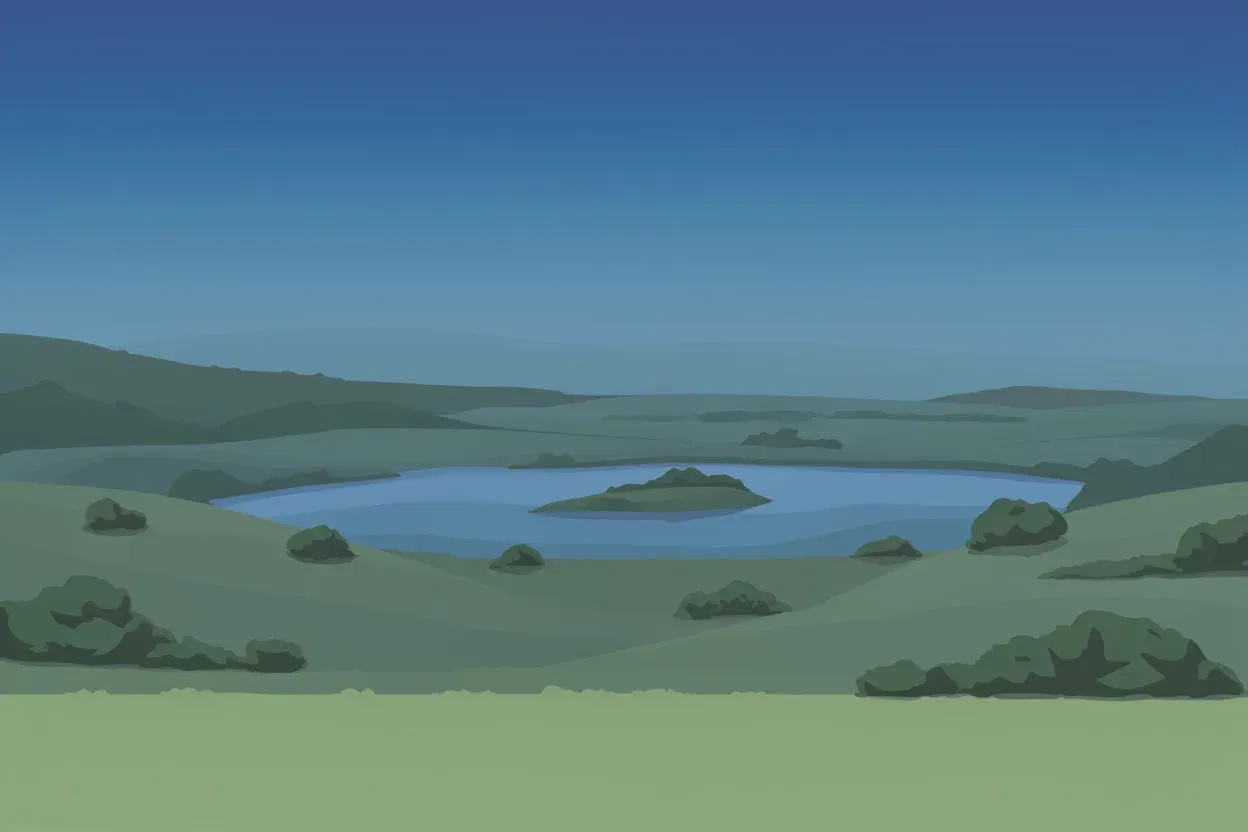
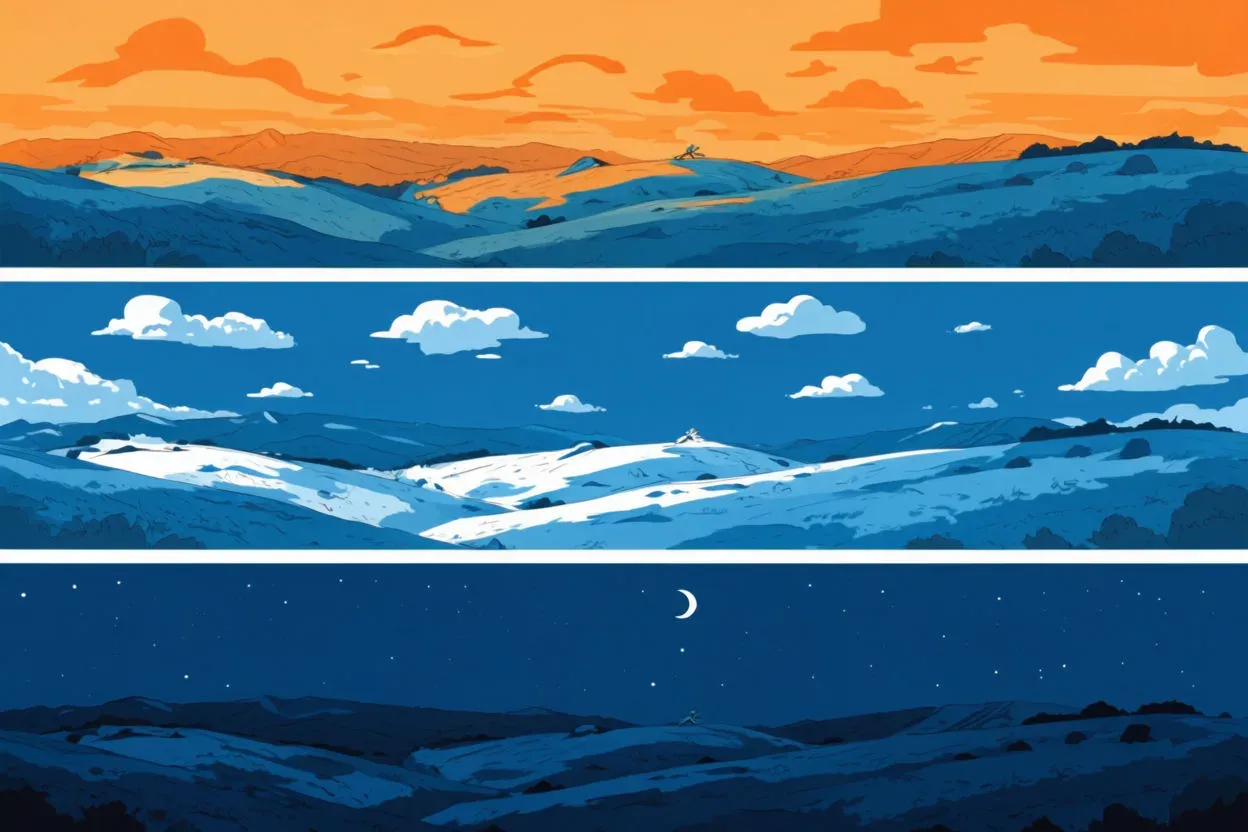
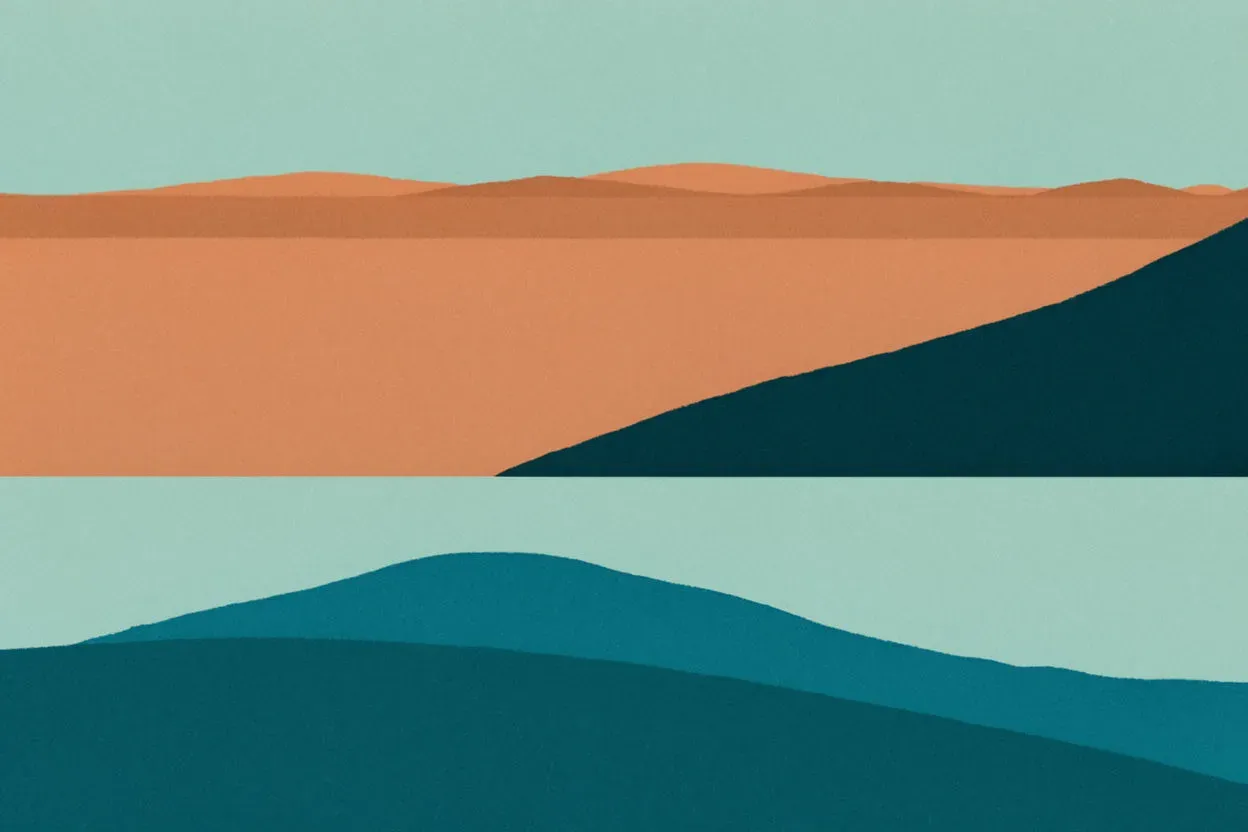
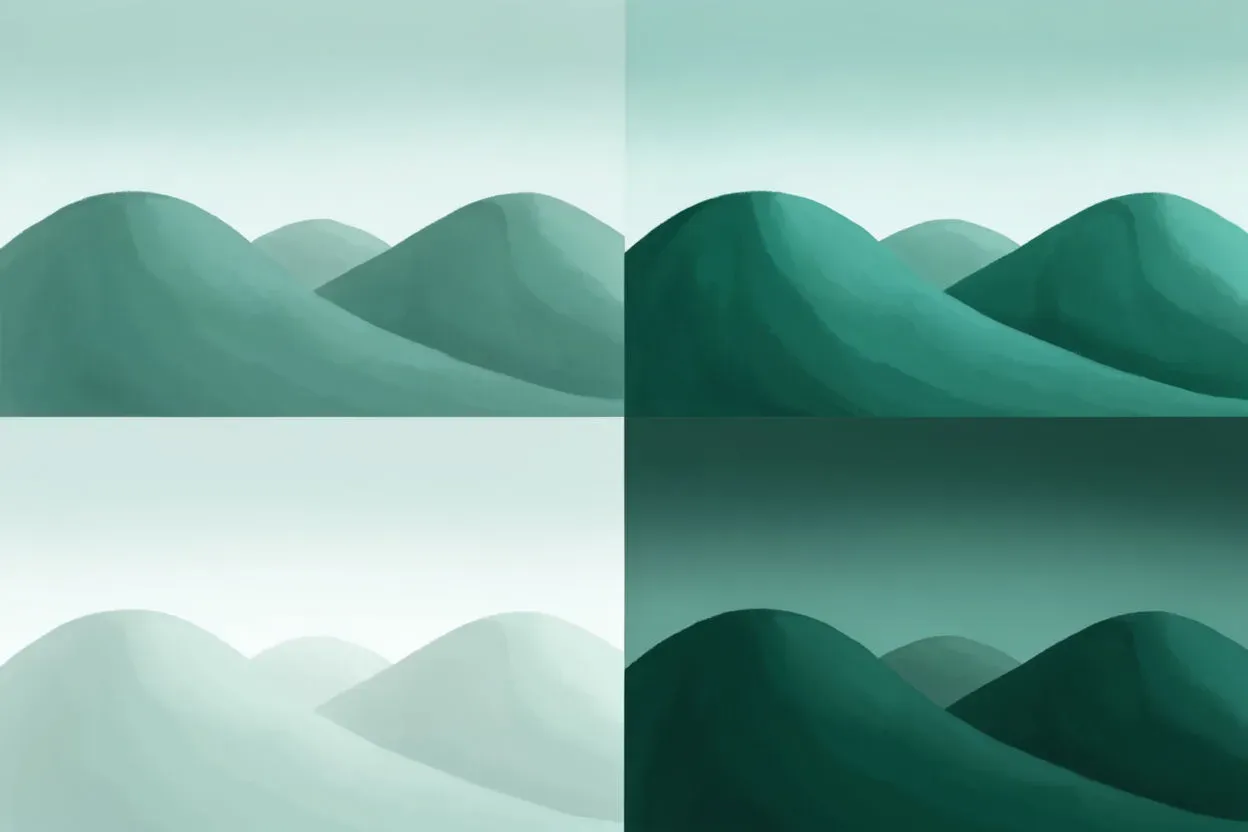
One scene, four harmonies
The same illustrated scene, rebuilt on four different schemes. Notice how the mood changes before the subject does.
Where to go next
A scheme is only useful if the model honors it, and if it holds across your series. Get the colors to land with how to specify colors in AI image generation, keep one scheme steady across many pieces with consistent AI image styles, or start generating with the AI color palette generator. For stylized palettes specifically, see anime color palettes.