What you need
- A video with speech, up to 10 minutes per dub. Split anything longer at scene breaks.
- The rights to it, and the consent of the people whose voices you translate.
- A Morphic paid plan. The lip-synced dub is on every paid plan; on the free plan Morphic dubs the audio track only.
- Optional: a list of names and places to keep exactly as they are.
How do I translate a video into another language with AI?
Open Morphic Dub and add the video
Open the Morphic Dub tool and add your video. The settings open as soon as it is attached. The spoken language is detected, or you can name it if the opening lines are quiet or mixed.
Pick the language and the words to keep
Pick one target language. Each dub is one language, so three markets are three dubs. To keep names exactly as they are, ask in a Copilot chat instead, for example "Translate Video 1 into Spanish and keep the names Rosa and Tomás". Copilot runs it on Morphic Dub. Set the chat to 'Ask before generating' and nothing is charged until you approve the dub.
Wait for the dub, then review it
Morphic Dub is the careful dub: a run takes longer than the video itself, and Morphic tells you the expected wait before it starts. When it lands, listen through once with the original beside it. Each speaker should sound like themselves, and the music should sit where it was.
Add subtitles and export
Ask Copilot for subtitles in the new language, as a file or burned onto the picture. Burned-in captions use Latin-script fonts, so for languages such as Hindi, Japanese or Korean ask for the subtitle file. For a long video, put the dubbed parts back in order in Compose and export the full version. Your editor, or a native speaker in your workspace, can pin a note to the exact frame on the Compose timeline that needs another pass.
One vertical clip, translated twice
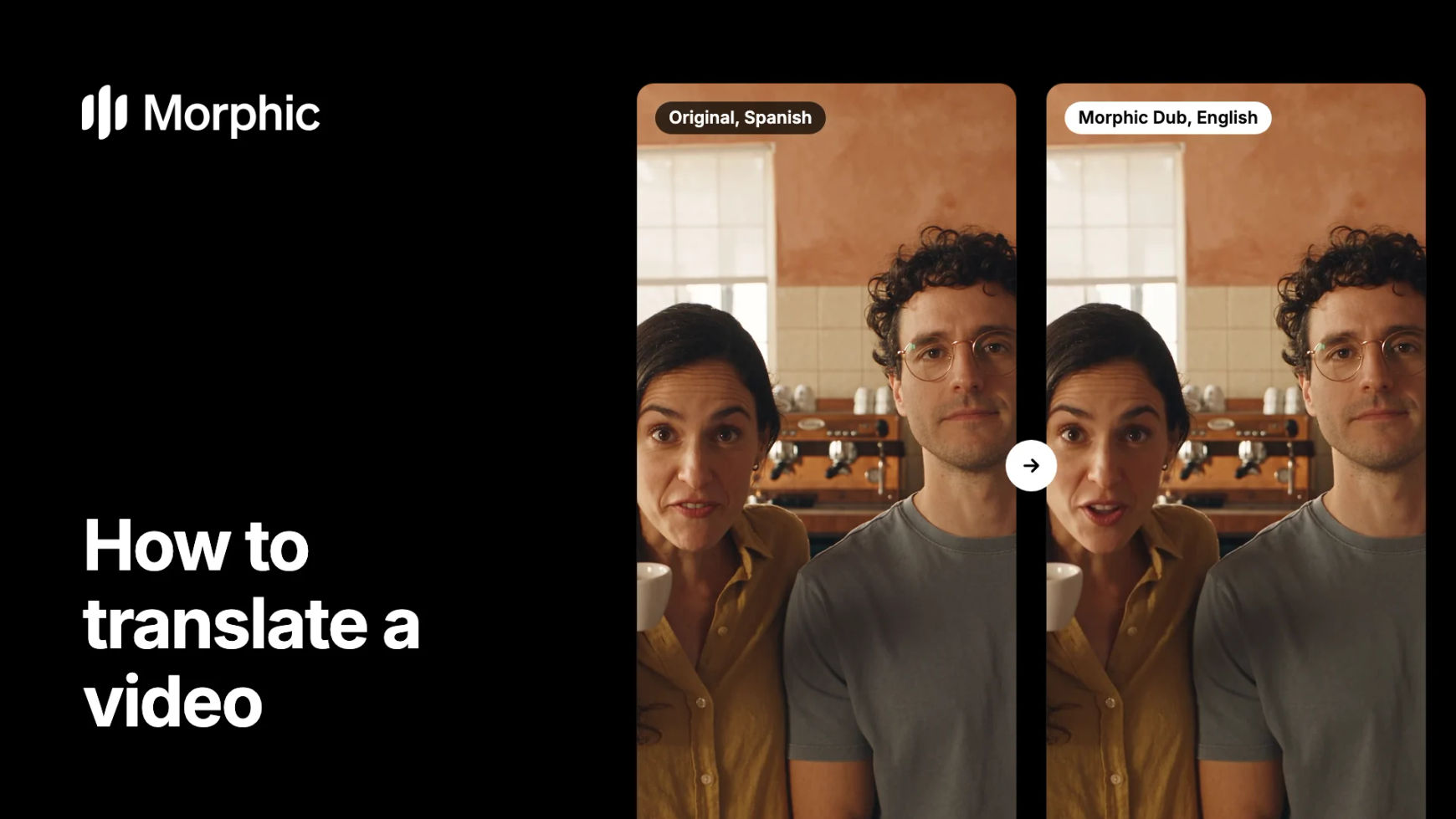
Switch each clip between the Spanish original and its translation. Both friends keep their own voices; the espresso machine and the cups stay in the mix.
Coffee bar, Spanish to English
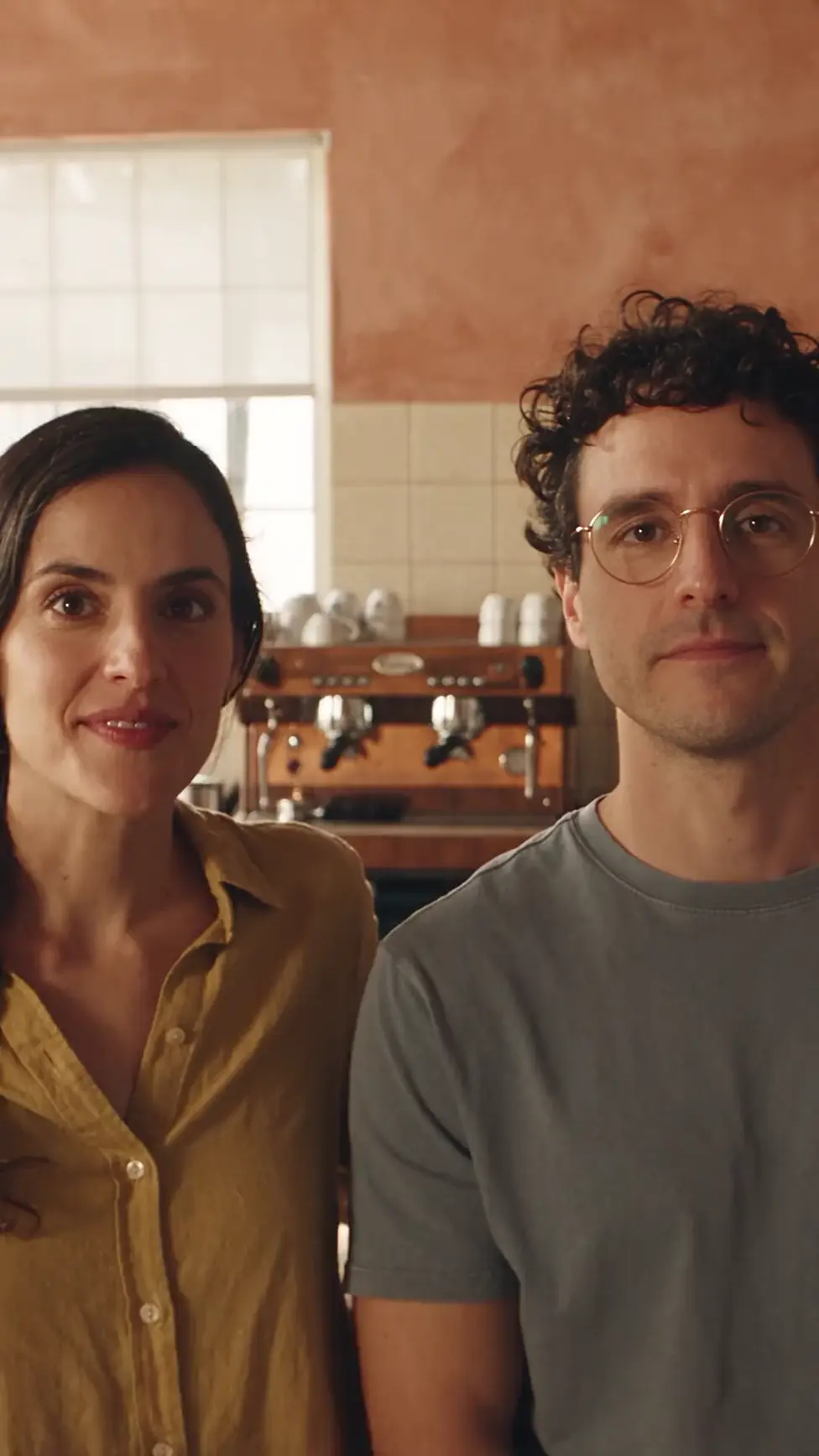
Translated to English: two voices, still their own, with the lips following the new words.
Coffee bar, Spanish to Portuguese
Translated to Portuguese: the same two voices, the same timing, and the espresso machine still hissing underneath.
Tips and common mistakes
- Budget per language. A studio dub books actors, a booth and a mix for each language. Here each language is one more run on the same cut, charged on its length, with your cast still in their own voices. Dub the markets your festival or release needs first.
- Test one scene first. Translate a short scene with music and several voices before a whole series, and have a native speaker listen.
- Say the names up front. Character names, brand names and places are the words a translation most often bends. List them in your request.
- Mind the text in the frame. The dub changes what people say, not what the picture shows. Titles, signs and on-screen captions stay in the original language, so subtitle them or replace the shots.
- Expect the plain language. Morphic Dub has no regional accents: a request for Mexican Spanish comes back in Spanish.
- Review fast exchanges closely. Overlapping lines and rapid back-and-forth are where a dub needs the most careful listen.
Other ways to translate a video
- Subtitles only. Keep the original voices and add a translated subtitle file, or burn styled captions onto the picture. See the AI subtitle translator.
- Into English. Name English as the language, as in the coffee-bar example above. The AI video translator has more examples.
- A short film or an episode. Split it at scene breaks and dub each part, as in how to dub a short film.
- A specific language pair. Browse dubbed examples by language pair, or read the wider AI dubbing and localization workflow.
FAQs
Open the Morphic Dub tool, add the video and pick the language you want. Morphic Dub translates the speech, re-voices each speaker in their own voice, syncs their lips on close-ups and keeps the original music and sound effects. Then add subtitles and export.
A wide range, including Spanish, French, German, Italian, Portuguese, Japanese, Korean, Hindi, Tamil and Arabic. Each dub is one target language, and it is the plain language without regional accents.
Yes. Each speaker is re-voiced in their own voice, one voice per person across the clip, and the voice stays inside that dub. Translate only videos you have the rights to, with the consent of the people whose voices you dub.
Re-dub the scene the line sits in, naming any word that must stay as it is, then drop the new version into your cut in Compose. Splitting a long video into scenes before you dub keeps each fix small.
On the free plan Morphic dubs the audio track, without lip sync. The lip-synced video dub with each speaker's own voice is on every paid plan; see pricing.