Every video model
One workspaceOne clip, a new language
Translate a video in three steps
- 01
Open Morphic
Sign up and start creating on a free-flowing, infinite visual canvas.
- 02
Upload and pick a language
Drop in the clip and name the language you want it dubbed into.
- 03
Voice and export
Approve the script, then export in HD with the new audio and matched lip sync.
Use cases
Take a campaign global
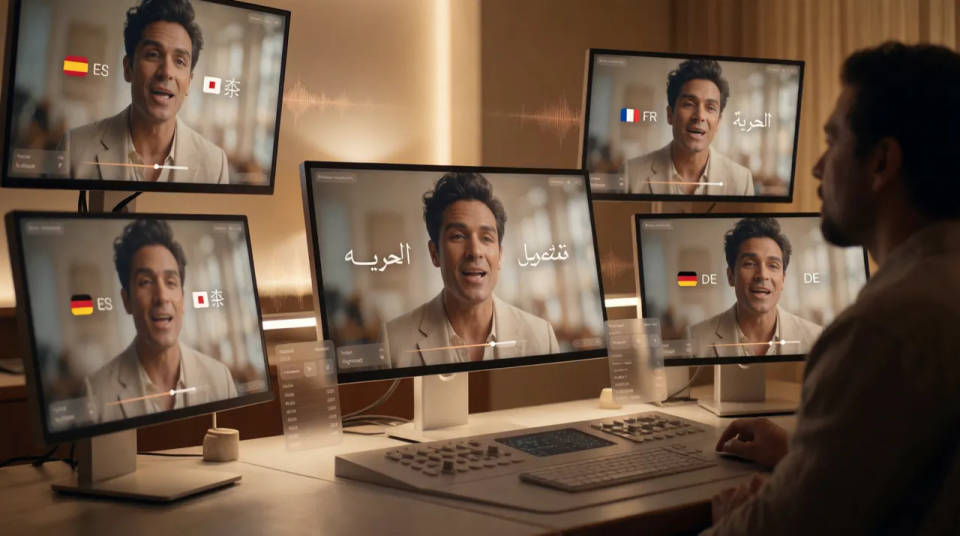
Dub one hero cut into every market instead of reshooting per language. The visuals, the pacing, and the talent stay the same, and each region hears the message in its own language with the mouth matched to the new audio, so nothing reads as an overdub.
Creator videos in more languages
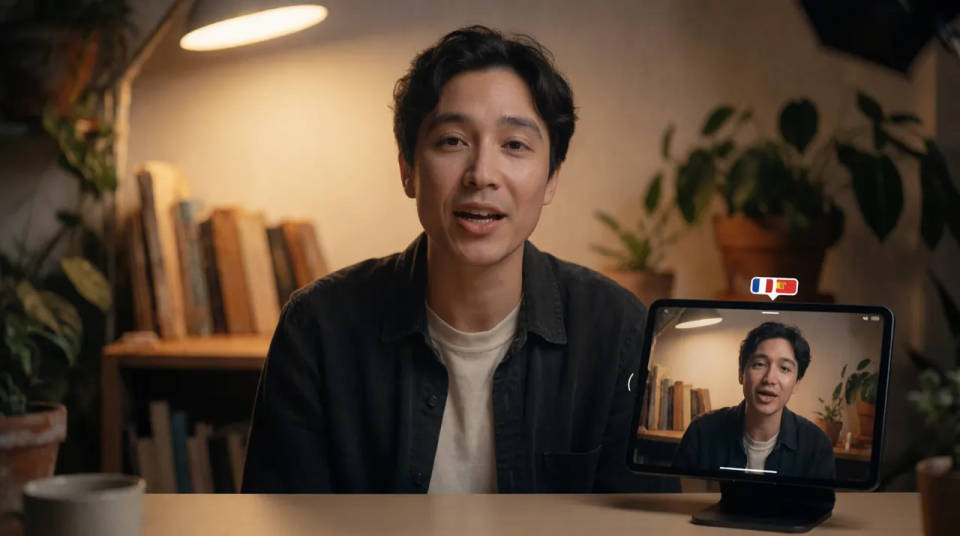
A creator can release the same video to audiences who do not share the original language. The AI voice keeps the delivery close to the original, so the personality that built the channel survives the translation rather than flattening into a robotic read.
Training that everyone can follow
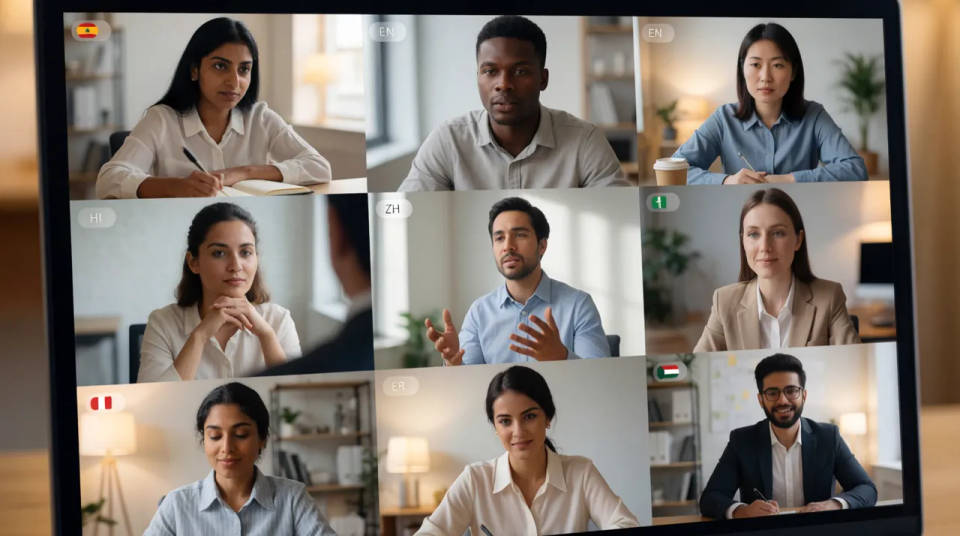
Onboarding and training footage reaches a global team when each person hears it in their own language. Review the translated script before it is voiced so the terminology is right, then dub the whole clip in one pass rather than booking a studio per region.
Dub or caption, your call
Some clips should change their audio and some should keep the original voice. Dub when a viewer should hear their own language, and reach for translated subtitles when the spoken track stays and only the on-screen text changes. Both live in the same workspace.

Cinematic scene
One image to a 9-scene cinematic video.
Time-freeze effect
Cinematic time-freeze short film for any scene
Short film creator
Go from any idea to a finished short film with scenes, visuals, video, and music.
Renovation timelapse
Photo of any real-estate becomes a cinematic renovation timelapse video with construction SFX and music.
Motion transfer
Pair a character image with a reference video. Your character picks up that exact motion.
Video style transfer
Restyle any video in a completely new visual style. Every frame transforms, all motion stays intact.
All on Morphic
From one language to any marketModels
Kling 3.0, Seedance 2.0, Veo 3.1, and Ideogram for shots that need legible words inside the frame.
AI video dubbing
The full dubbing tool for replacing the spoken track with AI voices in a new language.
AI subtitle translator
Keep the original voice and translate the on-screen captions when a dub is not what you need.
Matched lip sync
Reshape the mouth to the new audio so the speaker looks natural rather than dubbed over.
