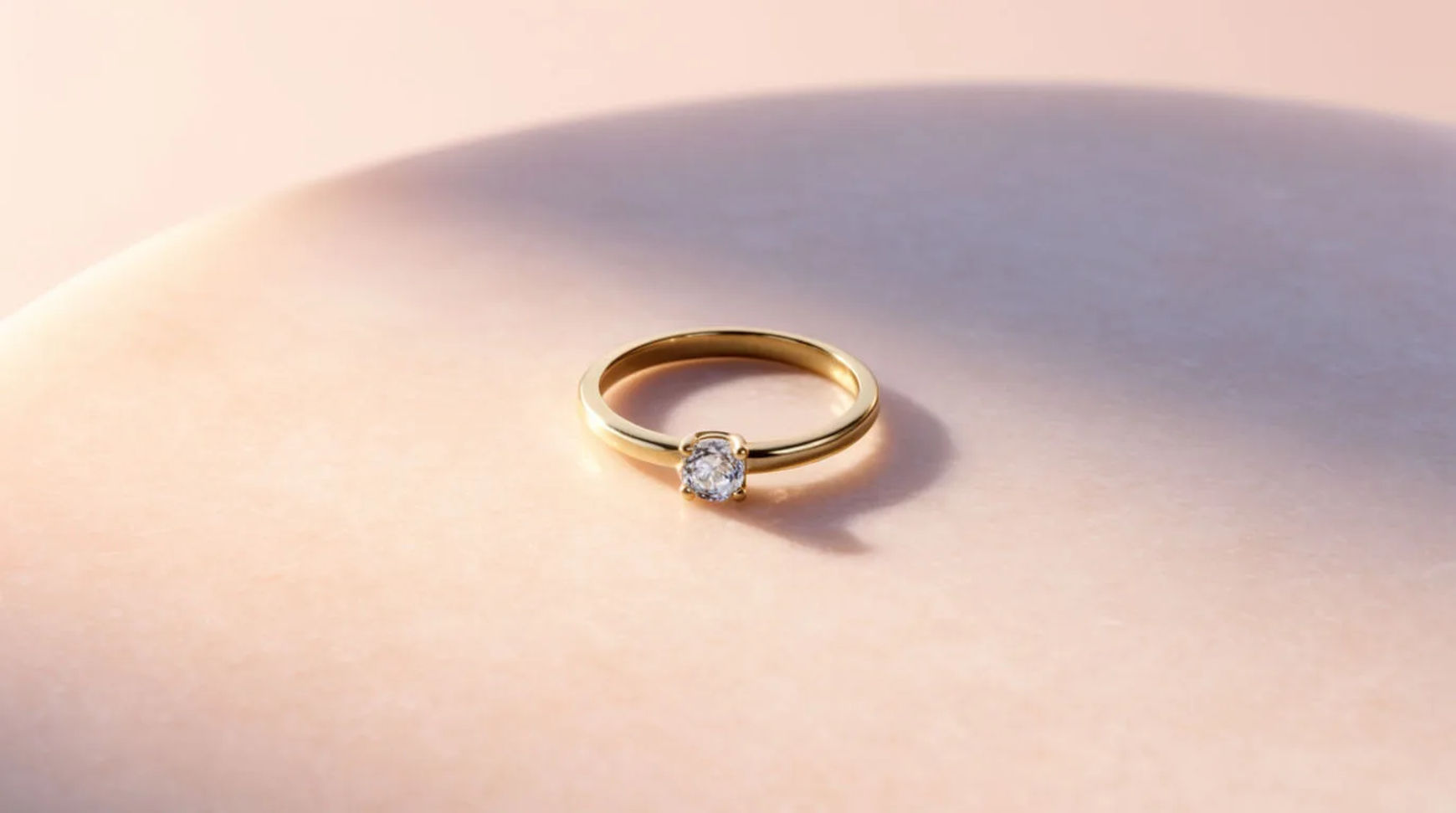
A jewelry ad is usually one of a few recurring formats: a macro reveal, a sparkle beat, an on-model shot, and a gift scene. A small brand makes each from one clean product photo, generating the scene around the real piece so the stone, metal and setting stay exact and sharp.
| Format | What it shows | Where it runs | How to make it |
|---|---|---|---|
| Macro reveal | The piece in close detail | Feed, product page | Generate a macro scene around the real piece |
| Sparkle beat | Light catching the stone | Reels, ads | Animate the macro still with subtle motion |
| On-model | The piece worn, in scene | Feed, lookbook | Place the saved piece in a generated on-model scene |
| Gift scene | The piece in a gifting setting | Feed, email, ads | Build a gift scene around the saved piece |
Formats that work in jewelry
Macro reveal
What it shows: The piece in close detail, the facets, the setting, the finish. Why it converts: Detail is what sells jewelry, and macro reads as quality. The example keeps the real stone sharp while generating the surface and light around it.
Sparkle beat
What it shows: Light moving across the stone. Why it converts: A moment of sparkle stops the scroll. The example animates the macro still with subtle motion so the shine reads without warping the piece.
On-model
What it shows: The piece worn, on a neck, wrist or hand, in a styled scene. Why it converts: On-model gives scale and context. The example places the saved piece into a generated on-model scene, with the piece held exact by its reference.
Gift scene
What it shows: The piece in a gifting setting, a box, a ribbon, a table. Why it converts: Gift framing suits seasonal and occasion campaigns. The example builds the setting around the real piece.
Make each format with AI
Every format starts the same way: from a sharp macro photo, lift the piece off its background, save it as a reference, then generate the scene around it.
- Upload a sharp macro photo and lift the piece off its background on the Canvas
- Save it as a reference so the stone, metal and setting stay exact
- Describe the format's scene (macro, sparkle, on-model, gift) and generate variations
Tool: AI ad generator. To batch several at once, see how to make ad variants from one product photo.
Jewelry-specific rules
- Keep the piece exact. The stone, metal, setting and finish stay as shipped; only the scene is generated. Start from a sharp macro so the reference has the detail to hold.
- Do not invent materials or value. Never generate or caption a gemstone, carat, metal or certification you do not actually sell. That is a false product claim, not a creative choice.
- No invented endorsements or reviews. Do not add a quote, a rating or a testimonial you cannot source.
Static vs video versions
Each static format has a motion version. A macro reveal becomes a slow push-in; a sparkle beat becomes a gentle rotation that catches the light; an on-model shot becomes a short worn clip. Animate the still with image-to-video, keep the motion subtle so the piece stays sharp, and export a 9:16 for reels and a 1:1 for the feed. For the full video method, see how to make a jewelry product video from photos.
For where jewelry ads fit in a week of store content, see how to use AI for your Shopify store. For another category, see skincare ad examples.