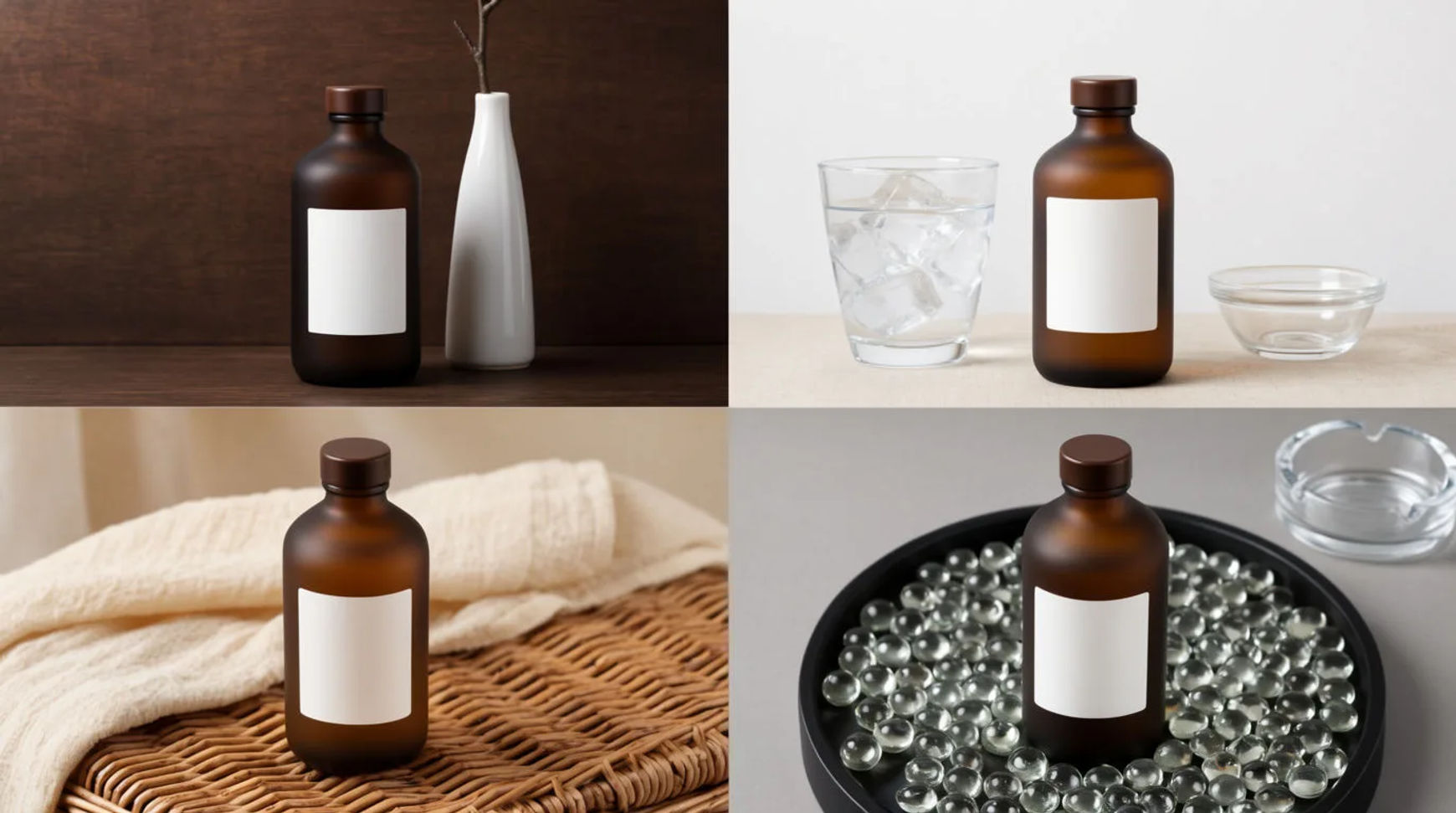
To make ad variants from one product photo, give Morphic the approved shot, a list of the hooks you want to test and the scenes to set them in. Ask for every variant you want to test and they arrive together, side by side, named and ready to drop into your Meta test. The product stays your real product; only the hook and the scene change around it.
What you need
- One approved product photo (the shot already signed off)
- A list of the hooks and angles you want to test
- A Morphic account
Steps
Set the inputs
Bring in the approved product photo as the fixed input, then write the list of hooks you want to test and the scene each one lives in. Keep the product the constant and let the hooks and scenes be the variables. Check the photo is the signed-off shot, since every variant builds around it.
Run the batch
Ask for every variant you want to test. They arrive together, side by side, each the same product carried into a different hook and scene. Check the set against the list; because they sit next to each other, a weak hook is easy to spot and cut before you spend on it.
Name for ad testing
Name each variant by its hook and placement so it maps to its ad set in the manager. Morphic names the batch for testing, so the file already tells you what it carries. Check the names read cleanly when you load them, so the test results tie back to a hook rather than a file number.
| One at a time | As a batch | |
|---|---|---|
| Starting point | The same approved shot | The same approved shot |
| Each hook | A separate round | Requested together |
| Comparing them | Open each on its own | Side by side |
| Handing off | Rename by hand | Named for the test |
Variations
By hook
The same product photo carries into each hook you want to test, a discount line, a benefit line, a seasonal angle. The scene shifts to suit the hook while the product holds.
By placement
Reframe a winning variant into feed, story and other placements so the hook runs native on each surface. The crop and layout change; the product does not.
By background
Keep the hook fixed and vary the scene around the product to find the setting that reads cleanest at small sizes in the feed.
Put it together
Ad variants from one photo come down to a fixed input and a list of variables: the approved product shot stays constant while the hooks and scenes change. Ask for every variant you want to test, get them together and side by side, named for the test, and compare before you spend. Start from the AI ad generator, see a category worked through in how to make a skincare ad, and fit it into a week of content in how to use AI for your Shopify store.