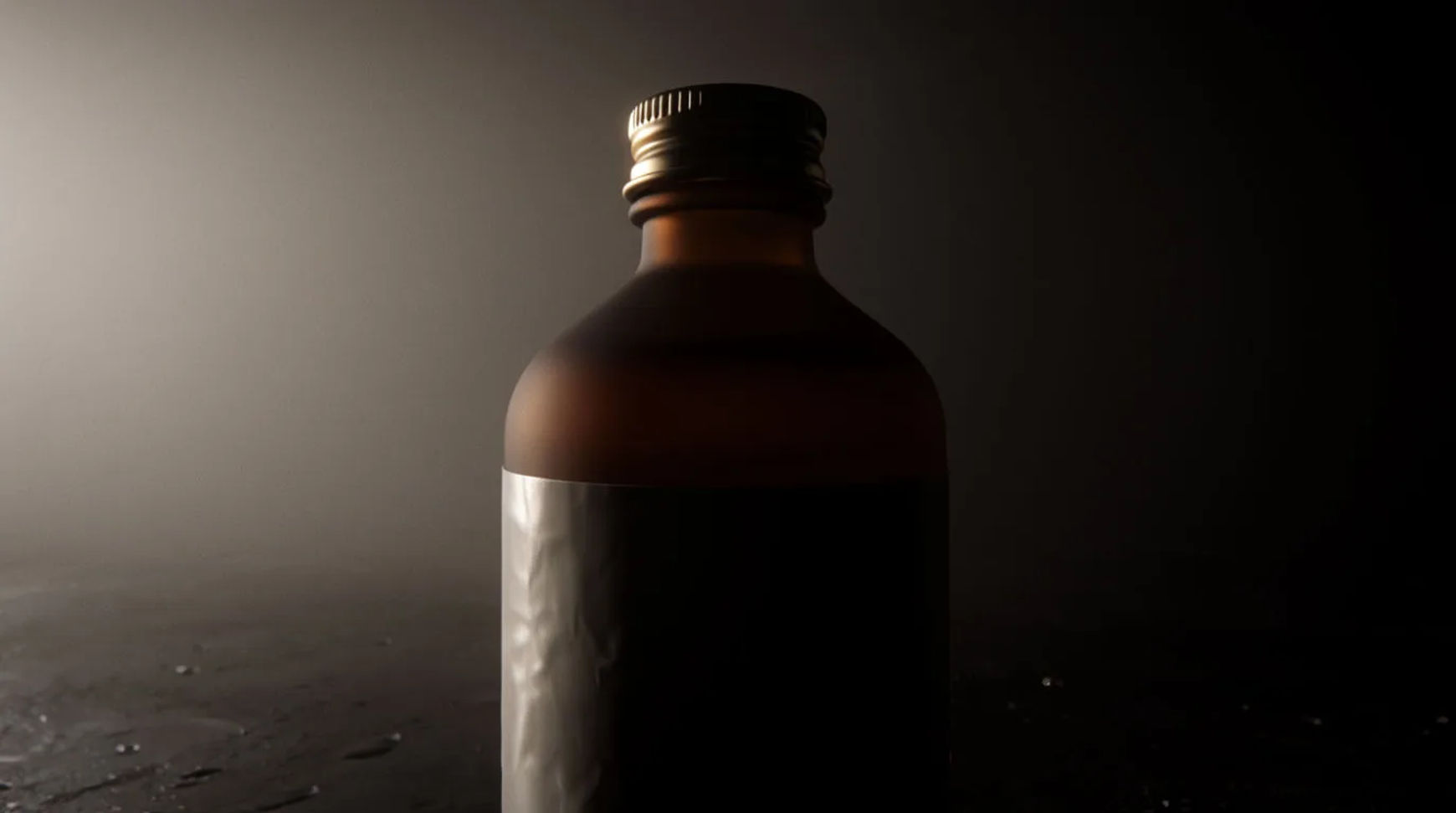
To make a collection teaser reel, hint at the drop without showing it: crop a tight detail from the product shot, build a mood scene that sets the tone, and close on a date card, then export story and feed versions. Each beat suggests what is coming rather than revealing it, and all three are built from one product photo, with the product kept exactly as shot.
What you need
- One clean product still from the new collection
- A line on the mood and the drop date
- A Morphic account
The three beats of a teaser
A teaser is built from parts, not the whole product. The table sets out the three beats and what each one does, so the reel hints rather than reveals.
| Beat | Shows | Its job |
|---|---|---|
| Detail crop | A texture or edge | Hint, not reveal |
| Mood scene | The tone and world | Set the feeling |
| Date card | The drop date | Give the when |
| Countdown | A time cue | Push the last days |
Steps
Pick the teaser format
Decide the three beats before you generate: a detail crop, a mood scene, a date card. A teaser hides more than it shows, so plan what stays off-screen. Keep the whole thing to a few seconds, since a hint earns attention by leaving the viewer wanting the full drop rather than by lasting.
Crop the detail
Take a tight crop of the real product shot, a texture, an edge or a fastening, so the first beat teases without revealing the whole item. Save the product as a reference so it stays exact. Animate the crop with a subtle move and check it for warping, keeping only the seconds that hold.
Build the mood scene
Generate a scene that sets the tone of the collection around the saved product, describing the surface, light and mood in plain words. Because the scene is generated around your real reference, the product stays exact while the world around it carries the feeling. Check that the mood matches the collection before you keep it.
Add the date card and export
Close on a plain card with the drop date and little else, so the when lands clearly. Sequence the three beats in Compose, add a short caption or a sound bed if it suits, then reframe the one master to a 9:16 story and a 1:1 or 4:5 feed version and export both. Check the pacing moves and the date reads at small sizes.
Variations
Countdown version
Replace the fixed date card with a time cue for the last day or two before the drop, so the teaser reads as urgent. Keep the detail crop and mood scene the same and swap only the closing beat.
Single-detail tease
For a tightly guarded drop, run one detail crop on a loop with the date card, showing almost nothing. The less you reveal, the more the crop has to be intriguing on its own.
Mood-only tease
Lead with the scene and tone and hold the product almost entirely off-screen, letting the world suggest the collection. Save the product as a reference so the glimpse you do show stays exact.
Multi-product tease
When the drop is a range, cut between detail crops of several items, each a second long, before the date card. Save each product as its own reference so every crop holds its look.
Put it together
A collection teaser is four steps from one product shot: pick the format, crop the detail, build the mood scene, add the date card and export. Keep each beat short, hint rather than reveal, and keep the product exact by saving it as a reference. Start with the AI product video generator, gather angles from product launch ideas, and see the full cycle in how a small brand runs a collection drop with AI.