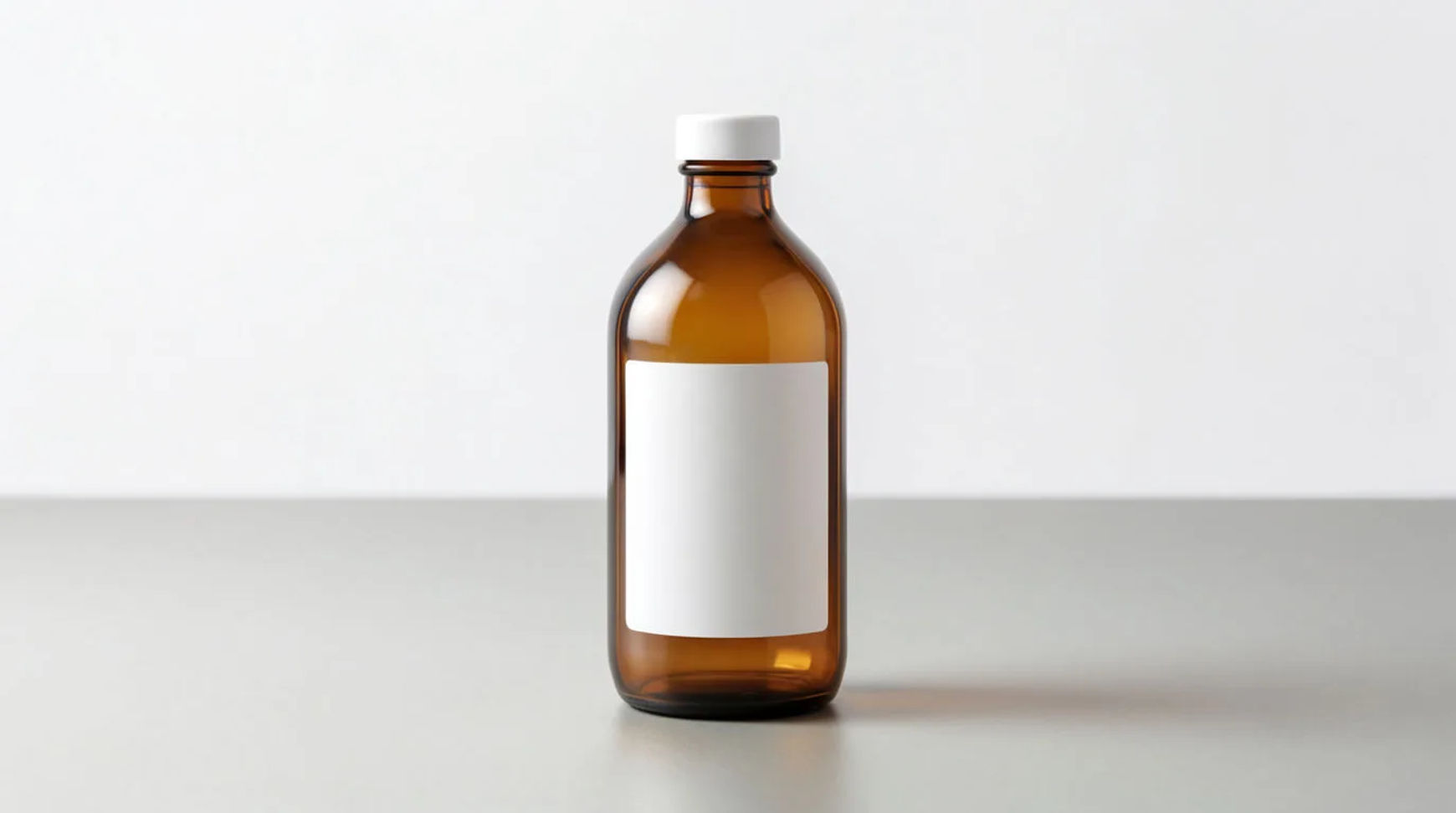
The ideas below are grouped by style, and each is the real product in an AI-generated setting. The method is the same every time: lift the product off its background and generate the scene around it, so the product stays exact while the setting changes. No studio required.
Minimal
Coloured backdrop
What it is: The product on a clean, single-colour backdrop. Why it works: A minimal backdrop suits a product page and an ad. The asset: 1:1 image. Make it: cut out the product and generate a smooth coloured backdrop behind it. Tool: AI product background generator.
Shadow and light study
What it is: The product with a considered shadow on a plain surface. Why it works: Light gives a flat product dimension. The asset: 1:1 or 4:5 image. Make it: generate a directional light and soft shadow around the cut-out.
Lifestyle
In-room scene
What it is: The product placed in a real-feeling room. Why it works: Context shows how the product lives. The asset: 4:5 image. Make it: describe the room and light and generate it around the saved product.
In-use scene
What it is: The product mid-use on a styled surface. Why it works: Use scenes read as authentic. The asset: 4:5 image. Make it: generate a hands-and-surface scene around the real product.
Seasonal
Holiday scene
What it is: The product in a seasonal setting. Why it works: Seasonal shots refresh a feed on schedule. The asset: 1:1 or 4:5 image. Make it: generate seasonal props and light around the cut-out, keeping the product exact.
Flat lay
Prop flat lay
What it is: An overhead of the product among related objects. Why it works: Flat lays suit the feed and email headers. The asset: 1:1 image. Make it: arrange a generated overhead scene around the saved product.
Macro
Detail crop
What it is: A close-up of texture, a seam, or a label. Why it works: Macro shots signal quality and let detail be legible. The asset: 1:1 image. Make it: generate a macro scene and lighting while the real detail stays sharp.
The cut-out-plus-scene method
Every idea above uses the same three steps:
- Upload the product photo and lift the product off its background on the Canvas
- Save the cut-out as a reference so the product stays exact
- Describe the scene, minimal, lifestyle, seasonal, flat lay or macro, and generate variations
Start with these three
| Idea | Asset | Effort | Workflow |
|---|---|---|---|
| Coloured backdrop | 1:1 image | Low | Product-in-scene |
| In-room lifestyle scene | 4:5 image | Low | Product-in-scene |
| Prop flat lay | 1:1 image | Medium | Product-in-scene |
All three come from the same product photo. For where these fit in a week of posting, see social media content ideas for small business.