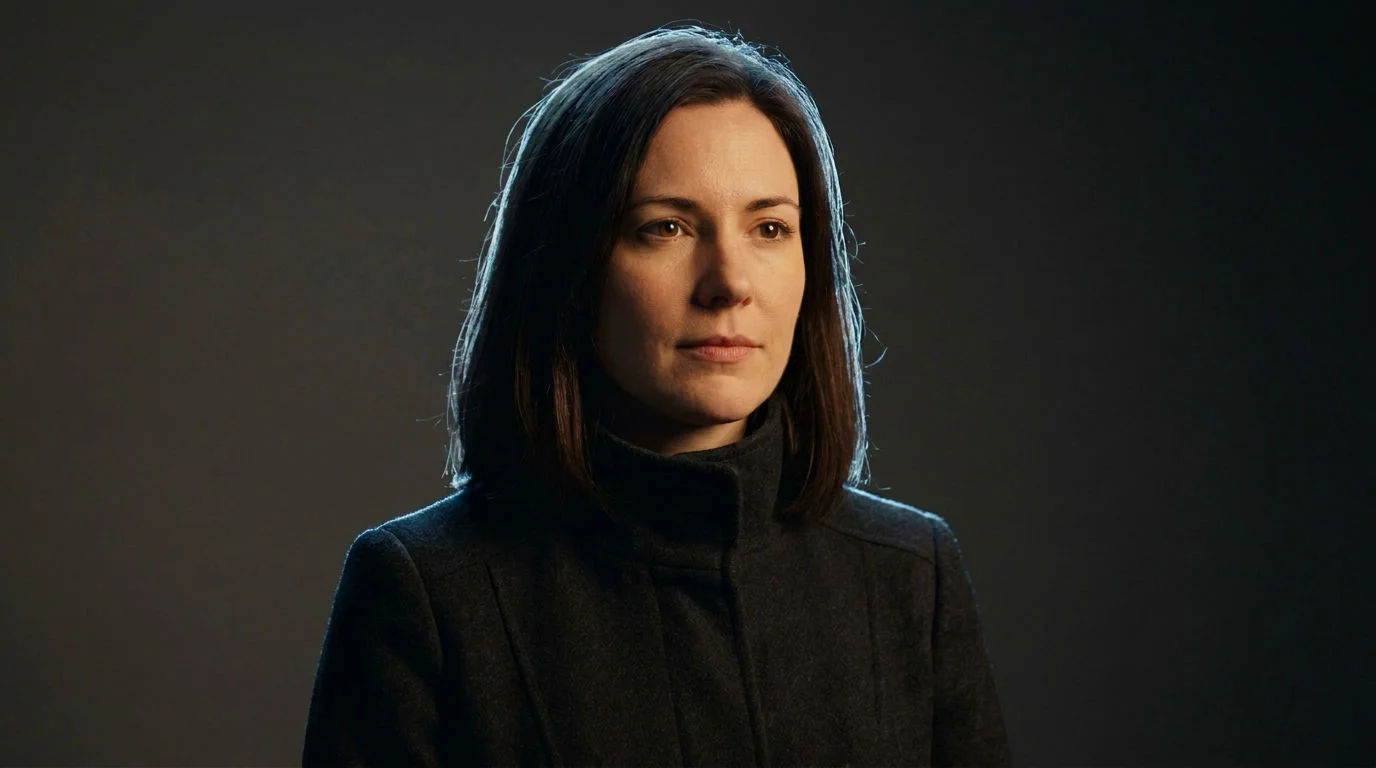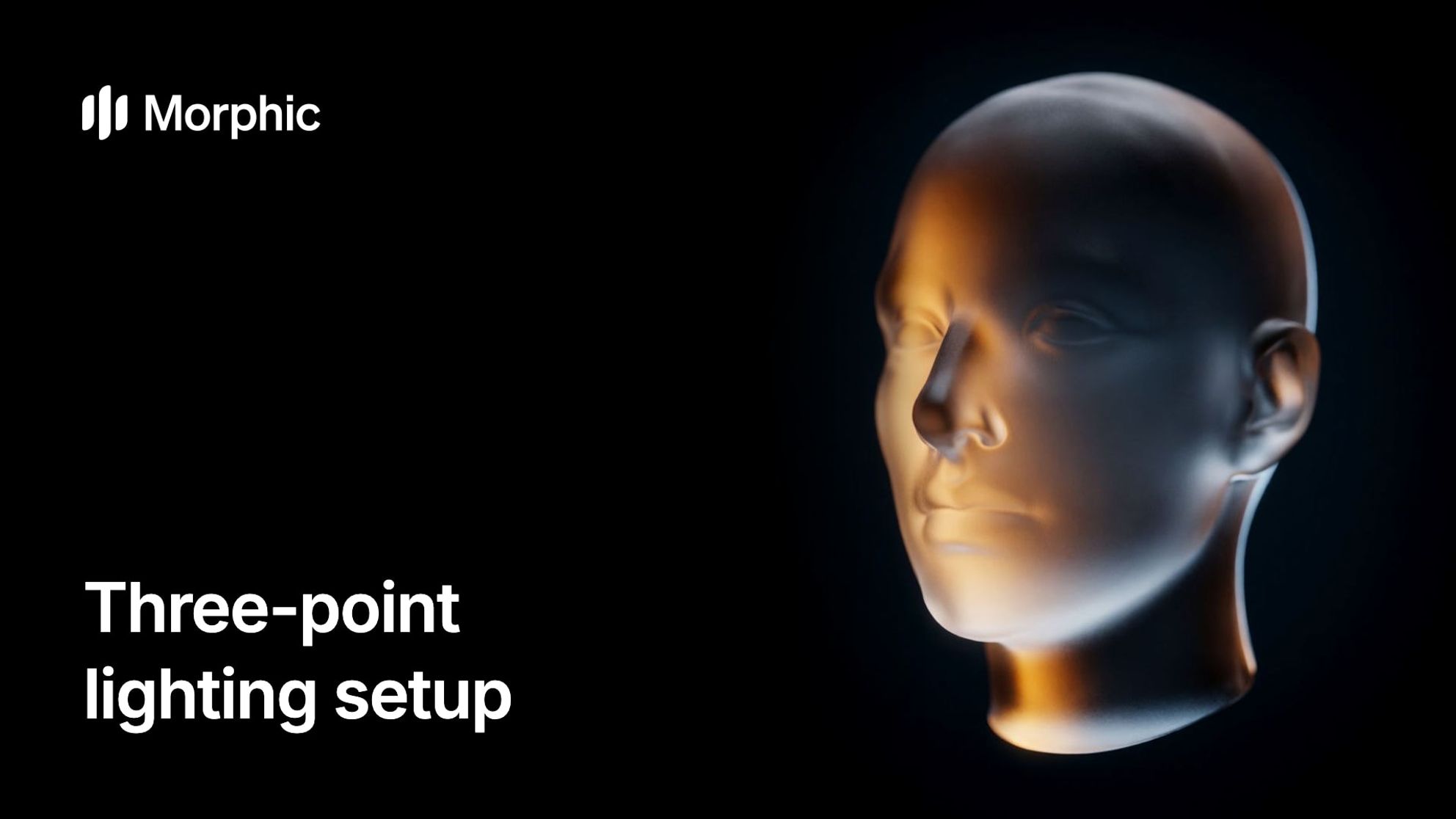
Three-point lighting uses three lights with three jobs: a key light shapes the subject, a fill light softens the key's shadows, and a back light separates the subject from the background. It is the standard starting setup for interviews, dialogue and product shots, and you can test it on a 3D scene in Morphic before you generate.
What is three-point lighting?
Three-point lighting gives a face shape, keeps detail in the shadows, and lifts the subject off the background. Most film lighting techniques, from bright sitcom sets to dark thrillers, are variations on it. For the full definition, see three-point lighting in the glossary.
Key light, fill light, back light
The fill's brightness against the key sets the contrast, and the back light is often called a rim light. More on each: key light, fill light.
- Key lightThe brightest light. It sets where the shadows fall and shapes the face.
- Fill lightSofter and dimmer, opposite the key. It lifts the shadows and sets the contrast.
- Back lightBehind and above the subject. It draws a rim of light and separates it from the background.
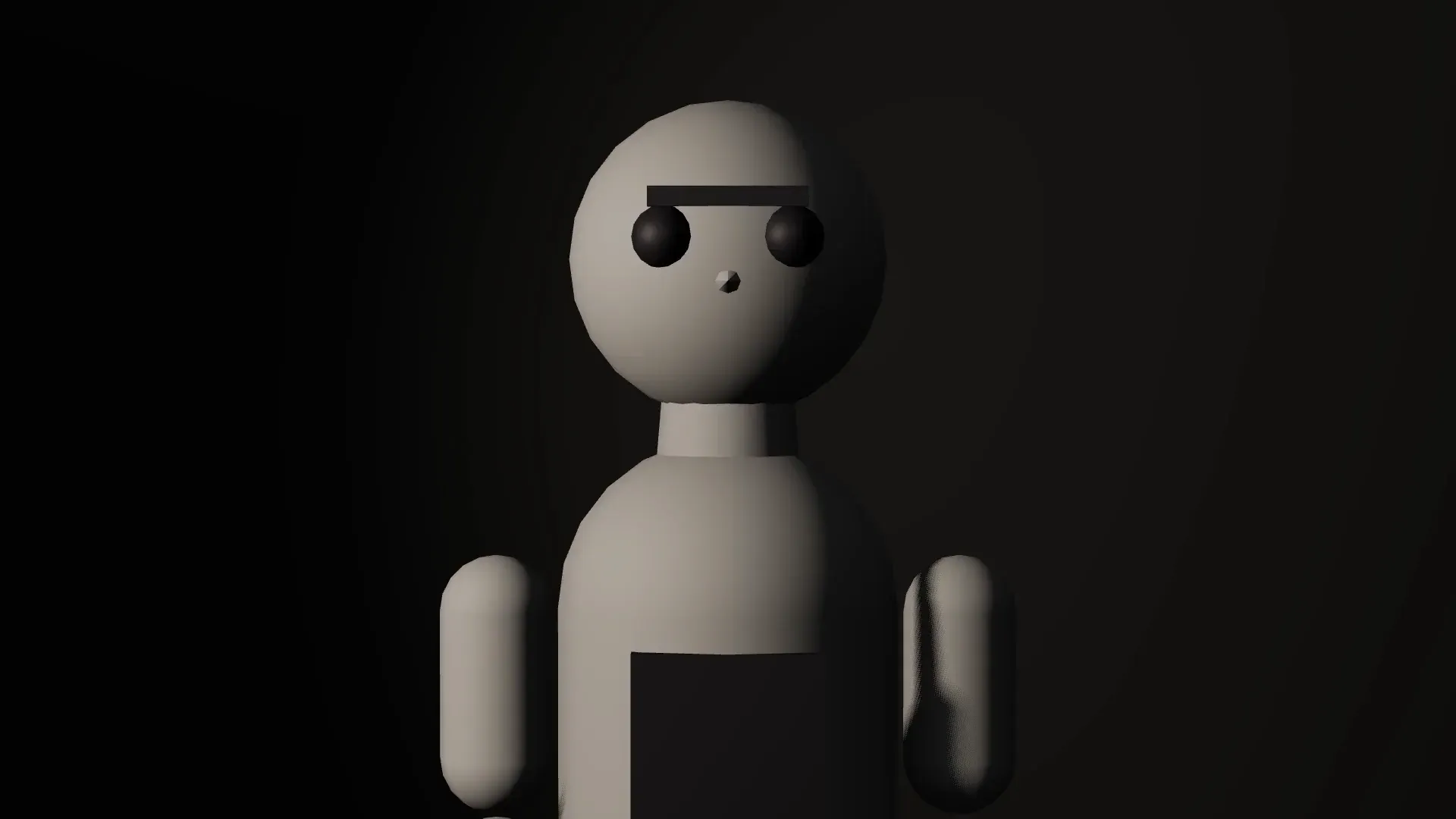
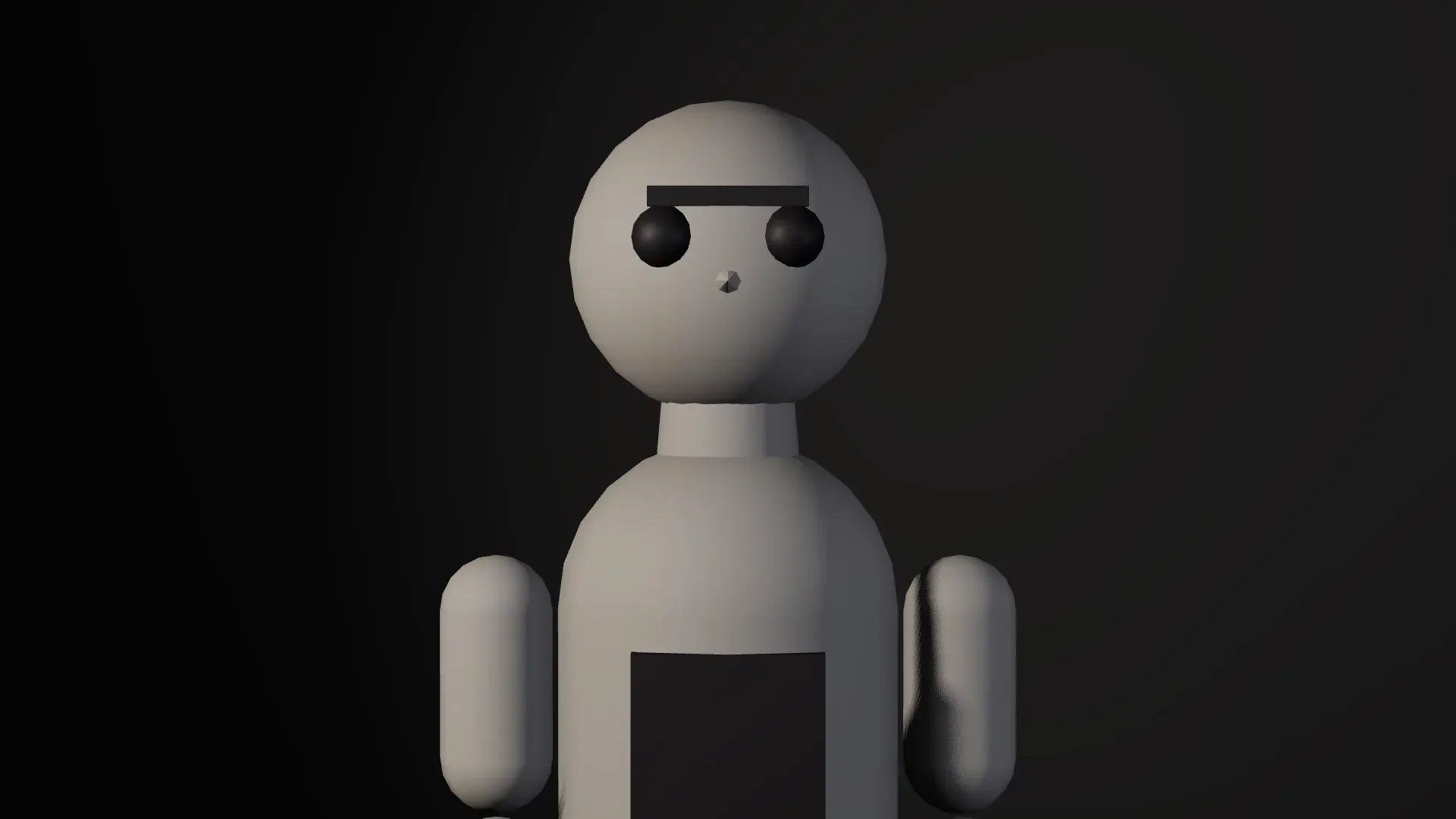
How to set up three-point lighting, step by step
Place the lights in this order, because each one is judged against the one before it.
Place the subject and the camera
Seat the subject a few steps off the background so their shadow misses the wall, then set the camera where the shot will be taken.
Set the key light
Put the key about 45 degrees to one side of the camera, a little above eye level and angled down at the face. A larger, diffused source gives softer shadow edges.
Add the fill light
Place the fill on the other side, closer to the camera and near eye level. Keep it clearly dimmer than the key; a reflector or white card can do the job.
Add the back light
Set it behind the subject, high and opposite the key, aimed at the head and shoulders. Raise it until a fine edge of light appears, and stop before it reads as a halo.
Check the frame and adjust
Look through the camera for double shadows, glare and light spilling onto the background. Change one light at a time.
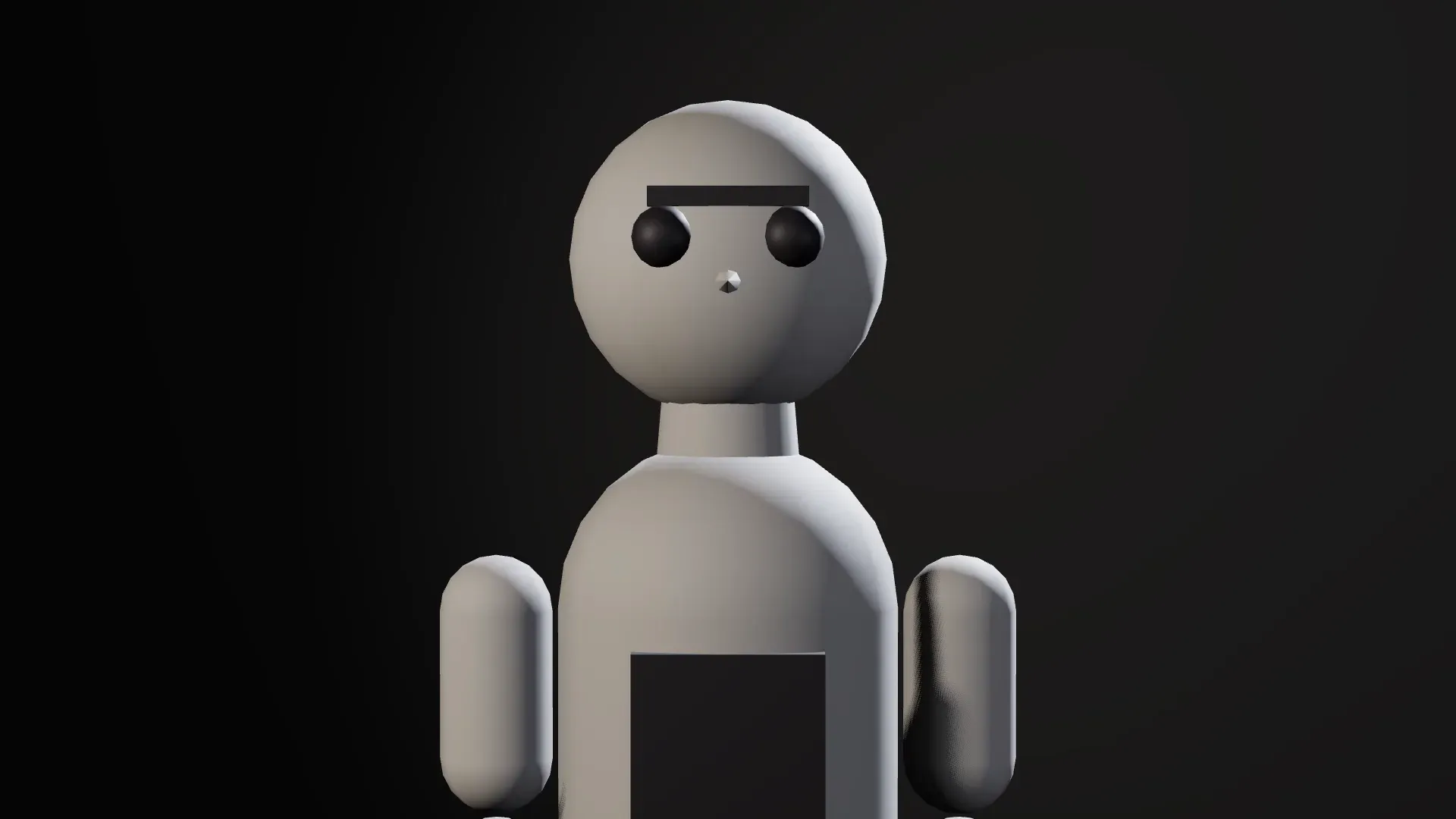
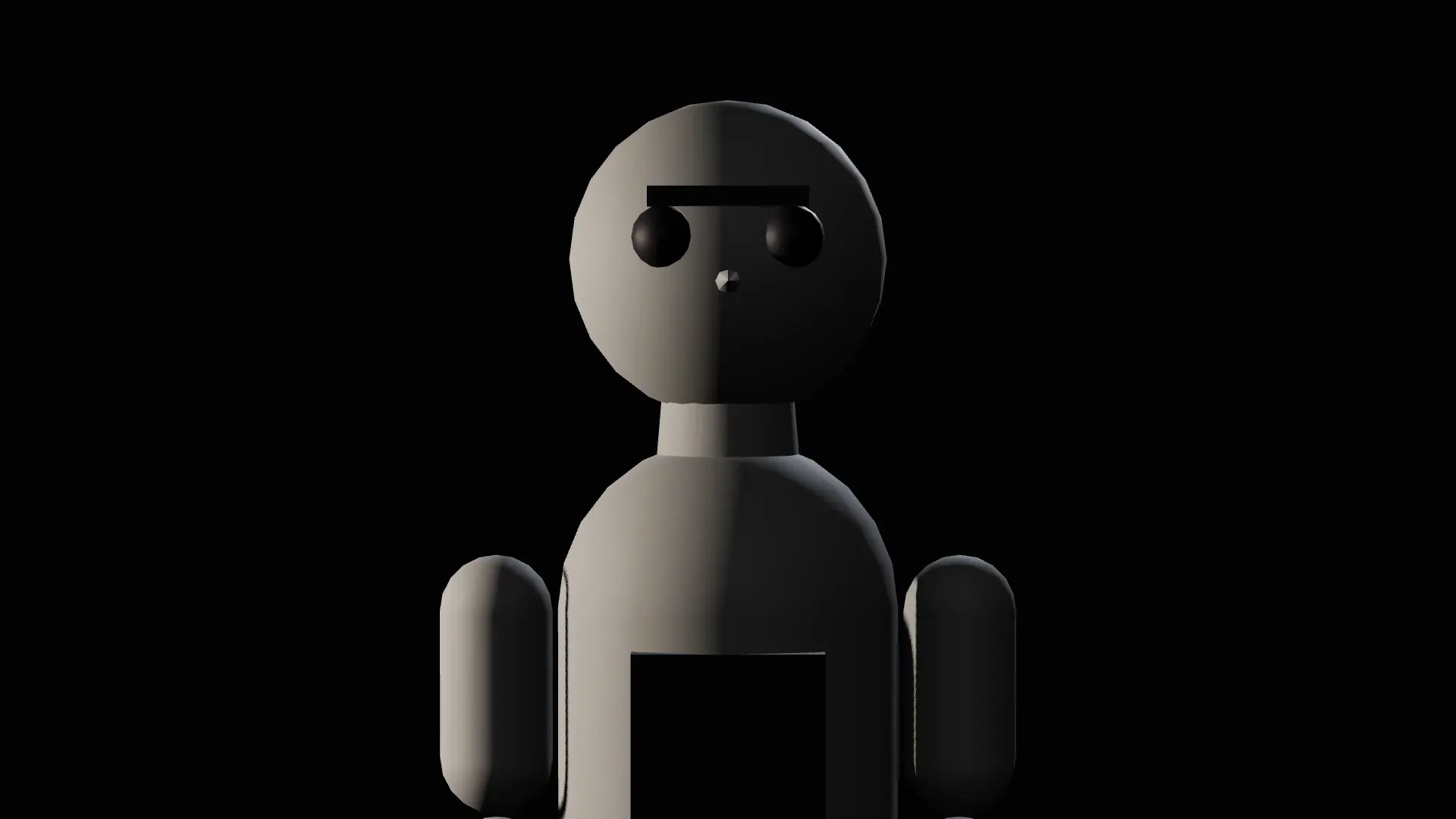
Three-point lighting variations
The same three lights give very different looks once you change their balance. Read more on low-key lighting, find prompt wording in the cinematic lighting prompts library, or browse finished portraits in studio lighting setup images.
| Look | How the lights change | Mood | Use it for |
|---|---|---|---|
| High key | Fill almost as bright as the key, bright background, soft shadows | Open and upbeat | Commercials, comedy, beauty |
| Low key | Strong key, little or no fill, dark background, hard shadows | Tense and secretive | Thrillers, crime drama, noir looks |
| Soft daylight | Window as key, bounce card as fill, sun behind as back light | Natural and calm | Interviews, lifestyle scenes |
| Dramatic | Key moved to the side to light half the face, hard back light | Charged, sculpted | Music videos, character close-ups |
Test three-point lighting in 3D Scene
Lighting decisions are cheapest before the shot is generated. Block the scene in Morphic's 3D Scene with the figures, set and camera in place, then light it.
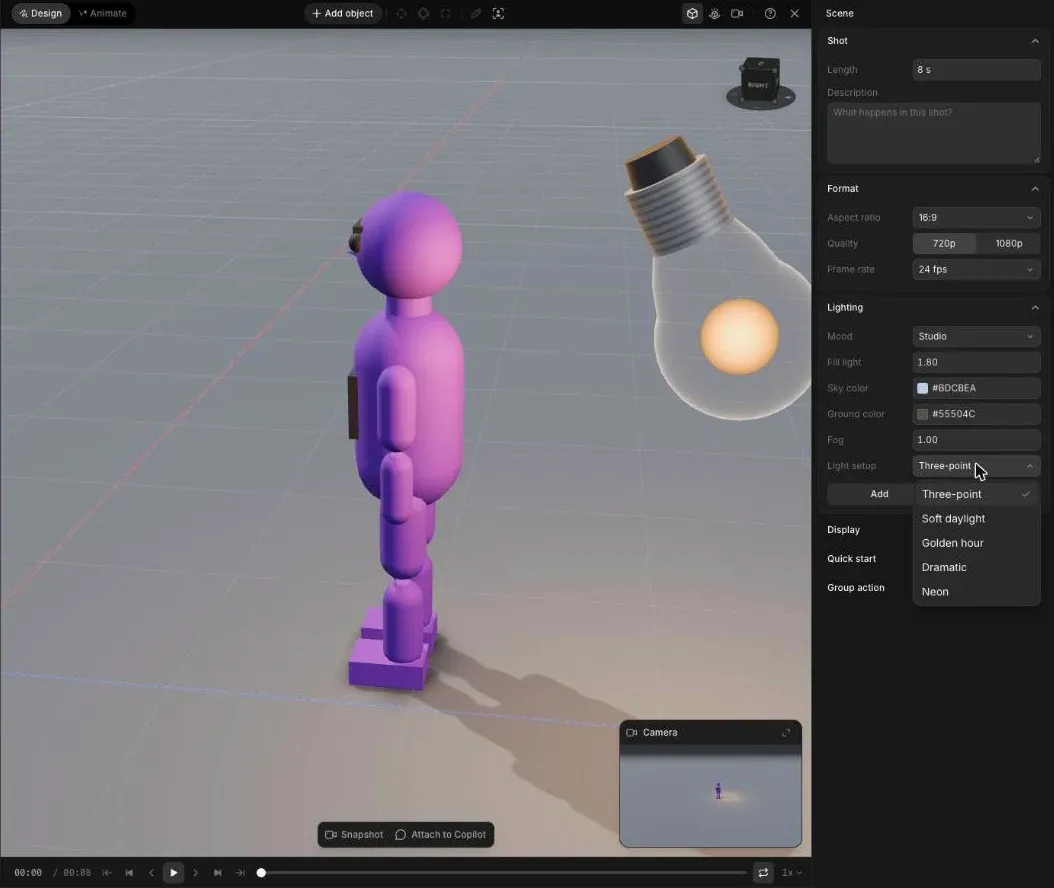
Apply a Light setup
Pick a Light setup (Three-point, Soft daylight, Golden hour, Dramatic or Neon) or a Mood such as night, and the whole scene relights.
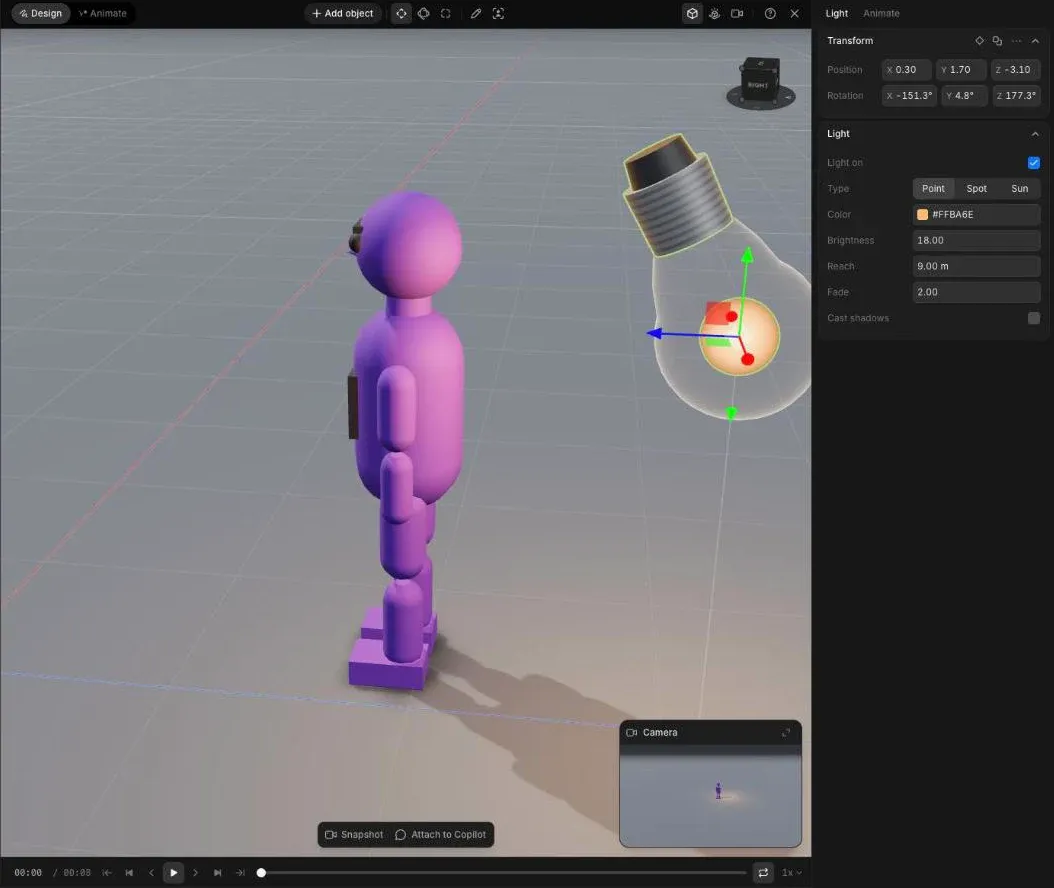
Adjust each light
Select any point, spot or directional light to move it and change its brightness, reach and shadows. Add ambient light, move the sun angle, or add fog.
Save each look
Press P to save a snapshot of each version, then render a still or the blocking video once you pick one. Prefer to describe it? Ask Copilot for "warm key from camera left, soft fill, cool rim light".
Carry the three-point lighting into the generated shot
Attach the snapshot or the blocking video, name each figure by colour, and describe the light in words. The 3D lighting guides direction and contrast; the prompt sets colour, softness and mood. For the full handoff from 3D to video, see how to turn a 3D scene into AI video, or the 3D scene generator for the rest of the editor.
Warm key light from camera left at 45 degrees, soft low fill from the right, a cool rim light on the hair, dark grey background.