Chain coiled on a dock
A heavy chain coiled on wet timber in ink line, the loops overlapping so some links are hidden, planks drawn as long parallel lines behind.
Edit prompt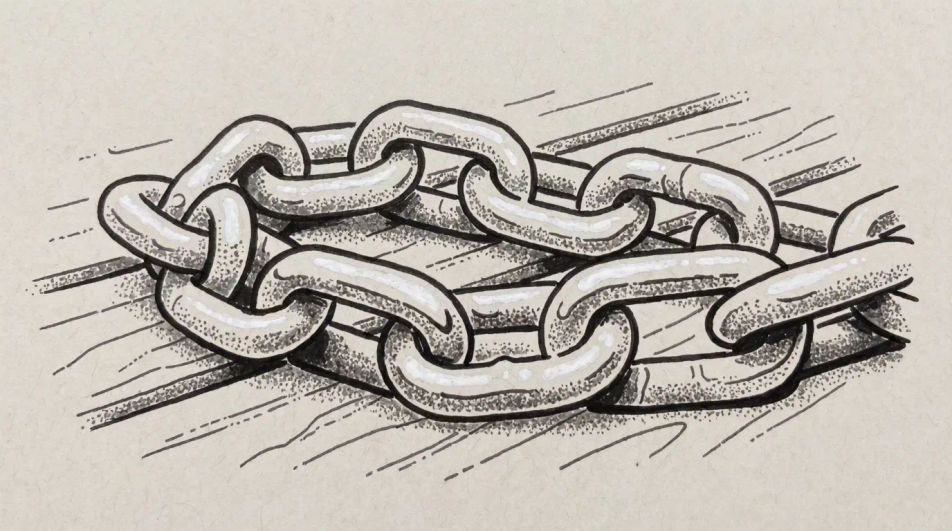
Describe the chain you want in Morphic's Image tool, from a repeating line pattern to a heavy rusted anchor chain in full tone, and get a finished drawing back. Set the link shape, the metal finish, the line weight and the paper, refine it on the Canvas, then download it in HD.
A heavy chain coiled on wet timber in ink line, the loops overlapping so some links are hidden, planks drawn as long parallel lines behind.
Edit promptA fence running away down a road, the diamonds shrinking with distance and the posts drawn hard so the mesh can stay light and open.
Edit prompt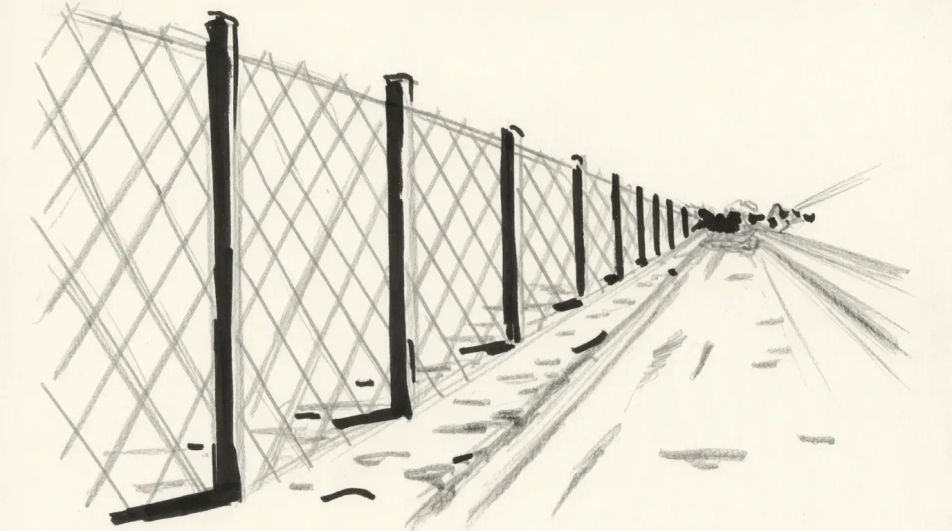
A chain snapped at the centre, the two ends pulling apart in pencil, the fractured link drawn sharply with the torn metal bright at the break.
Edit prompt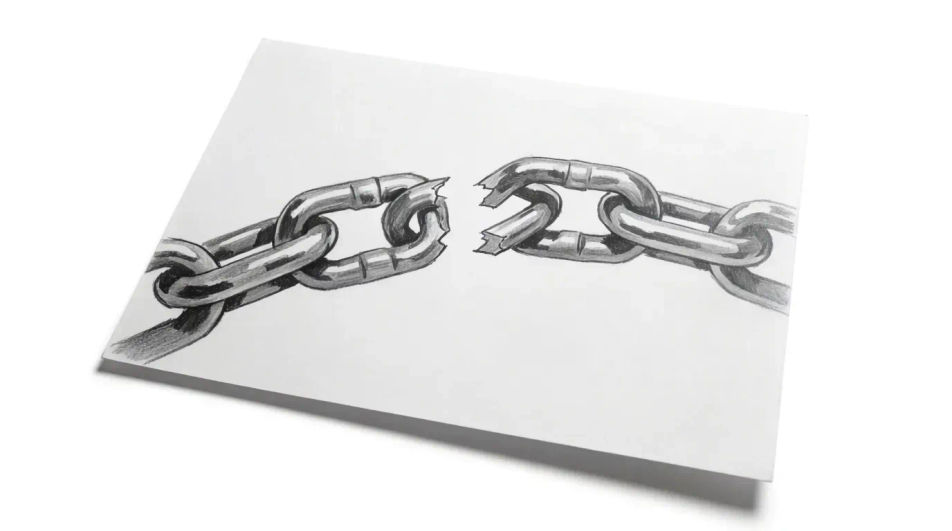
A long chain dropping from an overhead beam, drawn with the links nearest the eye detailed and the lower run fading into a soft grey.
Edit prompt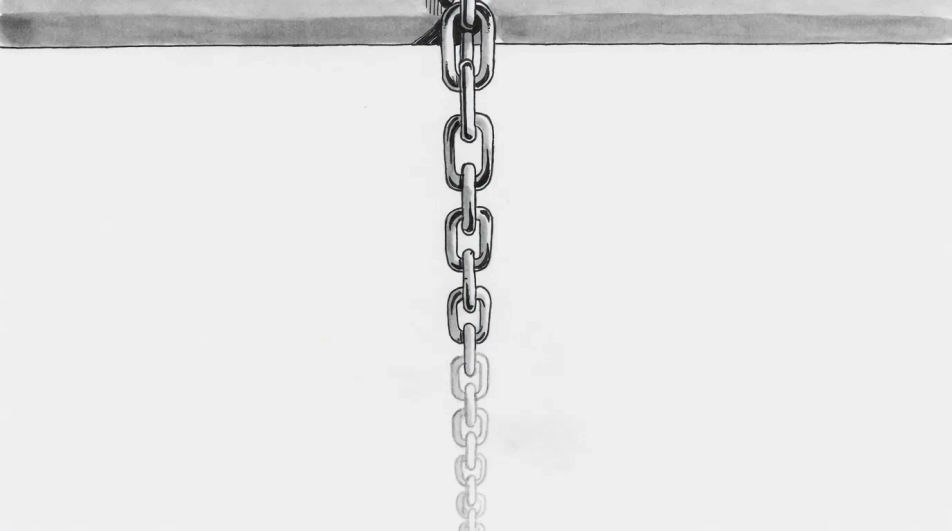
Describe the Chain drawing you want, in plain words.
Morphic generates a clean, ready-to-publish image on your canvas in seconds.
Tweak the prompt, regenerate variations, then download or share the frame.
Pick a reference image, apply its visual style to your own photo or artwork.

Turn any sketch or drawing into a finished render.
Convert any image to a new aspect ratio. Smart crop or extend the edges to fit.

Pick any anime illustration as your style guide. Apply its look to any image.
Restyle any video in a completely new visual style. Every frame transforms, all motion stays intact.

Take any character image and generate 6 distinct facial expressions on a single reference sheet.
Ring drawing generator
Turn a ring drawing idea into a finished image in Morphic. Describe the line work and style, generate variations, then refine it on the canvas.
Handcuffs drawing generator
Turn a handcuffs drawing idea into a finished image in Morphic. Describe the line work and style, generate variations, then refine it on the canvas.
Key drawing generator
Turn a key drawing idea into a finished image in Morphic. Describe the line work and style, generate variations, then refine it on the canvas.
Globe drawing generator
Turn a globe drawing idea into a finished image in Morphic. Describe the line work and style, generate variations, then refine it on the canvas.
Get started for free today, with the option to upgrade or cancel anytime.
Basic
2400 monthly credits
1 user only
All models
Workflows
Standard
3625 monthly credits
1 user only
All models
Workflows
Pro
6350 shared monthly credits
1 user
All models
Workflows
Max
24650 shared monthly credits
1 user
All models
Workflows
Enterprise
For higher limits
Custom
pricing and billing terms

Free
For playing around
$0
forever free