4-panel gag strip
A horizontal strip of four equal panels with clean borders, a setup building across three and a punchline in the last, room for speech balloons.
Edit prompt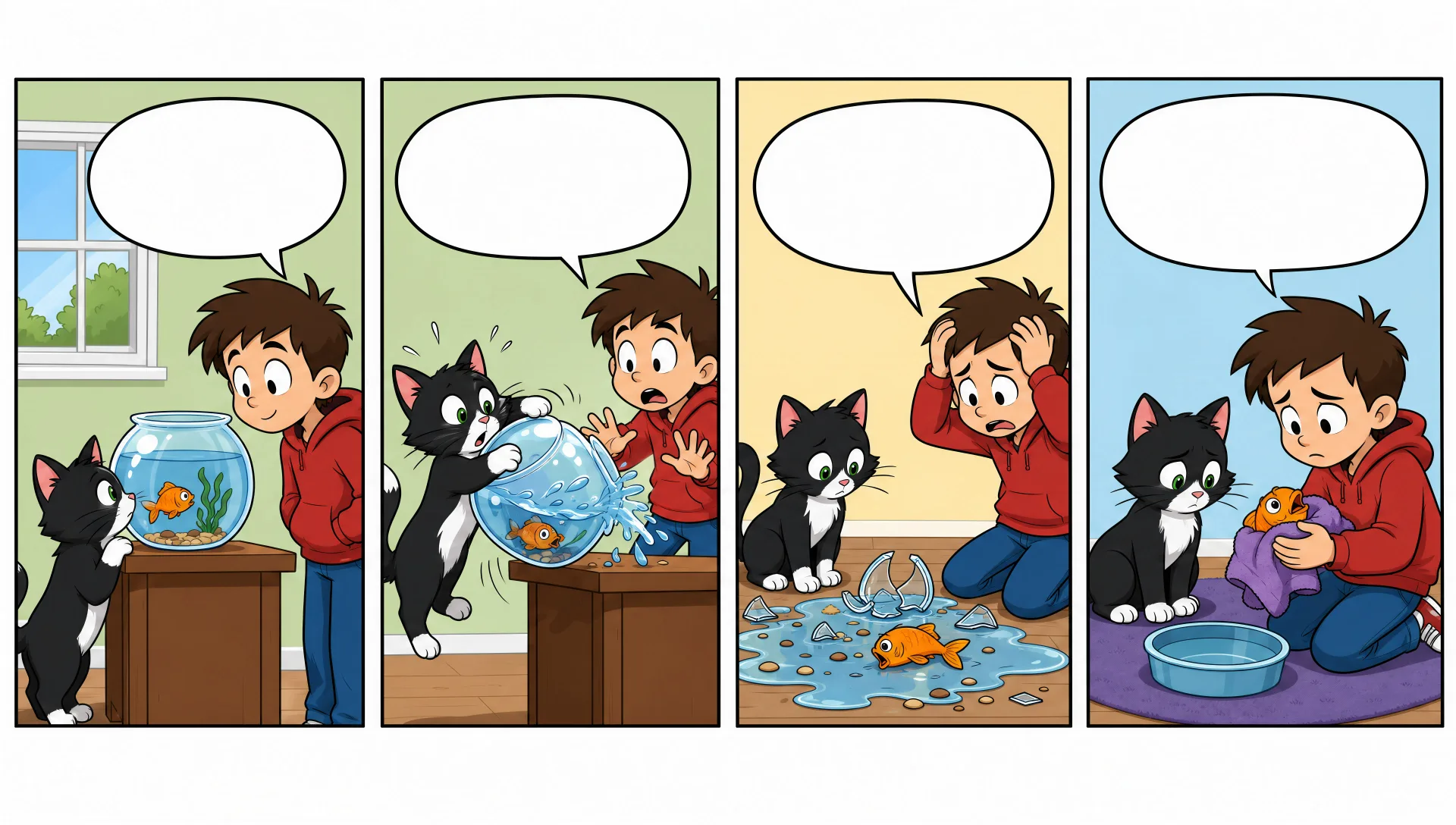
Draw comic strips in your browser with Morphic's comic strip AI image generator. Create a 4-panel office gag, a 3-panel setup and punchline, or a wordless visual joke. Keep the cast on-model with Character Lineup, then lay out the panels and lettering on the Canvas.
A horizontal strip of four equal panels with clean borders, a setup building across three and a punchline in the last, room for speech balloons.
Edit promptA horizontal strip of three equal panels, two of setup and one of payoff, clean borders, simple staging, space left for lettering.
Edit prompt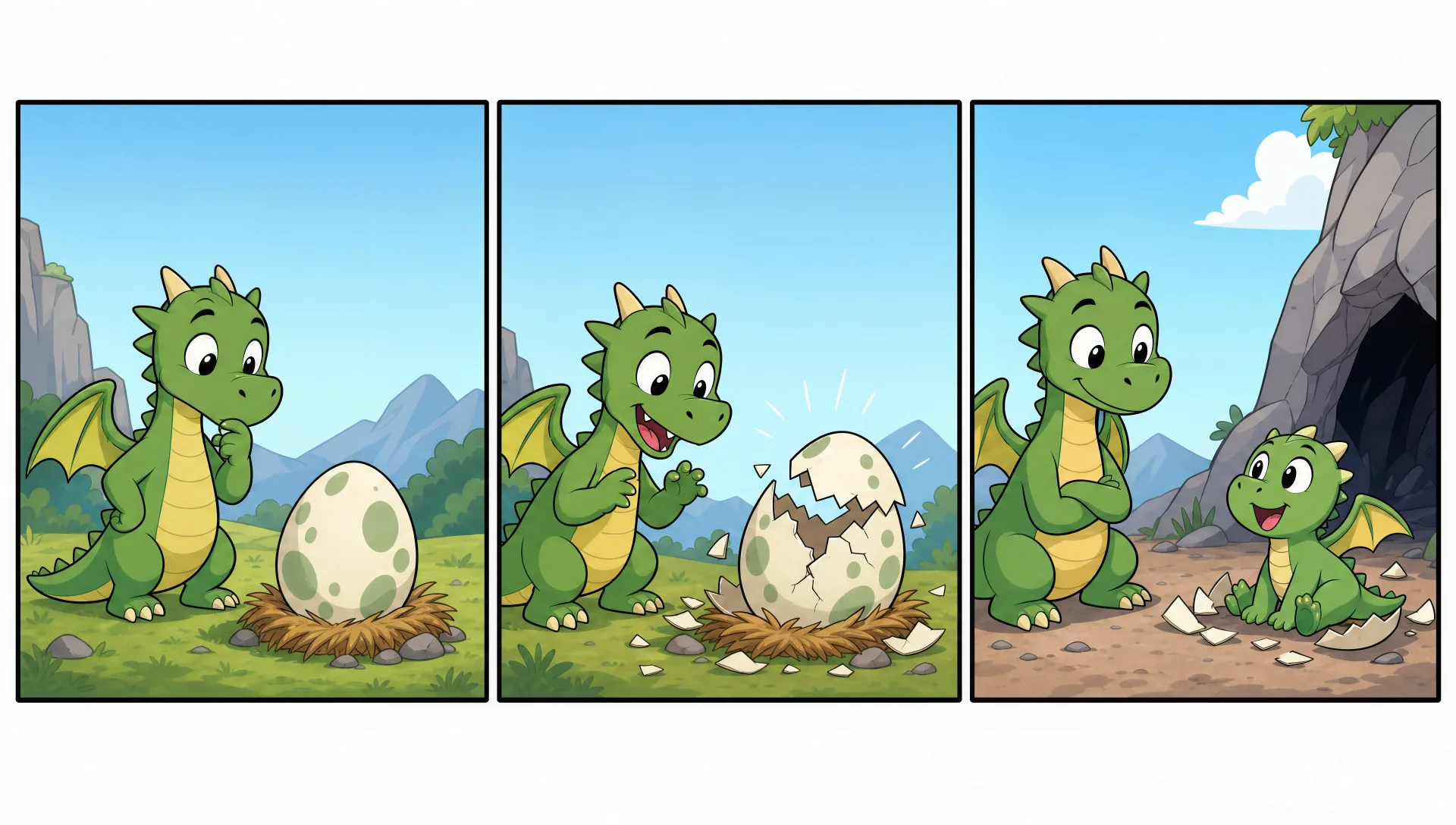
One bordered panel holding a whole joke in a single image, clean cartoon linework, a clear focal action, room for a caption below.
Edit prompt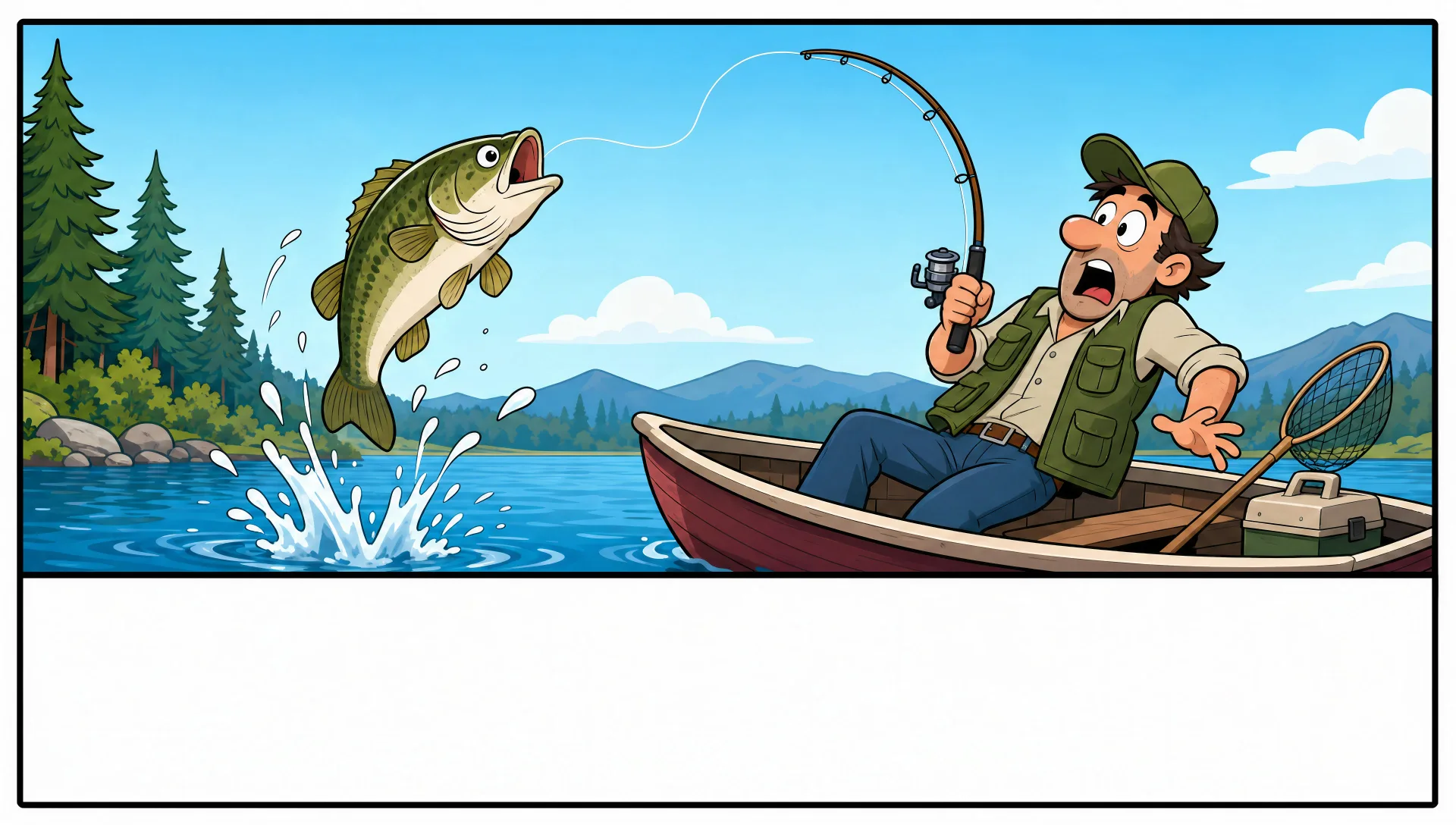
A larger multi-row strip with a title panel and varied panel sizes, clean borders, brighter colour, room for balloons and a banner.
Edit prompt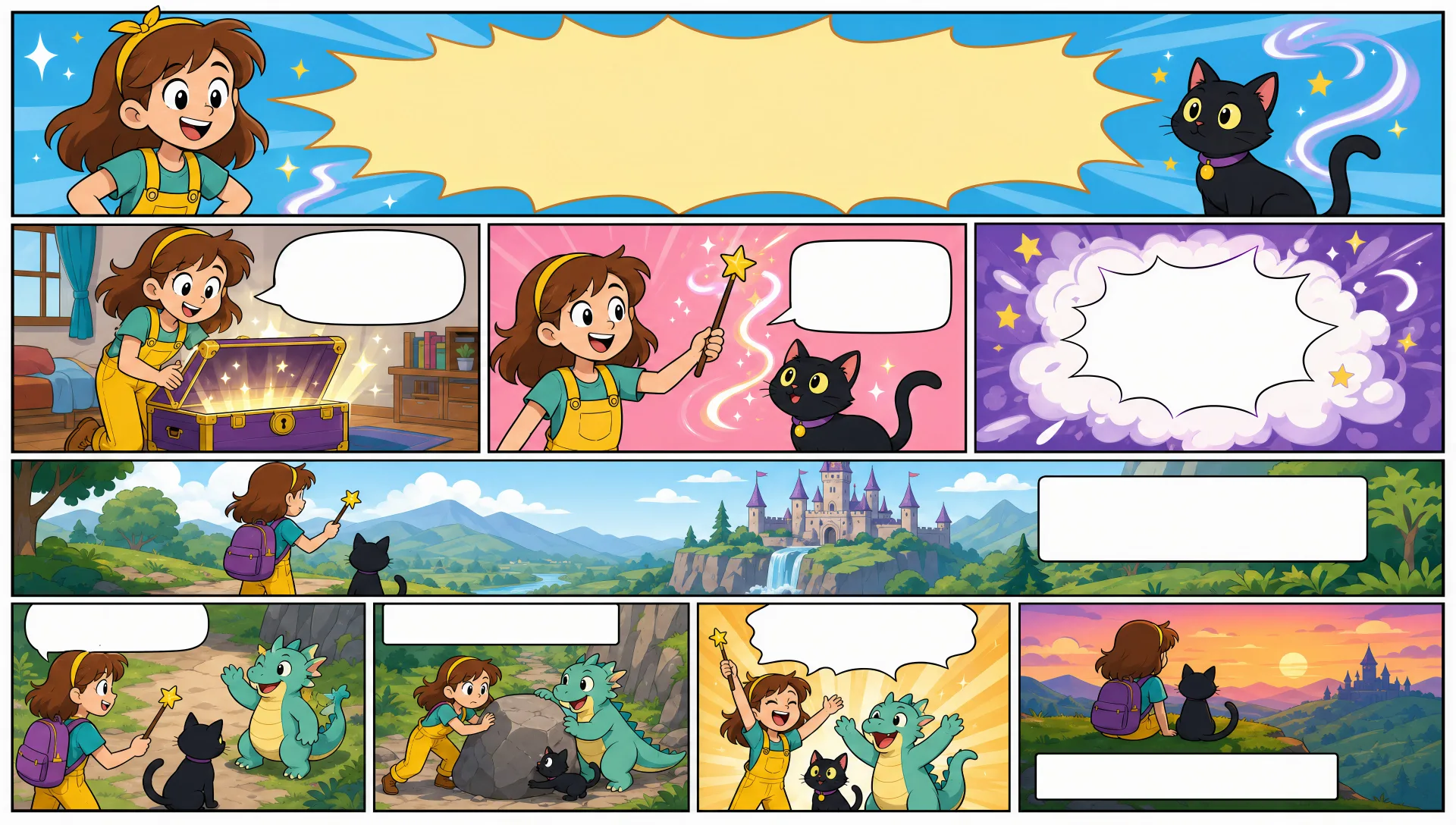
Describe the Comic strip you want, in plain words.
Morphic generates a clean, ready-to-publish image on your canvas in seconds.
Tweak the prompt, regenerate variations, then download or share the frame.

Share a scene description with character references. Get a full storyboard with shot angles and mood.

Feed in a single image. Get 9 cinematic beats laid out as a 3x3 storyboard grid.
One image to a 9-scene cinematic video.

Take any character image and generate 6 distinct facial expressions on a single reference sheet.
Cinematic time-freeze short film for any scene
Drop in a photo of yourself. Get a 12-second cinematic movie with animation and a matched soundtrack.
Comic book AI Images
Create comic book panels, character designs, and full pages with Morphic. Splash pages, action sequences, decompressed beats, and indie-comic styles from a single prompt.
Graphic novel art AI generator
Create graphic novel art with Morphic. Painterly ink-and-colour panels, cinematic framing, moody palettes, and on-model characters from a single prompt.
Kawaii art AI generator
Create kawaii art with Morphic. Rounded pastel mascots, oversized-eye characters, sticker sheets, and super-cute illustrations from a single prompt.
Picture book character AI generator
Create picture book characters with Morphic. Original character designs, turnaround sheets, expression sets, and on-model art across every page.
Get started for free today, with the option to upgrade or cancel anytime.
Basic
2400 monthly credits
1 user only
All models
Workflows
Standard
3625 monthly credits
1 user only
All models
Workflows
Pro
6350 shared monthly credits
1 user
All models
Workflows
Max
24650 shared monthly credits
1 user
All models
Workflows
Enterprise
For higher limits
Custom
pricing and billing terms

Free
For playing around
$0
forever free