Window light interior
A quiet room in graphite with light entering through a tall window, tone graded down the wall and the shadow edges kept sharp on the floor.
Edit prompt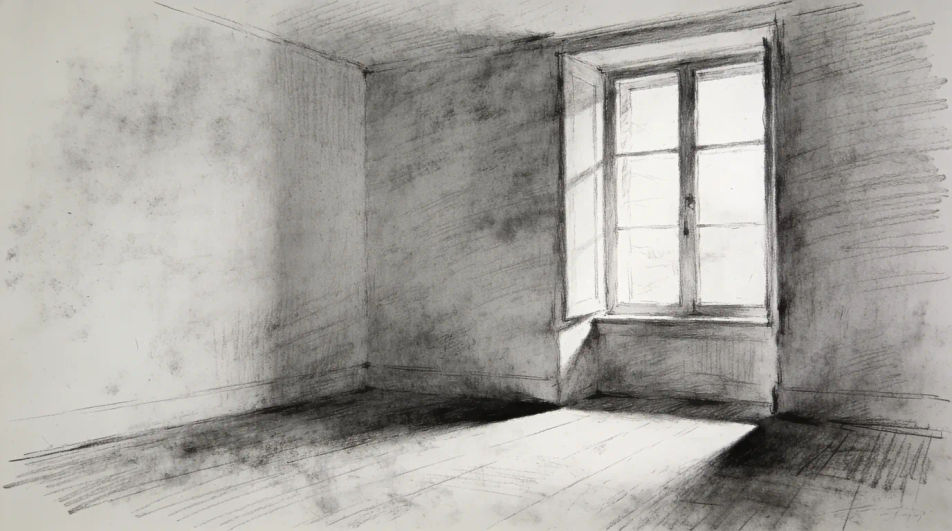
Describe the realistic drawing you want in Morphic's Image tool, from a graphite eye study to a glass jar on a windowsill, and get a finished piece back. Set the subject, the pencil grade, the light direction and how far the shading is pushed, refine it on the Canvas, then download in HD.
A quiet room in graphite with light entering through a tall window, tone graded down the wall and the shadow edges kept sharp on the floor.
Edit promptA wet street in pencil, reflections stretched vertically in the road, dark shopfronts hatched heavily and the sky left as bare paper.
Edit prompt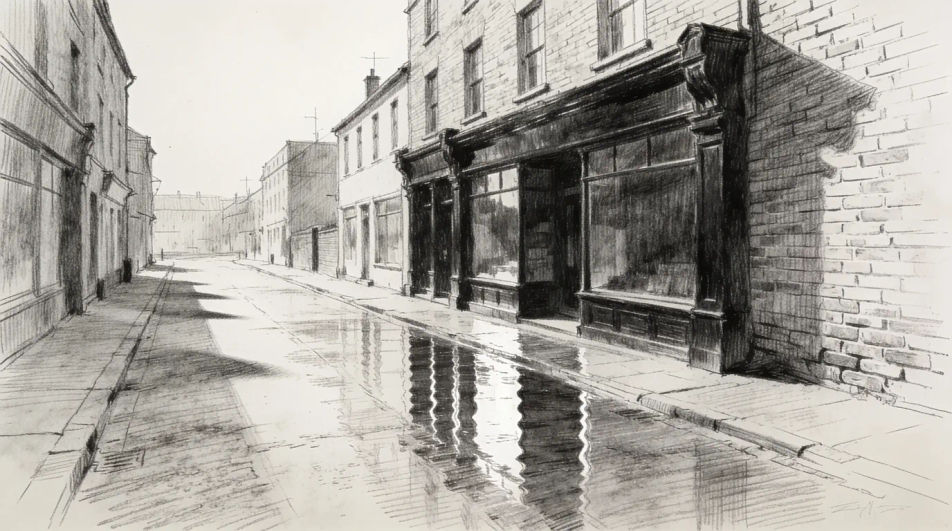
A realistic still life of a metal pot, a cut lemon and a cloth on a table, each surface given a different edge quality and a different sheen.
Edit prompt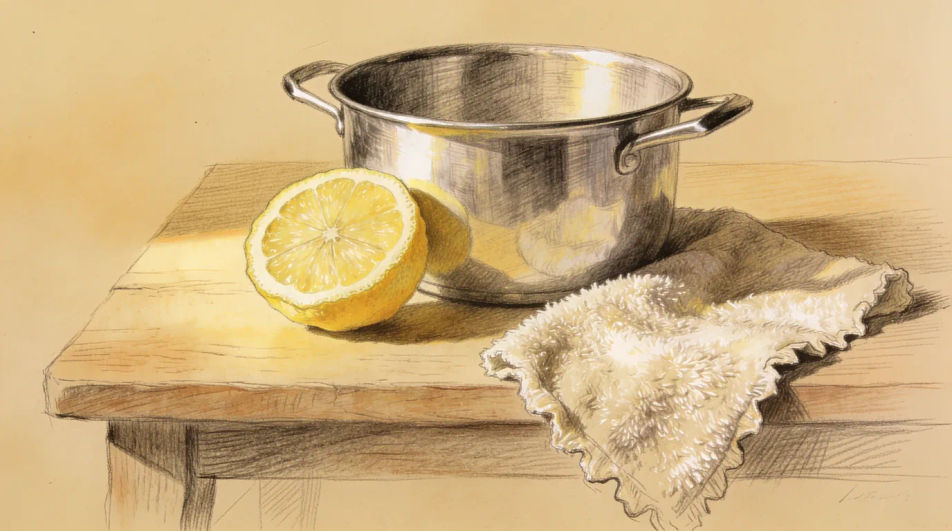
A seated figure drawn in charcoal at three-quarter angle, the far cheek catching a thin rim of light and the background kept flat and mid grey.
Edit prompt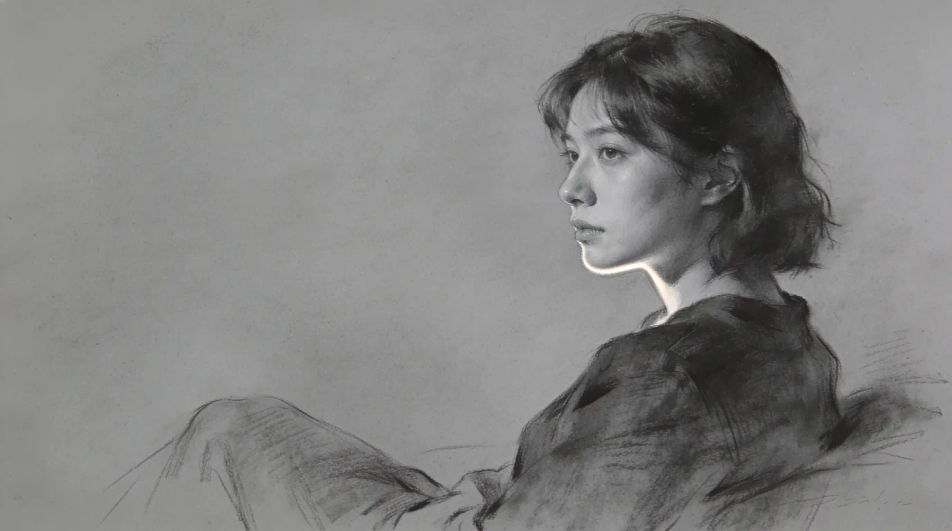
Describe the Realistic drawing you want, in plain words.
Morphic generates a clean, ready-to-publish image on your canvas in seconds.
Tweak the prompt, regenerate variations, then download or share the frame.
Pick a reference image, apply its visual style to your own photo or artwork.

Turn any sketch or drawing into a finished render.
Convert any image to a new aspect ratio. Smart crop or extend the edges to fit.
Reimagine any anime character as a photorealistic, high-fashion live-action portrait.

Pick any anime illustration as your style guide. Apply its look to any image.
Restyle any video in a completely new visual style. Every frame transforms, all motion stays intact.
Realistic heart drawings built on anatomy
Turn a realistic heart drawing idea into a finished image in Morphic. Describe the line work and style, generate variations, then refine it on the canvas.
Realistic dragon drawings built on real anatomy
Turn a realistic dragon drawing idea into a finished image in Morphic. Describe the line work and style, generate variations, then refine it on the canvas.
Pencil drawing generator
Turn a pencil drawing idea into a finished image in Morphic. Describe the line work and style, generate variations, then refine it on the canvas.
Blank wanted poster generator
Browse blank wanted poster templates and generate your own in HD. Design old-west parchment, weathered, torn-edge, or sepia layouts with an empty photo panel and open text space, then regenerate each in your own frame and aspect ratio with Morphic.
Get started for free today, with the option to upgrade or cancel anytime.
Basic
2400 monthly credits
1 user only
All models
Workflows
Standard
3625 monthly credits
1 user only
All models
Workflows
Pro
6350 shared monthly credits
1 user
All models
Workflows
Max
24650 shared monthly credits
1 user
All models
Workflows
Enterprise
For higher limits
Custom
pricing and billing terms

Free
For playing around
$0
forever free