Bus full of screens
A city bus in colored pencil where every passenger looks at a phone, glowing screens lighting their faces, the view outside ignored.
Edit prompt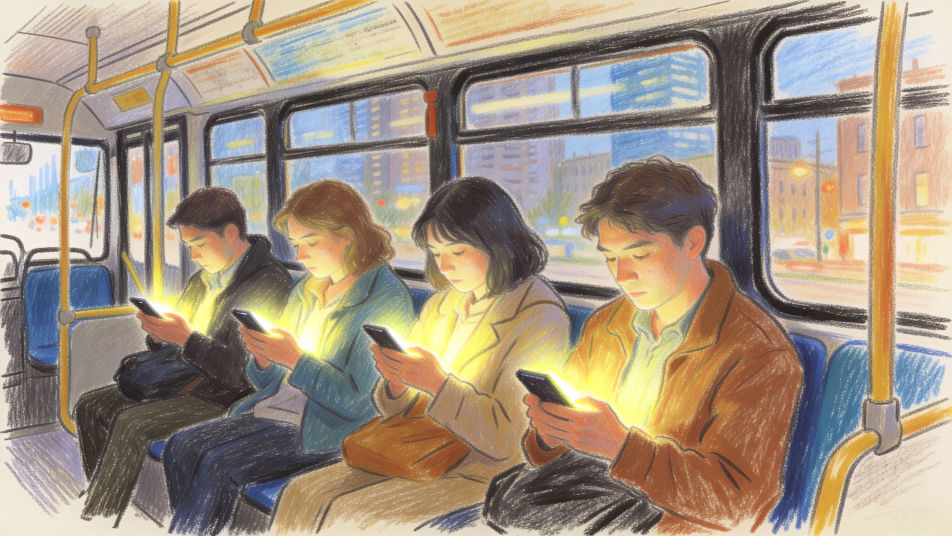
Describe the social media drawing you want in Morphic's Image tool, from a phone with floating hearts and comment bubbles to an awareness poster about screen time. Every icon stays generic, with no platform logos. Set the medium and the message, arrange it on the Canvas, then download the drawing in HD.
A city bus in colored pencil where every passenger looks at a phone, glowing screens lighting their faces, the view outside ignored.
Edit promptFriends having a picnic in a park in watercolor, their phones stacked face down in a basket, talking and laughing together.
Edit prompt
A social media feed drawn as a long river of blank cards and heart icons in ink and wash, a small figure scrolling on the bank.
Edit prompt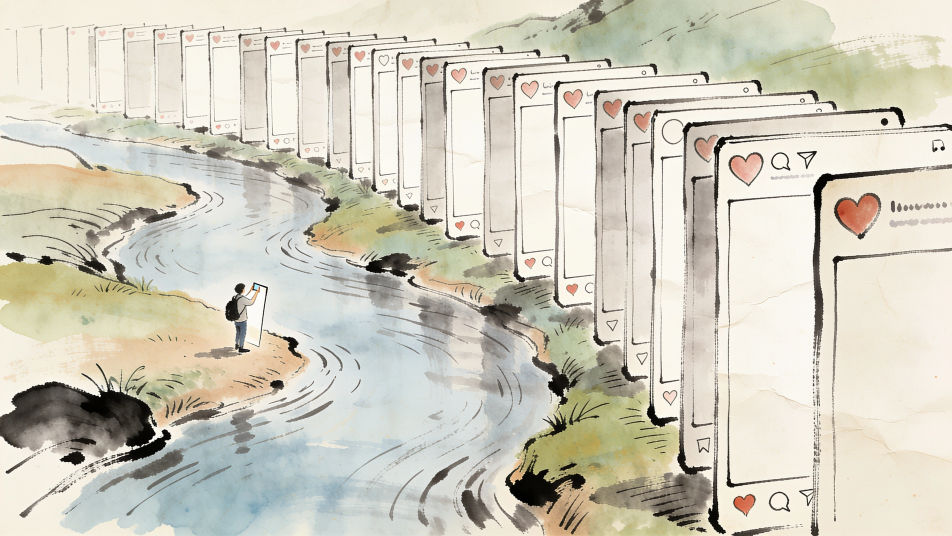
A content creator's desk in graphite, a ring light, a phone on a tripod, a laptop with a blank screen and sticky notes on the wall.
Edit prompt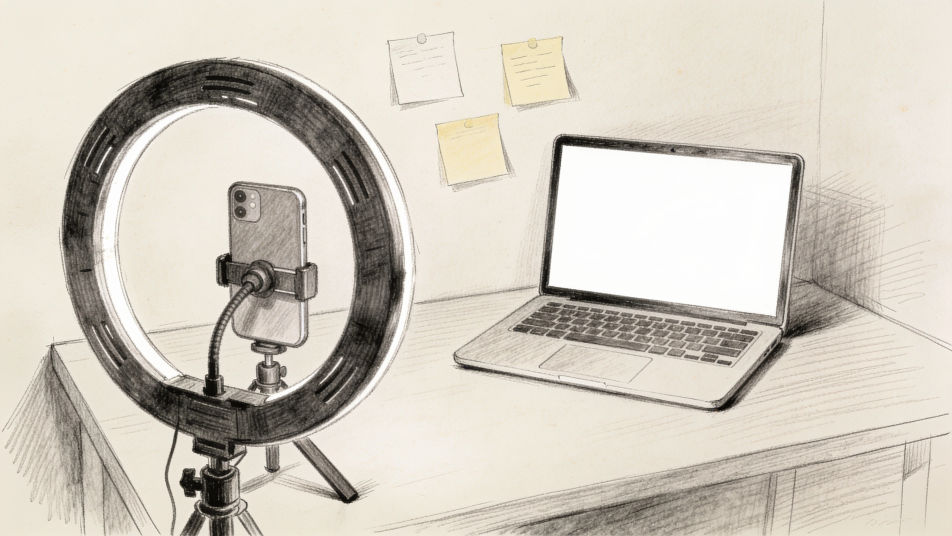
Describe the Social media drawing you want, in plain words.
Morphic generates a clean, ready-to-publish image on your canvas in seconds.
Tweak the prompt, regenerate variations, then download or share the frame.
Pick a reference image, apply its visual style to your own photo or artwork.
Convert any image to a new aspect ratio. Smart crop or extend the edges to fit.

Turn any sketch or drawing into a finished render.
Restyle any video in a completely new visual style. Every frame transforms, all motion stays intact.
Reimagine any anime character as a photorealistic, high-fashion live-action portrait.
One selfie becomes a set of professional headshots. Studio-quality, multiple styles.
Communication drawing maker
Turn a communication drawing idea into a finished image in Morphic. Describe the line work and style, generate variations, then refine it on the canvas.
Technology drawing maker
Turn a technology drawing idea into a finished image in Morphic. Describe the line work and style, generate variations, then refine it on the canvas.
Two people talking drawing maker
Turn a two people talking drawing idea into a finished image in Morphic. Describe the line work and style, generate variations, then refine it on the canvas.
Cheetah drawings from line art to full study
Turn a cheetah drawing idea into a finished image in Morphic. Describe the line work and style, generate variations, then refine it on the canvas.
Get started for free today, with the option to upgrade or cancel anytime.
Basic
2400 monthly credits
1 user only
All models
Workflows
Standard
3625 monthly credits
1 user only
All models
Workflows
Pro
6350 shared monthly credits
1 user
All models
Workflows
Max
24650 shared monthly credits
1 user
All models
Workflows
Enterprise
For higher limits
Custom
pricing and billing terms

Free
For playing around
$0
forever free