Runway Ruby
by Runway
Runway's SDR to HDR model.
Lifts finished video into 16‑bit EXR frames and ProRes masters.
Key features
Technical specifications
SDR to HDR
Standard range input only. Footage already tagged as HDR is turned away.
Up to 16-bit
16-bit float on the EXR path, 12-bit ProRes 4444, 10-bit for ProRes 422 and streaming HDR.
Up to 30s
Per pass, on sources under 4096 pixels per side. Duration is preserved.
EXR, ProRes
OpenEXR in linear light, BT.2020 PQ ProRes, and 10-bit HDR10 or HLG for streaming.
Use cases

Meeting a delivery spec
Most AI video models write a file type broadcast and streaming specs reject. This produces the master they ask for.
Handing a shot to VFX
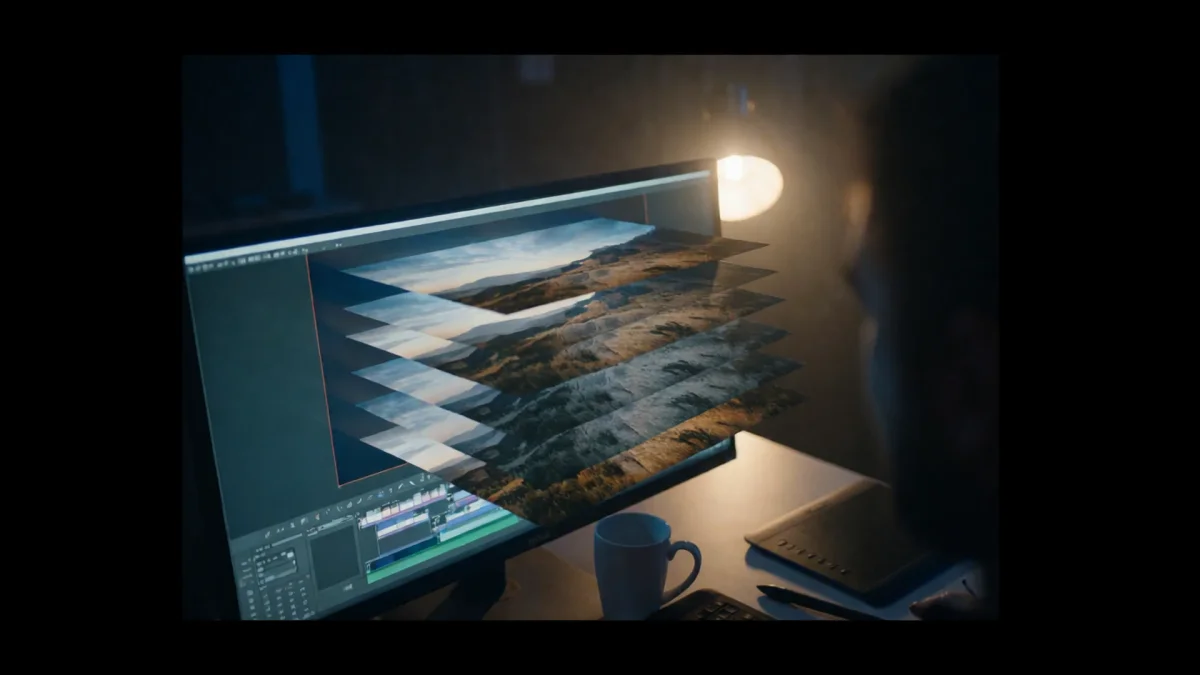
The frame sequence arrives in linear light, which is what a compositor needs to put a generated shot in a live-action scene.

Streaming HDR delivery
A finished 10-bit file with the brightness data already measured, for platforms that want a deliverable, not a master.
Finishing an edited clip
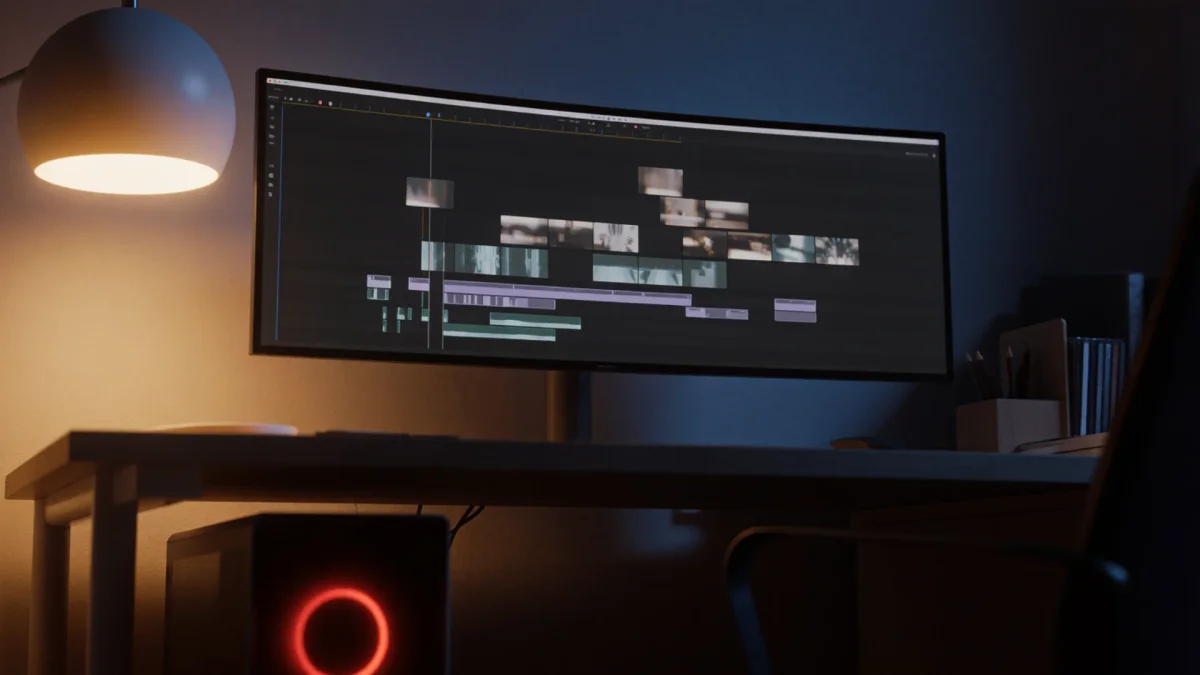
Edit models leave a standard range result. Running the finished cut through is how that work reaches an HDR deliverable.
Grading with room to move
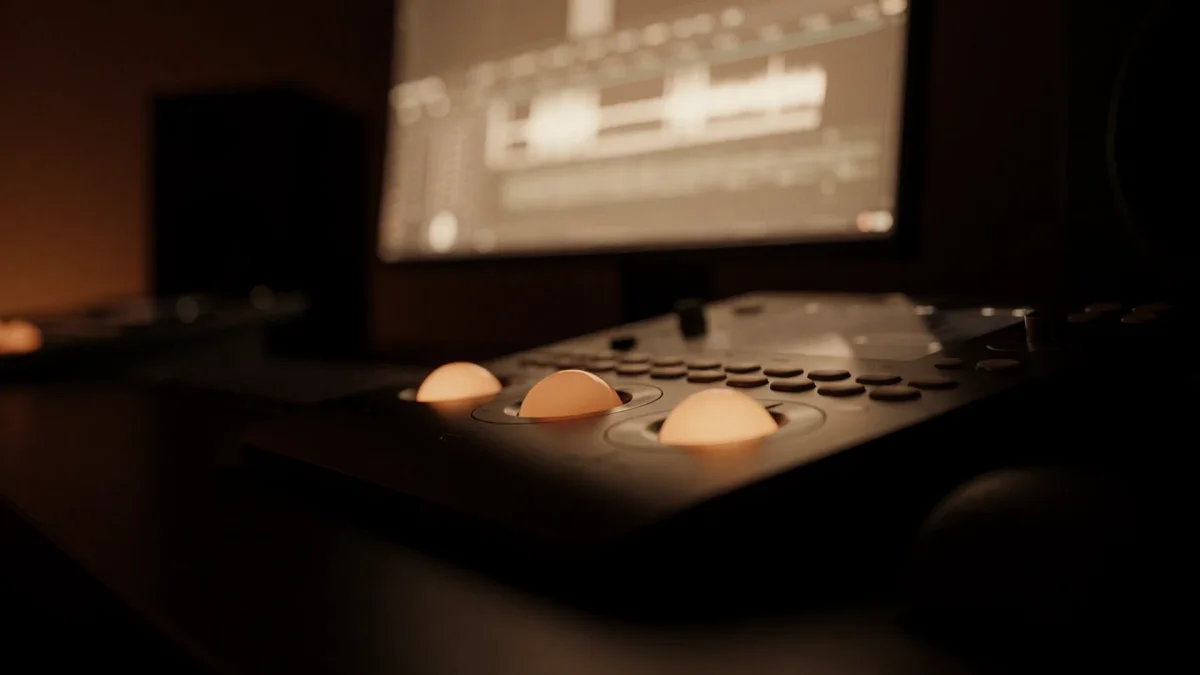
A converted file holds far more tonal steps, so a grade holds together where it would break up on the original.
Mixed-source sequences
Archive files, camera exports and generated shots all land on one standard, so a sequence cut from several sources matches.
Overview
Runway Ruby turns a finished video into an HDR one. It reads what is already in the frame, extends the brightness into the range HDR opens up, and writes the result as a 16-bit EXR sequence, a ProRes master or a streaming-ready HDR file, without re-rendering the picture underneath. The full walkthrough covers what to send it and where it stops, and Runway Ruby vs Hyperion 2.5 sets it against the other conversion model on the roster.
Simple pricing
Get started for free today, with the option to upgrade or cancel anytime.
Basic
2400 monthly credits
1 user only
All models
Workflows
Standard
3625 monthly credits
1 user only
All models
Workflows
Pro
6350 shared monthly credits
1 user
All models
Workflows
Max
24650 shared monthly credits
1 user
All models
Workflows
Enterprise
For higher limits
Custom
pricing and billing terms

Free
For playing around
$0
forever free
FAQs
FLUX Video Upscale
Black Forest Labs
Black Forest Labs' video upscaler. Up to 4K, with fine detail rebuilt and the sound kept.
FLUX 3 Max
fal.ai
fal's post-trained FLUX 3. Tuned to follow the script, built for speed.
Krea 3
Krea AI
Krea's fast image editing model. Combine up to 4 images in one edit.
OmniHuman 2.0
ByteDance
ByteDance's audio-driven human video model. One photo, one track, five minutes in one take.