Veed Dubbing
by Veed
Veed's video dubbing model, in Standard and Pro.
A new language, each speaker's own voice, the lips in sync.
Key features
Every clip below started as an English clip made with Veo 3.1 Fast on Morphic and was then dubbed on Morphic, with Veed Dubbing or, where marked, Veed Dubbing Pro. Switch between the two to hear the new language and watch the lips change.
Hear the difference
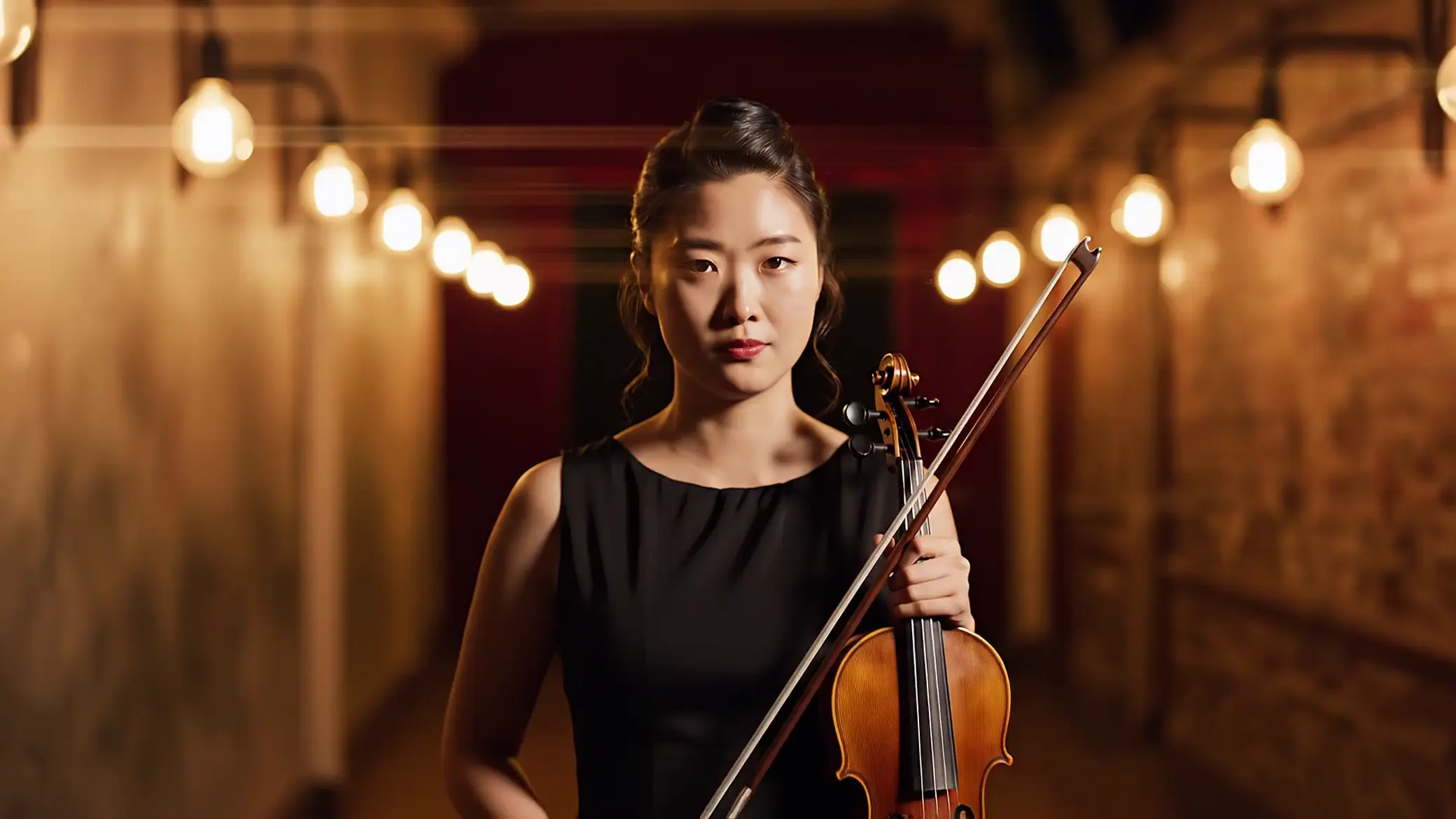
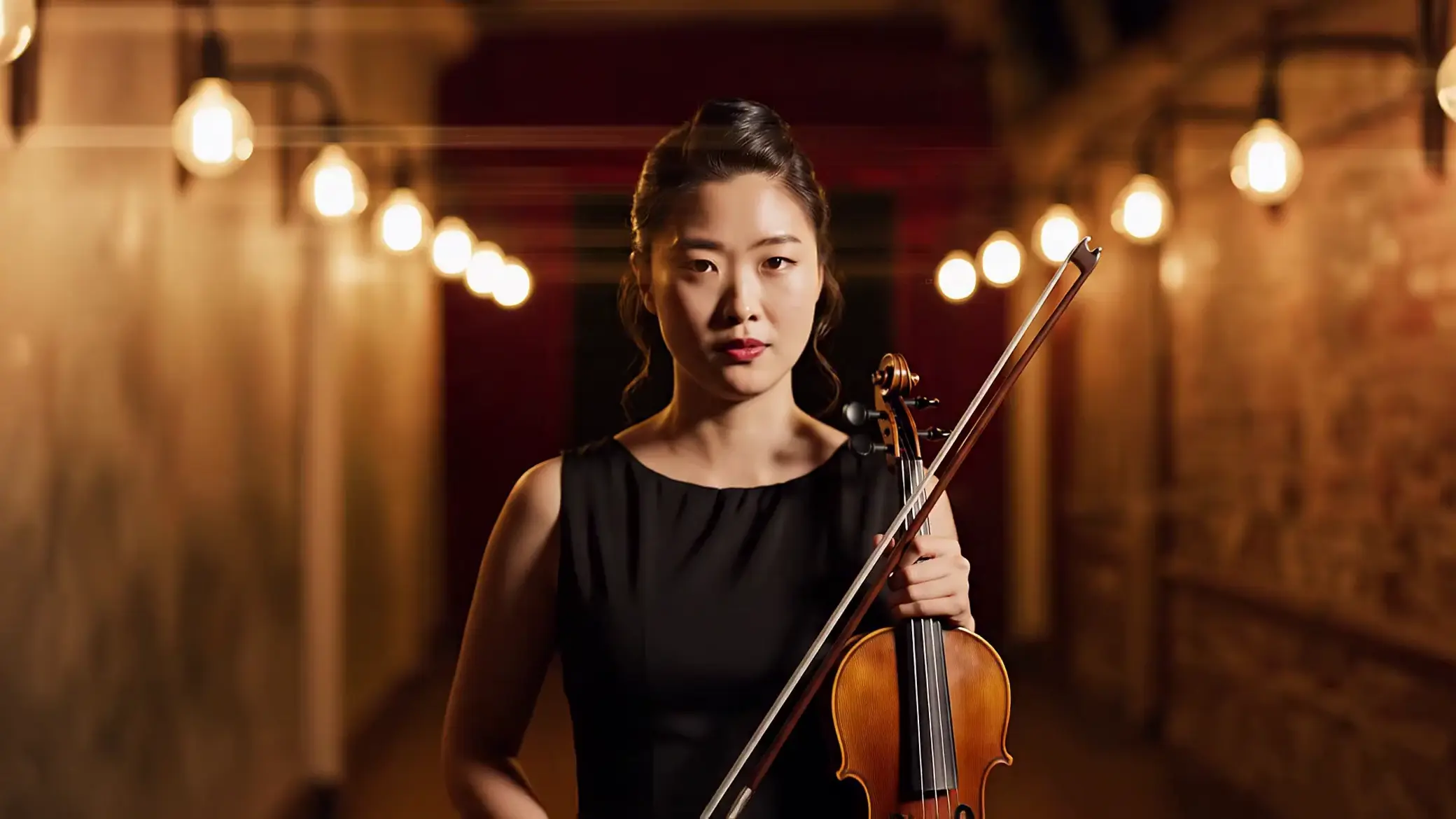
English to Korean (Pro)
A violinist backstage before a concert, dubbed with Veed Dubbing Pro. Her nerves and her voice carry into Korean, lips in sync.


English to French
A clockmaker at his bench, dubbed with Veed Dubbing. The ticking clocks stay under his French line.
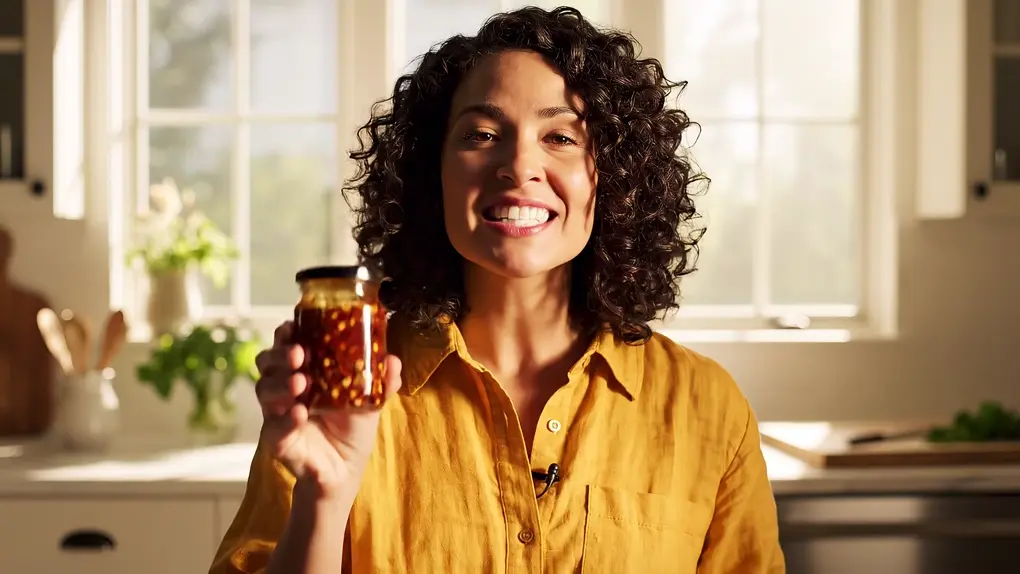
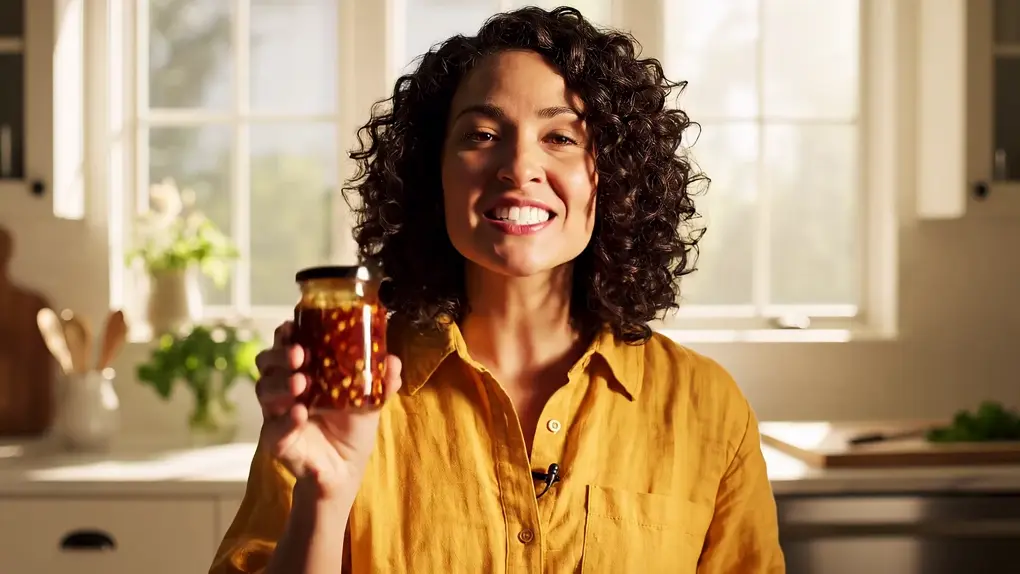
English to Mexican Spanish (Pro)
A kitchen demo dubbed with Veed Dubbing Pro in a Mexican Spanish accent, with the guitar track kept under her voice.


English to Hindi
A pottery lesson dubbed with Veed Dubbing. Her voice carries into Hindi and her lips follow the new line.
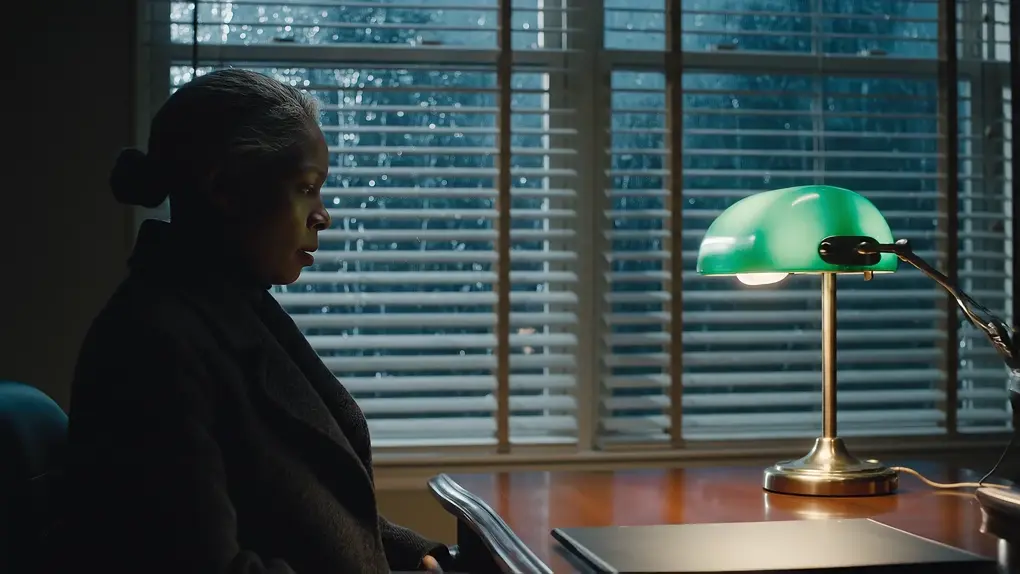
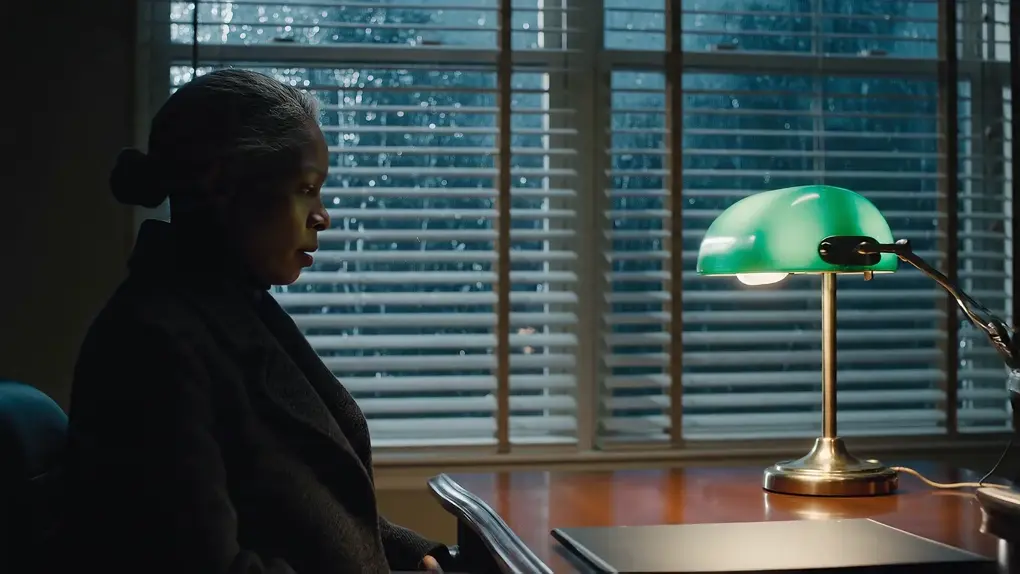
English to Tamil
A night-time interrogation scene dubbed with Veed Dubbing. The rain and the low delivery carry into Tamil, on a face turned three-quarters away.
Technical specifications
86 / 94
Veed Dubbing / Pro
14
Pro only
10 min
One target language per run
Video
The same clip, dubbed, lips synced
Use cases
Courses and training
Ship a lesson or onboarding video in every language your learners speak, with the instructor's own voice.
Creator videos for new markets
Take a video that worked in English to Spanish, Japanese or Korean viewers without filming it again.
Ads and product demos
One demo becomes a cut per market, with the presenter's lips matching each language.
Micro drama series
Dub each episode into the next market's language, with every character keeping their voice.
Interviews and podcasts
Conversations with two or more speakers dub in one pass, each voice kept apart.
Regional Indian releases
Dub into Hindi, Tamil, Telugu, Bengali, Marathi, Kannada, Malayalam and more from one master.
Overview
Veed Dubbing is Veed's video dubbing model, live on Morphic since October 29, 2026 in two tiers, Veed Dubbing and Veed Dubbing Pro. It takes a video of up to 10 minutes, translates what is said, re-voices each speaker in their own voice and redraws their lips to the new words. Veed Dubbing covers 86 languages; Pro covers 94 and adds 14 regional accents.
What Veed Dubbing does differently
A classic AI dub happens in two steps: a translated voice track first, then a separate lip-sync pass to make the mouth match. Veed Dubbing does both in one run and hands back the finished video. The speakers sound like themselves in the new language, and their lips move with the new words.
Veed Dubbing or Veed Dubbing Pro
| Veed Dubbing | Veed Dubbing Pro | |
|---|---|---|
| Languages | 86 | 94 |
| Regional accents | None: a region dubs in its base language | 14, such as es-MX, pt-BR, fr-CA, en-GB |
| Background audio | Kept in our tests | Kept, per Veed |
| Bengali and Odia | Yes | No |
| Pick it for | Most dubs | A regional accent |
Veed Dubbing on Morphic
Veed Dubbing is the default dub for a video on Morphic's paid plans. Attach the video in Copilot and name the language, for example "Dub this into Spanish", or ask for an accent, "Dub this into Brazilian Portuguese", and Copilot picks Pro. Each run dubs one language, so ask for several and they run side by side. Name anything that must stay as it is, such as a product or a person, and it is kept in the translation. The Veed Dubbing guide covers preparing the source, choosing a tier and fixing common problems.
Indian languages
Veed Dubbing dubs into Hindi, Bengali, Tamil, Telugu, Marathi, Gujarati, Kannada, Malayalam, Punjabi, Odia, Assamese and Urdu, plus Nepali and Sindhi. Veed Dubbing Pro covers the same list except Bengali and Odia, and adds Dogri. One English master can go out as a release in each of them.
Simple pricing
Get started for free today, with the option to upgrade or cancel anytime.
Basic
2400 monthly credits
1 user only
All models
Workflows
Standard
3625 monthly credits
1 user only
All models
Workflows
Pro
6350 shared monthly credits
1 user
All models
Workflows
Max
24650 shared monthly credits
1 user
All models
Workflows
Enterprise
For higher limits
Custom
pricing and billing terms

Free
For playing around
$0
forever free
FAQs
More about Veed Dubbing
Guides, prompts, and comparisons for Veed Dubbing.
Other models
Explore the rest of the Morphic model catalog.
Seed Audio 1.5
ByteDance
ByteDance's full-scene audio model. Dialogue, music and effects, as separate tracks.
FLUX Video Upscale
Black Forest Labs
Black Forest Labs' video upscaler. Up to 4K, with fine detail rebuilt and the sound kept.
Ideogram Vector
Ideogram
Ideogram's model for vector art. Logos, icons and illustrations as SVG files.
FLUX 3 Max
fal.ai
fal's post-trained FLUX 3. Tuned to follow the script, built for speed.