Golden hour shot
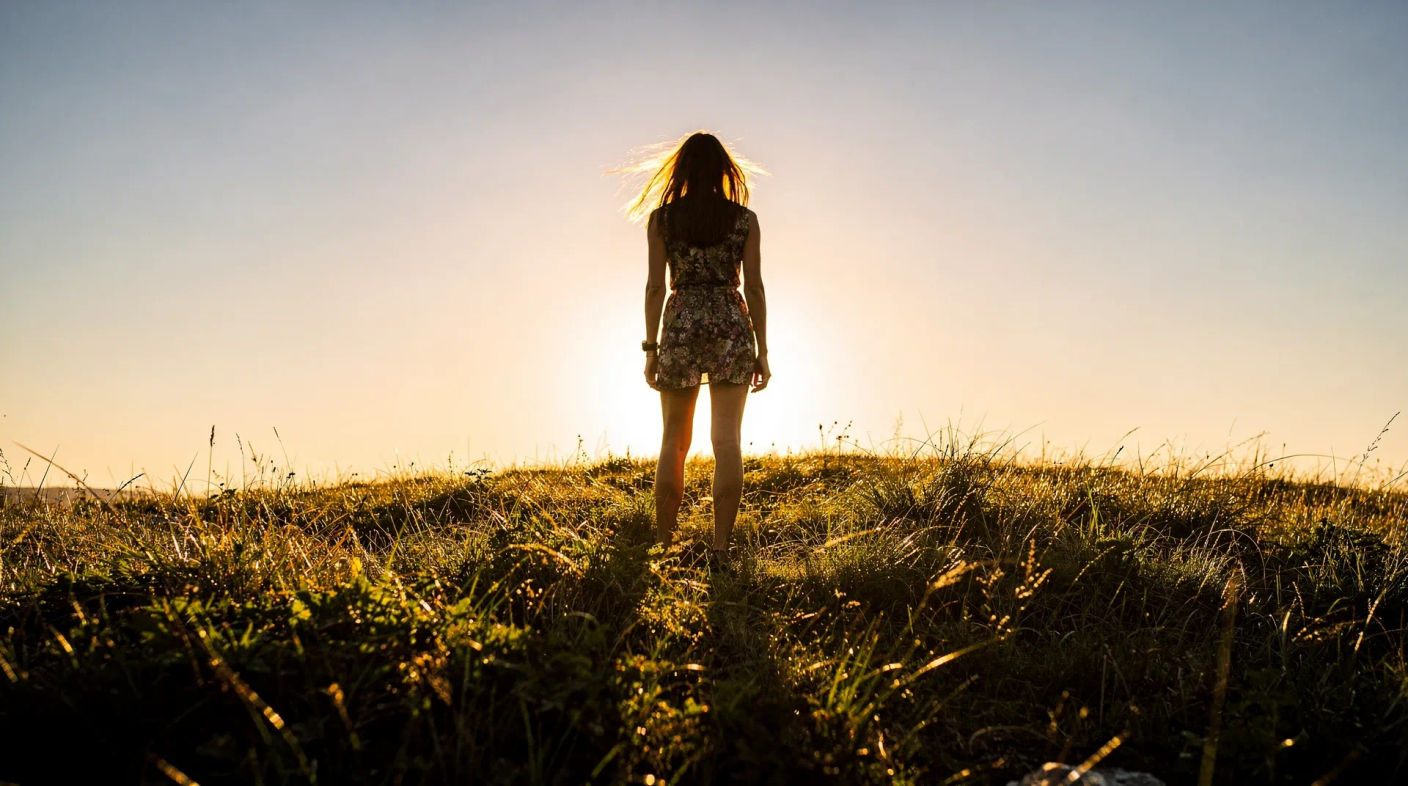
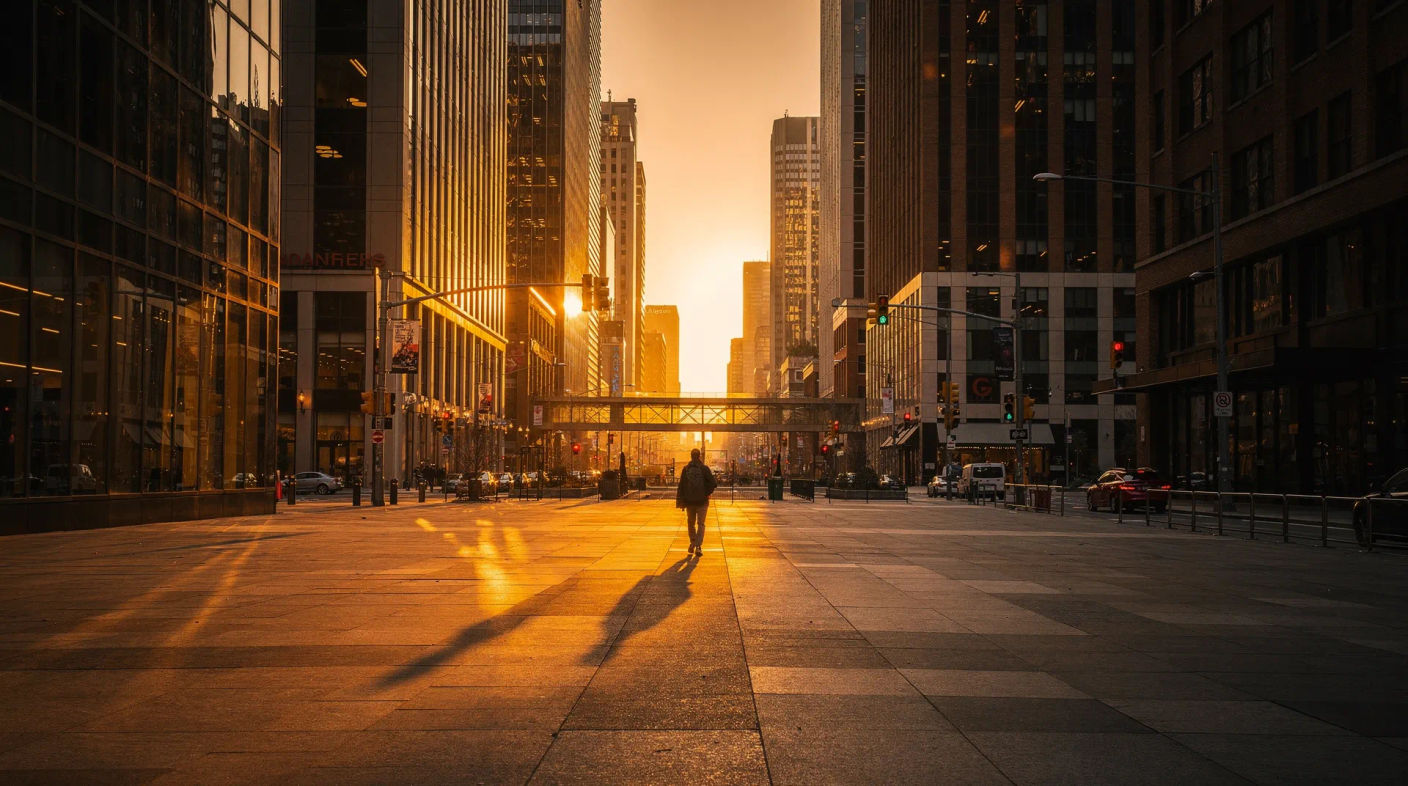
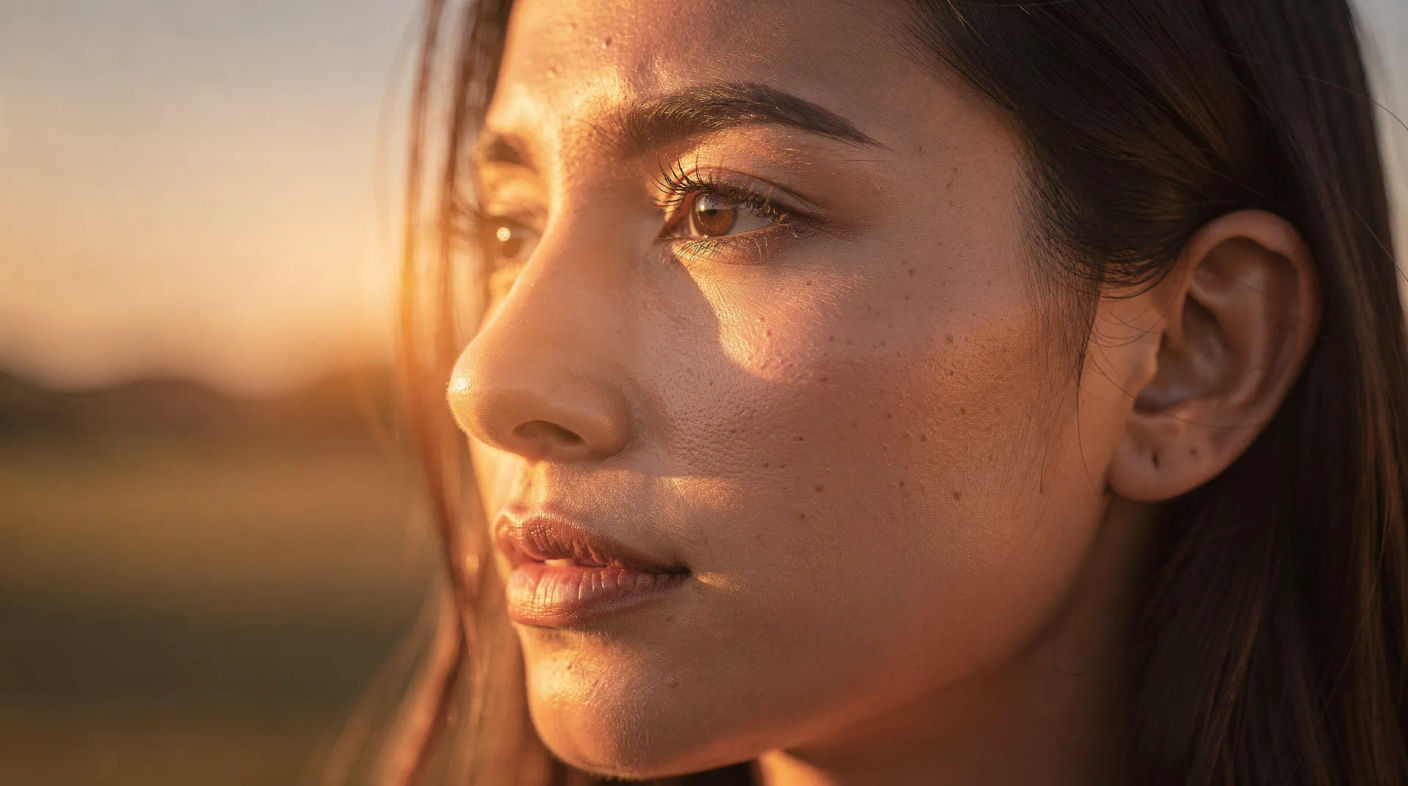
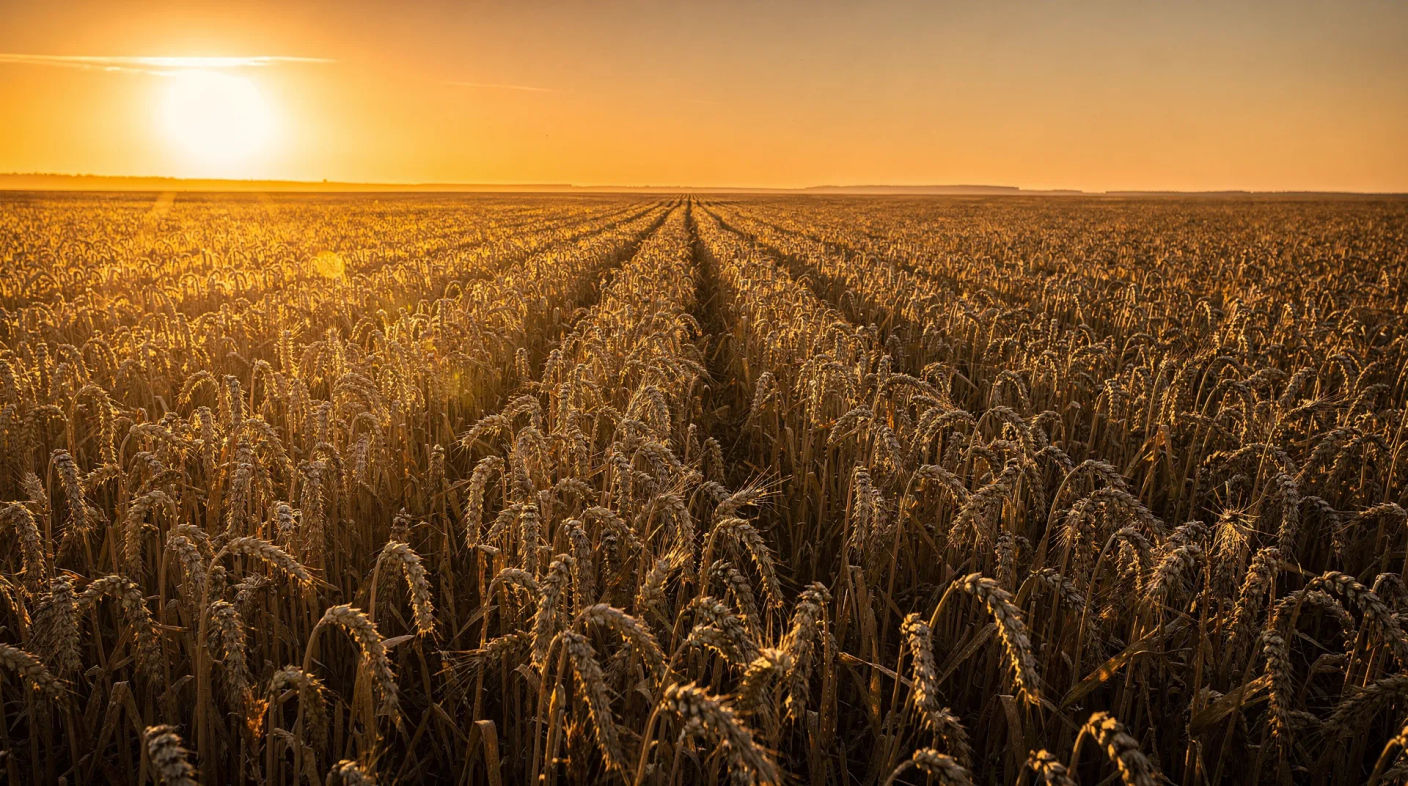
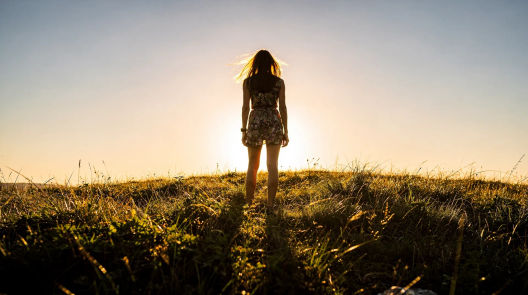
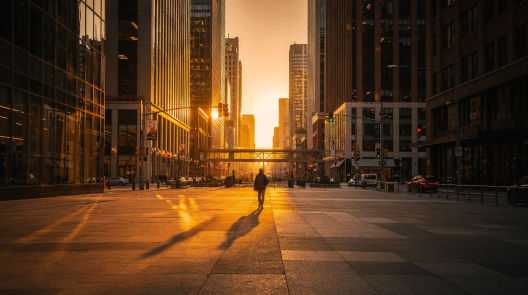
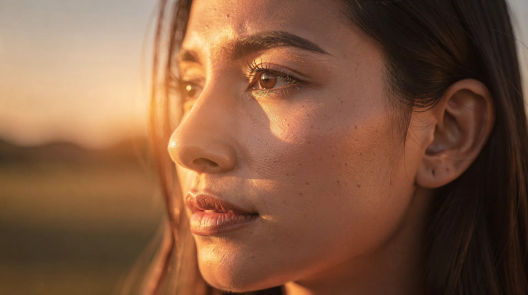
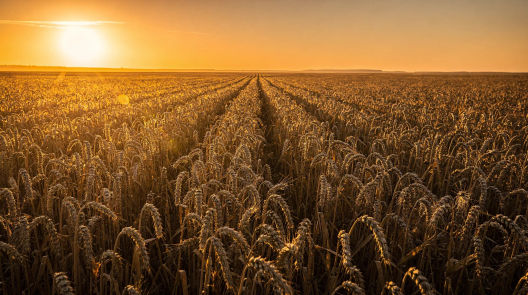
A golden hour shot uses the warm, low sun just after sunrise or before sunset, when light turns amber, shadows stretch long, and everything picks up a soft glow. It is the most flattering light of the day. Generate it in Morphic, then animate the frame with Image to Video.
Golden hour shots you can generate
When to use a golden hour shot
Flattering portraits
The warm, soft, low light of golden hour smooths skin and adds a glow, the most forgiving light for faces.
Setting a warm mood
Amber light reads as nostalgia, romance, or calm, an instant emotional wash over any scene it touches.
Backlighting and rim light
With the sun low and behind the subject, hair and edges catch a bright rim that separates them from the background.
Long shadows and depth
The low angle throws long shadows that rake across a scene, adding shape, texture, and a strong sense of depth.
Related cinematic techniques
Make Golden hour shot in three steps
- 01
Describe your image
Describe the Golden hour shot you want, in plain words.
- 02
Generate the image
Morphic generates a clean, ready-to-publish image on your canvas in seconds.
- 03
Refine and share
Tweak the prompt, regenerate variations, then download or share the frame.

Cinematic storyboard
Share a scene description with character references. Get a full storyboard with shot angles and mood.

3x3 storyboard
Feed in a single image. Get 9 cinematic beats laid out as a 3x3 storyboard grid.
Cinematic scene
One image to a 9-scene cinematic video.

Messages to cinematic scene
Dramatize any text conversation into a cinematic multi-shot video.
Time-freeze effect
Cinematic time-freeze short film for any scene
Put yourself in a movie
Drop in a photo of yourself. Get a 12-second cinematic movie with animation and a matched soundtrack.
You might also like
Wide shot
A wide shot places the subject inside their surroundings. See how it differs from a long shot, when to use each, and generate one in Morphic.
Drone shot
A drone shot flies the camera for a sweeping aerial view. See when to use one, the classic moves, and generate aerial footage in Morphic.
Cross cutting
Cross cutting intercuts two actions in different places to build tension. See how it relates to parallel editing and generate the frames in Morphic.
Cutaway shot
A cutaway shot leaves the main action to show a related detail or reaction. See how it differs from an insert or B-roll, and generate cutaways in Morphic.
Simple pricing
Get started for free today, with the option to upgrade or cancel anytime.
Basic
2400 monthly credits
1 user only
All models
Workflows
Standard
3625 monthly credits
1 user only
All models
Workflows
Pro
6350 shared monthly credits
1 user
All models
Workflows
Max
24650 shared monthly credits
1 user
All models
Workflows
Enterprise
For higher limits
Custom
pricing and billing terms

Free
For playing around
$0
forever free