Jump cut
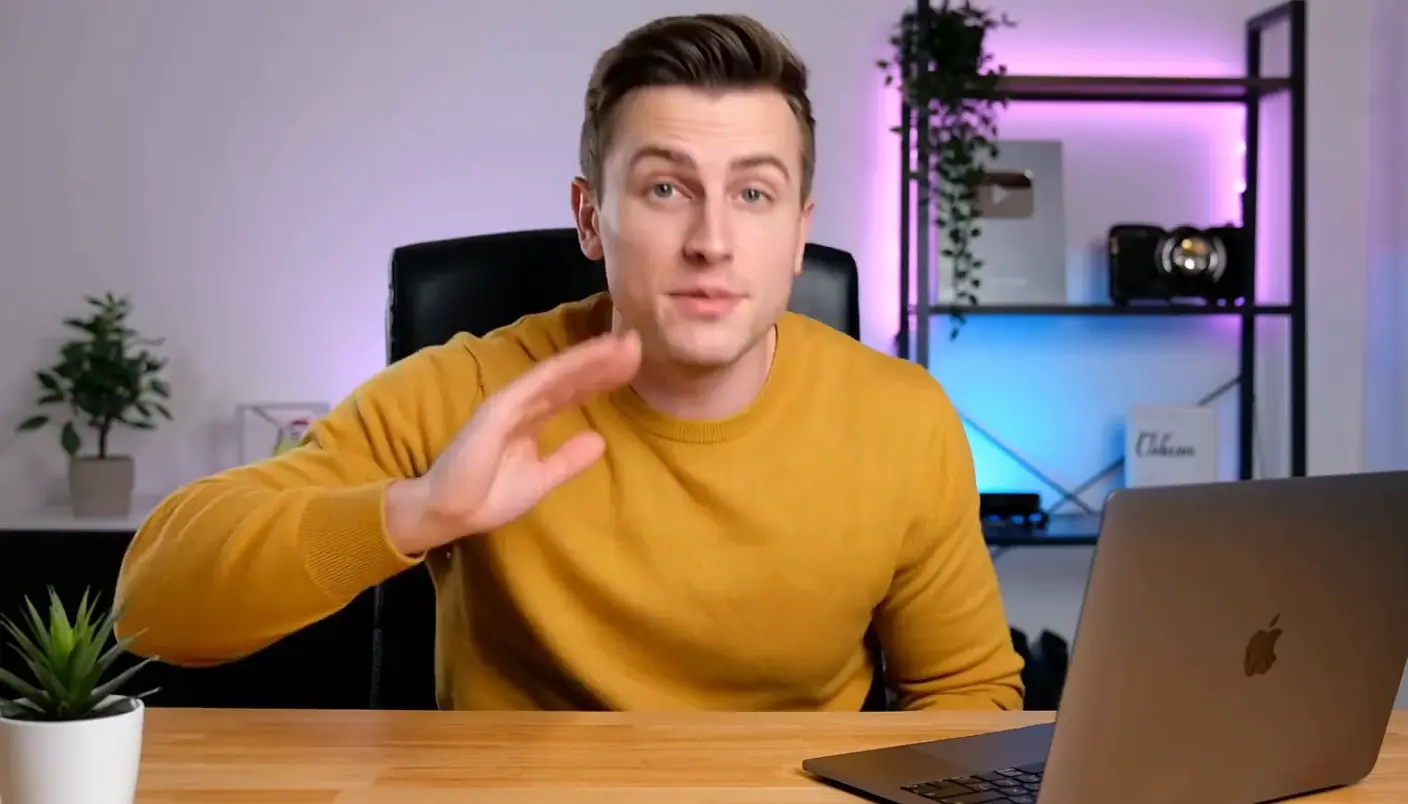
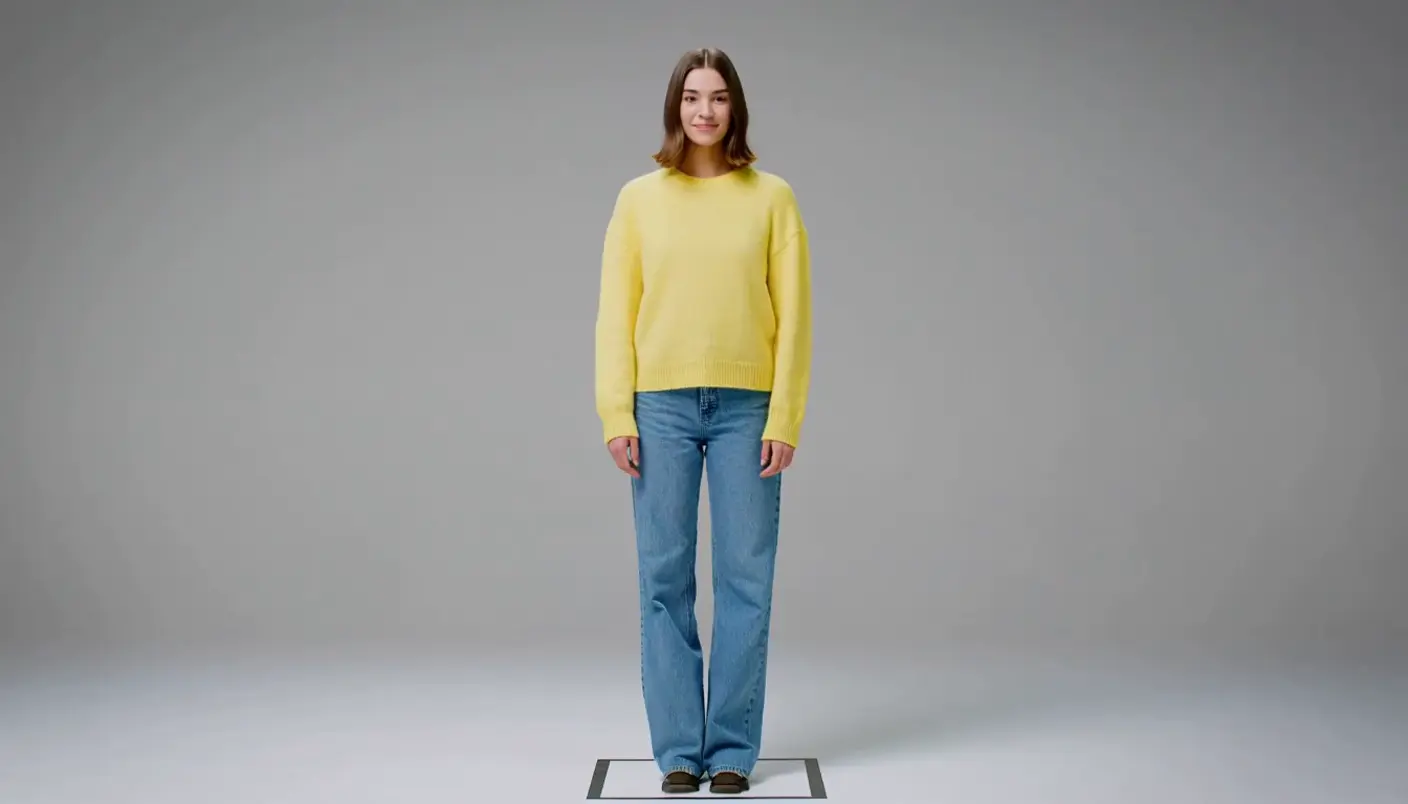
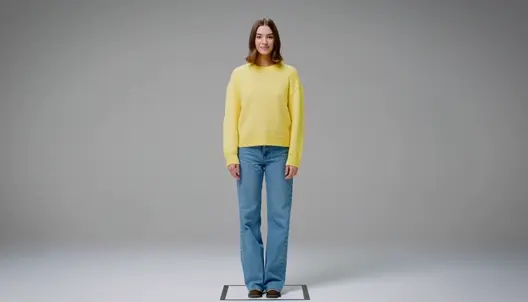
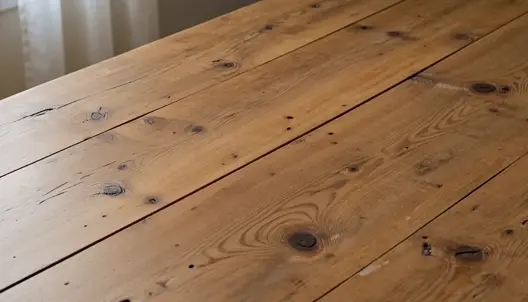
A jump cut snips time out of a single continuous shot, so the subject appears to leap forward with a visible skip. It is the engine of fast-paced talking-head video and a deliberate stylistic jolt. Generate the frames in Morphic, then animate them with Image to Video.
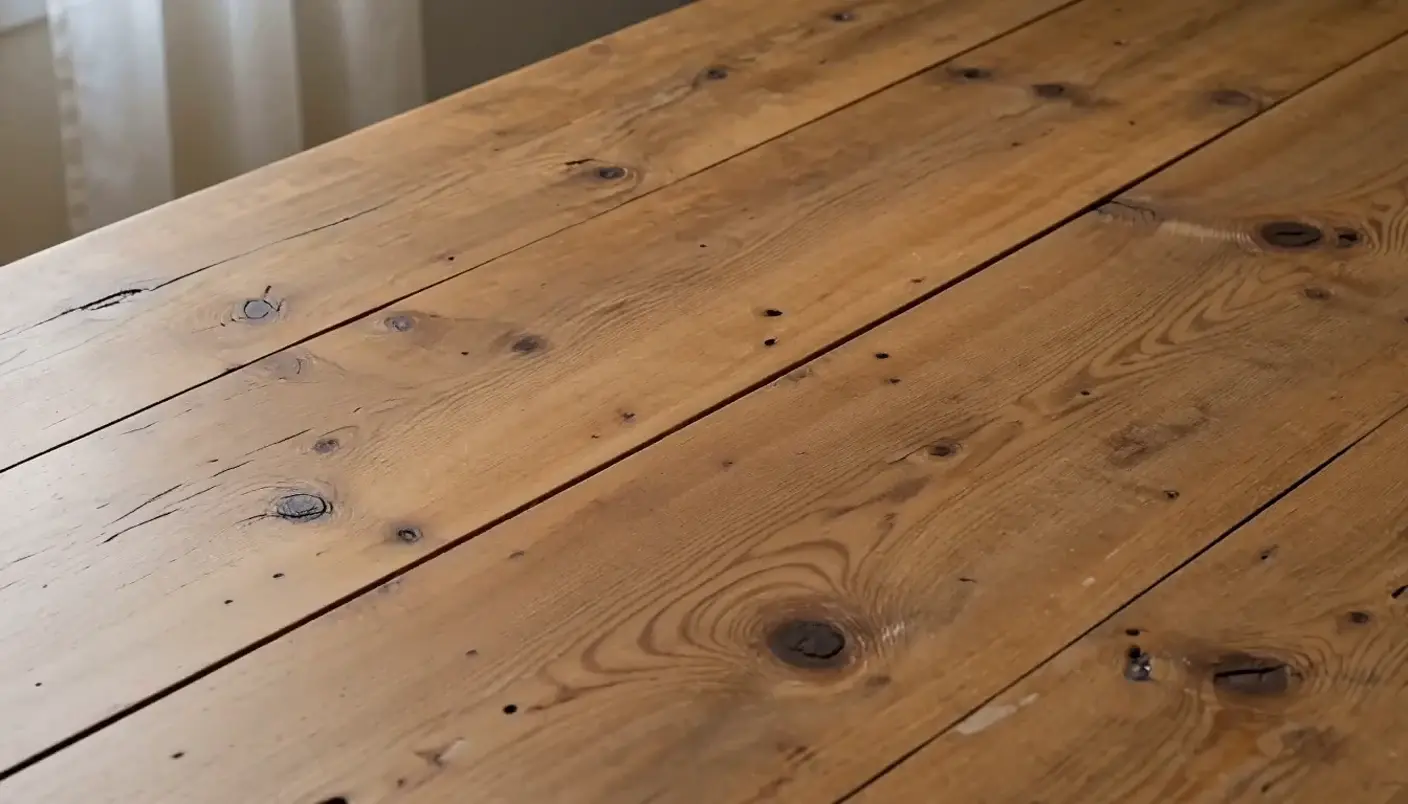
Jump cut frames you can generate


When to use a jump cut
Tightening talking-head video
Cut the pauses and stumbles out of a piece to camera, the reason jump cuts are everywhere on YouTube.
Compressing time
Jump through a task or a wait so a long stretch plays in seconds, each cut skipping the boring middle.
Creating unease
Used in narrative, the visible skip feels wrong on purpose, jolting the viewer and signalling something is off.
Comic timing
A well-placed jump cut lands a joke, the sudden skip doing the work of a punchline all on its own.
Related cinematic techniques
Make Jump cut in three steps
- 01
Describe your image
Describe the Jump cut you want, in plain words.
- 02
Generate the image
Morphic generates a clean, ready-to-publish image on your canvas in seconds.
- 03
Refine and share
Tweak the prompt, regenerate variations, then download or share the frame.
Cinematic scene
One image to a 9-scene cinematic video.

Cinematic storyboard
Share a scene description with character references. Get a full storyboard with shot angles and mood.

3x3 storyboard
Feed in a single image. Get 9 cinematic beats laid out as a 3x3 storyboard grid.

Messages to cinematic scene
Dramatize any text conversation into a cinematic multi-shot video.
Time-freeze effect
Cinematic time-freeze short film for any scene
Put yourself in a movie
Drop in a photo of yourself. Get a 12-second cinematic movie with animation and a matched soundtrack.
You might also like
Medium shot
A medium shot frames a subject from the waist up, balancing face and gesture. Learn when to use it and generate one from a prompt in Morphic.
Whip pan
A whip pan whips the camera sideways into a blur to hide a cut. See how to use it as a transition and animate one from a prompt in Morphic.
Golden hour shot
A golden hour shot uses the low, warm sun for soft, flattering light. See how to get the look and generate one from a prompt in Morphic.
Hero shot
A hero shot frames a product or character at its most powerful and impressive. See what makes one work, when to use it, and generate a hero frame in Morphic.
Simple pricing
Get started for free today, with the option to upgrade or cancel anytime.
Basic
2400 monthly credits
1 user only
All models
Workflows
Standard
3625 monthly credits
1 user only
All models
Workflows
Pro
6350 shared monthly credits
1 user
All models
Workflows
Max
24650 shared monthly credits
1 user
All models
Workflows
Enterprise
For higher limits
Custom
pricing and billing terms

Free
For playing around
$0
forever free