Match cut
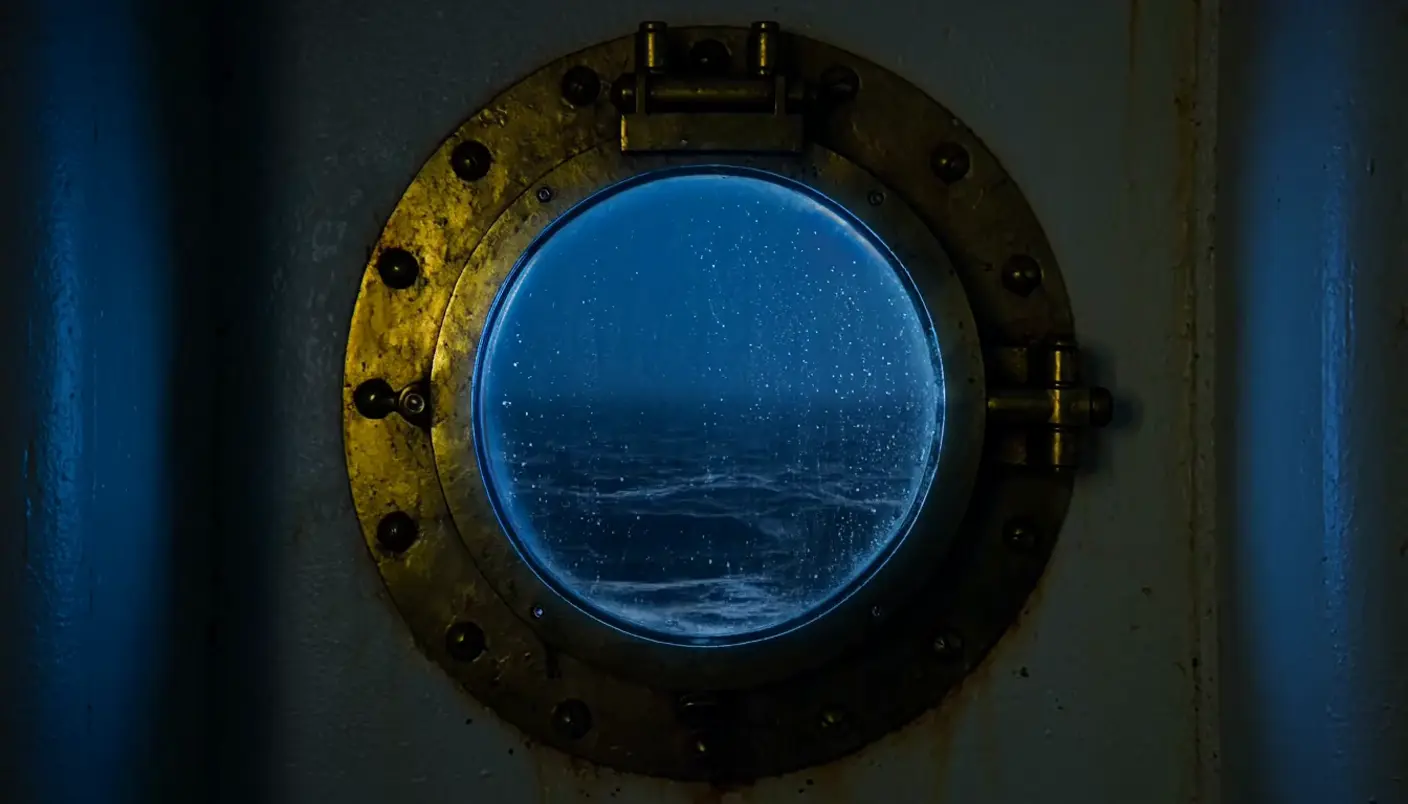
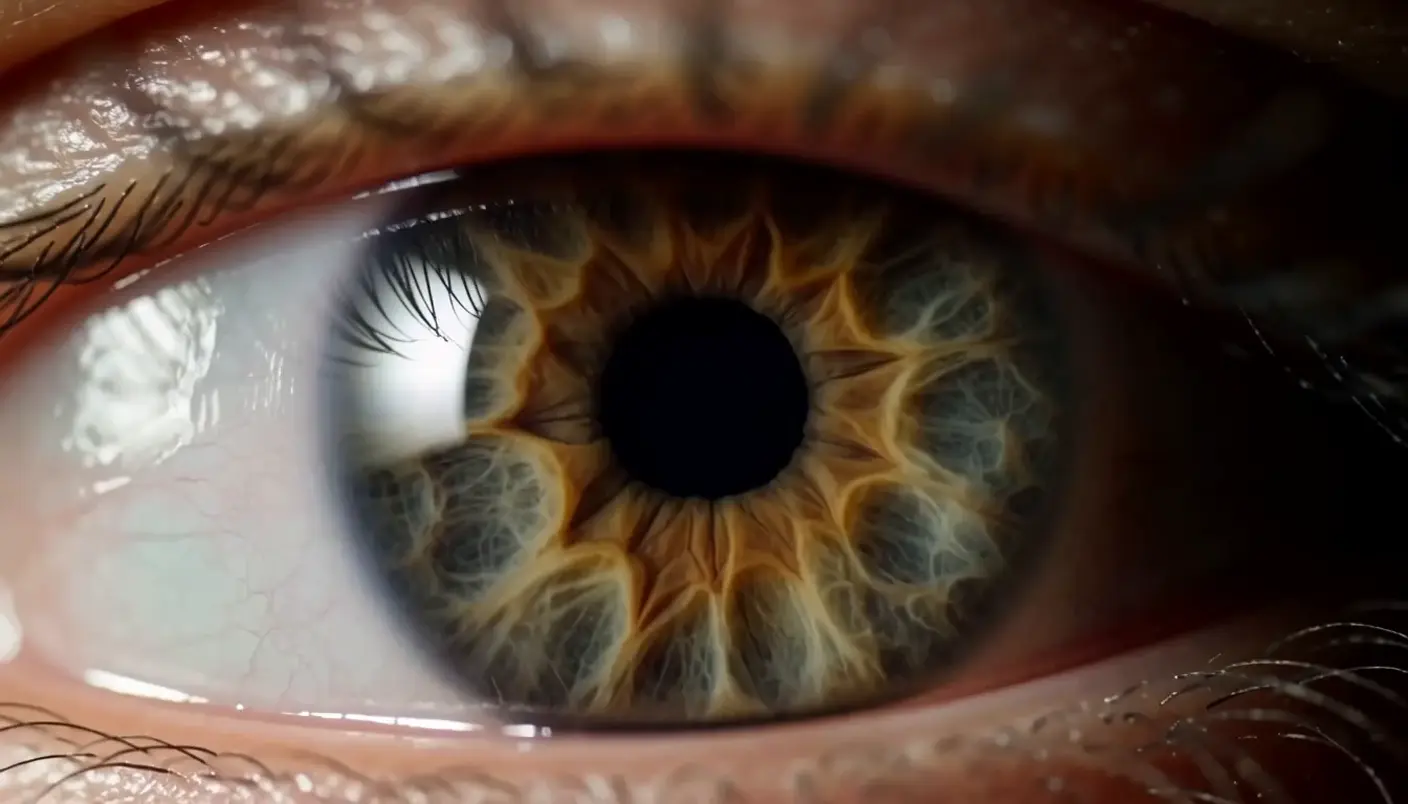
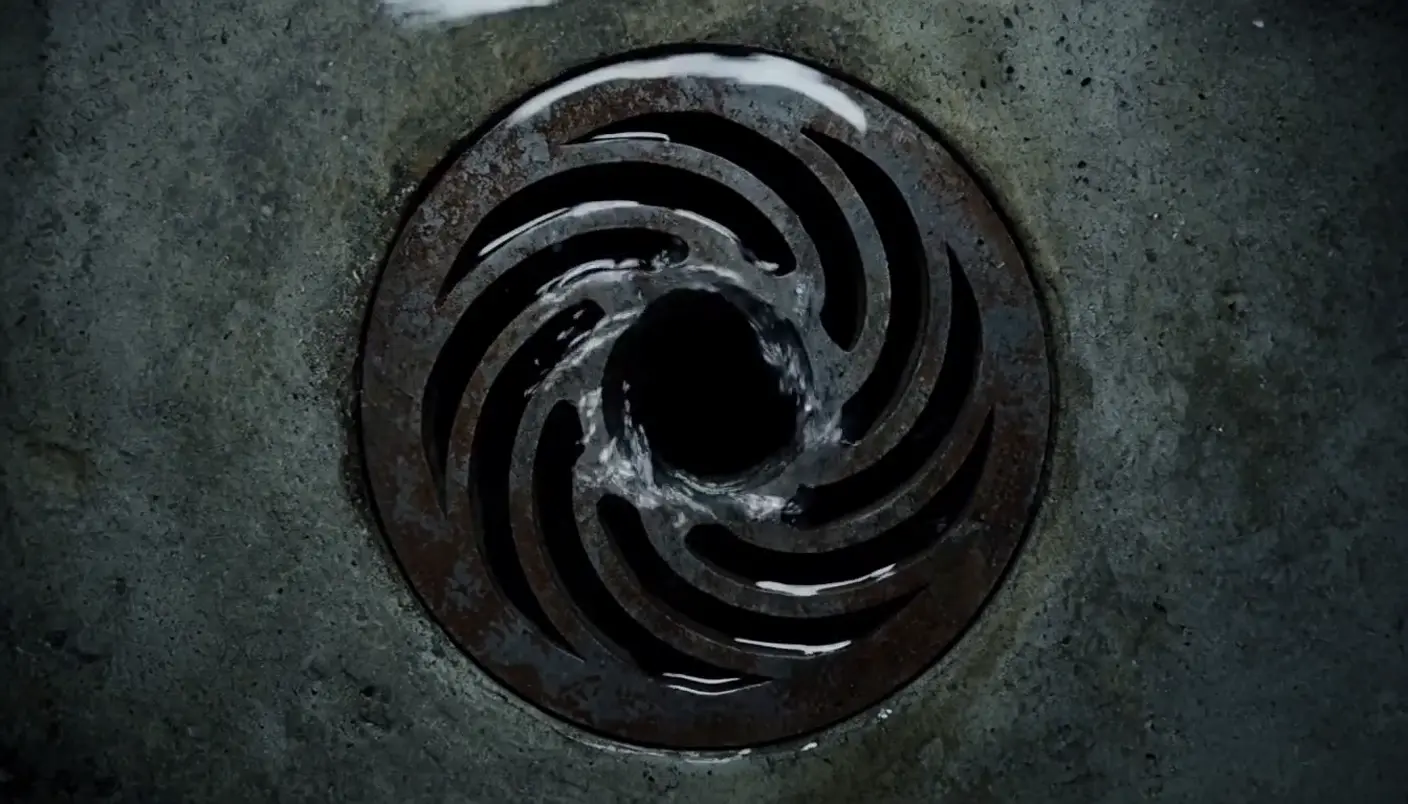
A match cut joins two shots whose shapes or actions line up, so the eye glides across the edit as if it were one move. It links ideas, places, or times through a shared form. Generate the paired frames in Morphic, then animate them with Image to Video.
Match cuts you can generate


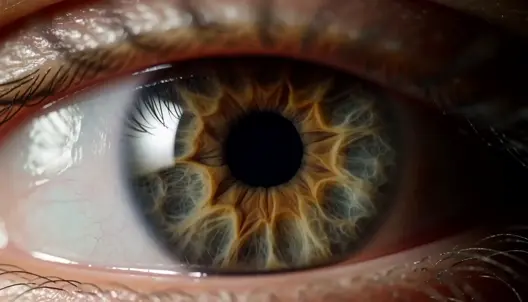
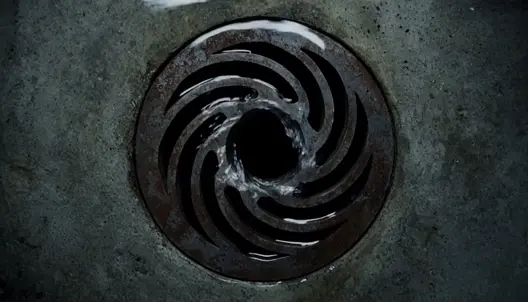
When to use a match cut
Bridging time
Match a young hand to an old one, or a shape then to the same shape now, to leap across years in one cut.
Linking ideas
A graphic match ties two unrelated things through a shared form, drawing a wordless comparison between them.
Moving between places
Cut on a matching shape to travel from one location to another so smoothly the transition feels invisible.
A seamless flourish
A well-built match cut is a small piece of magic, an edit the audience feels as elegant even mid-scene.
Related cinematic techniques
Make a match cut in three steps
- 01
Generate the first frame
Describe shot A with one bold shape or action, placed where you want it in frame.
- 02
Generate a matching frame
Attach frame A as a reference and put the new subject in the same spot and size.
- 03
Animate and cut
Animate both with Image to Video, then join them on the Compose timeline.
Tips for a clean match cut
- Keep the shared shape the same size and in the same place. A circle dead center in frame A should land dead center in frame B.
- Use the same camera angle, lens feel and aspect ratio in both frames, and change only the subject.
- For an action match, keep the movement going the same direction at the same speed through the cut.
- Cut on the moment the two shapes line up best. Compose trims each clip from either end, frame by frame.
- To check the match, use Extract last frame to Canvas on clip A and place it beside the first frame of clip B.
Cinematic scene
One image to a 9-scene cinematic video.

Cinematic storyboard
Share a scene description with character references. Get a full storyboard with shot angles and mood.
Put yourself in a movie
Drop in a photo of yourself. Get a 12-second cinematic movie with animation and a matched soundtrack.

3x3 storyboard
Feed in a single image. Get 9 cinematic beats laid out as a 3x3 storyboard grid.
Color grade cinema
Set the look with one reference image. Apply that exact grade to any scene or batch.

Messages to cinematic scene
Dramatize any text conversation into a cinematic multi-shot video.
You might also like
Close-up shot
A close-up shot fills the frame with a face so the performance carries. See when to use it, with example prompts you can generate in Morphic.
Whip pan
A whip pan whips the camera sideways into a blur to hide a cut. See how to use it as a transition and animate one from a prompt in Morphic.
Money shot
A money shot is the standout, defining image a project is built around. See what makes one work, when to use it, and generate a money shot in Morphic.
Montage shot
A film montage strings short shots together to compress time and show progress. See how it works, when to use it, and generate a montage set in Morphic.
Simple pricing
Get started for free today, with the option to upgrade or cancel anytime.
Basic
2400 monthly credits
1 user only
All models
Workflows
Standard
3625 monthly credits
1 user only
All models
Workflows
Pro
6350 shared monthly credits
1 user
All models
Workflows
Max
24650 shared monthly credits
1 user
All models
Workflows
Enterprise
For higher limits
Custom
pricing and billing terms

Free
For playing around
$0
forever free